


 本文介绍如何在Manjaro系统中通过禁用权限表来重置MySQL(root)密码,包括停止服务、设置临时环境变量、修改密码及重新启用权限验证等步骤。
我是 linux(manjaro) mysql版本 15
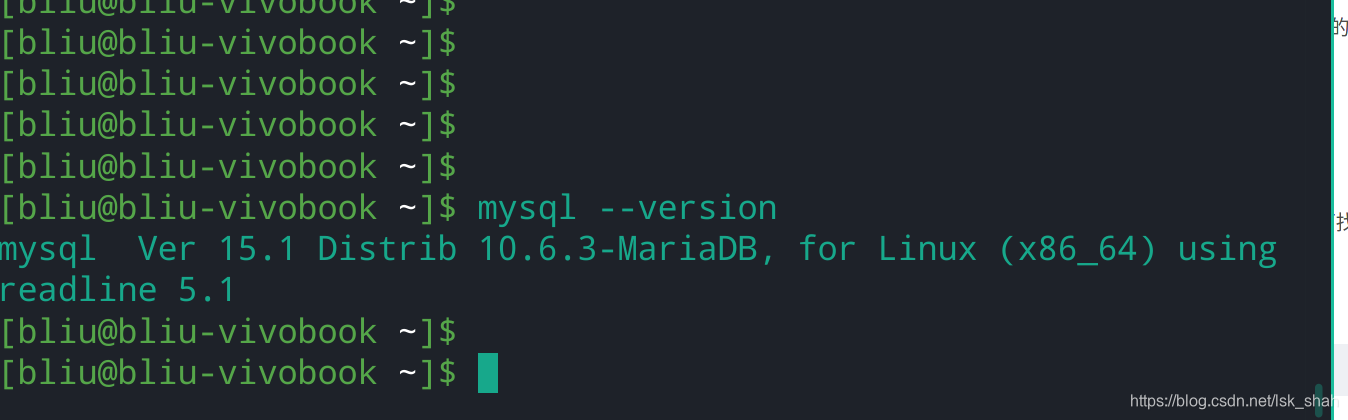 1. stop mysql
sudo systemctl stop mysqld
再次登录确保已经关掉服务
- 启动服务with the --skip-grant-tables option.
systemctl set-environment MYSQLD_OPTS="--skip-grant-tables"
systemctl restart mysqld
3.登录并修改密码
mysql -uroot
set password for 'root'@'localhost' = PASSWORD('newpass');
可能会出现类似错误
ERROR 1290 (HY000): The MariaDB server is running with the --skip-grant-tables option so it cannot execute this statement
这时候先不管继续执行下面的,命令
mysql>>> flush privileges;
然后再次执行步骤3
退出mysql
exit;
- 重启mysql
sudo systemctl unset-environment MYSQLD_OPTS
sudo systemctl start mysqld
- 使用密码测试





 扫一扫
扫一扫


 1683
1683

 被折叠的 条评论
为什么被折叠?
被折叠的 条评论
为什么被折叠?
 到【灌水乐园】发言





