


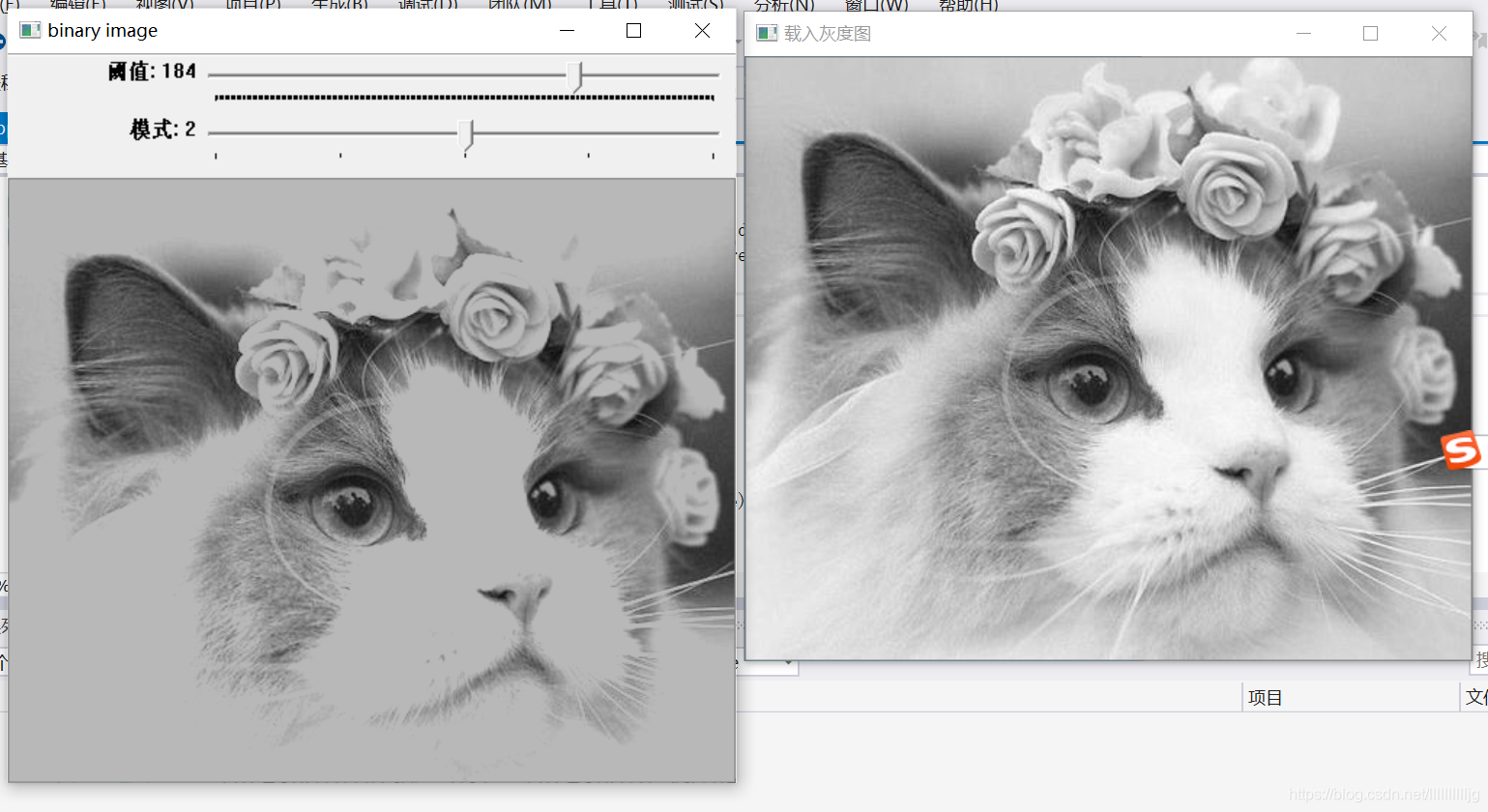
 本文详细介绍使用OpenCV进行图像阈值处理的过程,包括如何通过创建滑动条动态调整阈值和模式,实现对二值图像的实时预览。代码示例展示了如何读取图像、转换为灰度图,并应用不同的阈值类型。
包含头文件,现在有很大的疑惑,什么时候要包含什么样的头文件
#include<opencv2/opencv.hpp>
//#include<opencv2/core/core.hpp>
//#include<opencv2/highgui/highgui.hpp>
//#include<opencv2/imgproc/imgproc.hpp>
//#include<iostream>
#include<math.h>
using namespace cv;
using namespace std;
定义变量及声明函数
Mat src, gray, dst;
int threshold_value =127;
int type_value=2;
int type_max = 4;
int threshold_max = 255;
const char*output_title = "binary image";
void Threshold_Demo(int, void*);
主函数:
int main(int angc, char** argv)
{
	src = imread("1.jpg");
	cvtColor(src, gray, COLOR_RGB2GRAY);//转为灰度图。
    imshow("载入灰度图", gray);
//另一想法是直接 src=imread("1.jpg",0);//载入灰度图
			 //imshow("载入灰度图", src);
	namedWindow(output_title, WINDOW_AUTOSIZE);


	createTrackbar("阈值", output_title, &threshold_value, threshold_max, Threshold_Demo);//滑块名称,窗口名称,改变的量,量的最大值,
	createTrackbar("模式", output_title, &type_value, type_max, Threshold_Demo);
	Threshold_Demo(0, 0);

	waitKey(0);
	return(0);

}
Threshold_Demo()函数
void Threshold_Demo(int, void*)
{
	printf("%d", THRESH_BINARY);
	threshold(gray, dst, threshold_value, threshold_max, type_value);
	imshow(output_title, dst);
}





 扫一扫
扫一扫


 被折叠的 条评论
为什么被折叠?
被折叠的 条评论
为什么被折叠?
 到【灌水乐园】发言





