



当我们列表不满一屏幕时候,无法触发onReachBottom方法,我们可以这么操作:height: 100vh;
.view-container {
  display: -webkit-flex;
  display: flex;
  justify-content: center;
  flex-direction: row;
  flex-wrap: wrap;
  width: 100%;
  height: 100vh;
}
将中间撑满,使用height: 100vh;
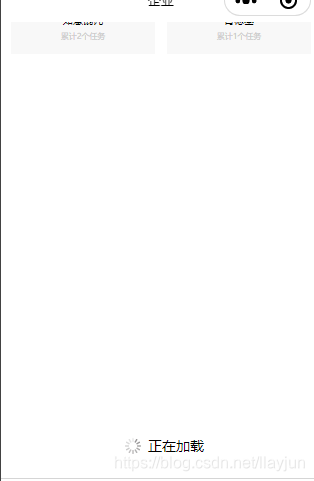
 当微信小程序的列表内容不足一屏幕时,onReachBottom事件可能不会触发。通过设置容器高度为100vh,可以确保列表填满屏幕,从而正常触发底部触达事件。
当我们列表不满一屏幕时候,无法触发onReachBottom方法,我们可以这么操作:height: 100vh;
.view-container {
display: -webkit-flex;
display: flex;
justify-content: center;
flex-direction: row;
flex-wrap: wrap;
width: 100%;
height: 100vh;
}
将中间撑满,使用height: 100vh;
 1477
9893
1477
9893

 被折叠的 条评论
为什么被折叠?
被折叠的 条评论
为什么被折叠?
 到【灌水乐园】发言








 扫一扫
扫一扫


