



操作DOM属性
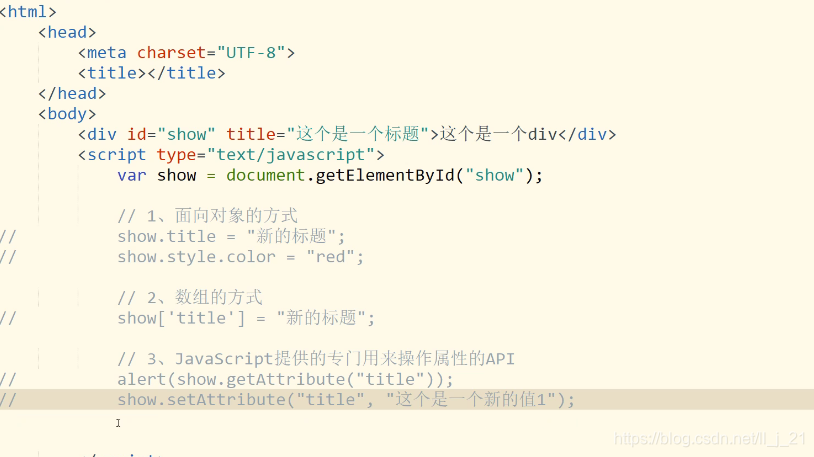
var show=document.fetElementById(“show”);
1、面向对象的方式
show.title=“新的标题”;
show.stytle.color=“red”;
2、数组的方式
show[‘title’]="新的标题“;”
3、JavaScript提供的专门用来操作属性额API
获取:show.getAttribute(“title”);
改值:show.setAttribute(“title”,“新的值”);第一个参数是获取修改的值,第二个参数是修改内容
注意:操作类要用className这个属性
操作DOM对象的样式
var show=document.fetElementById(“show”);
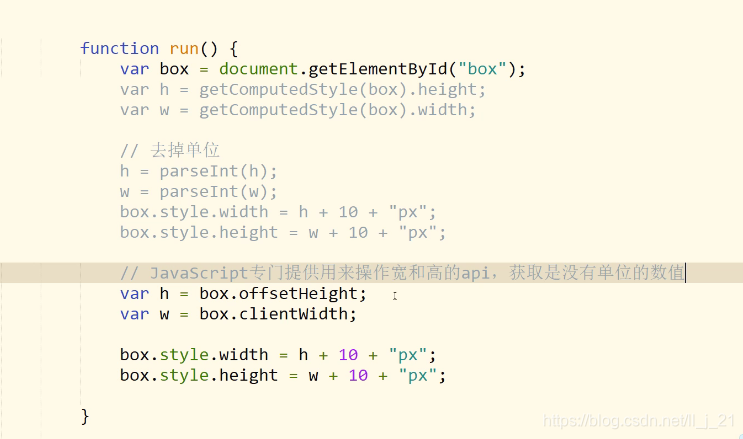
DOM.style.样式只能拿到标签样式,css文件外联的拿不到
使用:getComputedStyle(div).width (IE9以下不支持) cuurentStyle(只低版本IE用)
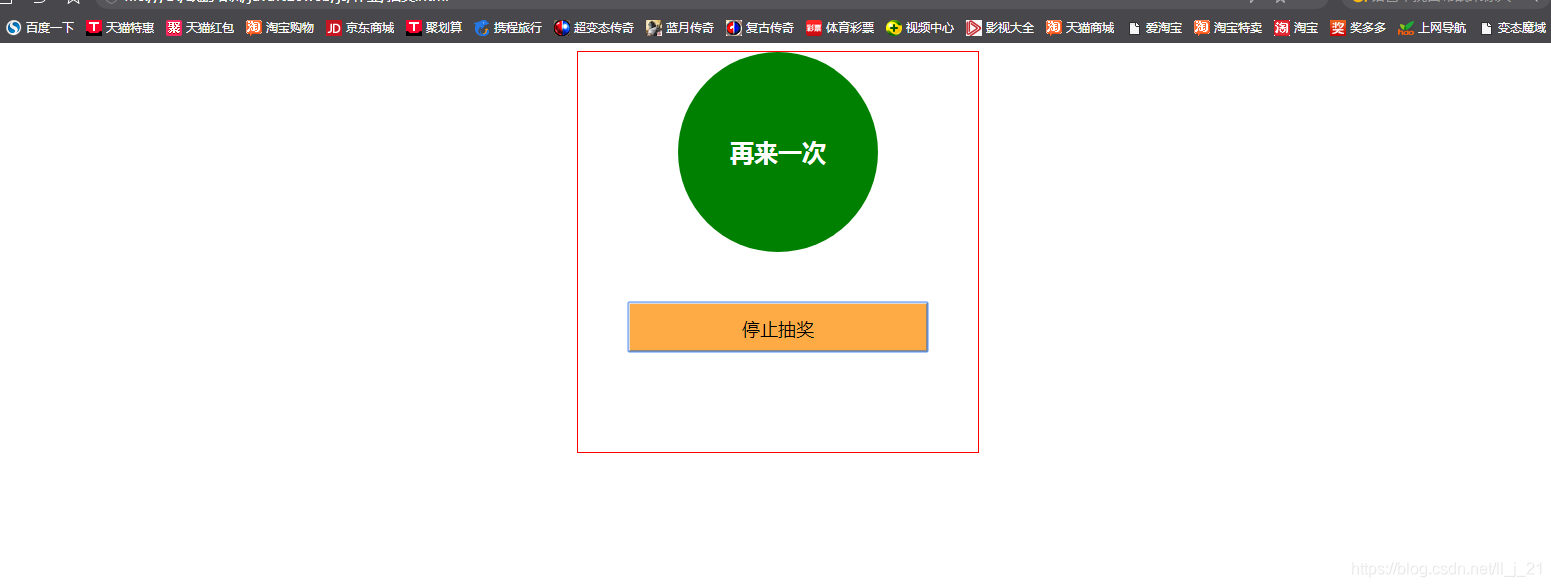
抽奖案例
<!DOCTYPE html>
<html>
<head>
	<title>抽奖</title>
	<meta charset="utf-8">
	<link rel="stylesheet" type="text/css" href="./css/抽奖.css">

</head>
<body>
       <div class="box">
             <div id="goods" class="goods">奖品</div>
             <button id="start" onclick="ru()">开始抽奖</button>

       </div>
       <script type="text/javascript" src="./js/抽奖.js"></script>
</body>
</html>
.box{
	width: 400px;
	height: 400px;
	border:1px solid red;
	margin:auto;
	text-align: center;
}
.goods,.goods2{
	width: 200px;
	height: 200px;
	border-radius: 50%;
	text-align: center;
	font-size: 24px;
	font-weight: bold;
	color: white;
	line-height: 200px;
	margin:auto;
	background-color: red;
}
.goods2{
	background-color: green;
}

#start{
	width: 300px;
	height: 50px;
	margin:auto;
	text-align: center;
	line-height: 50px;
	font-size: 18px;
	color: black;
	background-color: #FEAB45;

	margin-top: 50px;
}
var start=document.getElementById('start');
var g=document.getElementById("goods");
var goods=["被子","手机","电脑","衣服","大保健","本子","书籍","再来一次","饮料"];
var flog=true;
let timer;

function ru(){

	if(flog){
		flog=false;
	timer=setInterval(function(){
		var index=Math.floor(Math.random()*goods.length);
		g.textContent=goods[index];
	    },10);
        start.innerText="停止抽奖";
        g.className="goods2";
    }else{
    	flog=true;
    	clearInterval(timer);
    	start.innerText="请开始抽奖";
         g.className="goods";
    }
}





 扫一扫
扫一扫


 被折叠的 条评论
为什么被折叠?
被折叠的 条评论
为什么被折叠?
 到【灌水乐园】发言





