



 博主在Ubuntu系统双击ganache-2.5.4-linux-x86_64.AppImage启动ganache网络、添加TRUFFLE PROJECTS时遇异常,提示需安装Node.js。查找资料无果后,用命令行方式启动成功显示合约,发现是双击时系统无法找到nodejs路径的问题。
我在ununtu双击ganache-2.5.4-linux-x86_64.AppImage,启动ganache网络的时候,添加TRUFFLE PROJECTS
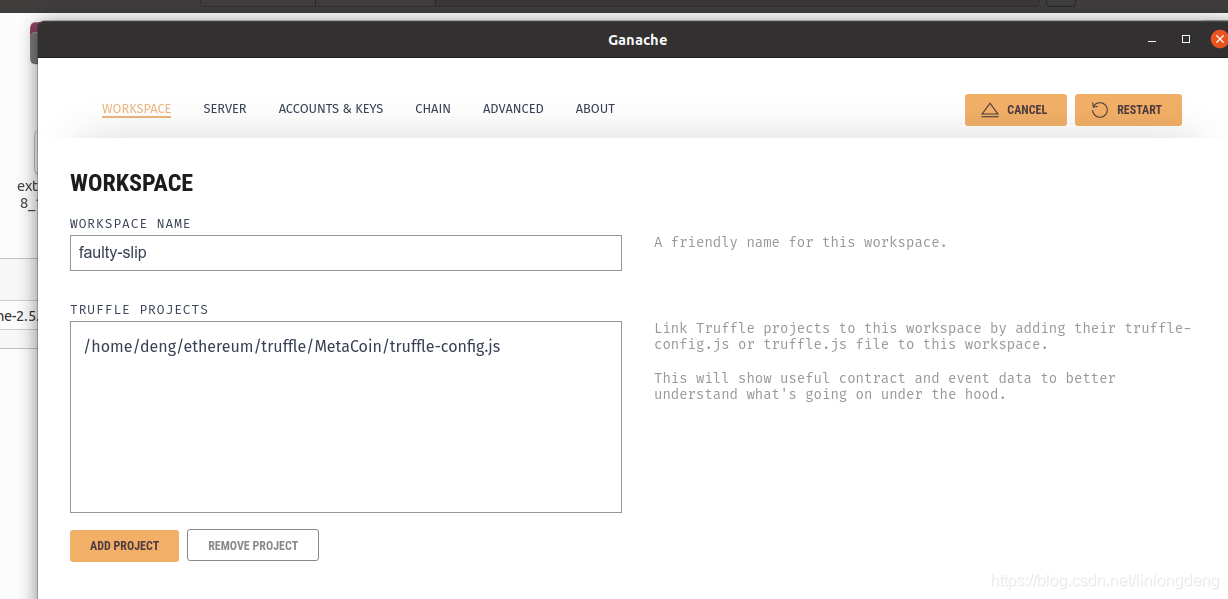
碰到如下异常

⚠ Unhandled Error:
Could not find 'node'. Node.js is required to be installed to link Truffle projects.
Check the project configuration or try restarting Ganache.
找了半天的资料,没发现原因,想想,不然使用命令行方式启动吧

deng@ubuntu:~/ethereum$ ./ganache-2.5.4-linux-x86_64.AppImage
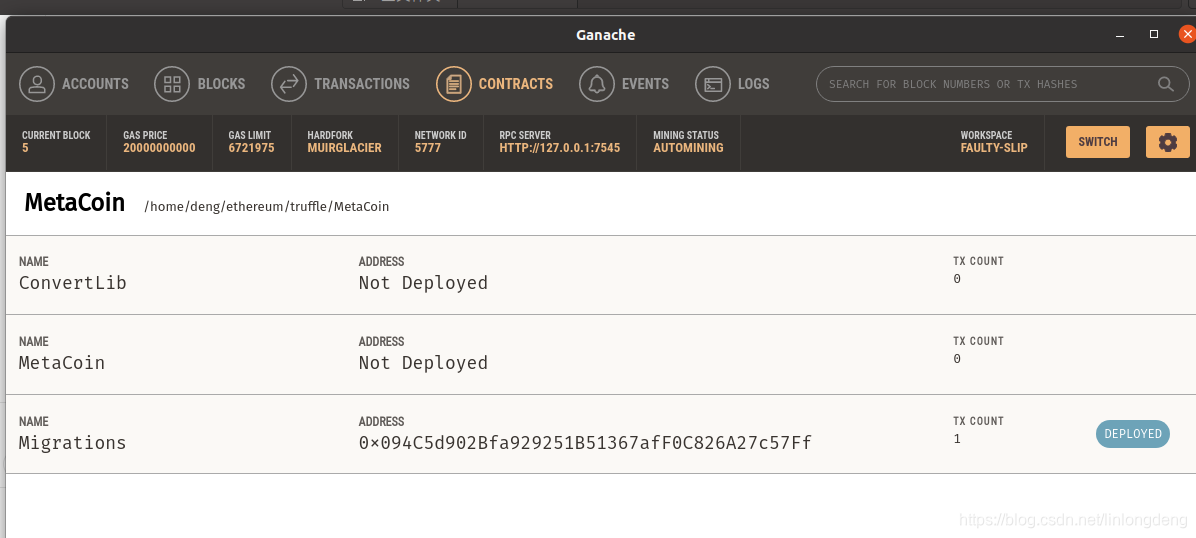
结果就成功显示 了合约,果然是路径的问题,双击情况下,系统无法找到nodejs的路径,这个得要查查什么原因。





 扫一扫
扫一扫


 1981
1981

 被折叠的 条评论
为什么被折叠?
被折叠的 条评论
为什么被折叠?
 到【灌水乐园】发言





