


1、清理idea以及项目缓存
使用cmd,到项目根目录下,运行命令:
mvn clean install -Dmaven.test.skip=true
使用cmd,到项目根目录下,运行命令:
mvn -U idea:idea
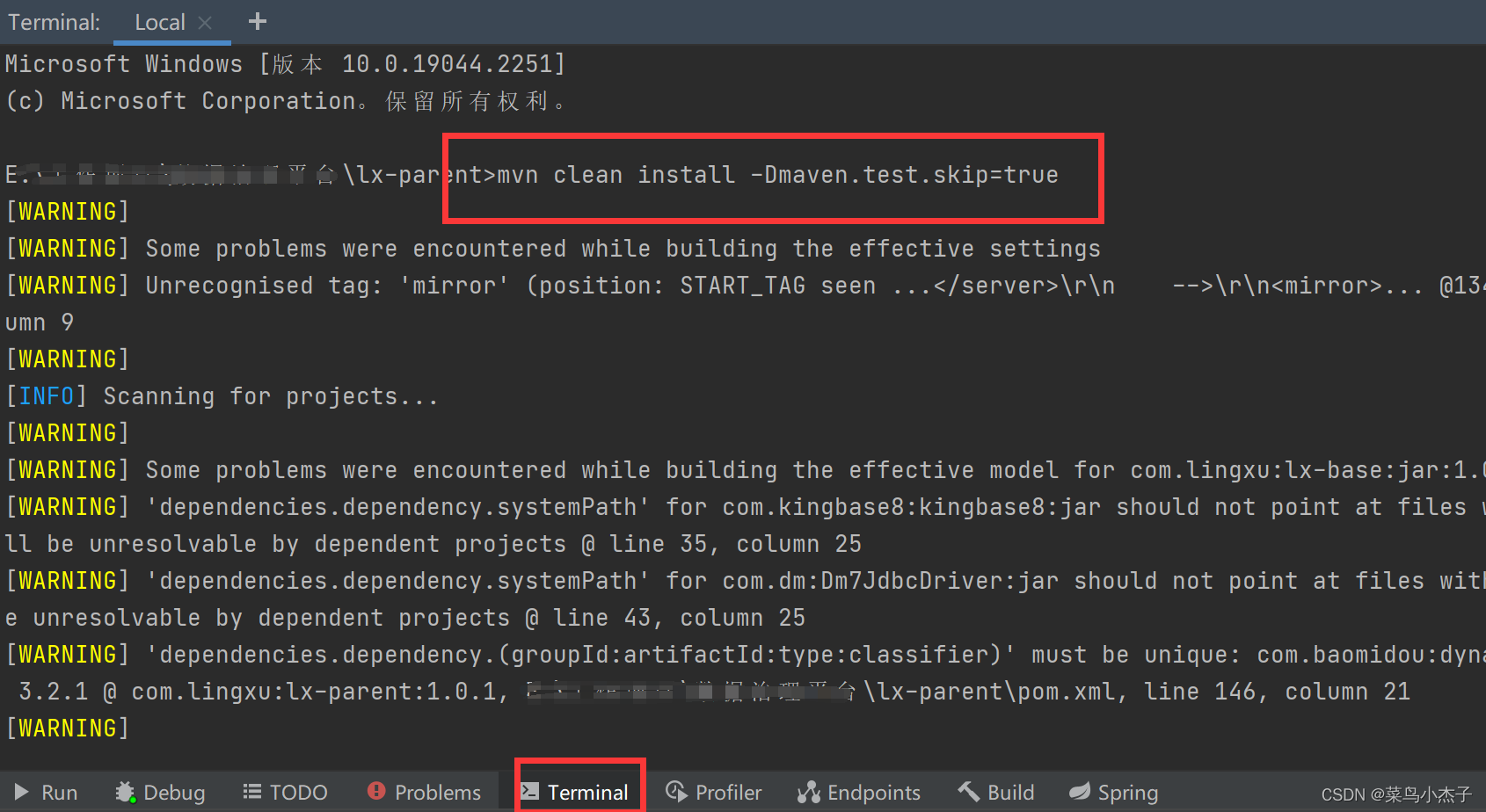
 本文介绍如何通过命令行工具清理IntelliJ IDEA及其项目的缓存,包括使用`mvncleaninstall-Dmaven.test.skip=true`跳过测试进行清理安装,以及使用`mvn-Uidea:idea`更新IDE配置。
1、清理idea以及项目缓存
使用cmd,到项目根目录下,运行命令:
mvn clean install -Dmaven.test.skip=true
使用cmd,到项目根目录下,运行命令:
mvn -U idea:idea
 9085
2780
9085
2780

 被折叠的 条评论
为什么被折叠?
被折叠的 条评论
为什么被折叠?
 到【灌水乐园】发言








 扫一扫
扫一扫


