set/multiset 容器
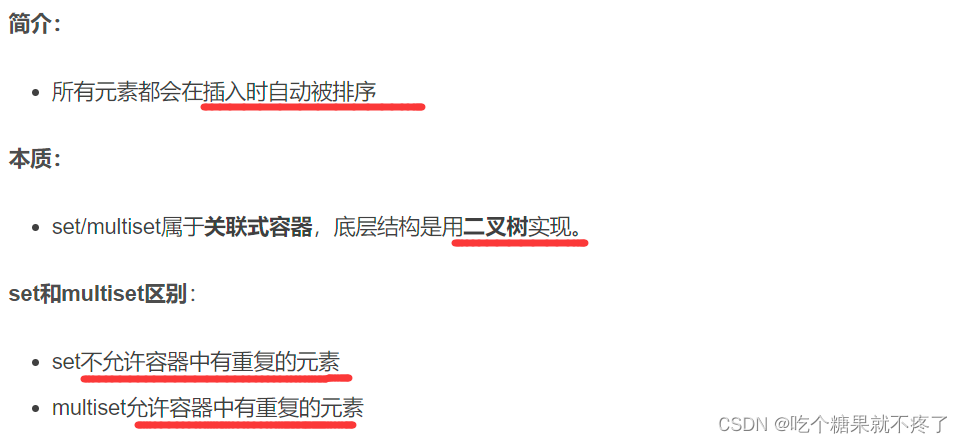
set 构造和赋值
void test01()
{
set<int> s1;
s1.insert(10);
s1.insert(30);
s1.insert(20);
s1.insert(40);
printSet(s1);
set<int>s2(s1);
printSet(s2);
set<int>s3;
s3 = s2;
printSet(s3);
}
set容器的大小和交换
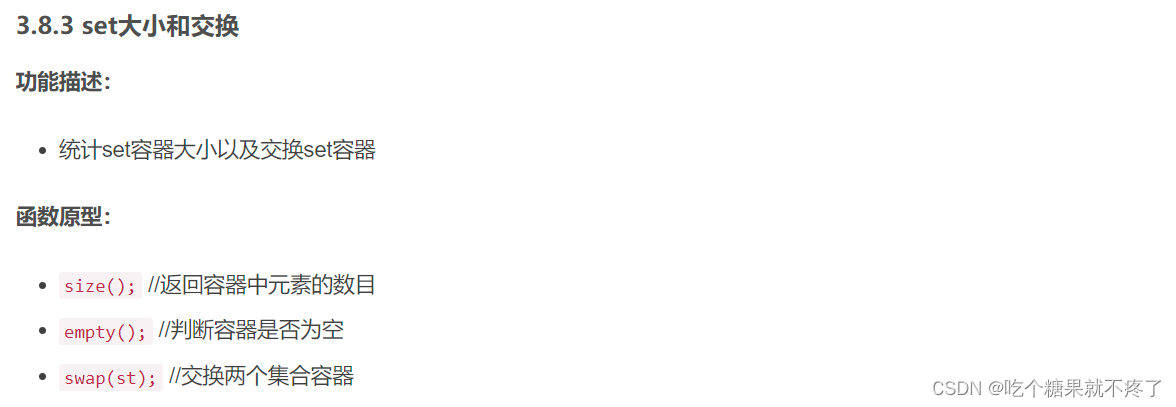
s1.size()
s1.empty()
s1.swap(s2);
set容器的插入和删除
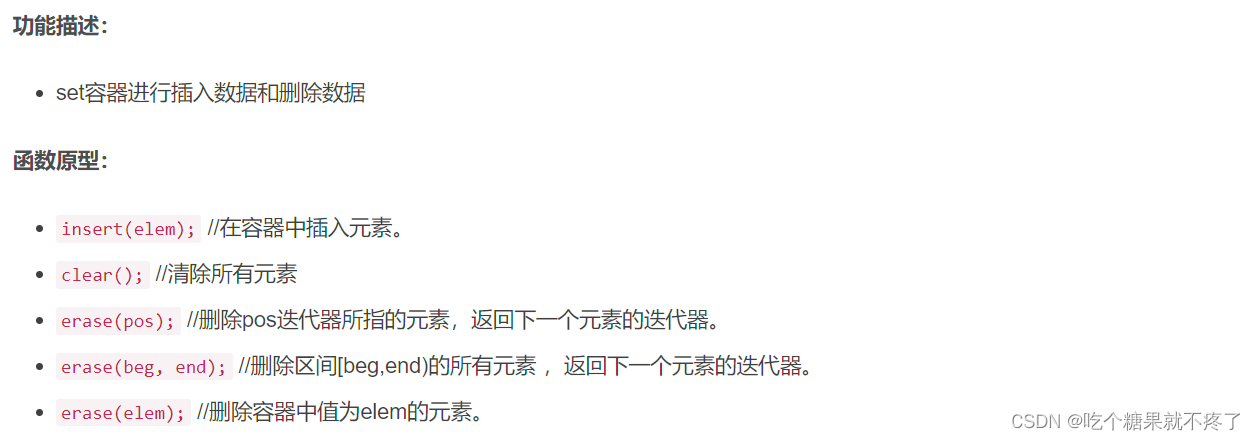
void test01()
{
set<int> s1;
s1.insert(10);
s1.insert(30);
s1.insert(20);
s1.insert(40);
printSet(s1);
s1.erase(s1.begin());
printSet(s1);
s1.erase(30);
printSet(s1);
s1.clear();
printSet(s1);
}
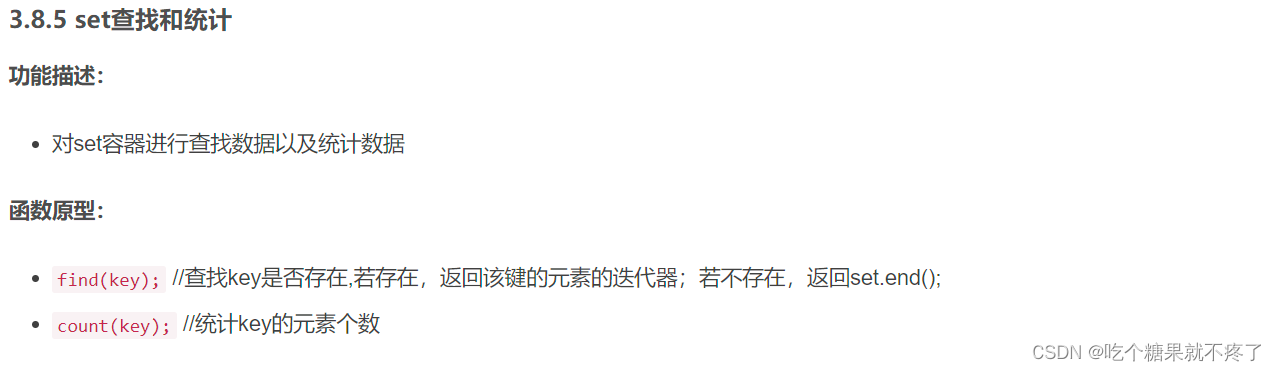
set容器的查找和统计
void test01()
{
set<int> s1;
s1.insert(10);
s1.insert(30);
s1.insert(20);
s1.insert(40);
set<int>::iterator pos = s1.find(30);
if (pos != s1.end())
{
cout << "找到了元素 : " << *pos << endl;
}
else
{
cout << "未找到元素" << endl;
}
int num = s1.count(30);
cout << "num = " << num << endl;
}
set和multiset区别
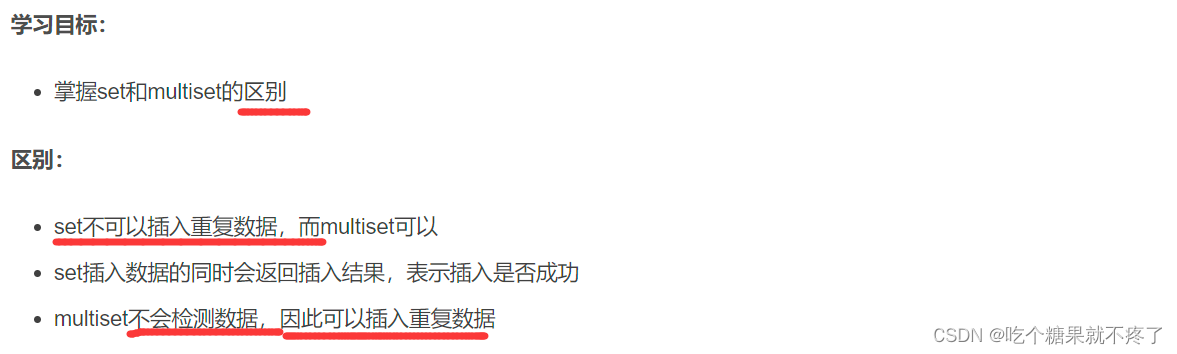
#include <set>
void test01()
{
set<int> s;
pair<set<int>::iterator, bool> ret = s.insert(10);
if (ret.second) {
cout << "第一次插入成功!" << endl;
}
else {
cout << "第一次插入失败!" << endl;
}
ret = s.insert(10);
if (ret.second) {
cout << "第二次插入成功!" << endl;
}
else {
cout << "第二次插入失败!" << endl;
}
multiset<int> ms;
ms.insert(10);
ms.insert(10);
for (multiset<int>::iterator it = ms.begin(); it != ms.end(); it++) {
cout << *it << " ";
}
cout << endl;
}
int main() {
test01();
system("pause");
return 0;
}
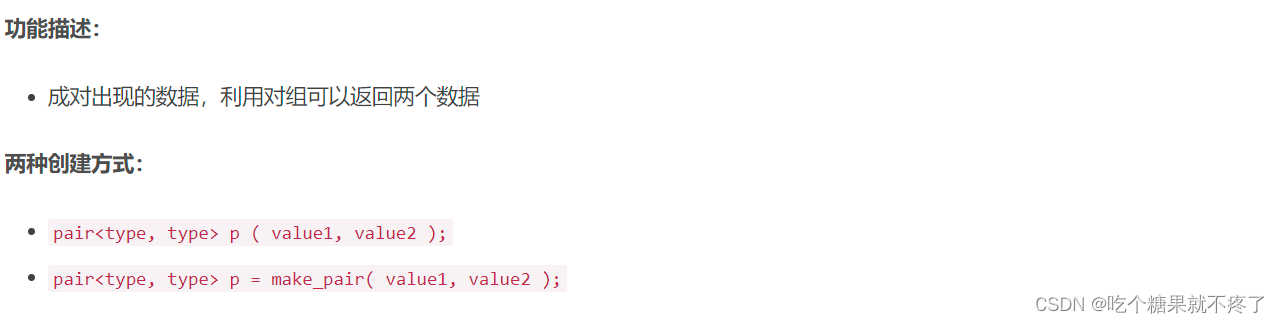
注:pair对组
#include <string>
void test01()
{
pair<string, int> p(string("Tom"), 20);
cout << "姓名: " << p.first << " 年龄: " << p.second << endl;
pair<string, int> p2 = make_pair("Jerry", 10);
cout << "姓名: " << p2.first << " 年龄: " << p2.second << endl;
}
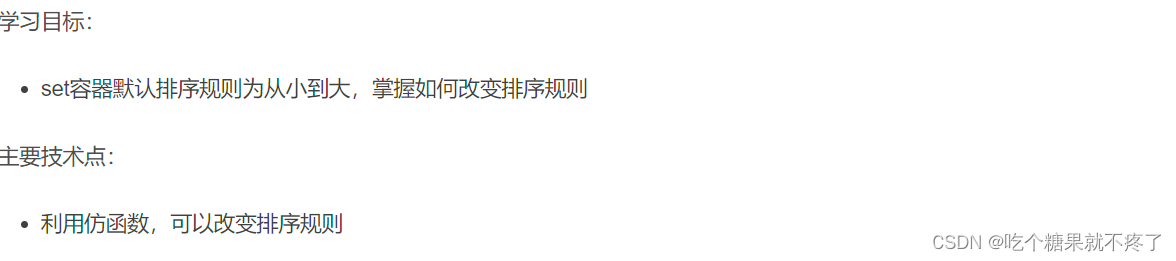
改变set的排序规则
#include <set>
class MyCompare
{
public:
bool operator()(int v1, int v2) {
return v1 > v2;
}
};
void test01()
{
set<int> s1;
s1.insert(10);
s1.insert(40);
s1.insert(20);
s1.insert(30);
s1.insert(50);
for (set<int>::iterator it = s1.begin(); it != s1.end(); it++) {
cout << *it << " ";
}
set<int,MyCompare> s2;
s2.insert(10);
s2.insert(40);
s2.insert(20);
s2.insert(30);
s2.insert(50);
for (set<int, MyCompare>::iterator it = s2.begin(); it != s2.end(); it++) {
cout << *it << " ";
}
cout << endl;
}
set添加自定义的数据类型排序
#include <set>
#include <string>
class Person
{
public:
Person(string name, int age)
{
this->m_Name = name;
this->m_Age = age;
}
string m_Name;
int m_Age;
};
class comparePerson
{
public:
bool operator()(const Person& p1, const Person &p2)
{
return p1.m_Age > p2.m_Age;
}
};
void test01()
{
set<Person, comparePerson> s;
Person p1("刘备", 23);
Person p2("关羽", 27);
Person p3("张飞", 25);
Person p4("赵云", 21);
s.insert(p1);
s.insert(p2);
s.insert(p3);
s.insert(p4);
for (set<Person, comparePerson>::iterator it = s.begin(); it != s.end(); it++)
{
cout << "姓名: " << it->m_Name << " 年龄: " << it->m_Age << endl;
}
}
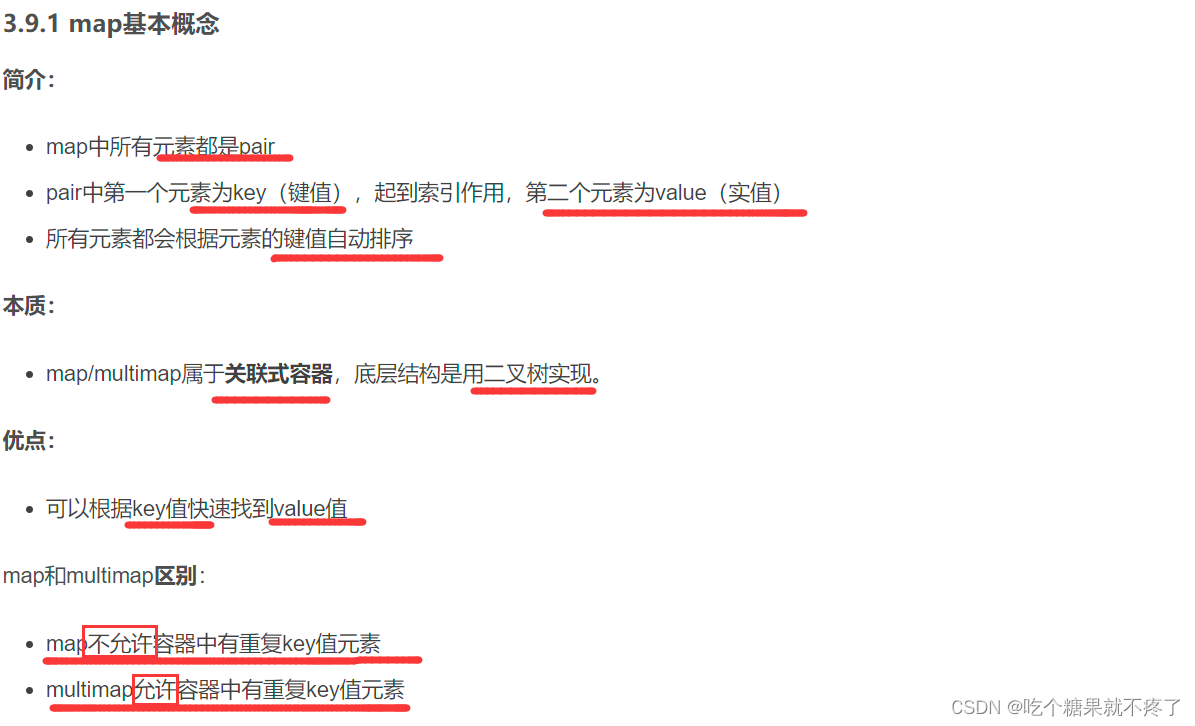
map/ multimap容器
基本概念
map的构造和赋值
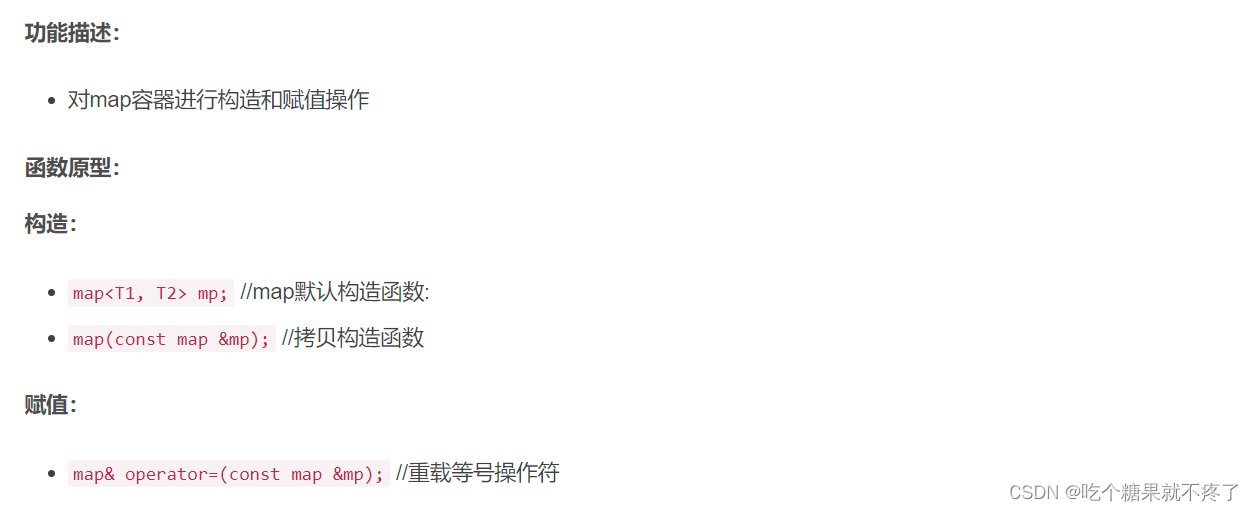
void test01()
{
map<int,int>m;
m.insert(pair<int, int>(1, 10));
m.insert(pair<int, int>(2, 20));
m.insert(pair<int, int>(3, 30));
printMap(m);
map<int, int>m2(m);
printMap(m2);
map<int, int>m3;
m3 = m2;
printMap(m3);
}
map的大小和交换
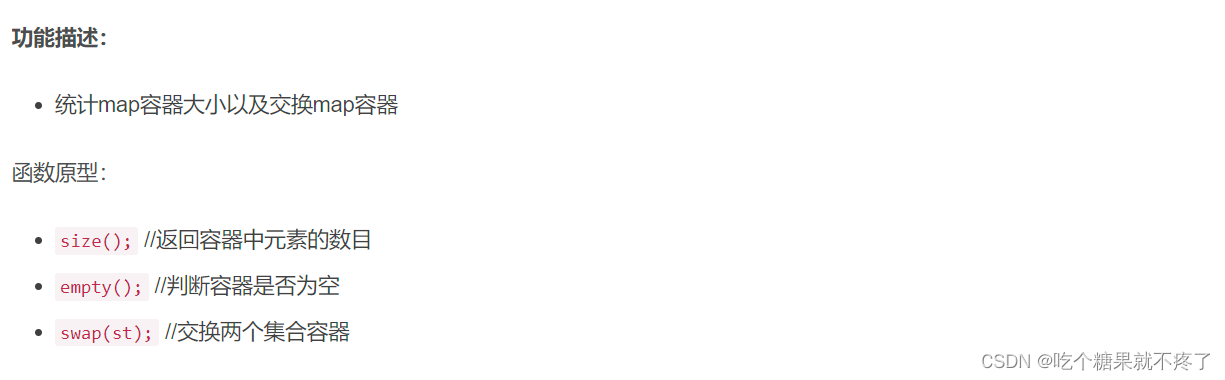
m.swap(m2);
m.empty();
m.size();
map的插入和删除
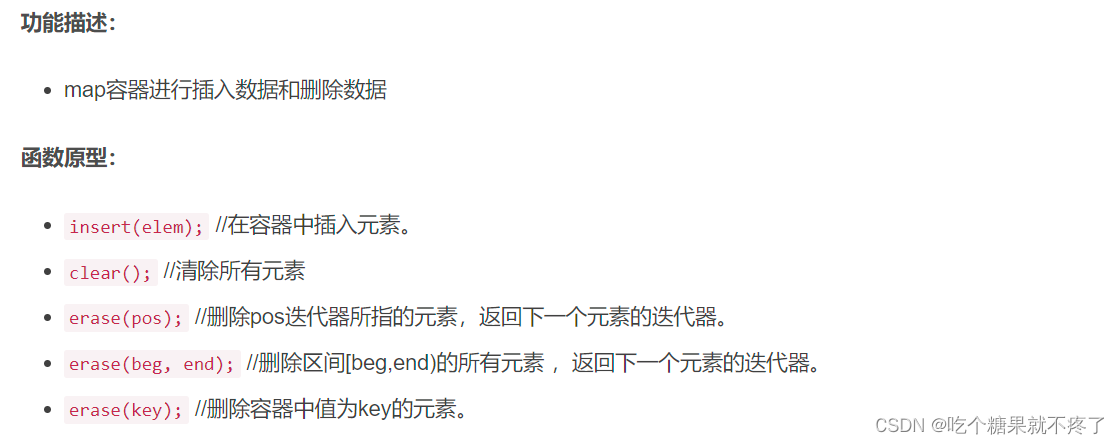
m.insert(pair<int, int>(1, 10));
m.erase(m.begin());
m.erase(3);
m.erase(m.begin(),m.end());
m.clear();
printMap(m);
map容器查找和统计
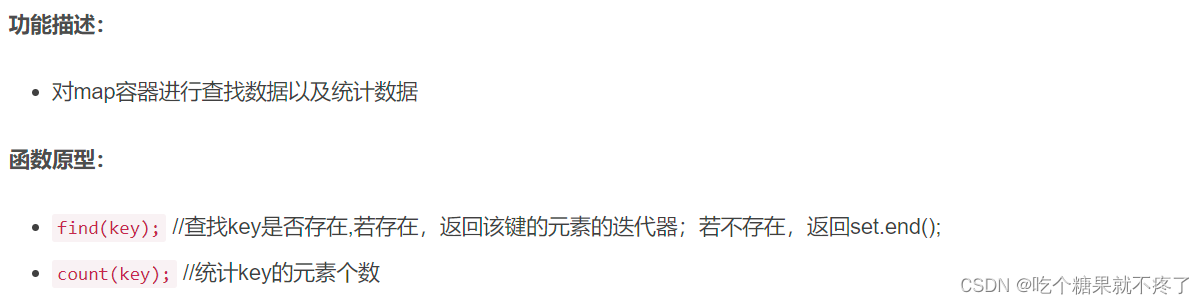
#include <map>
void test01()
{
map<int, int>m;
m.insert(pair<int, int>(1, 10));
m.insert(pair<int, int>(2, 20));
m.insert(pair<int, int>(3, 30));
map<int, int>::iterator pos = m.find(3);
if (pos != m.end())
{
cout << "找到了元素 key = " << (*pos).first << " value = " << (*pos).second << endl;
}
else
{
cout << "未找到元素" << endl;
}
int num = m.count(3);
cout << "num = " << num << endl;
}
int main() {
test01();
system("pause");
return 0;
}
map容器排序
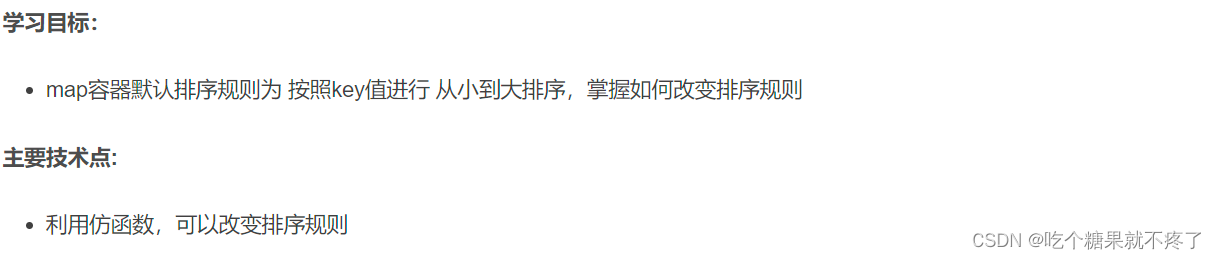
#include <map>
class MyCompare {
public:
bool operator()(int v1, int v2) {
return v1 > v2;
}
};
void test01()
{
map<int, int, MyCompare> m;
m.insert(make_pair(1, 10));
m.insert(make_pair(2, 20));
m.insert(make_pair(3, 30));
m.insert(make_pair(4, 40));
m.insert(make_pair(5, 50));
for (map<int, int, MyCompare>::iterator it = m.begin(); it != m.end(); it++) {
cout << "key:" << it->first << " value:" << it->second << endl;
}
}
综合案例:员工分组
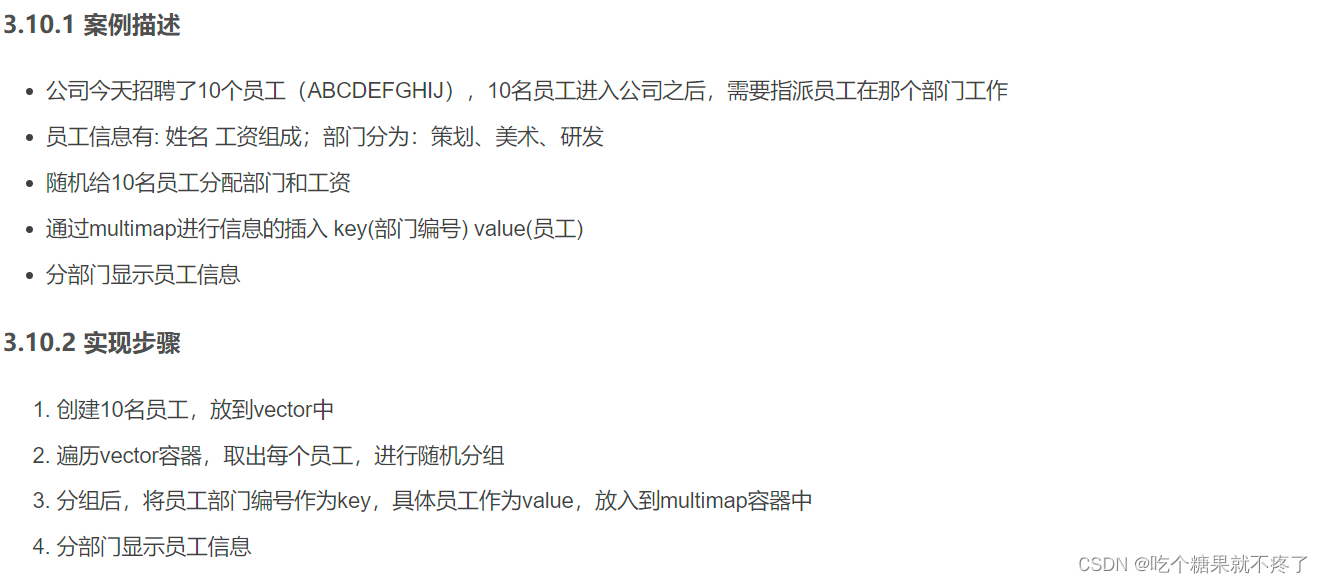
#include<iostream>
using namespace std;
#include <vector>
#include <string>
#include <map>
#include <ctime>
#define CEHUA 0
#define MEISHU 1
#define YANFA 2
class Worker
{
public:
string m_Name;
int m_Salary;
};
void createWorker(vector<Worker>&v)
{
string nameSeed = "ABCDEFGHIJ";
for (int i = 0; i < 10; i++)
{
Worker worker;
worker.m_Name = "员工";
worker.m_Name += nameSeed[i];
worker.m_Salary = rand() % 10000 + 10000;
v.push_back(worker);
}
}
void setGroup(vector<Worker>&v,multimap<int,Worker>&m)
{
for (vector<Worker>::iterator it = v.begin(); it != v.end(); it++)
{
int deptId = rand() % 3;
m.insert(make_pair(deptId, *it));
}
}
void showWorkerByGourp(multimap<int,Worker>&m)
{
cout << "策划部门:" << endl;
multimap<int,Worker>::iterator pos = m.find(CEHUA);
int count = m.count(CEHUA);
int index = 0;
for (; pos != m.end() && index < count; pos++ , index++)
{
cout << "姓名: " << pos->second.m_Name << " 工资: " << pos->second.m_Salary << endl;
}
cout << "----------------------" << endl;
cout << "美术部门: " << endl;
pos = m.find(MEISHU);
count = m.count(MEISHU);
index = 0;
for (; pos != m.end() && index < count; pos++, index++)
{
cout << "姓名: " << pos->second.m_Name << " 工资: " << pos->second.m_Salary << endl;
}
cout << "----------------------" << endl;
cout << "研发部门: " << endl;
pos = m.find(YANFA);
count = m.count(YANFA);
index = 0;
for (; pos != m.end() && index < count; pos++, index++)
{
cout << "姓名: " << pos->second.m_Name << " 工资: " << pos->second.m_Salary << endl;
}
}
int main() {
srand((unsigned int)time(NULL));
vector<Worker>vWorker;
createWorker(vWorker);
multimap<int, Worker>mWorker;
setGroup(vWorker, mWorker);
showWorkerByGourp(mWorker);
测试
system("pause");
return 0;
}


 本文详细介绍了set和multiset容器的基本构造、赋值、大小与交换、插入与删除、查找与统计,以及它们之间的区别。此外,还展示了如何自定义排序规则和添加自定义数据类型。涵盖了map容器的类似操作,并通过员工分组案例进行了综合应用。





 扫一扫
扫一扫


 2万+
2万+

 被折叠的 条评论
为什么被折叠?
被折叠的 条评论
为什么被折叠?
 到【灌水乐园】发言





