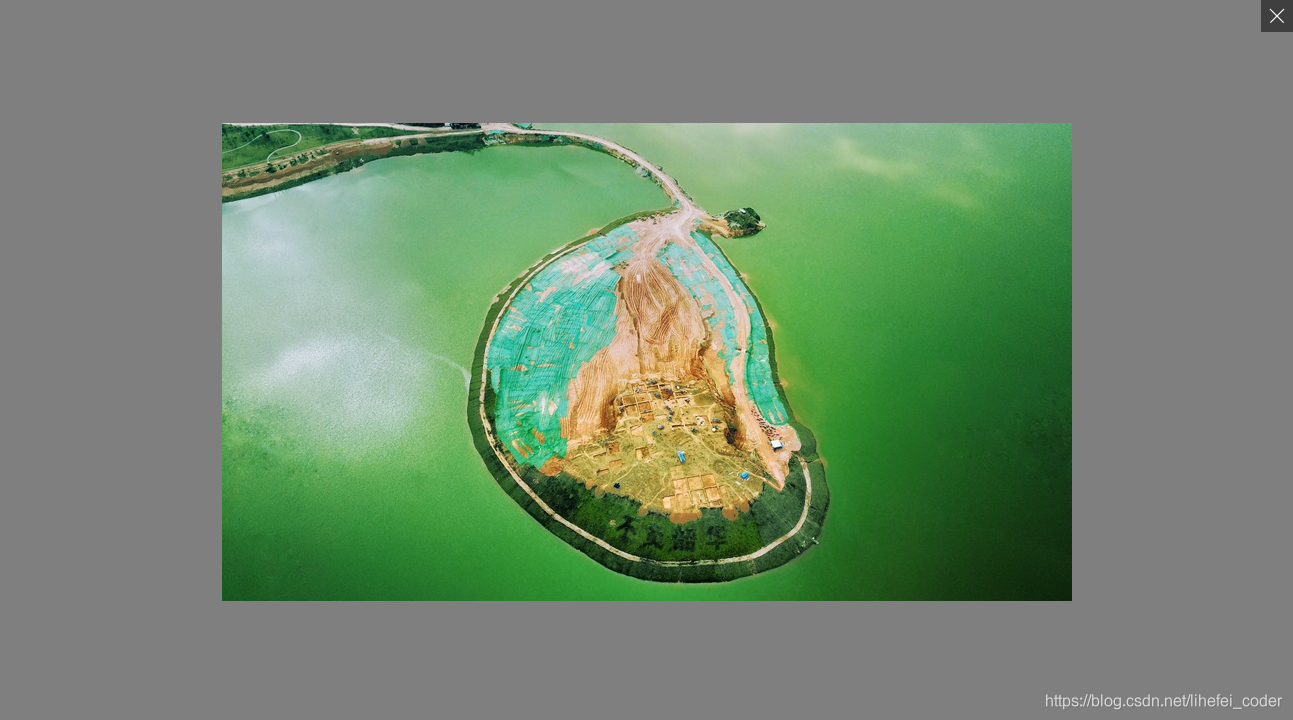
封装组件 PicturePreview
<template>
<div v-if="visible" class="preview-container" @click.stop="previewClick($event)">
<span class="preview-close" @click.stop="closeClick"></span>
<img class="preview-img" :src="src" />
</div>
</template>
<script lang="ts">
import { Component, Prop, Watch, Vue } from 'vue-property-decorator';
@Component({ name: 'PicturePreview'})
export default class extends Vue {
@Prop({ default: '' }) private src!: string;
@Prop({ default: false }) private visible!: boolean;
@Prop({ default: false }) private closeOnClickModal!: boolean;
private closeClick() {
this.closeView();
}
private previewClick(e: any) {
if (this.closeOnClickModal) {
if (Array.prototype.includes.call(e.target.classList, 'preview-container')) {
this.closeView();
}
}
}
private closeView() {
this.$emit('update:visible', false);
}
}
</script>
<style lang="scss" scoped>
.preview-container {
display: flex;
align-items: center;
justify-content: center;
position: fixed;
left: 0;
top: 0;
right: 0;
bottom: 0;
z-index: 999;
overflow: hidden;
background-color: rgba(#000, 0.5);
.preview-img {
max-width: 100%;
max-height: 100%;
}
.preview-close {
position: absolute;
right: 0;
top: 0;
width: 32px;
height: 32px;
background-color: rgba(#000, 0.5);
&:hover {
background-color: rgba(#000, 0.8);
cursor: pointer;
}
&::before,
&::after {
content: '';
position: absolute;
left: 50%;
top: 50%;
width: 0;
height: 60%;
border-right: 1px solid #fff;
font-size: 0;
}
&::before {
transform: translate(-50%, -50%) rotate(-45deg);
}
&::after {
transform: translate(-50%, -50%) rotate(45deg);
}
}
}
</style>
组件应用
<template>
<div class="document-detail">
<div class="document-content" v-html="content" @click="previewPicture($event)"></div>
<picture-preview :visible.sync="picturePreview.visible" :src="picturePreview.src" />
</div>
</template>
<script lang="ts">
import { Component, Watch, Prop, Vue } from 'vue-property-decorator';
import PicturePreview from '@/components/picture-preview.vue';
@Component({
name: 'DocumentDetail',
components: {
PicturePreview,
},
})
export default class extends Vue {
private content:string = `
<div>
<p>欣赏美丽的风景</p>
<img src="https://hellorfimg.zcool.cn/provider_image/large/2239402436.jpg" />
<br />
<img src="https://hellorfimg.zcool.cn/provider_image/large/2239386213.jpg" />
</div>`;
private picturePreview: any = {
visible: false,
src: '',
};
private previewPicture(e: any) {
if (e.target.tagName == 'IMG') {
this.picturePreview.src = e.target.src;
this.picturePreview.visible = true;
}
}
}
</script>
<style lang="scss" scoped>
.document-content {
img {
max-width: 100%;
cursor: zoom-in;
}
}
</style>



 本文介绍了如何使用Vue编写的PicturePreview组件,展示图片并允许用户通过点击关闭。组件接受src和可见状态作为props,并提供了自定义的点击事件处理。





 扫一扫
扫一扫


 2525
2525

 被折叠的 条评论
为什么被折叠?
被折叠的 条评论
为什么被折叠?
 到【灌水乐园】发言





