


在components 中定义SvgIcon.vue 文件
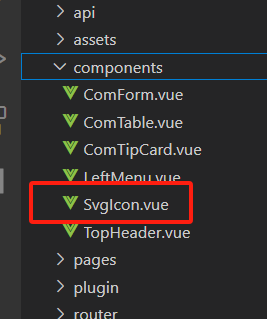
内容如下:
<template>
<svg :style="{ width, height }">
<use :xlink:href="prefix + name" rel="external nofollow" :fill="color"></use>
</svg>
</template>
<script setup>
defineProps({
// 是否显示
prefix: {
type: String,
default: '#icon-',
},
name: String,
color: {
type: String,
default: '#000',
},
width: {
type: String,
default: '16px',
},
height: {
type: String,
default: '16px',
},
})
</script>
<style lang='scss' scoped></style>
在src plugin 下创建index.js 文件
内容如下:
import SvgIcon from '@/components/svgIcon.vue'
//全局对象
const allGlobalComponents = { SvgIcon }
//对外暴露插件对象
export default {
install(app) {
//注册项目的全部组件
Object.keys(allGlobalComponents).forEach((key) => {
//注册为全局组件
app.component(key, allGlobalComponents[key])
})
},
}
在main.js 中引入
// svgicon
import 'virtual:svg-icons-register'
import GlobalComponents from '@/plugin'
for (const [key, component] of Object.entries(ElementPlusIconsVue)) {
app.component(key, component)
}
app.use(GlobalComponents);
直接在页面中使用就可以了。。
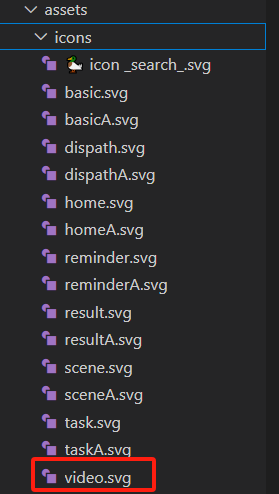
<svg-icon name="video" width="40px" height="40px"></svg-icon>
name 对应icon 的名称





 扫一扫
扫一扫


 831
831

 被折叠的 条评论
为什么被折叠?
被折叠的 条评论
为什么被折叠?
 到【灌水乐园】发言





