


在windows11系统的笔记本上安装了ubuntu20.04,发现竟然没有带无线网卡驱动,只能自己动手安装了。
首先查看网卡型号:
lspci | grep -i ethernet看到如下信息

使用google搜索找到这里
https://github.com/HRex39/rtl8852be
按照README.md中的说明,以此执行如下命令即可:
git clone https://github.com/HRex39/rtl8852be.git
cd rtl8852be
make -j8
sudo make install
sudo modprobe 8852be
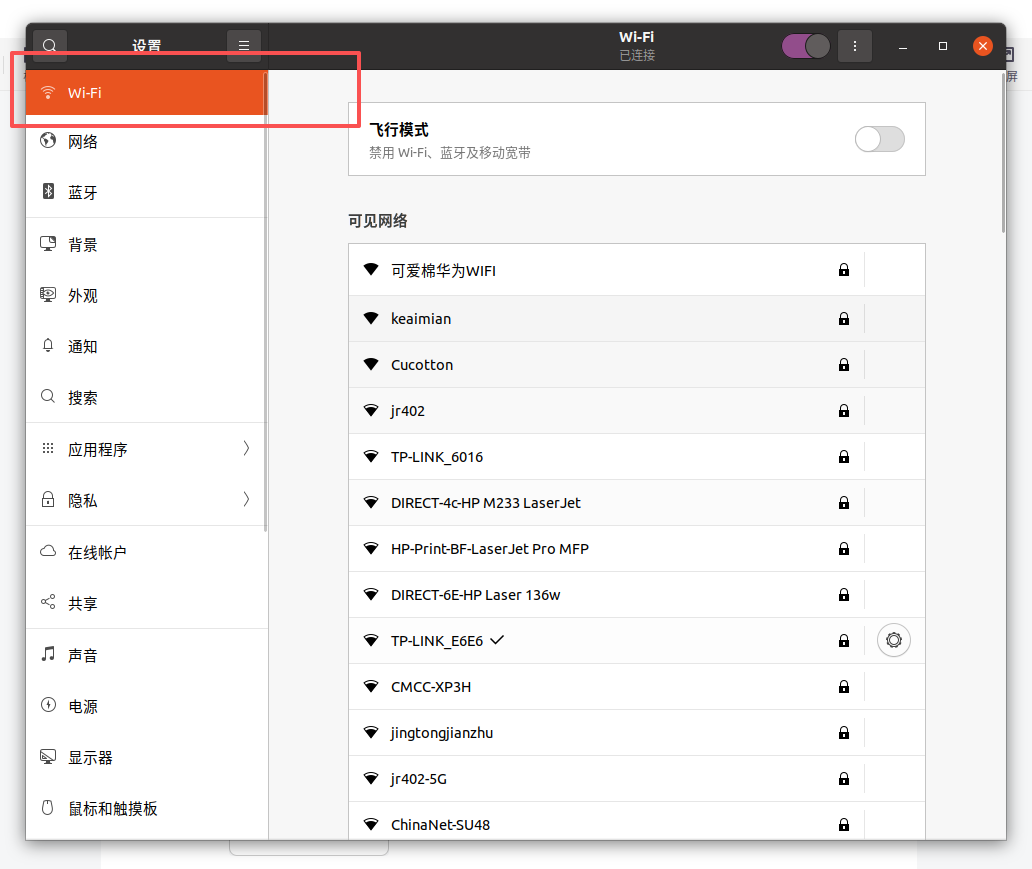
然后就可以在ubuntu的设置中看到wifi选项了。





 扫一扫
扫一扫


 2426
2426

 被折叠的 条评论
为什么被折叠?
被折叠的 条评论
为什么被折叠?
 到【灌水乐园】发言





