





 文章介绍了如何在JavaScript中使用THREE.js库加载3D模型,并通过AnimationMixer控制动画播放。关键点在于在update函数中调整动画速度以实现流畅转动。
1.首先是你要确保模型中是有动画的
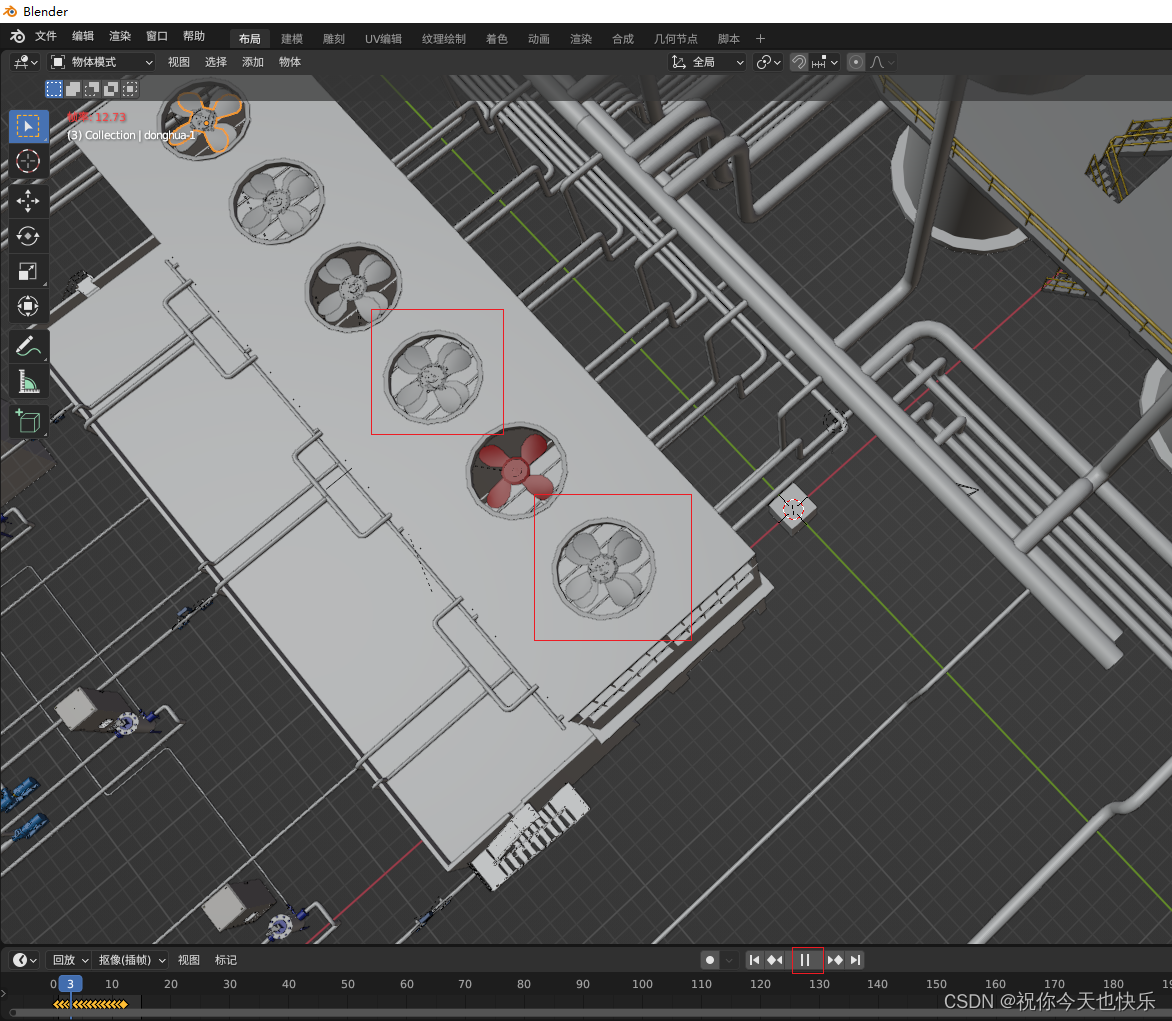
2.在加载模型后获取动画混合器并对设置动画的物体进行播放
 loadModel() {
      // 加载3D模型
      const loader = new GLTFLoader();
      loader.load('/models/donghua.glb', (gltf) => {
        this.model = gltf.scene
        this.scene.add(this.model);
        // 获取动画混合器
        const animations = gltf.animations;
        if (animations && animations.length) {
          this.mixer = new THREE.AnimationMixer(gltf.scene);
          for (let i = 0; i < animations.length; i++) {
            const action = this.mixer.clipAction(animations[i]);
            action.play();
          }
        }
      }, (xhr) => {
        console.log(xhr, 'xhr');
      }, (err) => {
        console.log(err, 'err');
      });
}
3.关键的一步在动画的函数中去实时更新模型动画update函数中的值越小转动越快
 animate() {
      this.controls.update()
      this.renderer.render(this.scene, this.camera)
      requestAnimationFrame(this.animate)
       // 更新动画
       if (this.mixer) {
        this.mixer.update(0.05);
      }
}
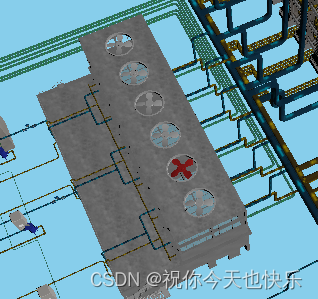
就愉快的转起来了






 扫一扫
扫一扫


 1620
1620

 被折叠的 条评论
为什么被折叠?
被折叠的 条评论
为什么被折叠?
 到【灌水乐园】发言





