


1.Nmap常用参数
(1)-sT
最基本,nmap的默认参数,参数表示TCP connect scan。经过tcp三次握手,我们认为扫描是比较准确的。
nmap -sT 192.168.0.106
示例:
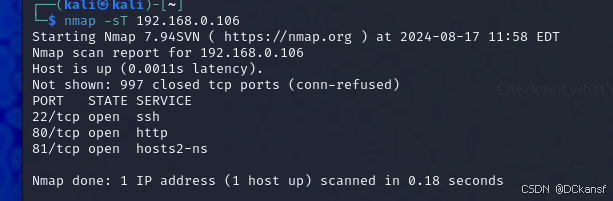
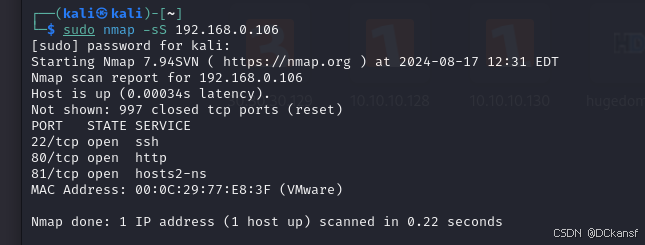
(2)-sS
参数表示SYN scan。半扫描连接,不需要与目标建立完整的连接, 所有具有一定的隐蔽性。
nmap -sS 192.168.0.106
示例:
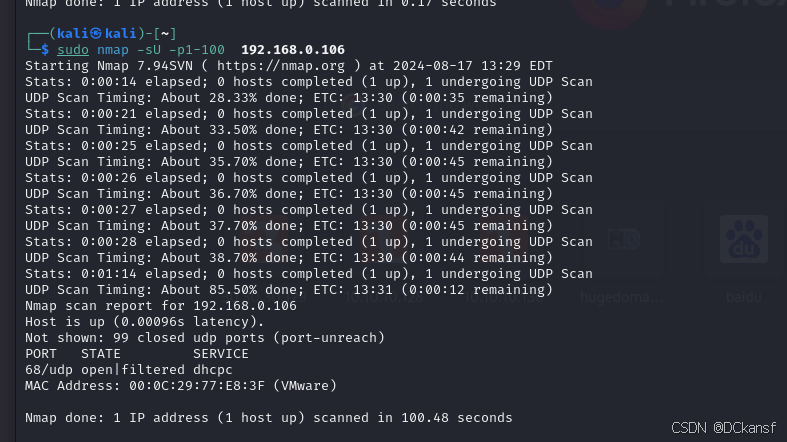
(3)-sU
参数表示UDP scan。识别UDP端口开放情况。
nmap -sU 192.168.0.106
示例:
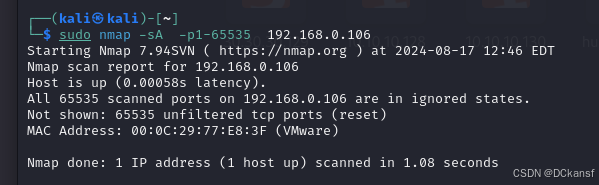
(4)-sA
参数表示ACK scan。识别端口是否被过滤。
nmap -sA 192.168.0.106
示例:
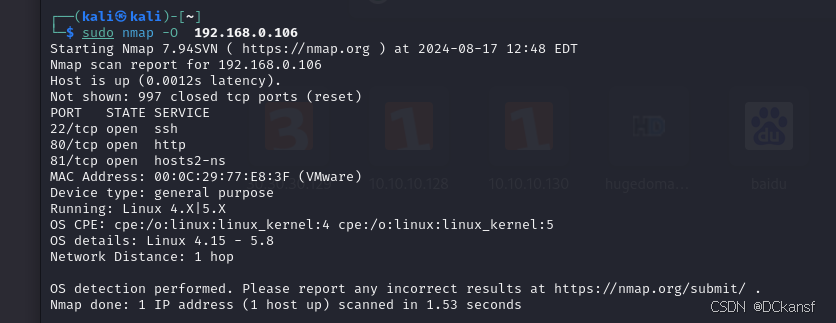
(5)-O
参数表示operating system identifcation。用于识别操作系统类型。
nmap -O 192.168.0.106
示例:
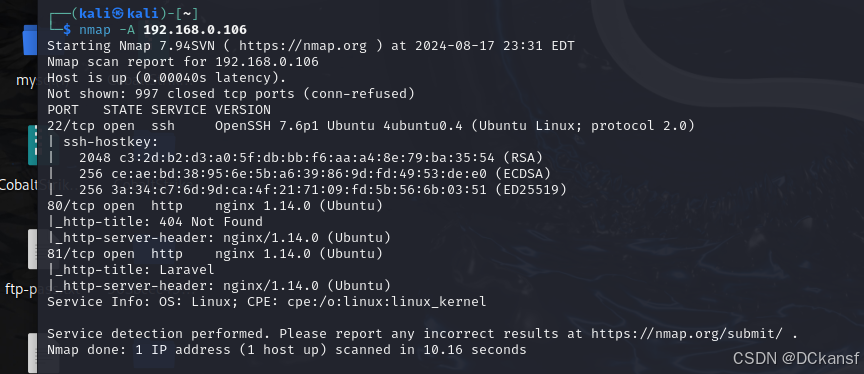
(7)-A
参数表示Enable OS detection, version detection, script scanning, and traceroute。更加全面的查询
nmap -A 192.168.0.106
示例
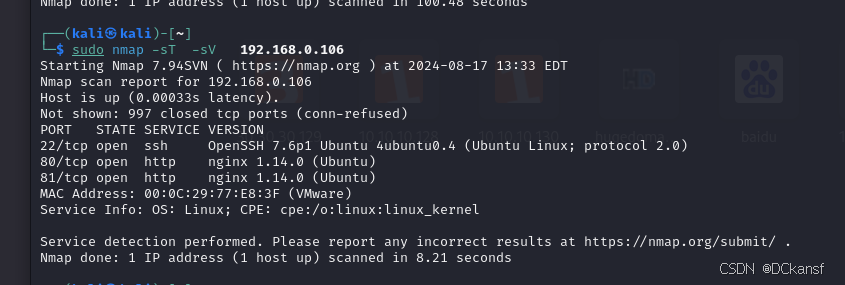
(8)-sV
参数表示version detection。用于识别端口运行服务具体版本。可以与其它扫描类型混合使用。
nmap -sV 192.168.0.106
示例:
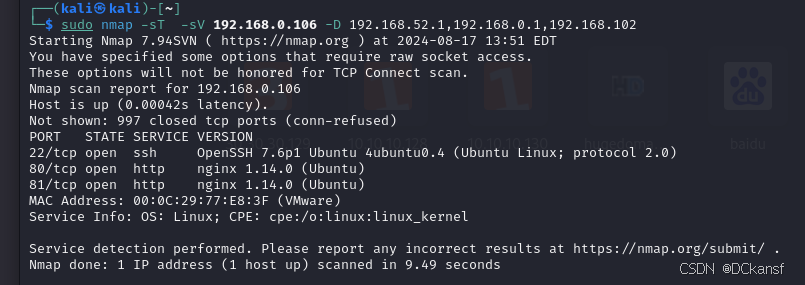
(9)-D
参数表示为decoy(诱骗)。增加扫描的复杂性,匿名方式进行扫描,具有混淆的作用。
nmap 192.168.0.106 -D 192.168.0.1
示例:
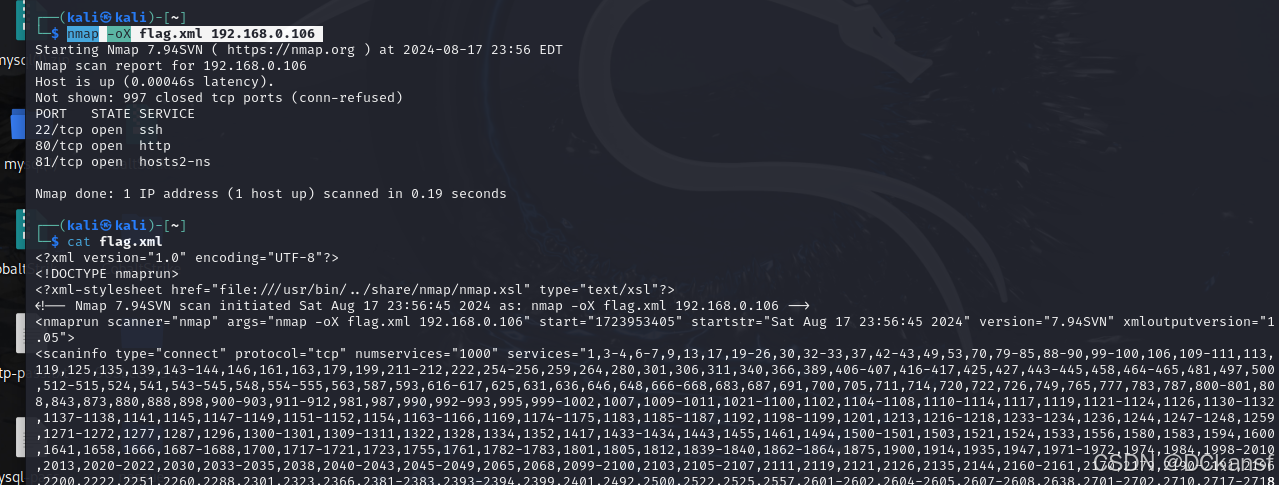
(10)-oX
参数表示为Output scan in xml。输出格式为xml文件。
nmap -oX flag.xml 192.168.0.106
示例:
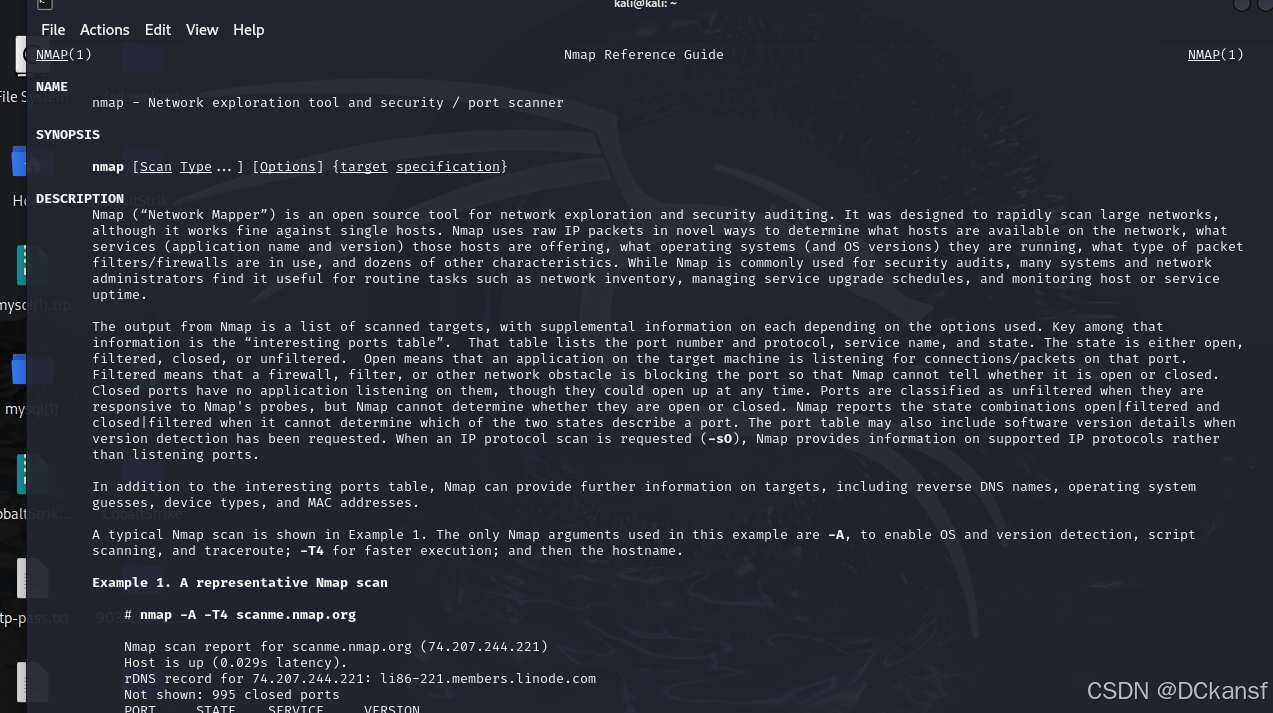
更多内容可以找man查询:
man nmap
演示:
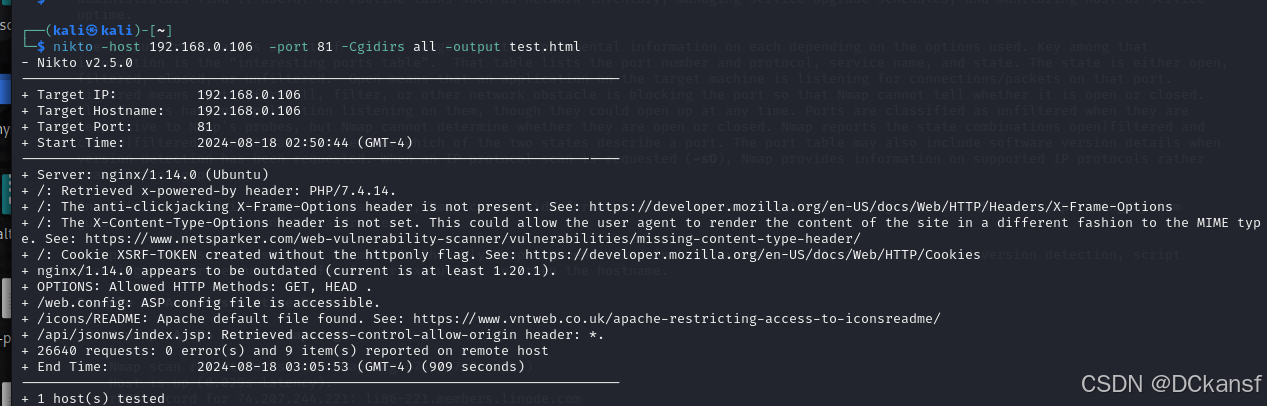
2.nikito的使用
nikto -host 192.168.0.106 -port 81 -Cgidirs all -output test.html
扫描结果
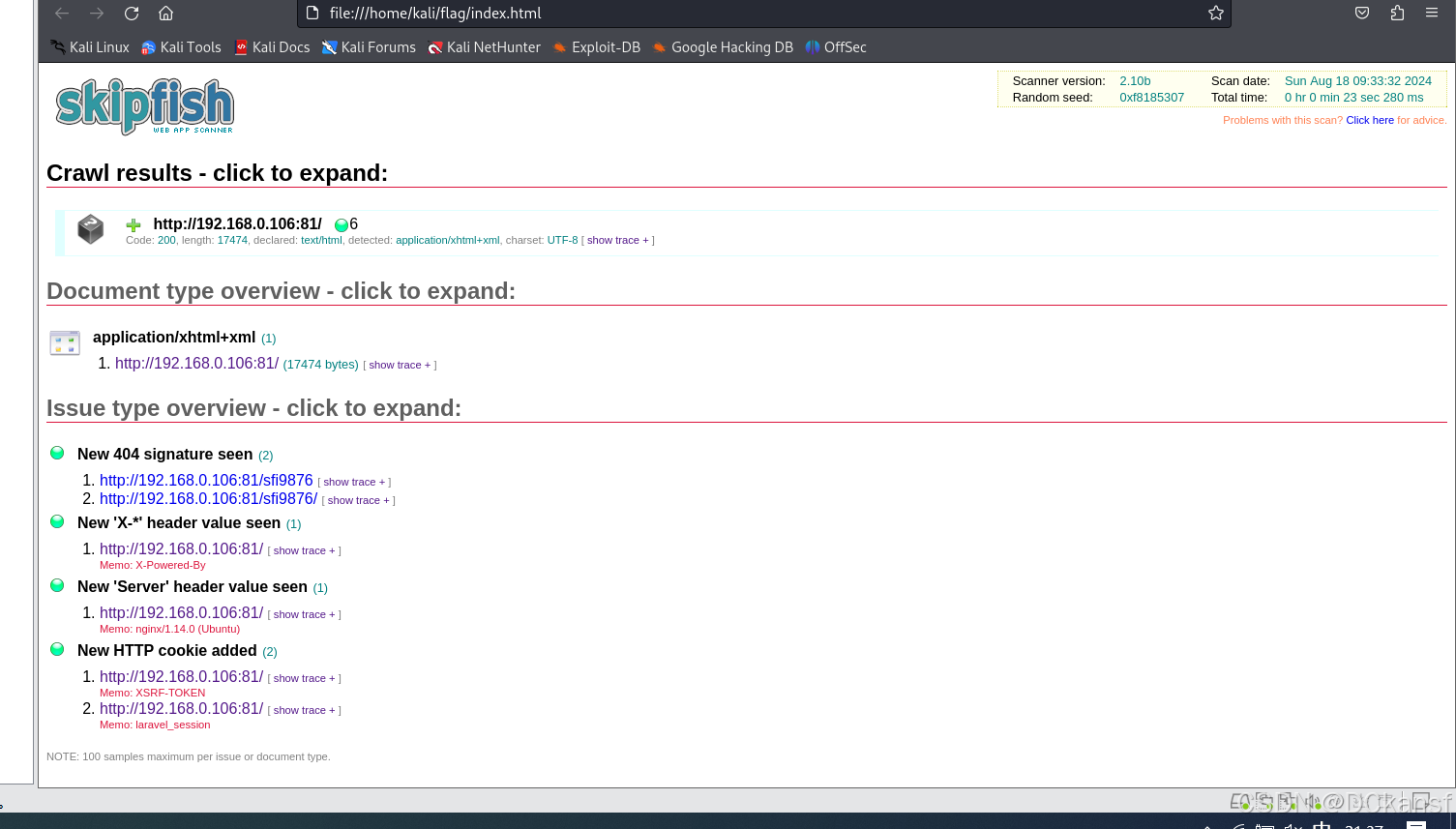
3.skipfish的使用
skipfish -o flag http://192.168.0.106:81
扫描结果:
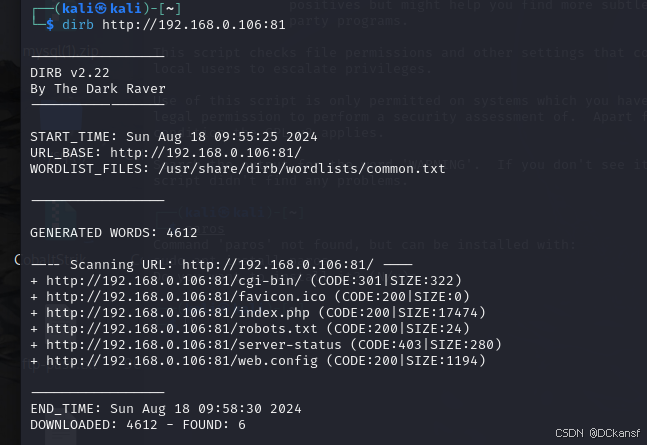
4.dirb目录扫描器的使用
dirb http://192.168.0.106:81
 -a <agent_string> : Specify your custom USER_AGENT.
 -b : Use path as is.
 -c <cookie_string> : Set a cookie for the HTTP request.
 -E <certificate> : path to the client certificate.
 -f : Fine tunning of NOT_FOUND (404) detection.
 -H <header_string> : Add a custom header to the HTTP request.
 -i : Use case-insensitive search.
 -l : Print "Location" header when found.
 -N <nf_code>: Ignore responses with this HTTP code.
 -o <output_file> : Save output to disk.
 -p <proxy[:port]> : Use this proxy. (Default port is 1080)
 -P <proxy_username:proxy_password> : Proxy Authentication.
 -r : Don't search recursively.
 -R : Interactive recursion. (Asks for each directory)
 -S : Silent Mode. Don't show tested words. (For dumb terminals)
 -t : Don't force an ending '/' on URLs.
 -u <username:password> : HTTP Authentication.
 -v : Show also NOT_FOUND pages.
 -w : Don't stop on WARNING messages.
 -X <extensions> / -x <exts_file> : Append each word with this extensions.
 -z <millisecs> : Add a milliseconds delay to not cause excessive Flood.

-a 设置user-agent
-c 设置cookie
-o 输出结果
-H 设置请求头
-z 设置延迟
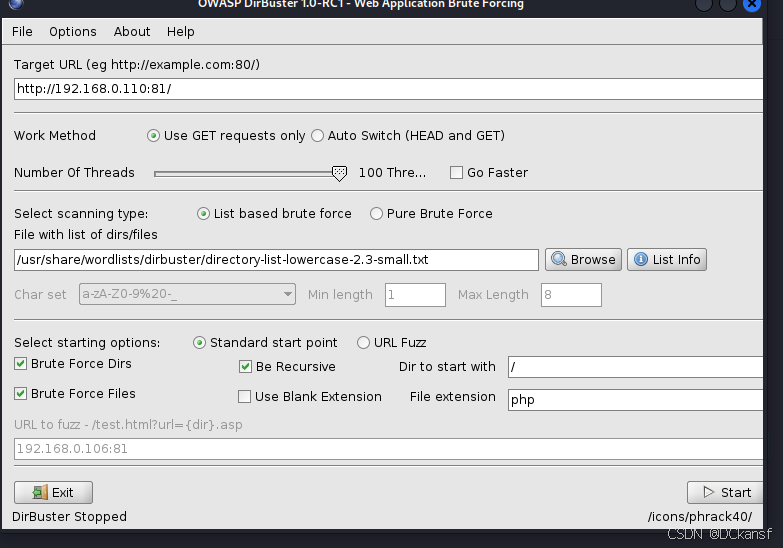
4.dirbuster图形化目录扫描器的使用
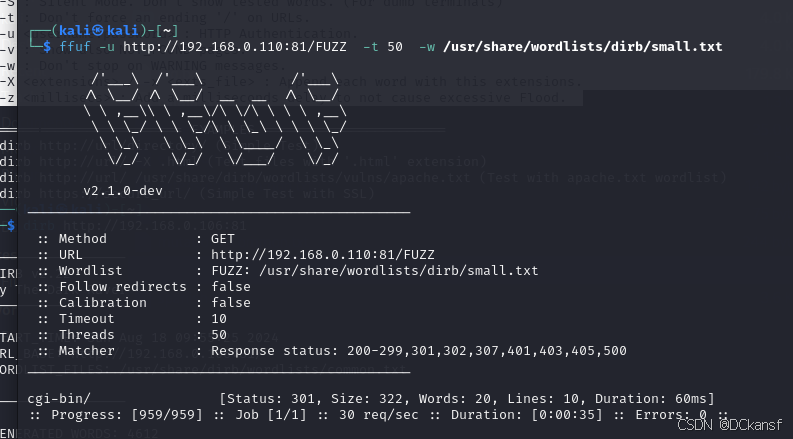
5.ffuf的使用
ffuf -u http://192.168.0.110:81/FUZZ -t 50 -w /usr/share/wordlists/dirb/small.txt
结果:
续写......->(二)





 扫一扫
扫一扫


 被折叠的 条评论
为什么被折叠?
被折叠的 条评论
为什么被折叠?
 到【灌水乐园】发言





