


PS D:\demo\my-vue-project\src> npm install eslint-plugin-vue@latest --save-dev
npm error code ERESOLVE
npm error ERESOLVE unable to resolve dependency tree
npm error
npm error While resolving: my-vue-project@0.1.0
npm error Found: eslint@7.32.0
npm error node_modules/eslint
npm error dev eslint@“^7.32.0” from the root project
npm error
npm error Could not resolve dependency:
npm error peer eslint@“^8.57.0 || ^9.0.0” from eslint-plugin-vue@10.4.0
npm error node_modules/eslint-plugin-vue
npm error dev eslint-plugin-vue@“10.4.0” from the root project
npm error
npm error Fix the upstream dependency conflict, or retry
npm error this command with --force or --legacy-peer-deps
npm error to accept an incorrect (and potentially broken) dependency resolution.
npm error
npm error
npm error For a full report see:
npm error C:\Users\Admin\AppData\Local\npm-cache_logs\2025-08-08T07_20_31_139Z-eresolve-report.txt
npm error A complete log of this run can be found in: C:\Users\Admin\AppData\Local\npm-cache_logs\2025-08-08T07_20_31_139Z-debug-0.log
PS D:\demo\my-vue-project\src>
这个错误是因为 eslint-plugin-vue@latest(最新版本)要求 ESLint 版本为 ^8.57.0 或 ^9.0.0,但你的项目当前使用的是 ESLint 7.32.0,版本不兼容导致的依赖冲突。
**解决方案:**安装兼容版本的 eslint-plugin-vue
不需要升级 ESLint,直接安装与 ESLint 7.x 兼容的 eslint-plugin-vue 版本即可:
bash
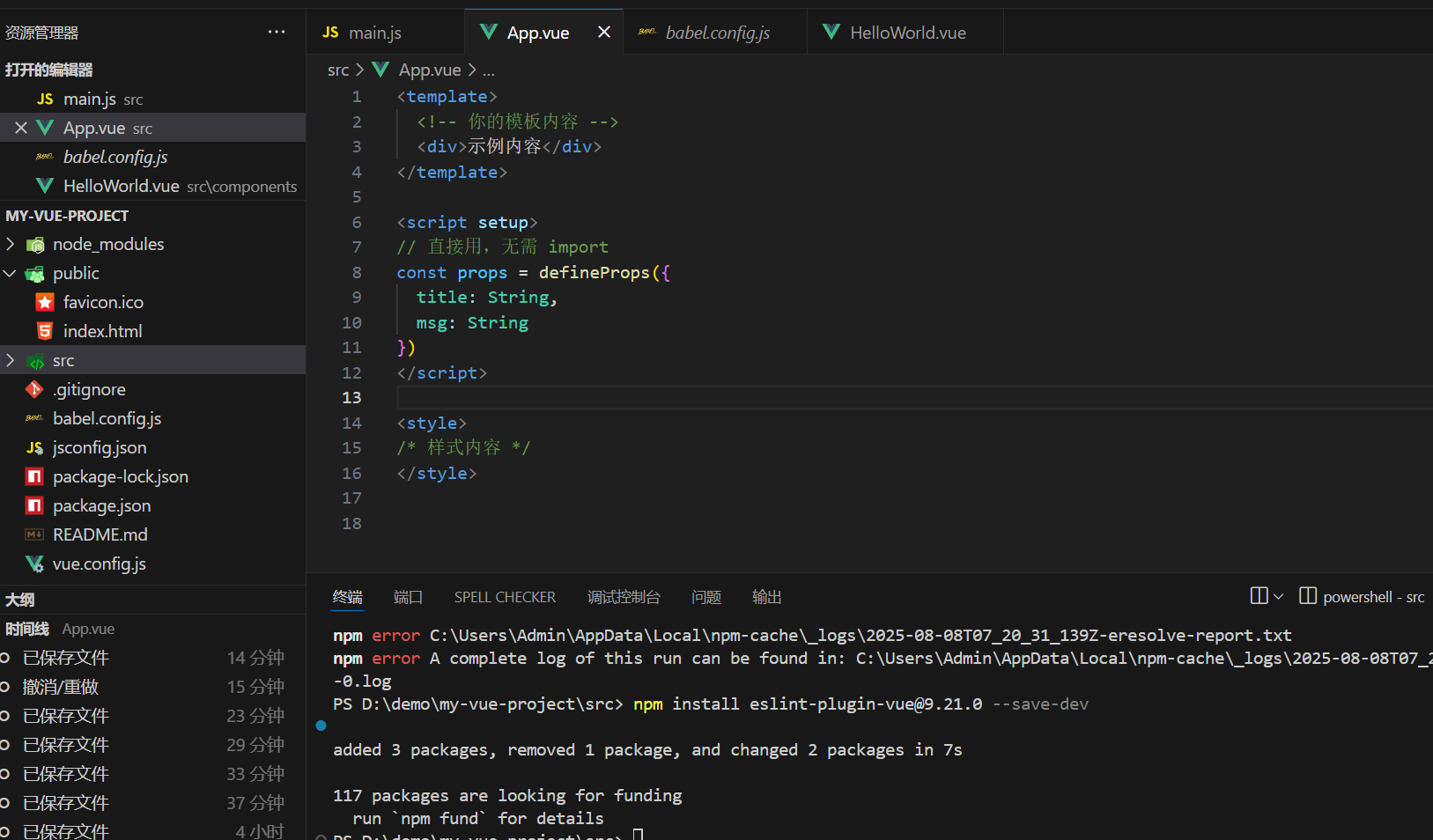
npm install eslint-plugin-vue@9.21.0 --save-dev
这个版本的 eslint-plugin-vue 支持 ESLint 7.x,能解决依赖冲突,同时也支持 Vue 3 的
此时 ESLint 会正确识别 defineProps 等 Vue 3 语法,报错应该会消失。
如果仍有问题,可直接用 --legacy-peer-deps 忽略依赖冲突(不推荐,但应急有效):
bash
npm install eslint-plugin-vue@latest --save-dev --legacy-peer-deps





 扫一扫
扫一扫


 被折叠的 条评论
为什么被折叠?
被折叠的 条评论
为什么被折叠?
 到【灌水乐园】发言





