



ubuntu 14.04LTS切换root用户登录后提示
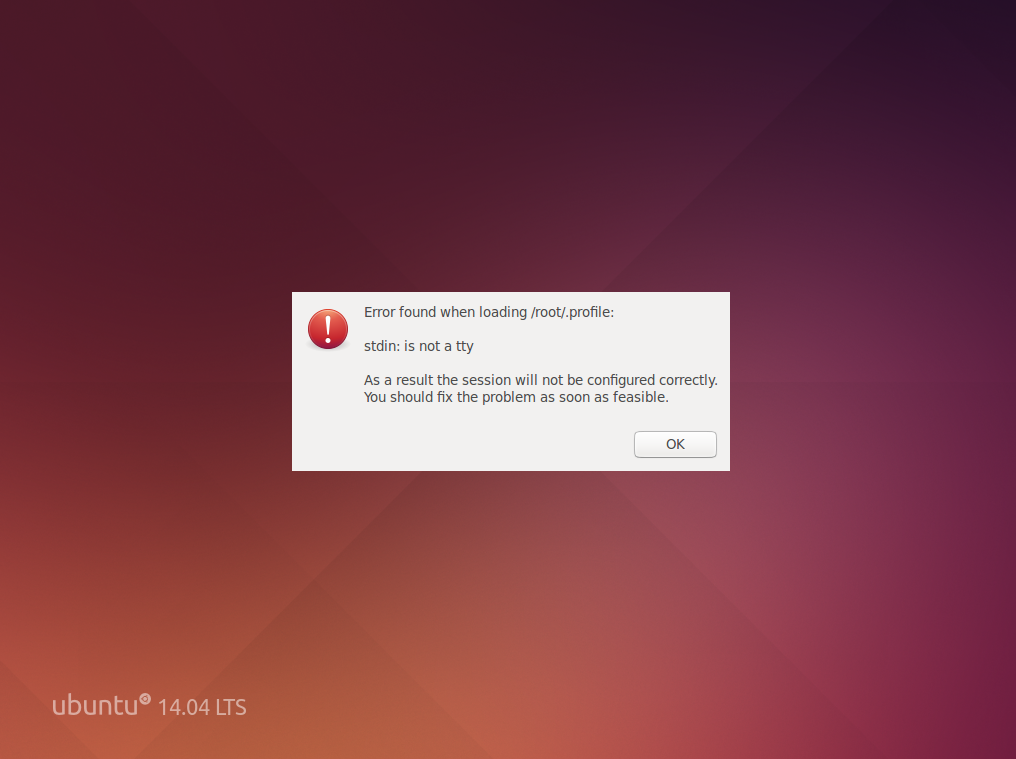
解决办法 /root/.profile中找到mesg n加入 tty -s后,重启即可
if [ "$BASH" ]; then
  if [ -f ~/.bashrc ]; then
    . ~/.bashrc
  fi
fi

tty -s && mesg n
 本文提供了解决Ubuntu 14.04 LTS切换至root用户登录时遇到的问题的方法。通过在/root/.profile文件中加入mesgn和tty-s命令,并重启系统,可以解决此问题。
ubuntu 14.04LTS切换root用户登录后提示
解决办法 /root/.profile中找到mesg n加入 tty -s后,重启即可
if [ "$BASH" ]; then
if [ -f ~/.bashrc ]; then
. ~/.bashrc
fi
fi
tty -s && mesg n
 9633
9907
9633
9907

 被折叠的 条评论
为什么被折叠?
被折叠的 条评论
为什么被折叠?
 到【灌水乐园】发言








 扫一扫
扫一扫


