


转自 | 菜鸟教程
我总觉得咱们干开发的用不上名片,干我们这行的不就靠技术说话,谁还看那张纸片儿?
近期看到一组 ChatGPT 生成的程序员名片,感觉还挺有意思,内行一看就是干开发的,拿出去交际用,也不知道行不行~
提示词一
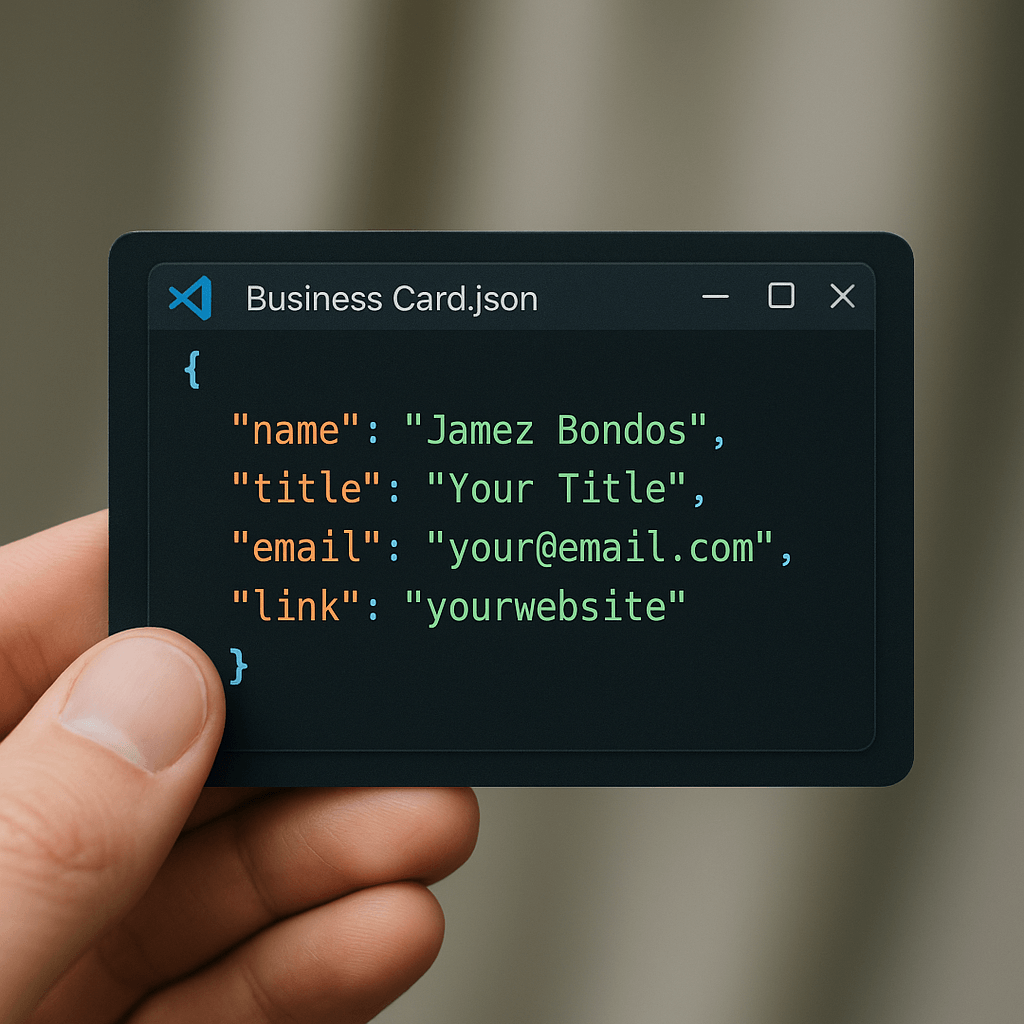
特写镜头:一只手正拿着一张设计成 VS Code 中 JSON 文件外观的名片。名片上的代码以真实的 JSON 语法高亮格式呈现。窗口界面包含典型的工具栏图标和标题栏,标题显示为 Business Card.json,整体风格与 VS Code 界面完全一致。背景略微虚化,突出展示名片内容。
名片上的 JSON 代码如下所示:
{
  "name": "Jamez Bondos",
  "title": "Your Title",
  "email": "your@email.com",
  "link": "yourwebsite"
}
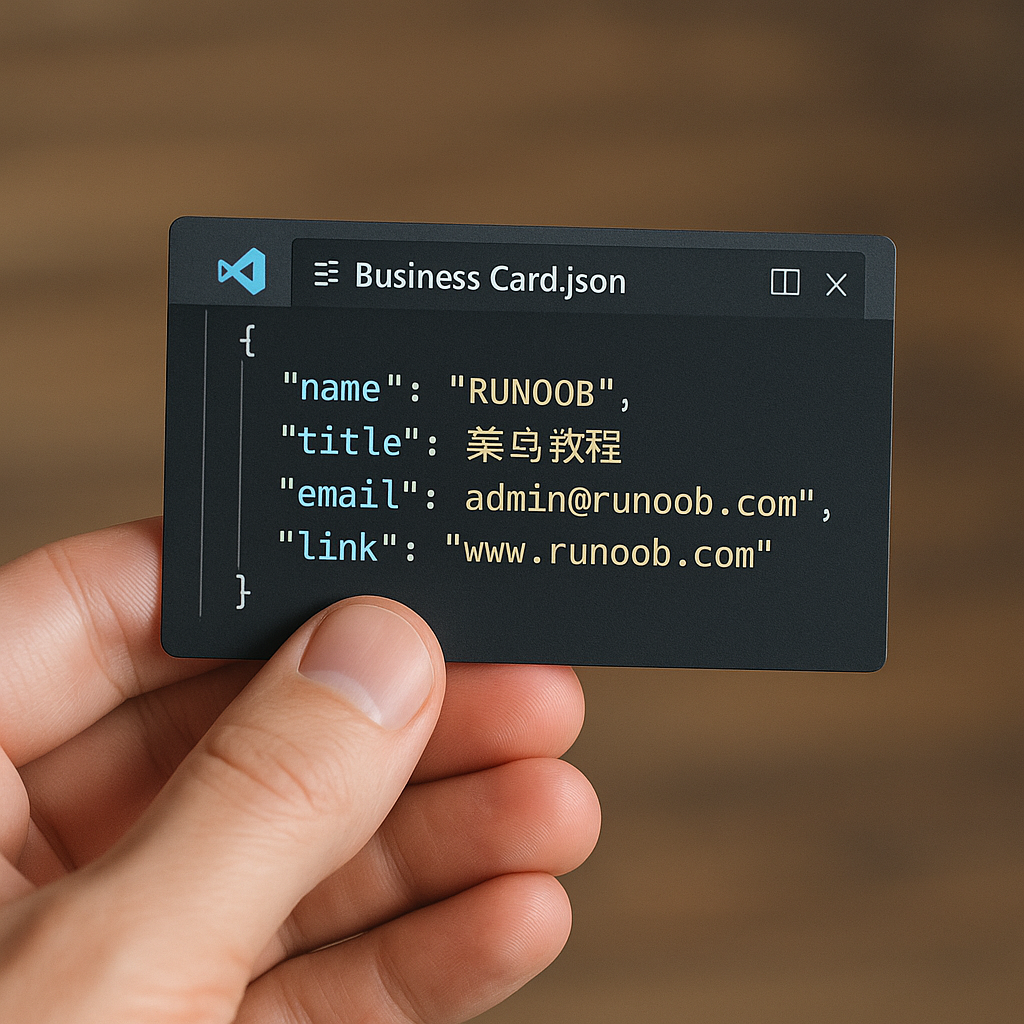
我自己跑去试了下,中文支持貌似还不够完美,不过感觉很高端了:
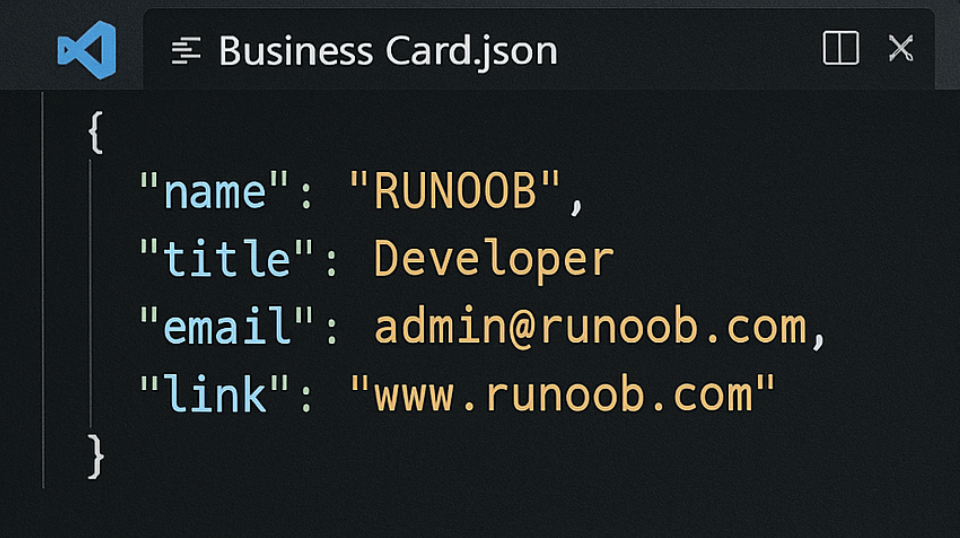
去掉手,再去掉中文试试效果好像更好,感觉可以去印几张出来,虽然没客户:
提示词二
看看其他网友的名片分享:
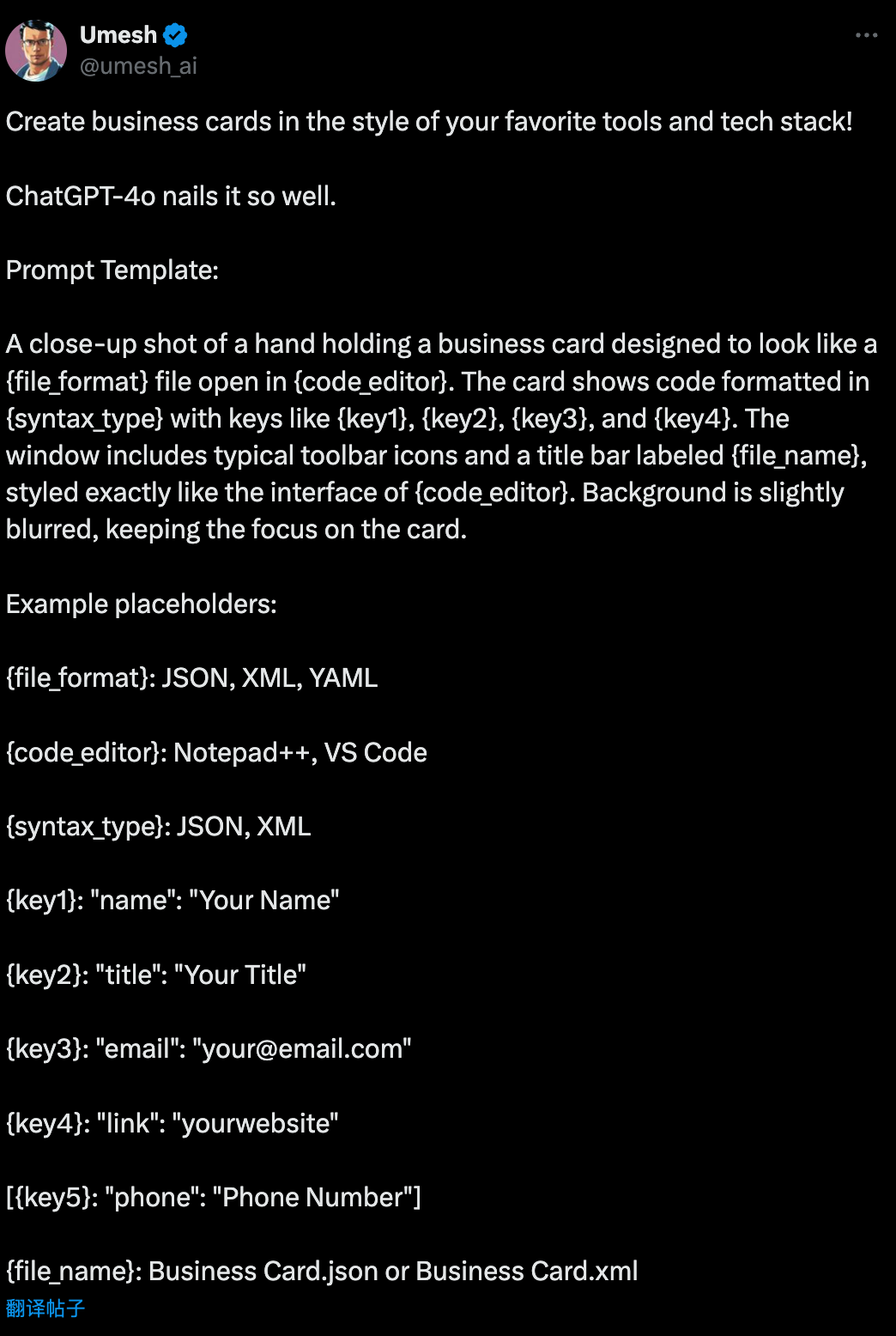
提示词内容及占位符替换说明:
A close-up shot of a hand holding a business card designed to look like a {file_format} file open in {code_editor}. The card shows code formatted in {syntax_type} with keys like {key1}, {key2}, {key3}, and {key4}. The window includes typical toolbar icons and a title bar labeled {file_name}, styled exactly like the interface of {code_editor}. Background is slightly blurred, keeping the focus on the card.
占位符可以是如下(根据自己的需求设置):
{file_format}: JSON, XML, YAML
{code_editor}: Notepad++, VS Code
{syntax_type}: JSON, XML
{key1}: "name": "Your Name"
{key2}: "title": "Your Title"
{key3}: "email": "your@email.com"
{key4}: "link": "yourwebsite"
[{key5}: "phone": "Phone Number"]
{file_name}: Business Card.json or Business Card.xml
效果如下:
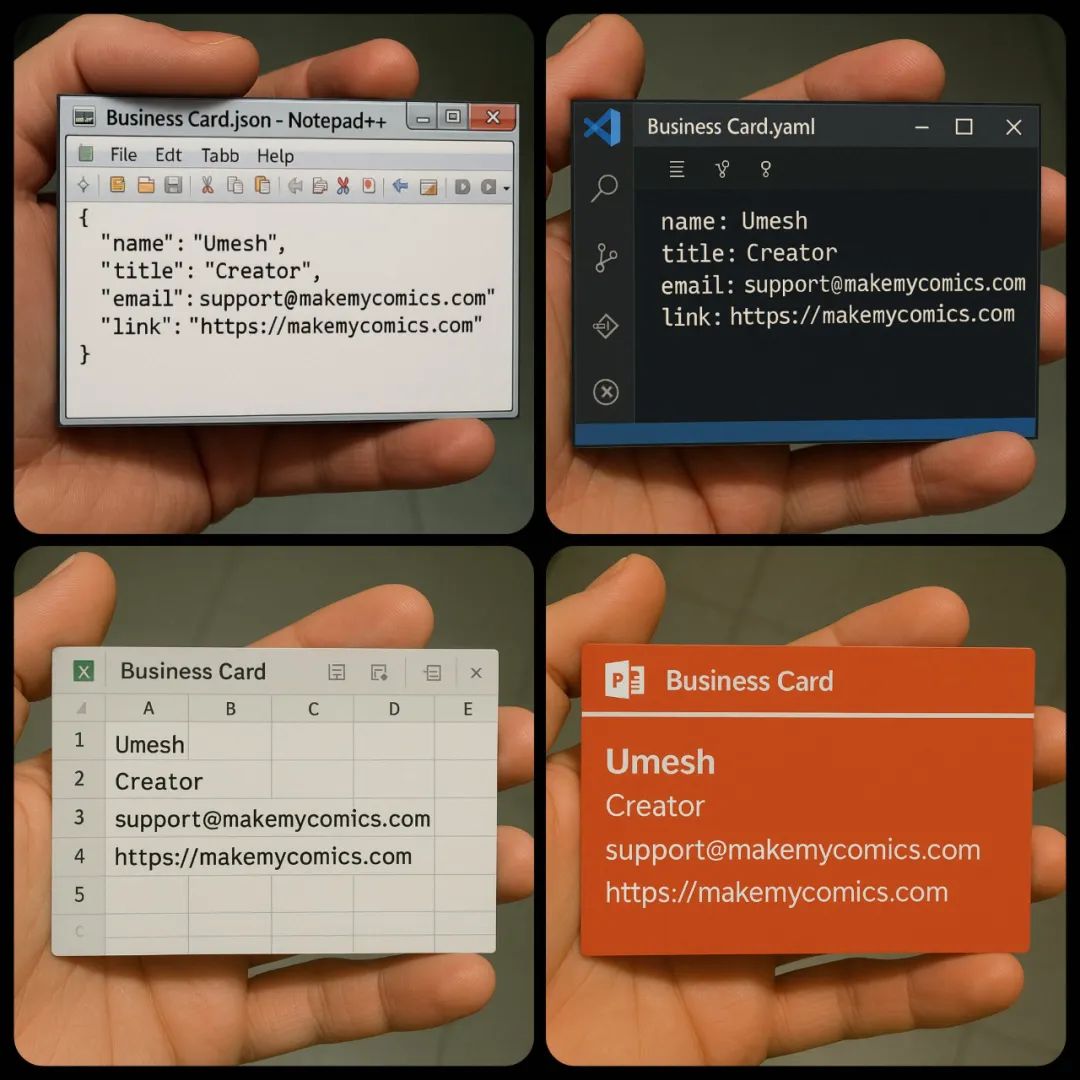
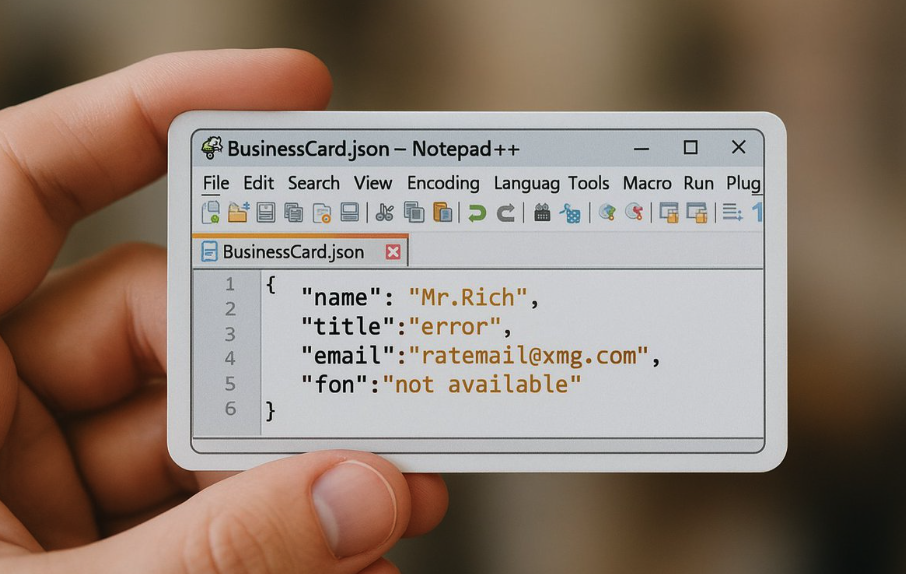
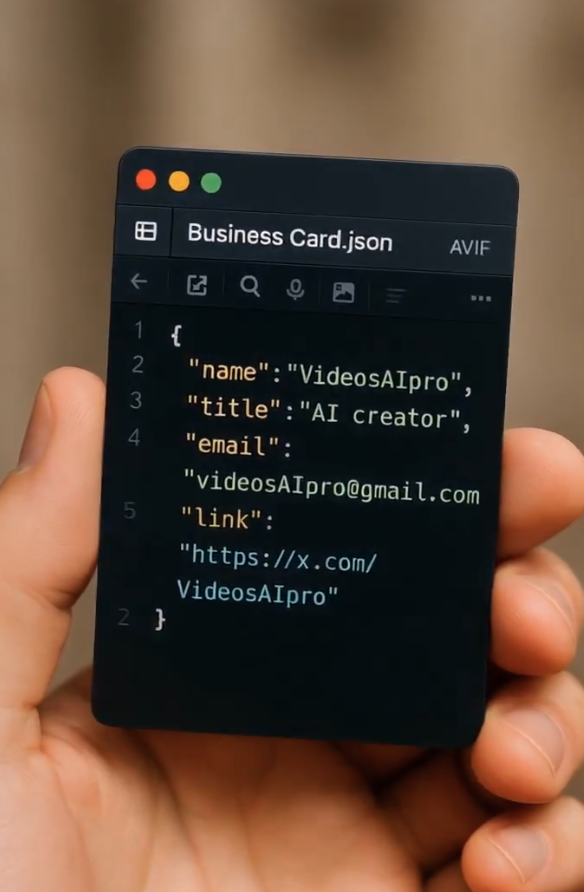
原文链接: https://x.com/umesh_ai/status/1915696926596415492
提示词三
一张插画特写,展示一只手拿着一张名片。这张名片被设计成在【VS Code】编辑器中打开的【JSON】文件样式。名片上的内容为采用【JSON】语法高亮格式的代码,包含清晰可见的键值对,比如:
- 【"姓名": "宝玉"】
- 【"X": "@dotey"】
- 【"微博": "@宝玉xp"】
- 【"博客": "https://baoyu[.]io"】
窗口界面带有标准的工具栏图标和标题栏,标题栏标明文件名【名片.json】,完全模拟【VS Code】的真实暗黑界面风格。背景稍作模糊处理,突出名片本身。
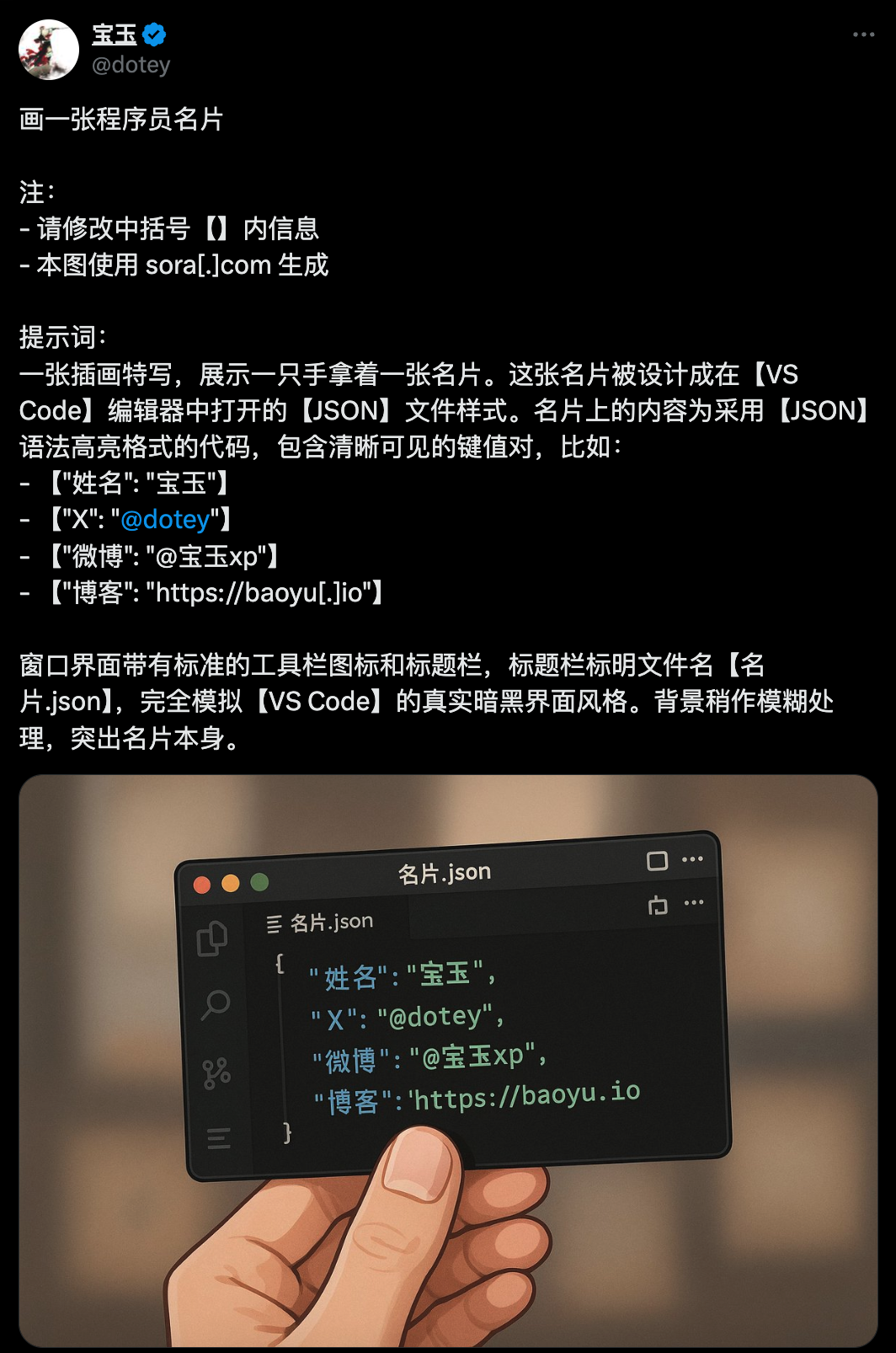
原文链接:https://x.com/dotey/status/1917412535130563006
福利来袭:Grok系列模型的第四次重要迭代Grok-4!Anthropic 官方推出了其下一代Claude模型系列: Claude Sonnet 4 和 Claude Opus 4.1 。OpenAI终于发布了新一代旗舰AI模型GPT-5!
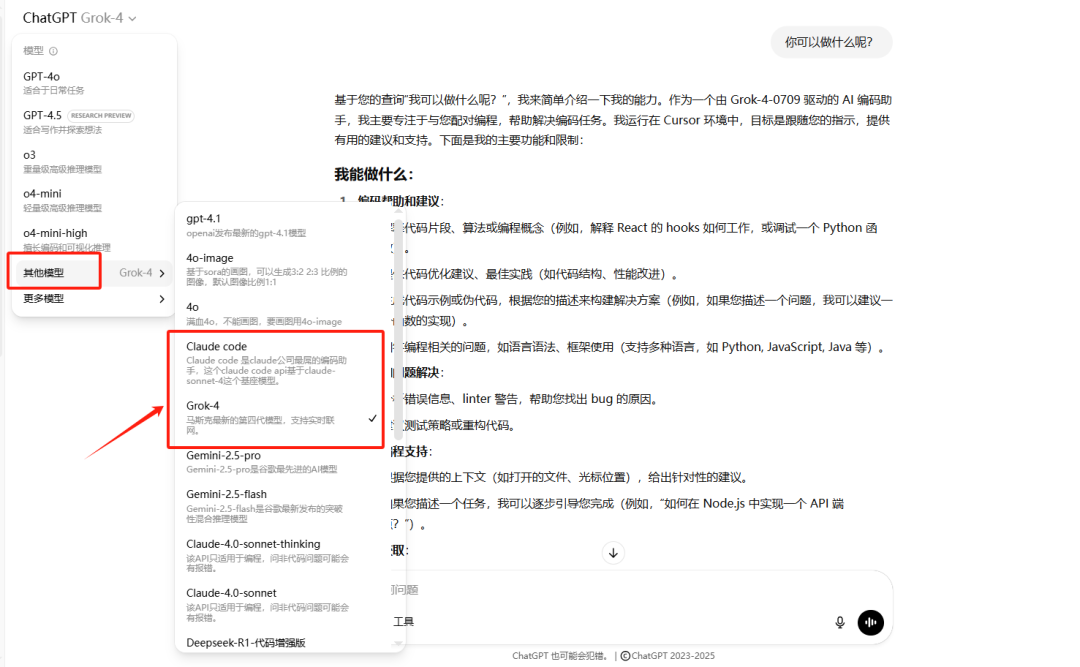
我们的六合一系统直接集成了 Grok4、Claude4.1、GPT5。
福利活动:ChatGPT+Claude+Grok+Gemini 系统的朋友有续费福利了 。GPT5、Claude4.1、Grok4+Gemini pro 全面开放了!购买半年多送1个月 ( 7个月)
包年多送3个月 (15个月)
购买方法:加我微信【itcodexyn】,备注:gpt,我会立马通过微信好友请求 。

备注:gpt 加我微信咨询





 扫一扫
扫一扫


 被折叠的 条评论
为什么被折叠?
被折叠的 条评论
为什么被折叠?
 到【灌水乐园】发言





