


1、安装elastic search7
2、安装kibana,版本对不上,不匹配,不能正常启动。
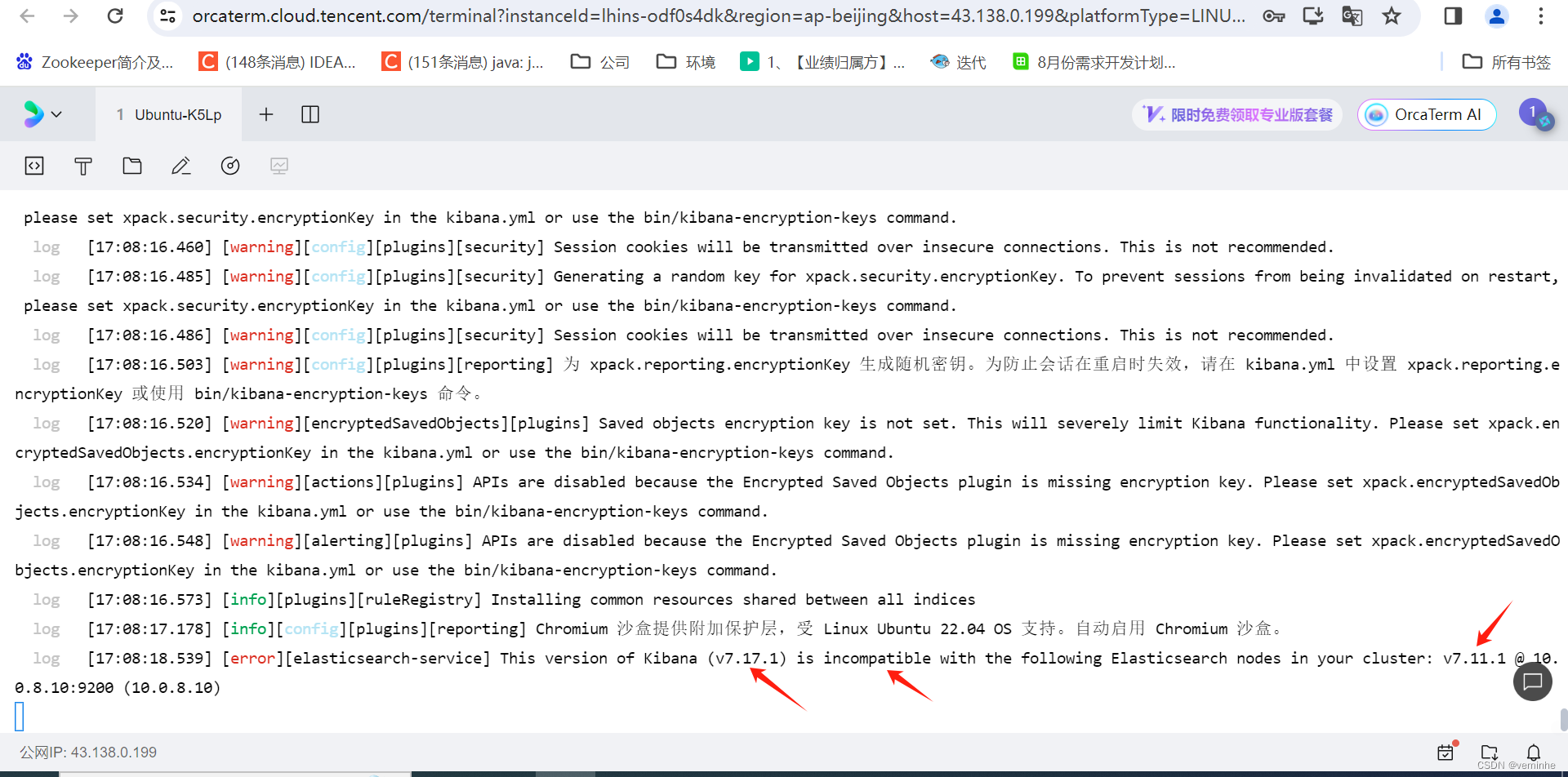 kibana要改成7.11.1版本的试试。
nohup wget https://artifacts.elastic.co/downloads/kibana/kibana-7.11.1-linux-x86_64.tar.gz &等会几分钟,下载完成
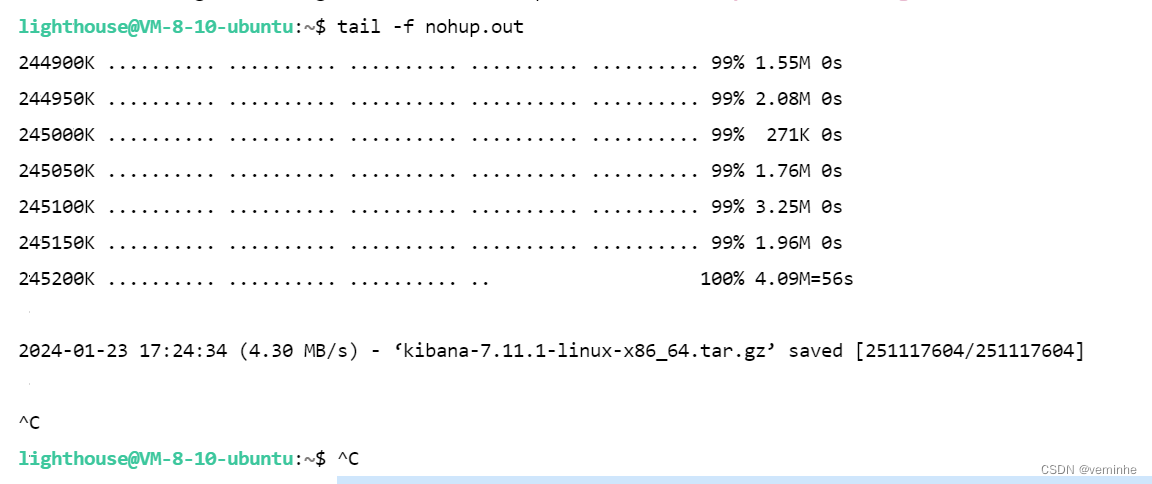
tar -xvzf kibana-7.11.1-linux-x86_64.tar.gz 解压,然后配置
vim config/kibana.yml

server.port: 5601
server.host: "localhost"  #服务器ip
elasticsearch.hosts: ["http://localhost:9200"]  #elasticsearch的访问地址
i18n.locale: "zh-CN"   #Kibana汉化
server.publicBaseUrl: "http://localhost:5601" #服务器ip
然后启动:
nohup bin/kibana &报错了,如下:
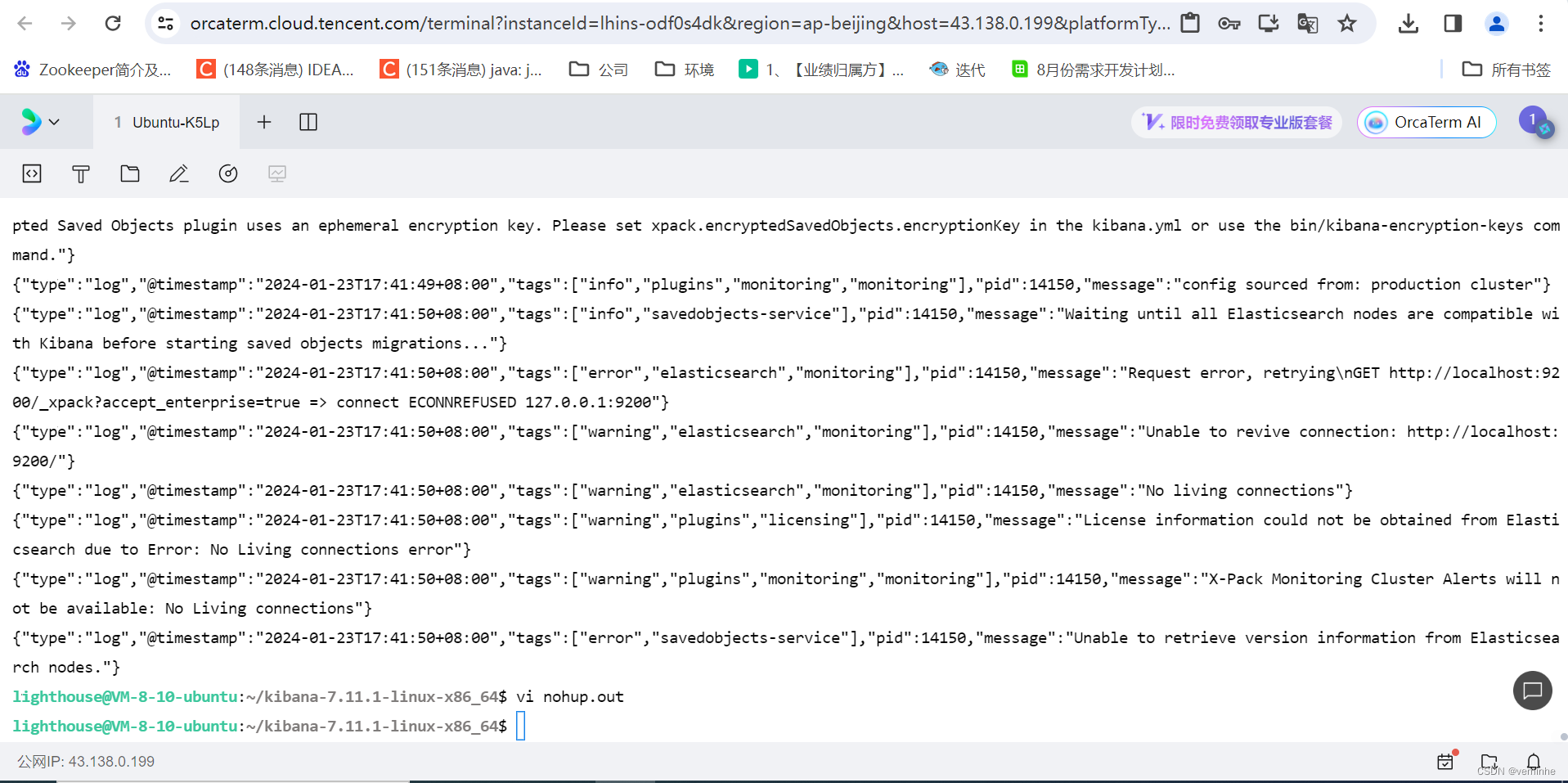
网上搜资料做出如下改动:
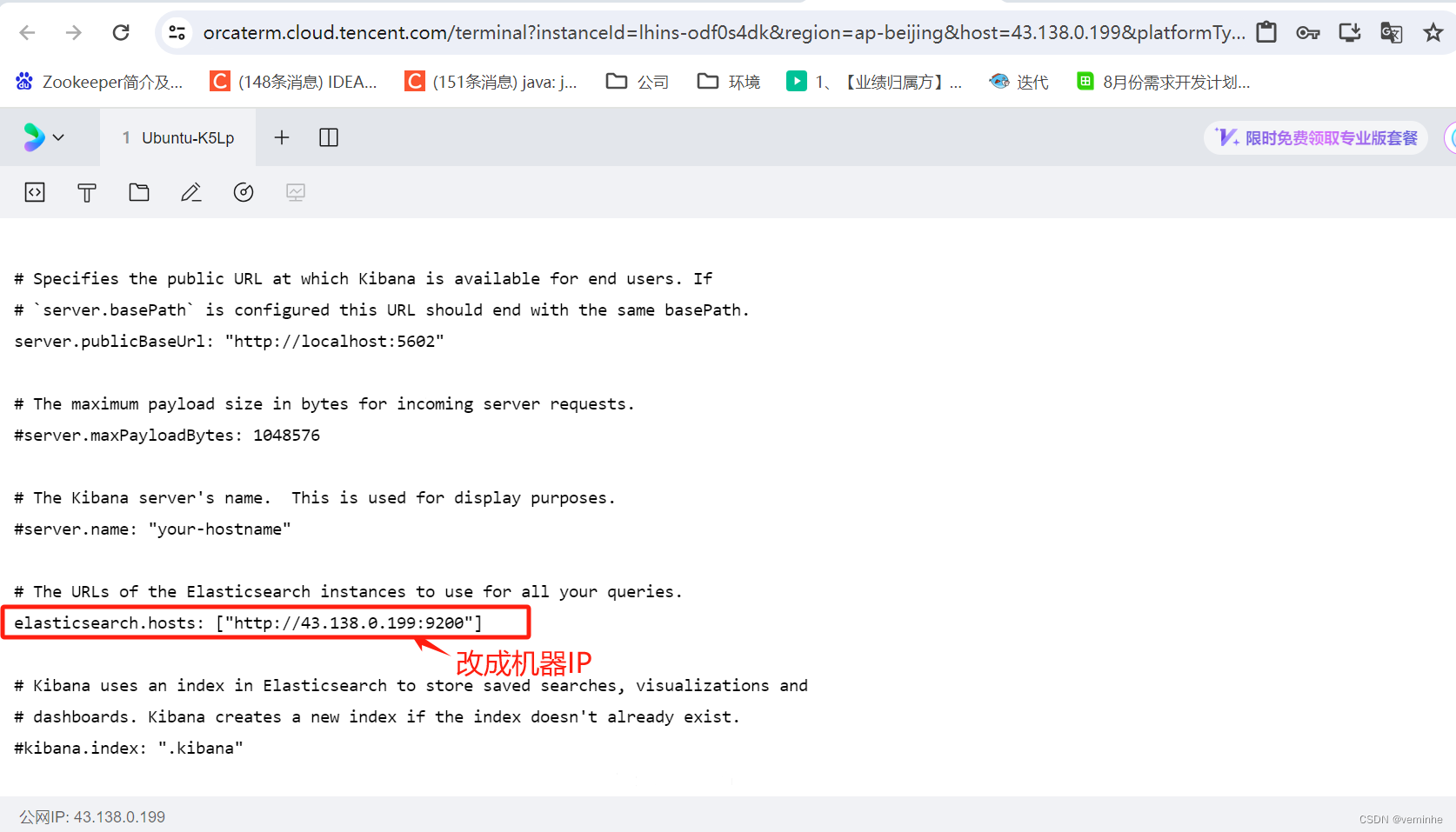 然后启动,报错如下:
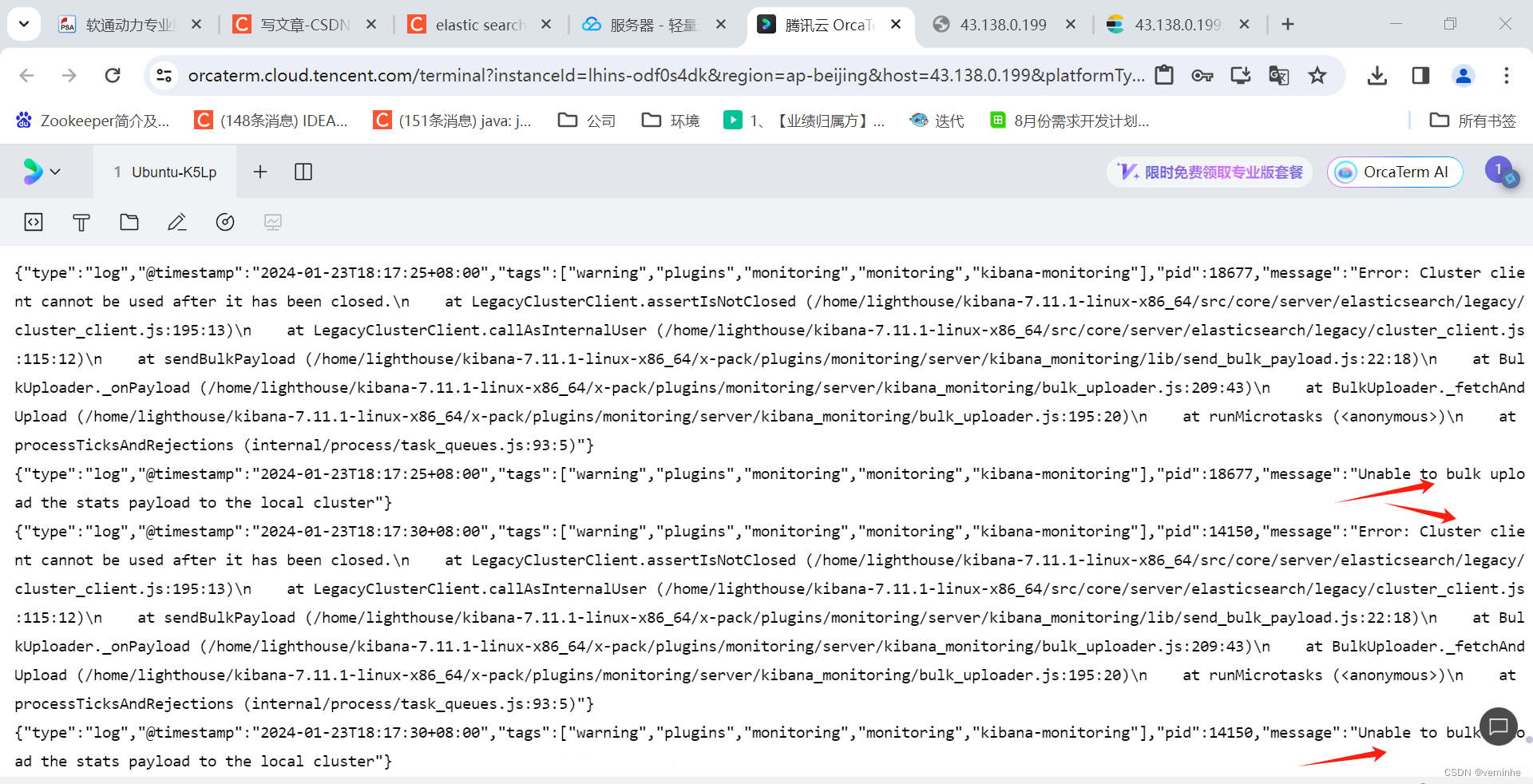
怎么处理?
然后,开始报如下错误了:
{"type":"log","@timestamp":"2024-04-06T19:17:45+08:00","tags":["warning","plugins","licensing"],"pid":2401643,"message":"License information could not be obtained from Elasticsearch due to [security_exception] missing authentication credentials for REST request [/_xpack?accept_enterprise=true], with { header={ WWW-Authenticate=\"Basic realm=\\\"security\\\" charset=\\\"UTF-8\\\"\" } } :: {\"path\":\"/_xpack?accept_enterprise=true\",\"statusCode\":401,\"response\":\"{\\\"error\\\":{\\\"root_cause\\\":[{\\\"type\\\":\\\"security_exception\\\",\\\"reason\\\":\\\"missing authentication credentials for REST request [/_xpack?accept_enterprise=true]\\\",\\\"header\\\":{\\\"WWW-Authenticate\\\":\\\"Basic realm=\\\\\\\"security\\\\\\\" charset=\\\\\\\"UTF-8\\\\\\\"\\\"}}],\\\"type\\\":\\\"security_exception\\\",\\\"reason\\\":\\\"missing authentication credentials for REST request [/_xpack?accept_enterprise=true]\\\",\\\"header\\\":{\\\"WWW-Authenticate\\\":\\\"Basic realm=\\\\\\\"security\\\\\\\" charset=\\\\\\\"UTF-8\\\\\\\"\\\"}},\\\"status\\\":401}\",\"wwwAuthenticateDirective\":\"Basic realm=\\\"security\\\" charset=\\\"UTF-8\\\"\"} error"}参考:kibana异常 License information from the X-Pack plugin could not be obtained from Elasticsearch-优快云博客
这篇文章做了改动后,没报上面的这个错误了,但是还是访问不了kibana.
{"type":"log","@timestamp":"2024-04-06T21:38:31+08:00","tags":["warning","elasticsearch","monitoring"],"pid":2412833,"message":"No living connections"}
{"type":"log","@timestamp":"2024-04-06T21:38:31+08:00","tags":["warning","plugins","licensing"],"pid":2412833,"message":"License information could not be obtained from Elasticsearch due to Error: No Living connections error"}
{"type":"log","@timestamp":"2024-04-06T21:38:31+08:00","tags":["warning","elasticsearch","data"],"pid":2412833,"message":"Unable to revive connection: http://localhost:9200/"}
{"type":"log","@timestamp":"2024-04-06T21:38:31+08:00","tags":["warning","elasticsearch","data"],"pid":2412833,"message":"No living connections"}
{"type":"log","@timestamp":"2024-04-06T21:38:31+08:00","tags":["error","plugins","reporting","esqueue","queue-worker","error"],"pid":2412833,"message":"luo19sh91fpr21503d3rc1f8 - job querying failed: Error: No Living connections\n at sendReqWithConnection (/home/lighthouse/kibana-7.11.1-linux-x86_64/node_modules/elasticsearch/src/lib/transport.js:266:15)\n at next (/home/lighthouse/kibana-7.11.1-linux-x86_64/node_modules/elasticsearch/src/lib/connection_pool.js:243:7)\n at processTicksAndRejections (internal/process/task_queues.js:75:11)"}
{"type":"log","@timestamp":"2024-04-06T21:38:43+08:00","tags":["warning","plugins","alerts","plugins","alerting"],"pid":2412833,"message":"Error executing alerting apiKey invalidation task: missing authentication credentials for REST request [/.kibana/_search?size=100&from=0&rest_total_hits_as_int=true]: security_exception"}
{"type":"log","@timestamp":"2024-04-06T21:39:01+08:00","tags":["info","plugins","watcher"],"pid":2412833,"message":"您的basic许可证不支持 watcher。请升级您的许可证。"}
{"type":"log","@timestamp":"2024-04-06T21:39:01+08:00","tags":["info","plugins","crossClusterReplication"],"pid":2412833,"message":"您的basic许可证不支持 crossClusterReplication。请升级您的许可证。"}
{"type":"log","@t 最低0.47元/天 解锁文章






 扫一扫
扫一扫


 345
345

 被折叠的 条评论
为什么被折叠?
被折叠的 条评论
为什么被折叠?
 到【灌水乐园】发言





