



 本文介绍了新版Druid无需单独配置类,在SpringBoot中如何正确配置以实现SQL监控。登录监控页面并设置合适的用户名和密码后,数据源的filter类名会显示正确,SQL监控也将展示数据。
网上搜了很多,没有发现正确的解决方案,大部分抄来抄去,这里直接给新版Druid 的解决方案
需要明确两个事情
- 新版Druid 可以不用写单独的配置类
- springboot
application.yam文件中添加如下配置即可【在文章最后】 - 通过
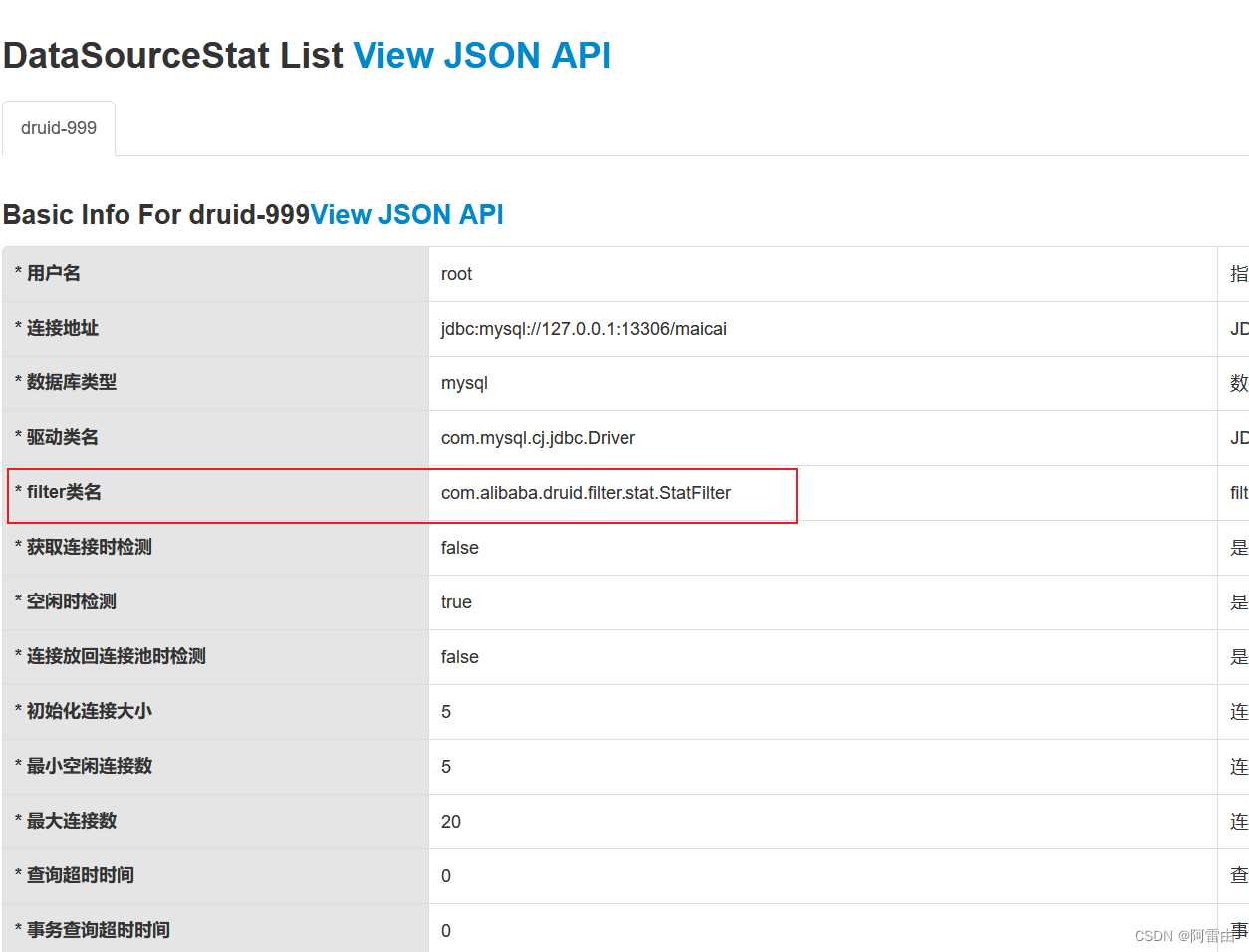
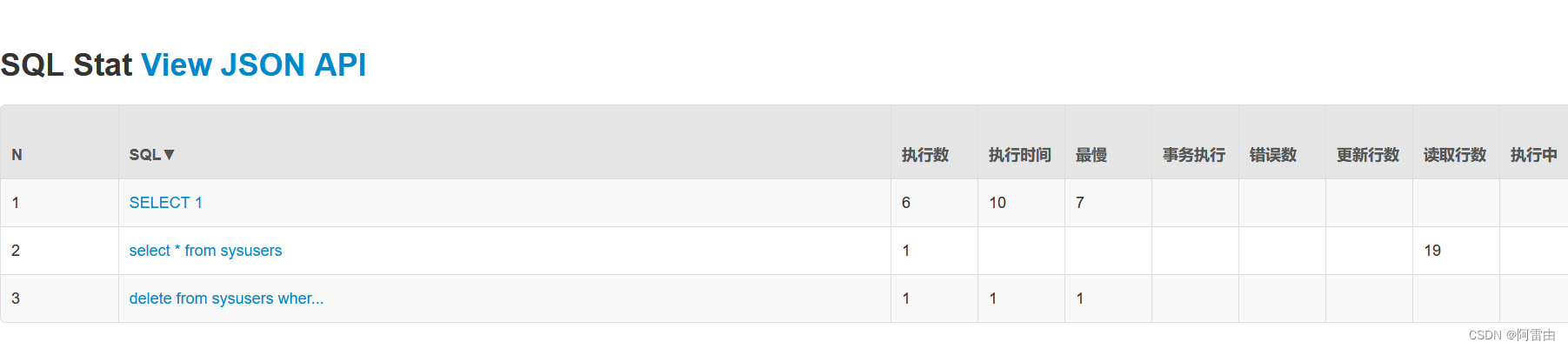
http://localhost:8080/druid/login.html登录到监控页面即可(用户名、密码都是配置文件中指定的root) - 成功之后数据源中的filter类名会显示如下,并且sql监控中也会有数据
application.yam 配置文件如下
spring:
  datasource:
    url: jdbc:mysql://127.0.0.1:13306/maicai
    username: root
    password: root
    driver-class-name: com.mysql.cj.jdbc.Driver

    druid:
      name: druid-999
      initial-size: 5
      min-idle: 5
      max-active: 20
      max-wait: 5000
      # 状态监控
      filter:
        stat:
          enabled: true
          db-type: mysql
          log-slow-sql: true
          slow-sql-millis: 2000
      # 监控过滤器
      web-stat-filter:
        enabled: true
        exclusions:
          - "*.js"
          - "/druid/*"
      # druid 监控页面
      stat-view-servlet:
        enabled: true
        url-pattern: /druid/*
        reset-enable: false
        login-username: root
        login-password: root





 扫一扫
扫一扫


 848
848


 到【灌水乐园】发言



