


 本文介绍如何在网页中通过JavaScript控制打印前隐藏按钮,点击取消时恢复显示。通过`beforePrint`和`afterPrint`事件,配合matchMedia和监听媒体查询,确保了打印过程中的用户体验。
前景提要
要实现打印功能,并且按钮不需要打印。当直接使用打印前将按钮隐藏,点击取消打印时,按钮将不会出现。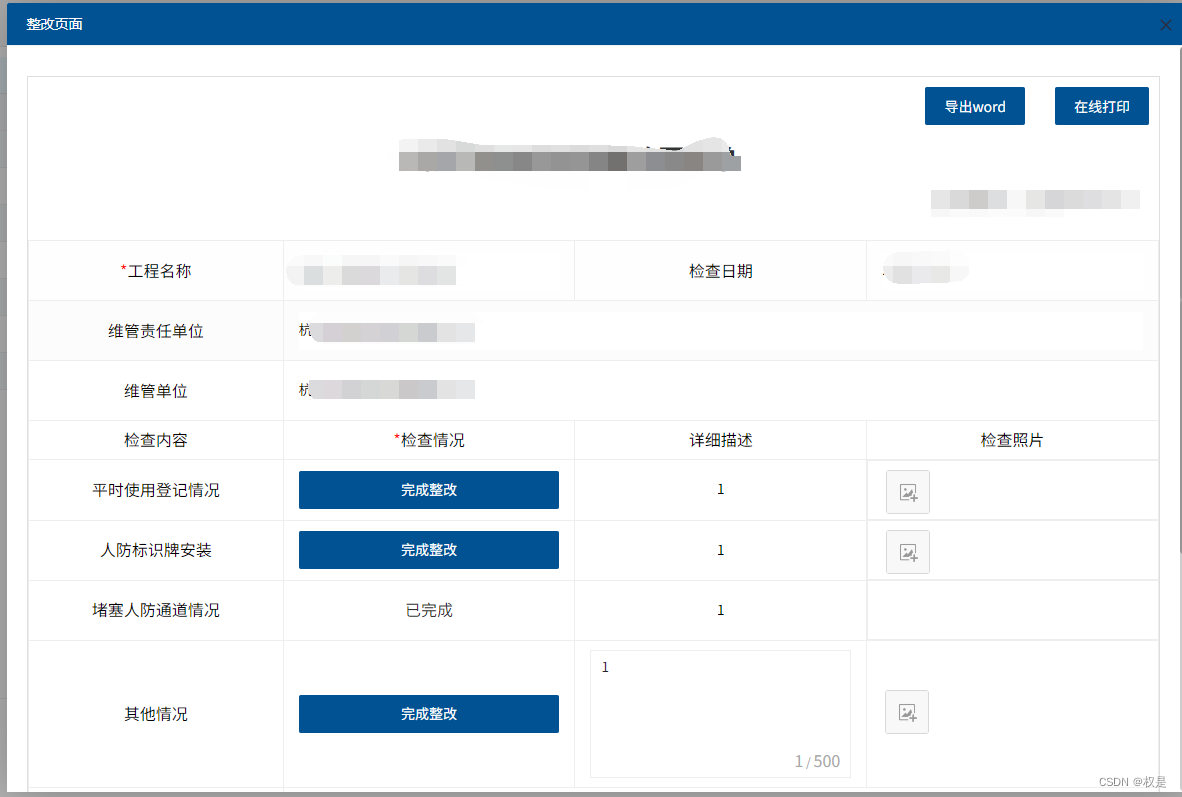
如何实现
//beforePrint  打印前将按钮隐藏
afterPrint  取消时将按钮回显
其他内容可以完全复制,就可以用
 var beforePrint = function() {
        $("#exportZghfd").hide()
        $("#dyZghfd").hide()
        $("#from_btns").hide()

    };

    var afterPrint = function() {
        $("#exportZghfd").show()
        $("#dyZghfd").show()
        $("#from_btns").show()
    };

    if (window.matchMedia) {
        var mediaQueryList = window.matchMedia('print');
        mediaQueryList.addListener(function(mql) {
            if (mql.matches) {
                beforePrint();
            } else {
                afterPrint();
            }
        });
    }

    window.onbeforeprint = beforePrint;
    window.onafterprint = afterPrint;

    $("#dyZghfd").click(function () {
        window.print();
    })





 扫一扫
扫一扫


 3210
3210


 被折叠的 条评论
为什么被折叠?
被折叠的 条评论
为什么被折叠?
 到【灌水乐园】发言




