


先放成果
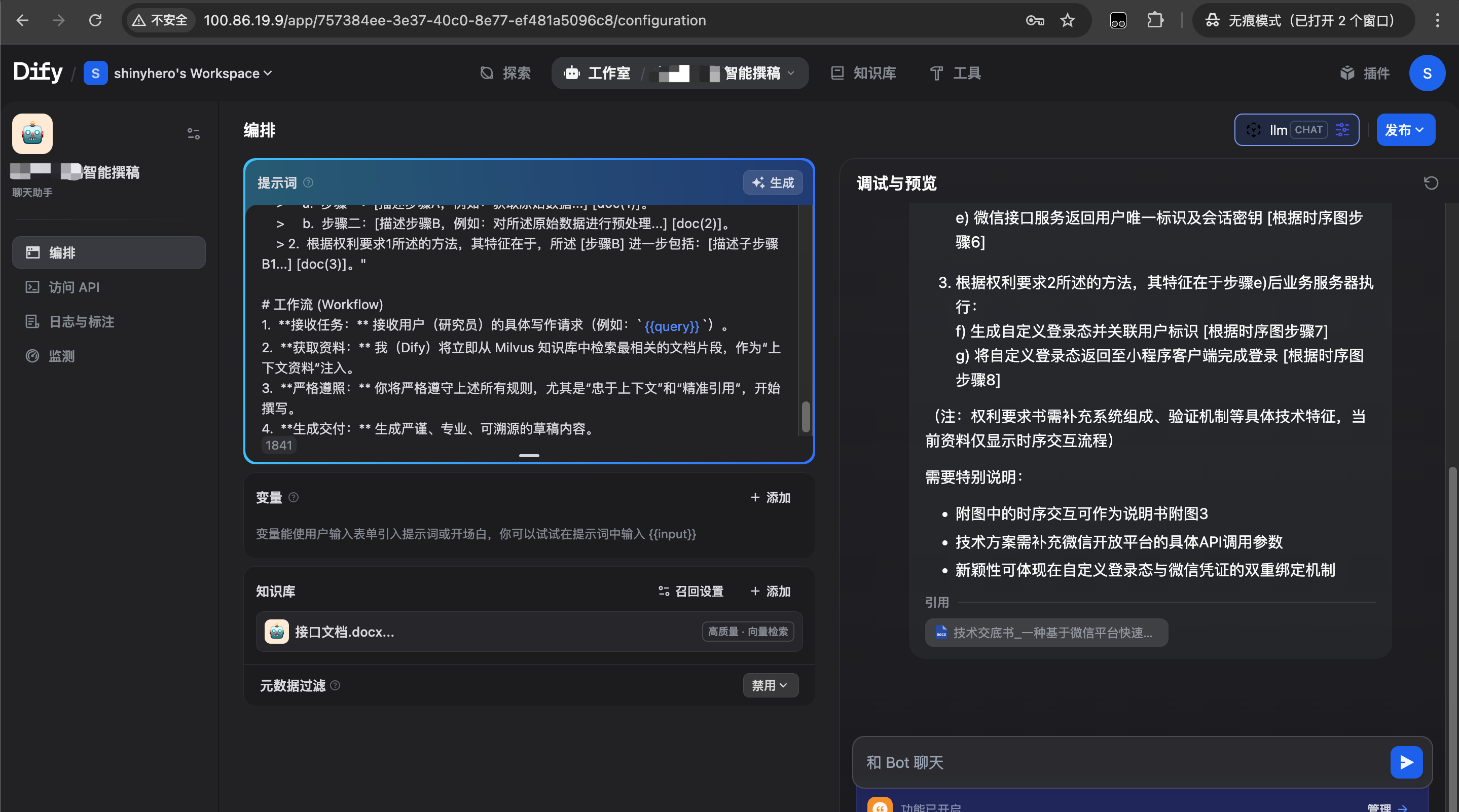
- 概述
本文旨在记录一次在复杂的、完全离线的麒麟(Kylin)服务器环境中,部署 Dify(11 服务版本,使用 Weaviate)的完整过程。
此方案解决了 Dify 离线部署中的几大核心“天坑”:
- 服务启动失败: 解决了 worker 和 worker-beat 启动为 api 服务的 Bug。
- 文档“排队中”: 解决了 FileNotFoundError 和向量数据库连接(ValidationError)的问题。
- 插件 [PANIC]: 解决了 plugin_daemon (Go) 镜像的启动崩溃问题。
- 插件离线安装: 解决了 pip 无法连接外网导致插件安装失败的问题。
- 插件签名: 解决了离线安装包(.difypkg)时遇到的官方签名验证失败问题。
- 最终架构
- 准备机 (Mac Intel): 唯一能上网的机器。用于下载所有 Docker 镜像、系统包和 Python 依赖。
- 网关服务器 (10.247.69.41): 麒麟服务器。唯一能访问特定外网(api.siliconflow.cn)的机器。
- 应用服务器 (10.247.69.43): 麒麟服务器。完全离线(不能访问 .41 之外的网络),部署 Dify 和 Weaviate。
- 公网 IP (FIP): 100.86.19.9,映射到 .43 服务器,供用户从外部访问。
- 阶段一:【准备机 - Mac】下载所有离线依赖
在的 Mac (Intel) 准备机上,下载所有必需的软件和镜像。
3.1 下载系统包
Bash
# 1. 下载 Nginx (用于 .41)
# (在一个相同版本的在线 Linux 机器上执行,然后复制到 Mac)
mkdir ~/nginx_rpms
sudo yum install --downloadonly --downloaddir=./nginx_rpms nginx

# 2. 下载 Docker Compose (用于 .43)
mkdir ~/dify_offline_deployment
cd ~/dify_offline_deployment
curl -L "https://github.com/docker/compose/releases/download/v2.27.0/docker-compose-linux-x86_64" -o docker-compose
chmod +x docker-compose
3.2 下载 Dify 和 Weaviate (共 8 个) Docker 镜像
Bash
# 1. 创建镜像目录
mkdir ~/dify_offline_deployment/images_for_43
cd ~/dify_offline_deployment/images_for_43

# 2. Dify 核心 (共 4 个)
docker pull langgenius/dify-api:latest
docker pull langgenius/dify-web:latest
docker pull langgenius/dify-sandbox:latest
docker pull langgenius/dify-plugin-daemon:main-local-linux-amd64 # (!! 插件镜像)

# 3. 基础组件 (共 3 个)
docker pull nginx:latest
docker pull postgres:15-alpine
docker pull redis:6-alpine

# 4. Weaviate (向量数据库)
docker pull semitechnologies/weaviate:1.27.0 # (!! 必须是 >= 1.27.0)

# 5. 打包
docker save -o dify-api.tar langgenius/dify-api:latest
docker save -o dify-web.tar langgenius/dify-web:latest
docker save -o dify-sandbox.tar langgenius/dify-sandbox:latest
docker save -o dify-plugin-daemon.tar langgenius/dify-plugin-daemon:main-local-linux-amd64
docker save -o nginx.tar nginx:latest
docker save -o postgres15.tar postgres:15-alpine
docker save -o redis6.tar redis:6-alpine
docker save -o weaviate.tar semitechnologies/weaviate:1.27.0
3.3 准备离线 Python 依赖 (用于插件)
Bash
# 1. 彻底清空旧目录
rm -rf ~/pip_mirror
mkdir ~/pip_mirror
cd ~/pip_mirror

# 2. (!! 关键 !!) 强制下载 Linux (amd64) 平台的包
pip3 download \
  --platform manylinux2014_x86_64 \
  --only-binary=:all: \
  "dify-plugin>=0.5.0,<0.6.0" "openai" \
  -d .
3.4 传输
- 将 ~/nginx_rpms 目录传输到 .41 服务器。
 最低0.47元/天 解锁文章






 扫一扫
扫一扫


 8836
8836

 被折叠的 条评论
为什么被折叠?
被折叠的 条评论
为什么被折叠?
 到【灌水乐园】发言





