



 本文介绍了Flutter中Stack组件的使用,包括如何利用Stack、Align和Positioned实现元素的灵活定位布局。示例代码展示了在不同位置放置蓝色边框图标,如左上角、正中心和右下角,以此创建复杂的界面设计。
一 Stack 层叠组件
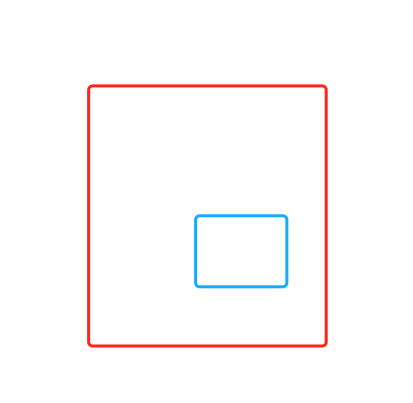
蓝色边框相对于红色的边框,放置于任何的位置,就可以实现定位布局
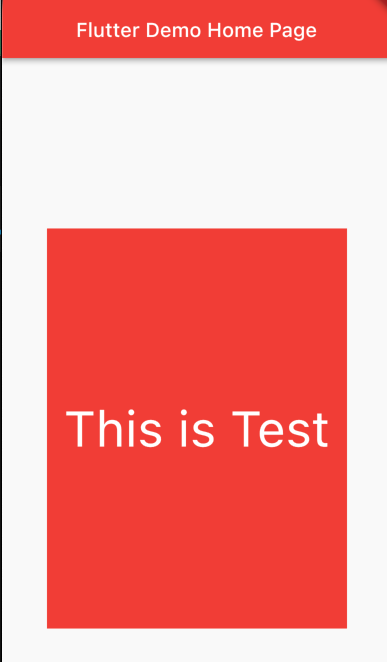
body: Center(
          child: Stack(
        alignment: Alignment.center,
        children: [
          Container(width: 300, height: 400, color: Colors.red),
          Text(
            "This is Test",
            style: TextStyle(color: Colors.white, fontSize: 50),
          )
        ],
      ))
二 Stack + Align 实现多个元素的定位布局
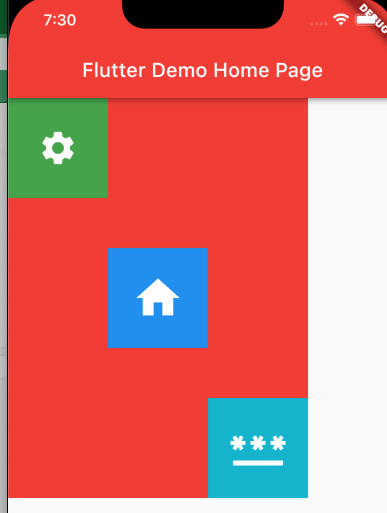
child: Stack(children: [
            Align(
                // 0-0 是正中心点 ,负值往上移动,正值往下移动
                alignment: Alignment(0, 0),
                child: IconContainer(
                  Icons.home,
                  size: 52,
                  color: Colors.blue,
                )),
            Align(
                alignment: Alignment(-1, -1),
                child: IconContainer(Icons.settings,
                    size: 40, color: Colors.green)),
            Align(
                alignment: Alignment(1, 1),
                child: IconContainer(Icons.password,
                    size: 60, color: Colors.cyan)),
          ]),
三 Stack + Positioned 定位
Container(
          width: 300,
          height: 400,
          color: Colors.red,
          // 多个元素实现定位布局 Stack + Align
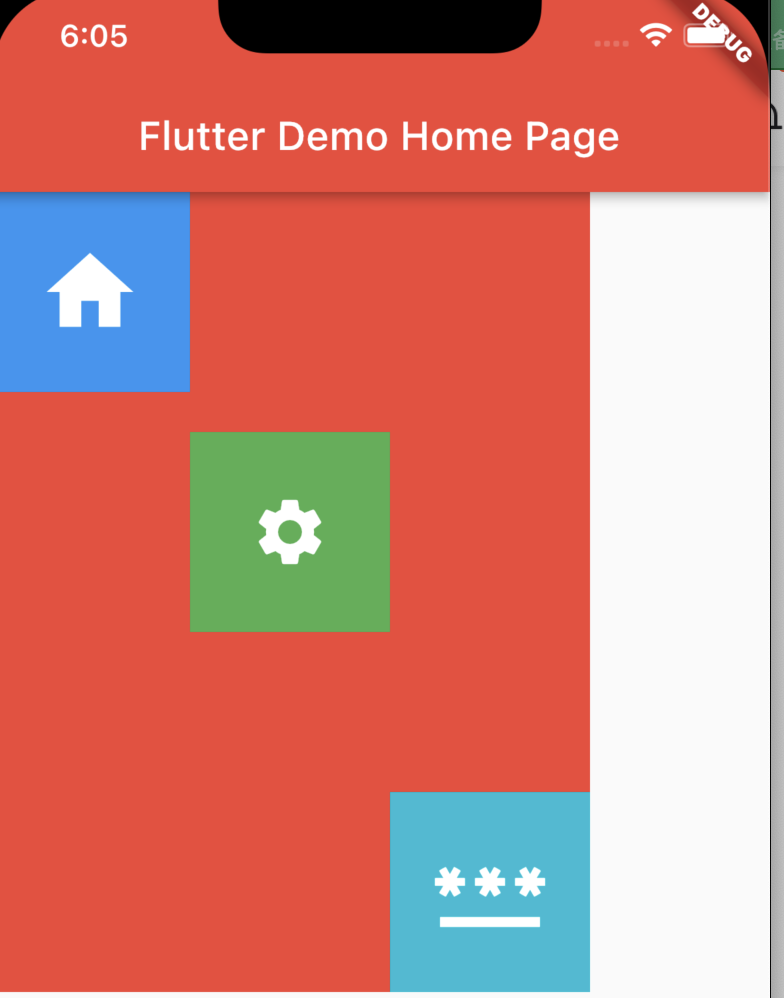
          child: Stack(children: [
            Positioned(
                // 定位到左上方的位置
                top: 0,
                left: 0,
                child: IconContainer(
                  Icons.home,
                  size: 52,
                  color: Colors.blue,
                )),
            Positioned(
                left: 100,
                top: 120,
                child: IconContainer(Icons.settings,
                    size: 40, color: Colors.green)),
            Positioned(
                // 定位到右下方的位置
                right: 0,
                bottom: 0,
                child:
                    IconContainer(Icons.password, size: 60, color: Colors.cyan))
          ]),
        )





 扫一扫
扫一扫


 2562
2562

 被折叠的 条评论
为什么被折叠?
被折叠的 条评论
为什么被折叠?
 到【灌水乐园】发言





