



 本文详细介绍如何使用IntelliJ IDEA创建并运行一个简单的SpringBoot项目,包括项目搭建、代码编写及运行测试的全过程。
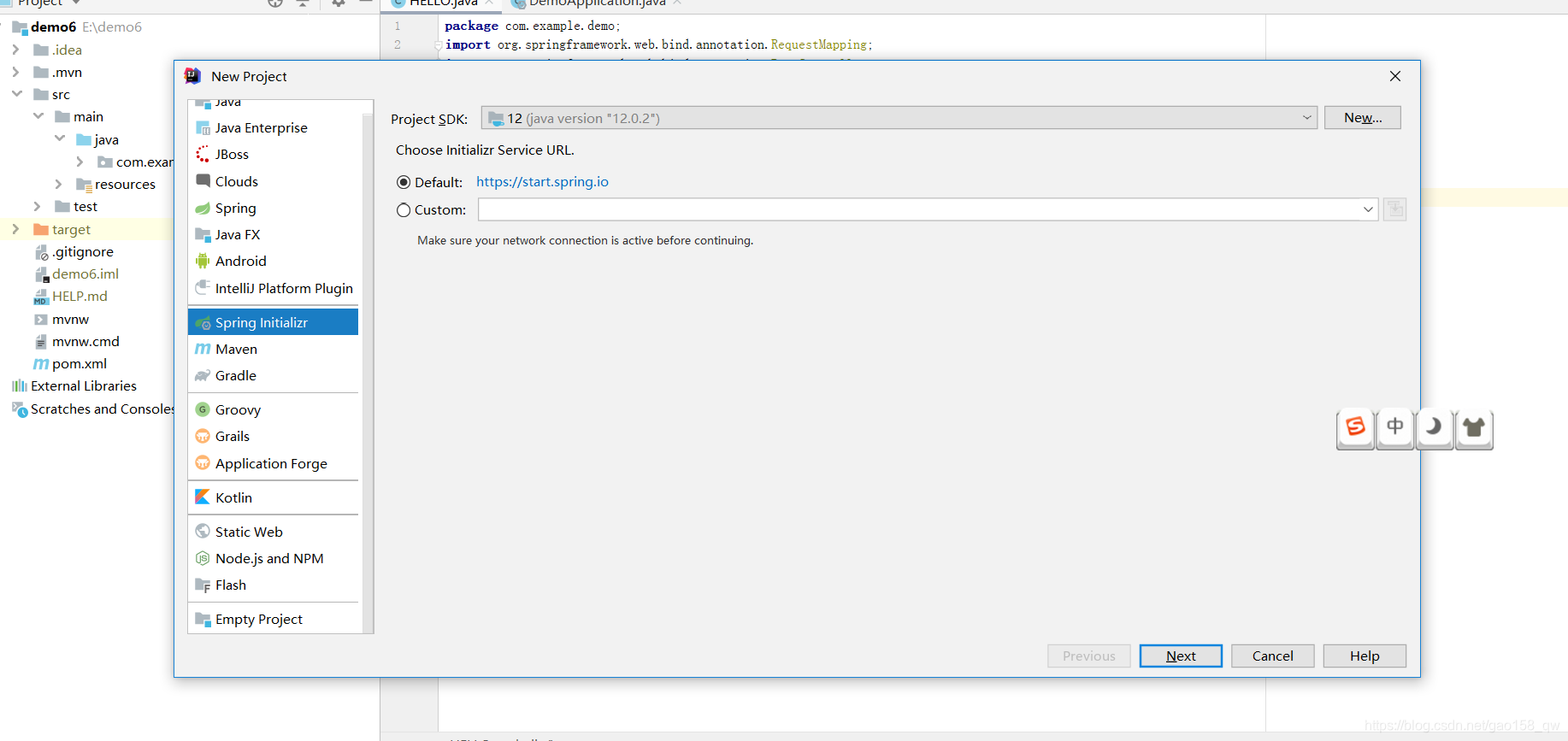
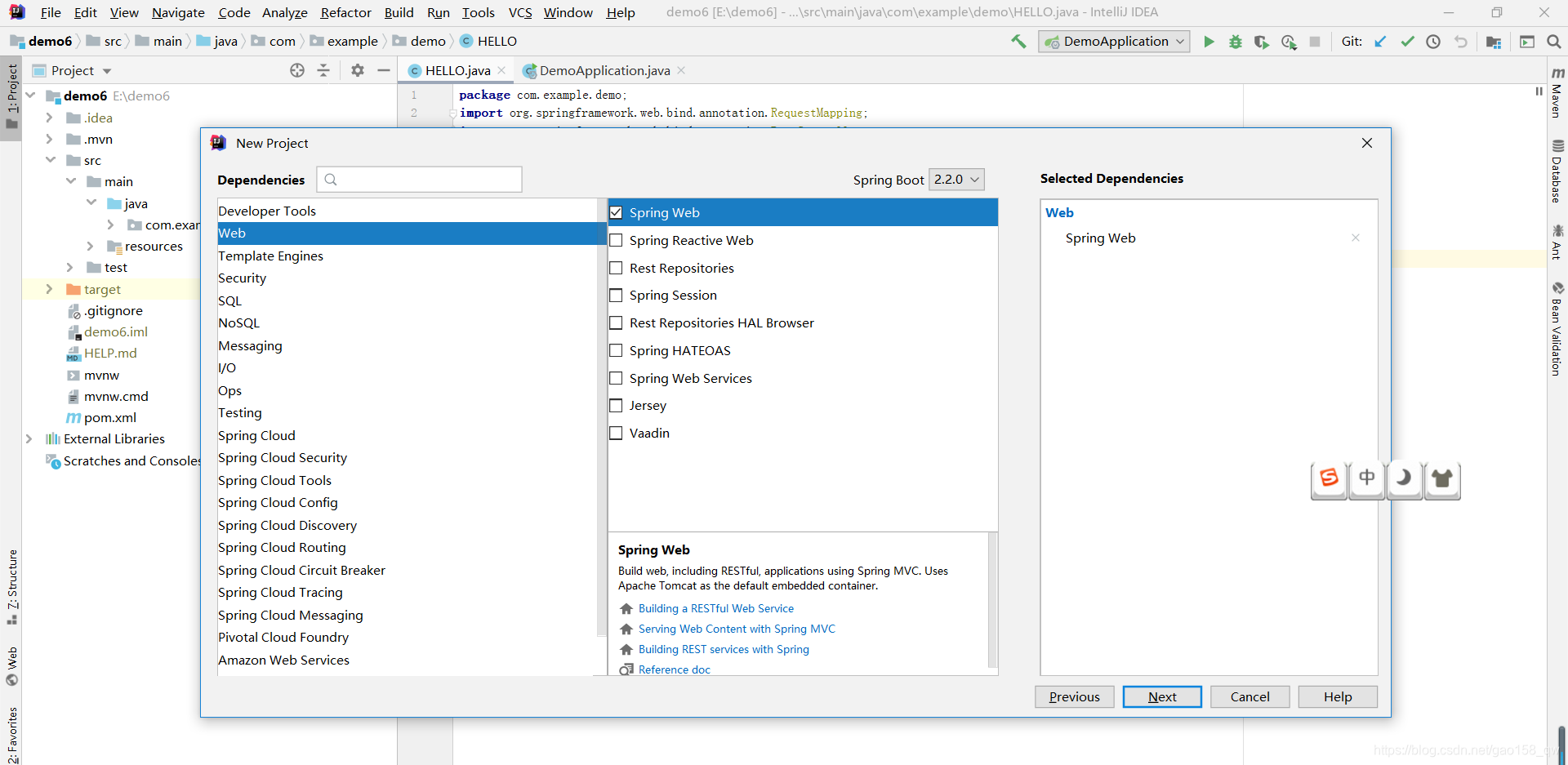
1.打开IDEA,建立一个spring boot 框架,勾选web模式。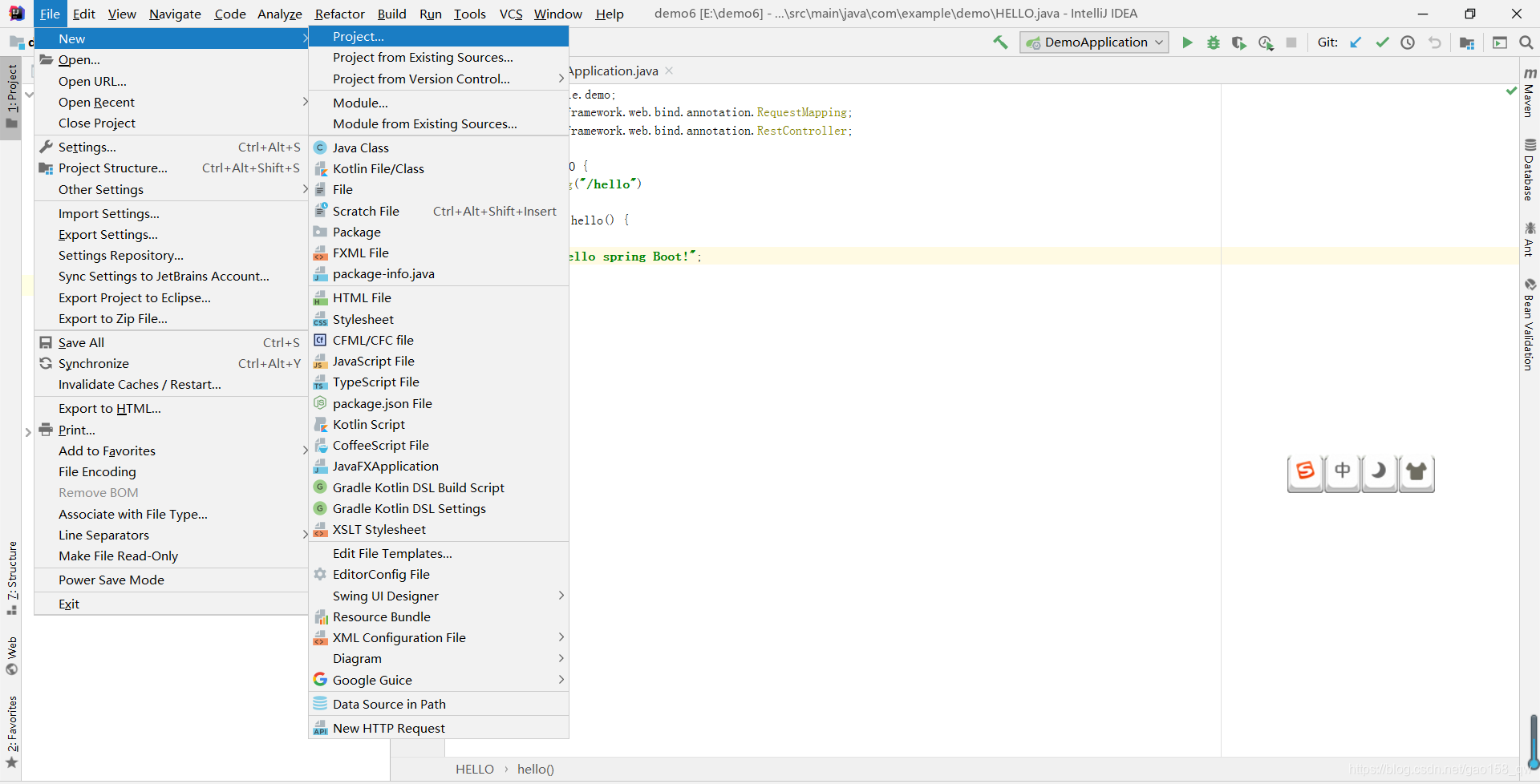
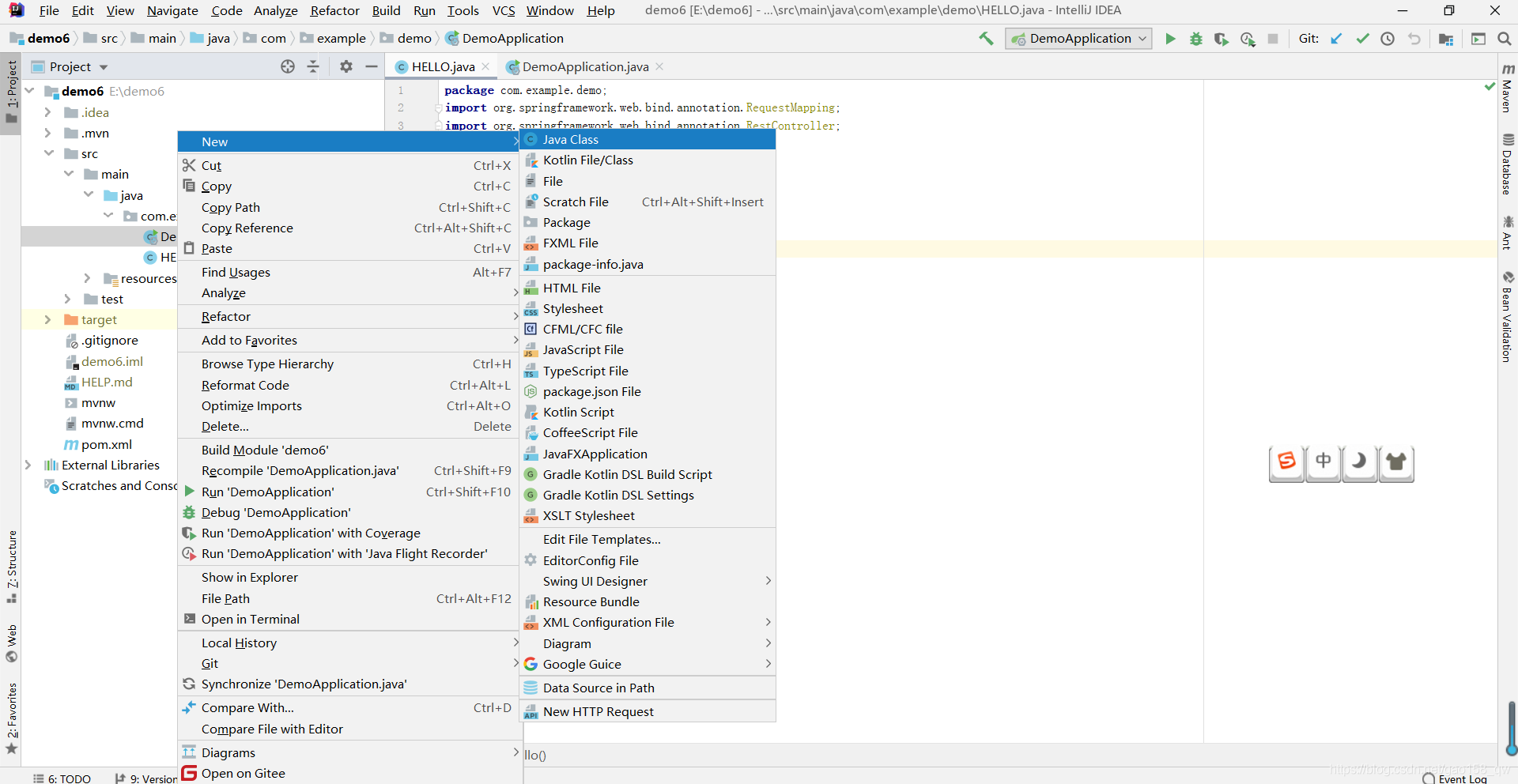
2.新建一个class,等待输入代码。
3.输入一下代码,注意你的注解。
package com.example.demo;
import org.springframework.web.bind.annotation.RequestMapping;
import org.springframework.web.bind.annotation.RestController;
@RestController
public class HELLO {
    @RequestMapping("/hello")

    public String hello() {

        return "hello spring Boot!";
    }


}
4.运行一下,成功的话类似下图。
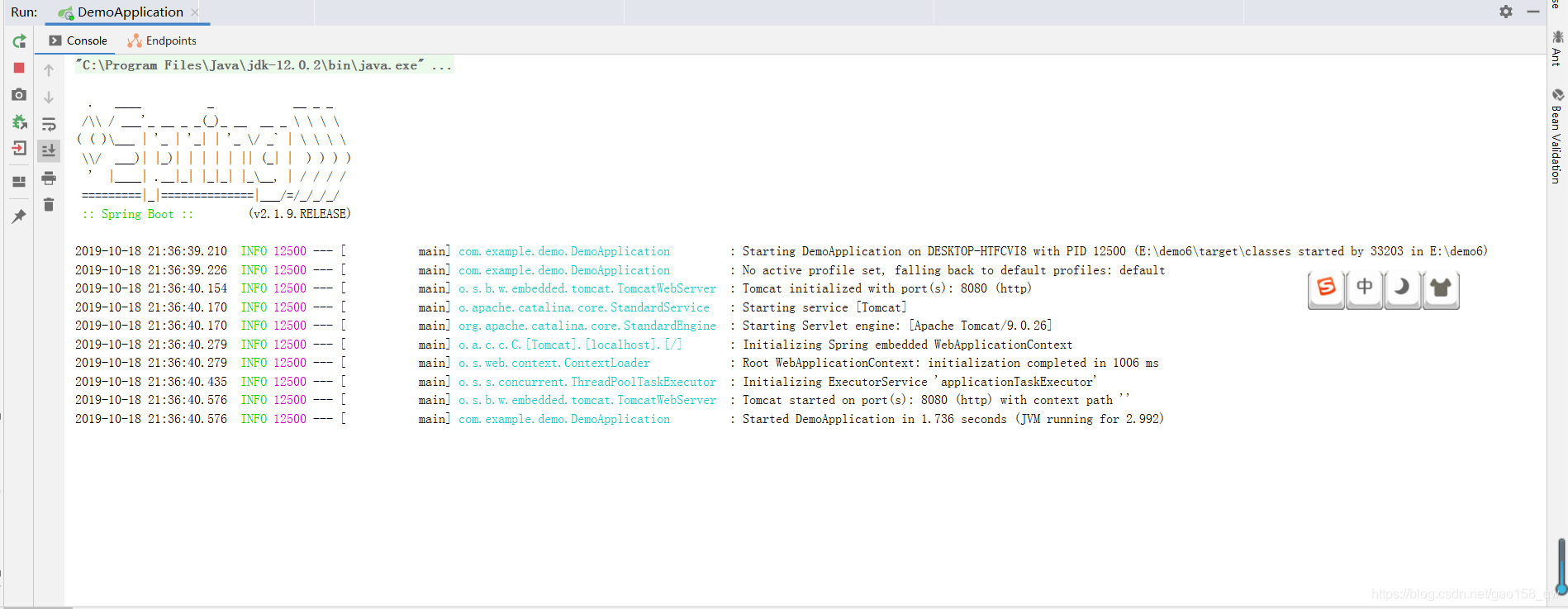
5.打开浏览器,在网址处输入你的回送地址(127.0.0.1:8080/hello或http//localhost:8080/hello),你就可以看到你的 hello spring boot 了。






 扫一扫
扫一扫


 1184
1184

 被折叠的 条评论
为什么被折叠?
被折叠的 条评论
为什么被折叠?
 到【灌水乐园】发言





