


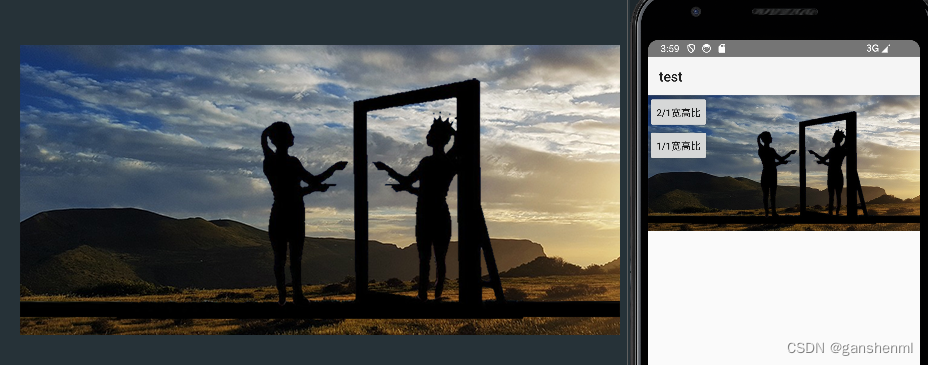
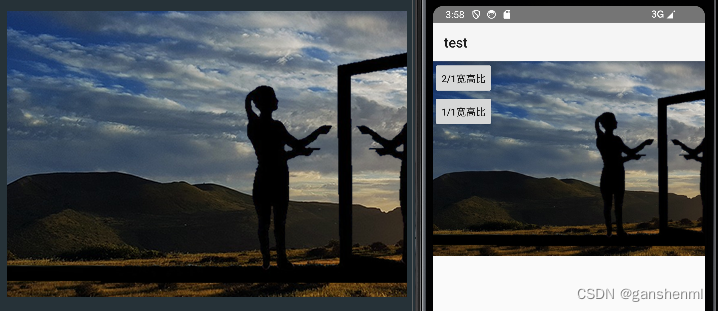
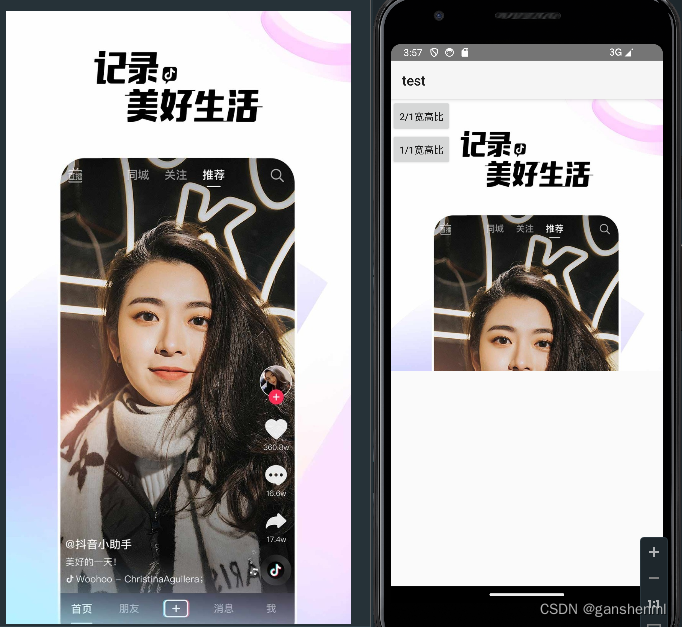
 本文详细描述了一个名为TopFitImageView的自定义ImageView类,它可以根据图片的宽高比动态调整大小,确保在不同屏幕上的适配性,特别关注了1/1和2/1的宽高比设置。
一 示例

二 代码
<?xml version="1.0" encoding="utf-8"?>
<FrameLayout xmlns:android="http://schemas.android.com/apk/res/android"
    android:layout_width="match_parent"
    android:layout_height="match_parent">

    <com.example.test.ui.video.ui.image.topfit.TopFitImageView
        android:id="@+id/imageView"
        android:layout_width="match_parent"
        android:layout_height="wrap_content"
        android:background="@color/purple_200"
        android:scaleType="fitXY" />

    <LinearLayout
 最低0.47元/天 解锁文章






 扫一扫
扫一扫


 1359
1359

 被折叠的 条评论
为什么被折叠?
被折叠的 条评论
为什么被折叠?
 到【灌水乐园】发言





