



部署zabbix服务
环境:192.168.59.3 centos7
第一步:关闭防火墙和selinux
[root@192 ~]# systemctl stop firewalld
[root@192 ~]# setenforce 0
第二步:上传zabbix镜像源
[root@192 ~]# cd /etc/yum.repos.d/
[root@192 yum.repos.d]# rz

[root@192 yum.repos.d]# cat zabbix.repo
[zabbix]
name=Zabbix Official Repository - $basearch
baseurl=http://mirrors.aliyun.com/zabbix/zabbix/4.4/rhel/7/$basearch/
enabled=1
gpgcheck=0
gpgkey=file:///etc/pki/rpm-gpg/RPM-GPG-KEY-ZABBIX-A14FE591

[zabbix-debuginfo]
name=Zabbix Official Repository debuginfo - $basearch
baseurl=http://mirrors.aliyun.com/zabbix/zabbix/4.4/rhel/7/$basearch/debuginfo/
enabled=0
gpgkey=file:///etc/pki/rpm-gpg/RPM-GPG-KEY-ZABBIX-A14FE591
gpgcheck=0

[zabbix-non-supported]
name=Zabbix Official Repository non-supported - $basearch
baseurl=http://mirrors.aliyun.com/zabbix/non-supported/rhel/7/$basearch/
enabled=1
gpgkey=file:///etc/pki/rpm-gpg/RPM-GPG-KEY-ZABBIX
gpgcheck=0
第三步:部署相关依赖包
[root@192 ~]# yum -y install zabbix-server-mysql zabbix-web-mysql zabbix-agent mariadb mariadb-server
第四步:建库,用户 授权 导数据
1.设置mariadb开机自启并启动
[root@192 ~]# systemctl enable mariadb
Created symlink from /etc/systemd/system/multi-user.target.wants/mariadb.service to /usr/lib/systemd/system/mariadb.service.
[root@192 ~]# systemctl start mariadb
2.建库,用户,授权
[root@192 ~]# mysql
MariaDB [(none)]> create database zabbix character set utf8 collate utf8_bin;
Query OK, 1 row affected (0.00 sec)

MariaDB [(none)]> grant all on *.* to zabbix@localhost identified by 'zabbix';
Query OK, 0 rows affected (0.00 sec)

MariaDB [(none)]> flush privileges;
Query OK, 0 rows affected (0.00 sec)
                                  测试是否成功
[root@192 ~]# mysql -uzabbix -h localhost -pzabbix
MariaDB [(none)]> show databases;
+--------------------+
| Database           |
+--------------------+
| information_schema |
| mysql              |
| performance_schema |
| test               |
| zabbix             |
+--------------------+
3.导入数据
[root@192 ~]# zcat /usr/share/doc/zabbix-server-mysql-4.4.8/create.sql.gz | mysql -uzabbix -h localhost -pzabbix zabbix
[root@192 ~]# mysql

MariaDB [(none)]> use zabbix;
Database changed
MariaDB [zabbix]> show tables;
+----------------------------+
| Tables_in_zabbix           |
+----------------------------+
| acknowledges               |
| actions                    |
| alerts                     |
4.修改配置文件
[root@192 ~]# vim /etc/zabbix/zabbix_server.conf
DBPassword=zabbix
5.启动zabbix-server zabbix-agnet httpd
[root@192 ~]# systemctl enable zabbix-server zabbix-agent httpd
Created symlink from /etc/systemd/system/multi-user.target.wants/zabbix-server.service to /usr/lib/systemd/system/zabbix-server.service.
Created symlink from /etc/systemd/system/multi-user.target.wants/zabbix-agent.service to /usr/lib/systemd/system/zabbix-agent.service.
Created symlink from /etc/systemd/system/multi-user.target.wants/httpd.service to /usr/lib/systemd/system/httpd.service.
[root@192 ~]# systemctl start zabbix-server zabbix-agent httpd
[root@192 ~]# netstat -nltpu | grep -E "80|10050|10051"
tcp        0      0 0.0.0.0:10050           0.0.0.0:*               LISTEN      13137/zabbix_agentd
tcp        0      0 0.0.0.0:10051           0.0.0.0:*               LISTEN      13134/zabbix_server
tcp6       0      0 :::10050                :::*                    LISTEN      13137/zabbix_agentd
tcp6       0      0 :::10051                :::*                    LISTEN      13134/zabbix_server
tcp6       0      0 :::80                   :::*                    LISTEN      13132/httpd
第五步:准备工作
1.修改时区
[root@192 ~]# vim /etc/php.ini
date.timezone = Asia/Shanghai
[root@192 ~]# systemctl restart httpd
2.修改乱码
[root@192 ~]# /usr/share/zabbix/assets/fonts
root@192 fonts]# rm -rf graphfont.ttf
[root@192 fonts]# rz
[root@192 fonts]# mv simkai.ttf graphfont.ttf
[root@192 fonts]# systemctl restart httpd
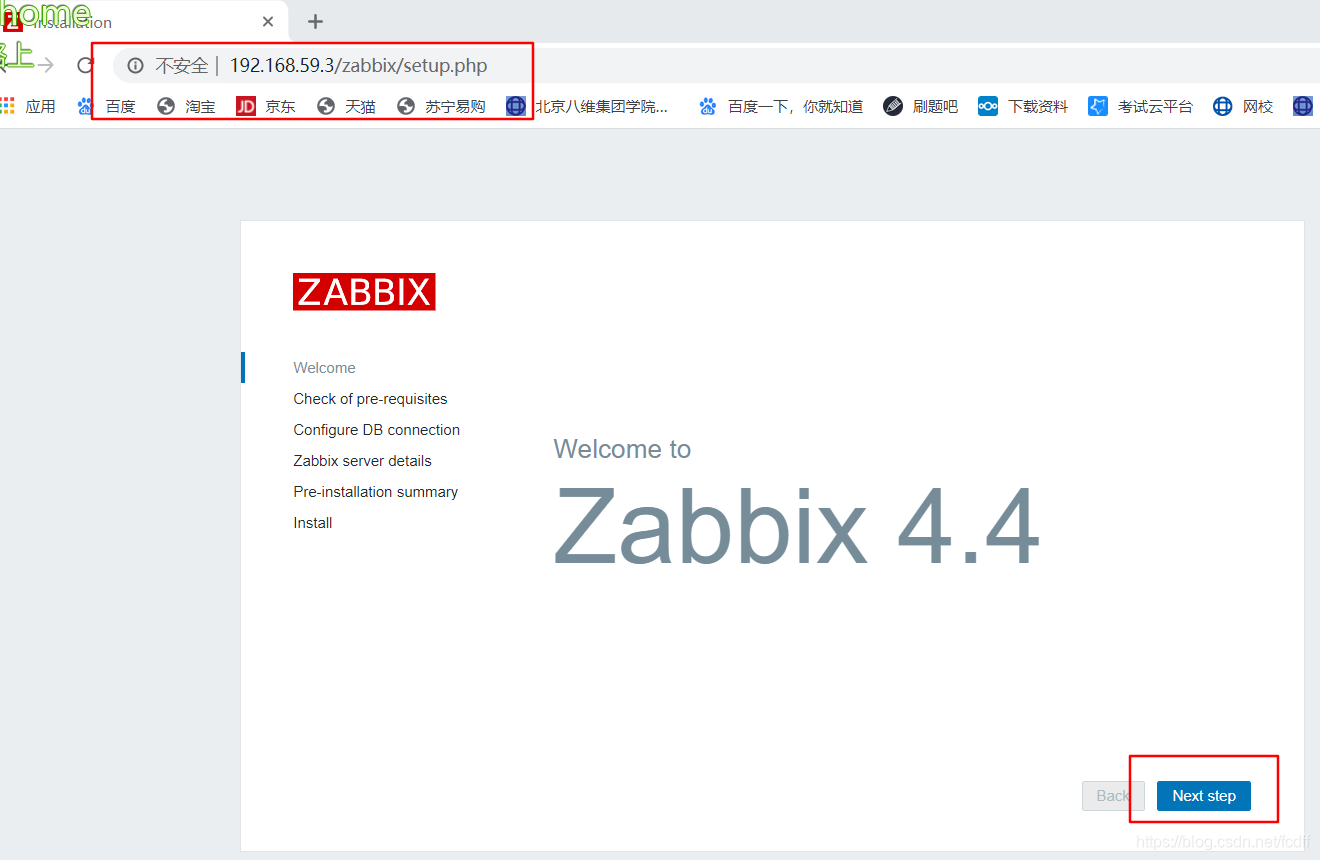
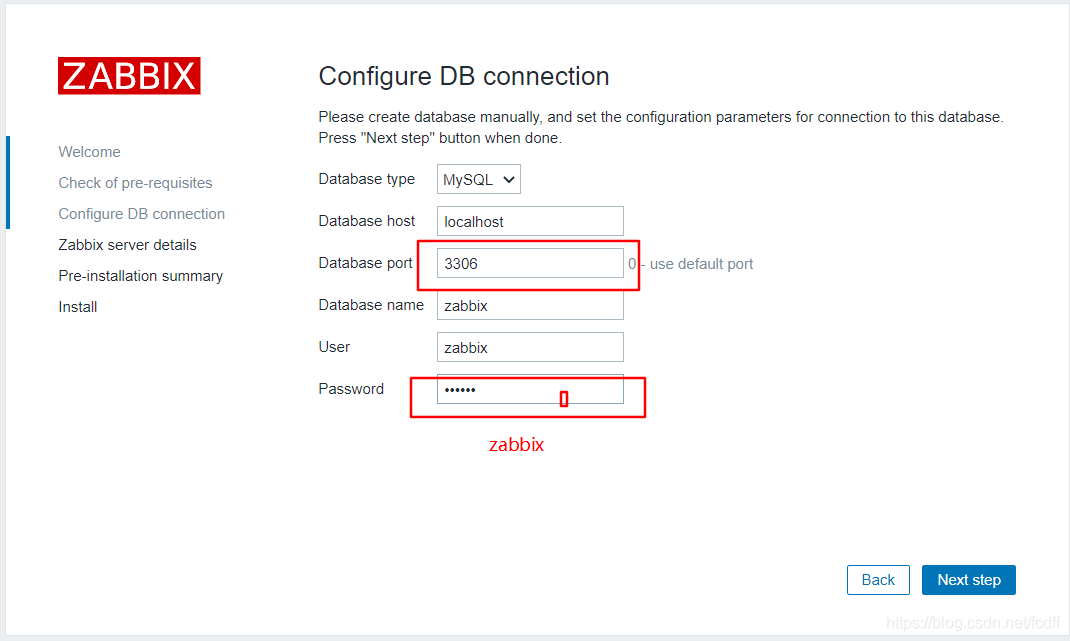
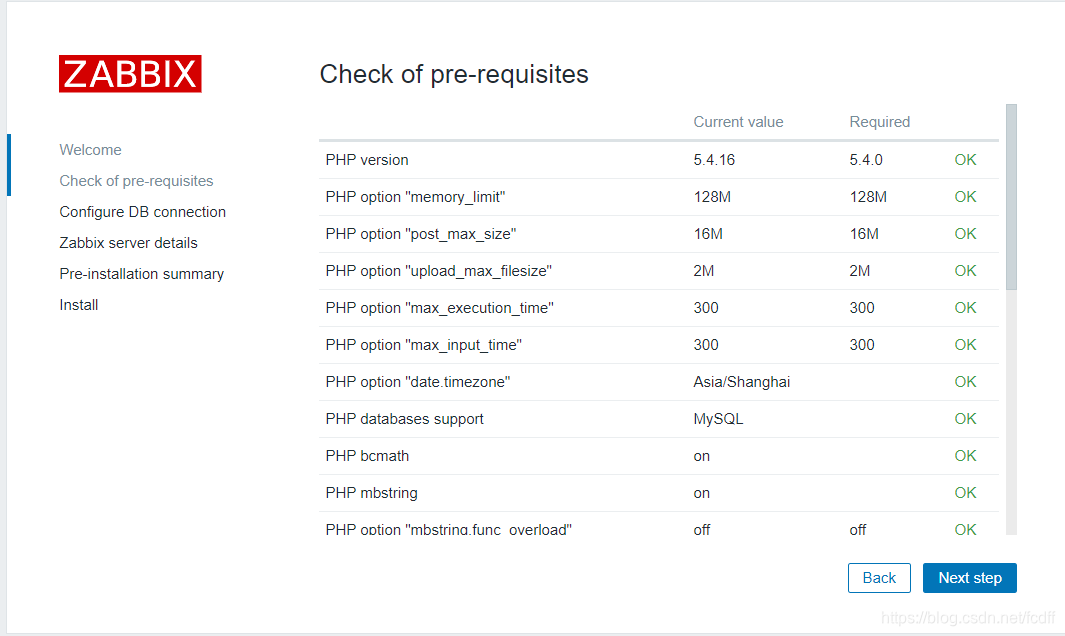
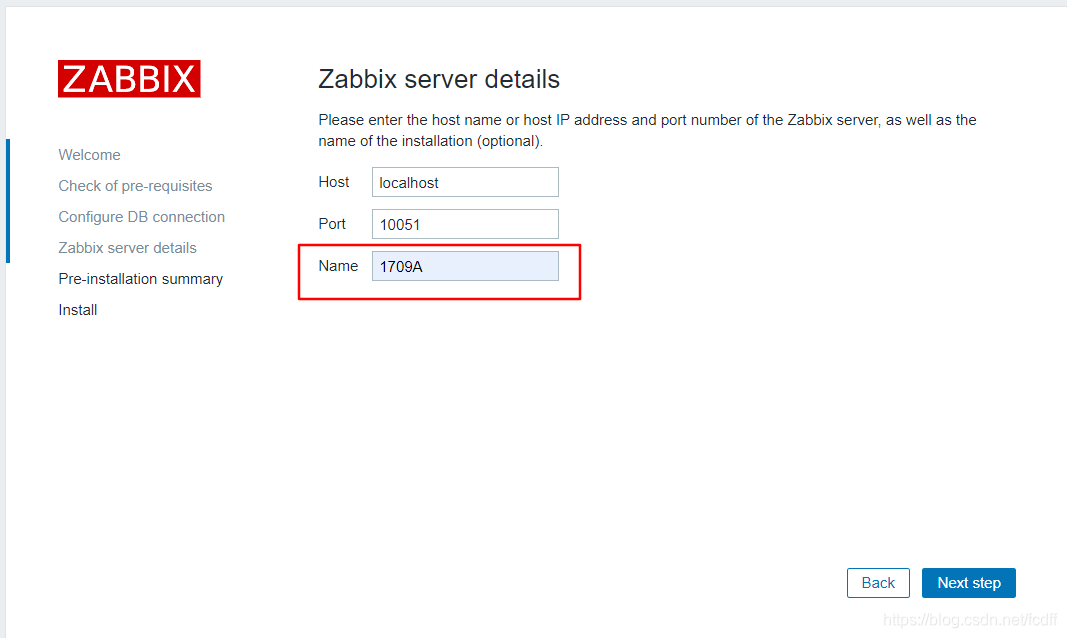
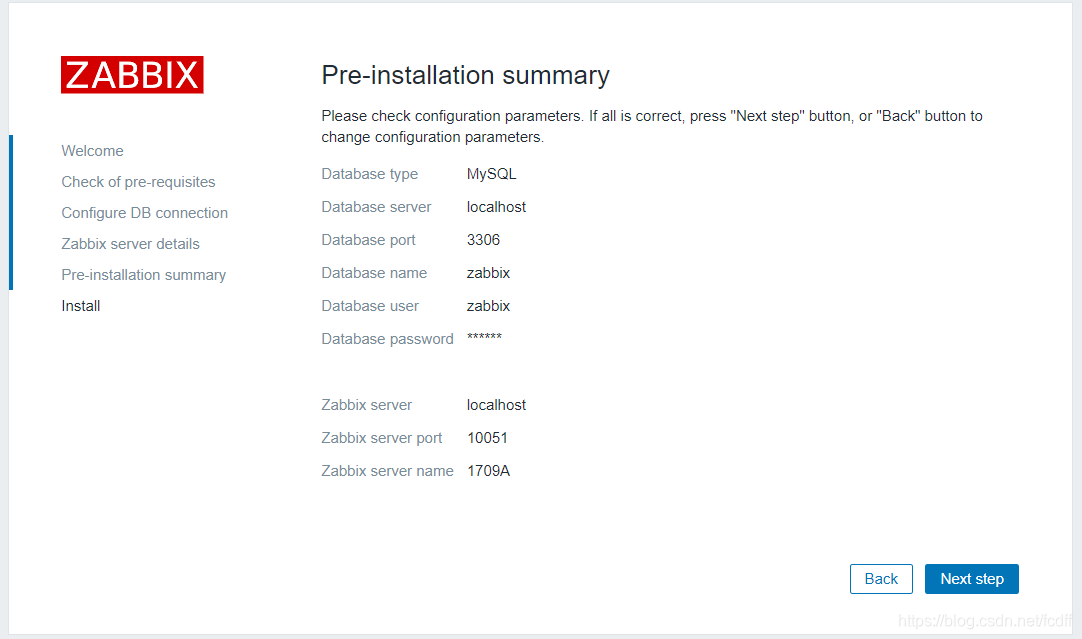
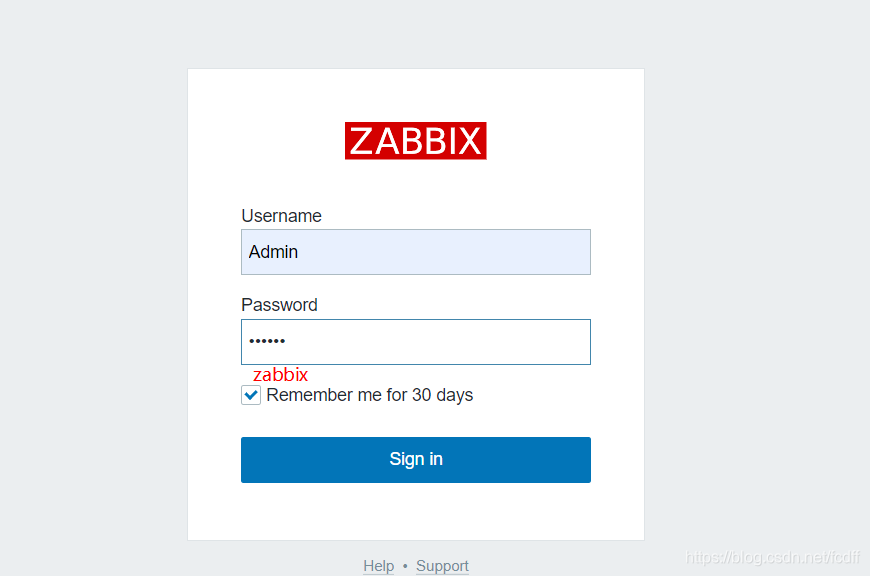





 扫一扫
扫一扫


 431
431

 被折叠的 条评论
为什么被折叠?
被折叠的 条评论
为什么被折叠?
 到【灌水乐园】发言





