


 这篇博客介绍了如何开发一个基于SD卡的音乐播放器,涵盖了从创建安卓应用、设置权限、设计界面到实现音乐播放、进度条控制、上/下一曲功能的全过程。开发者遇到了在雷电模拟器上运行问题,最终在AS AVD中成功运行。
音乐播放器V03:
实现公共目录music的音乐读取
播放读取出的音乐
界面实现进度条和歌曲时长
上一曲和下一曲按钮
使用ListView展示所有音乐,并能通过点击ListView切换音乐
步骤:
效果:
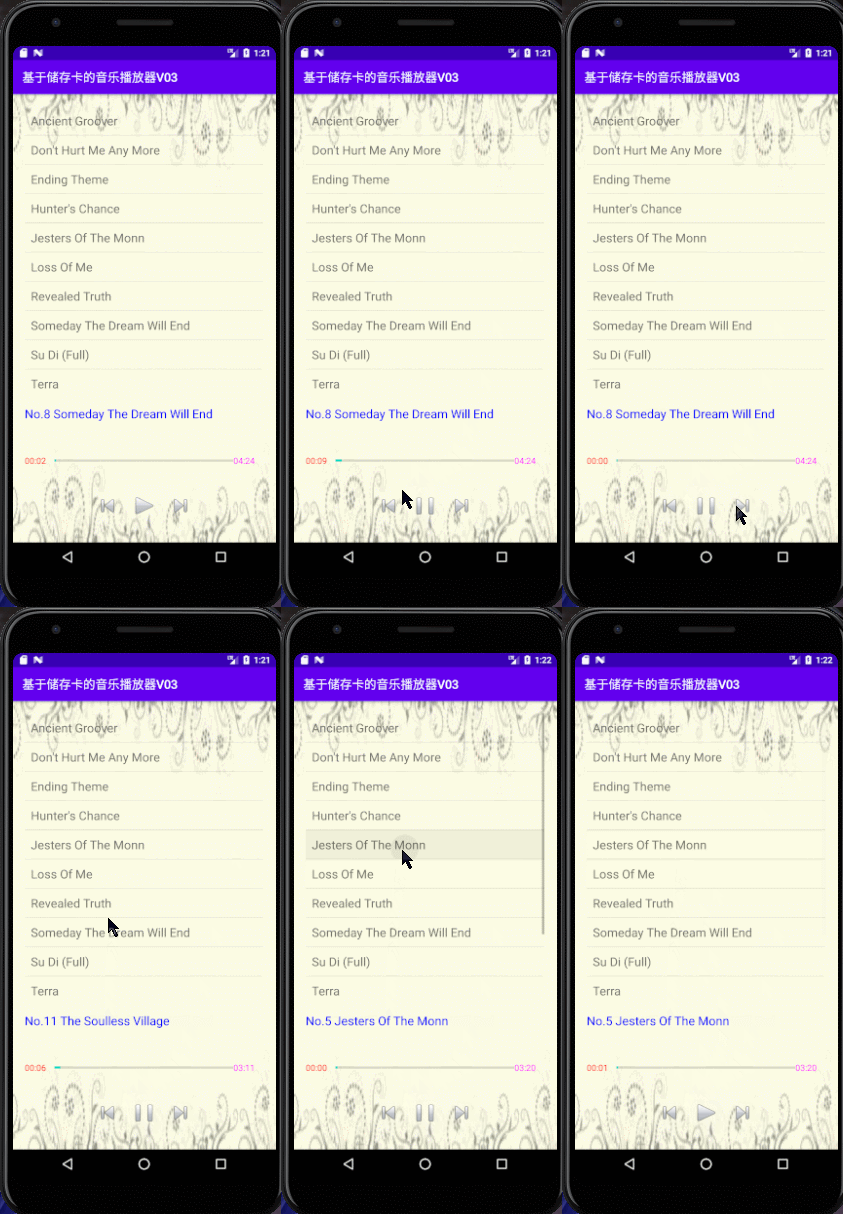
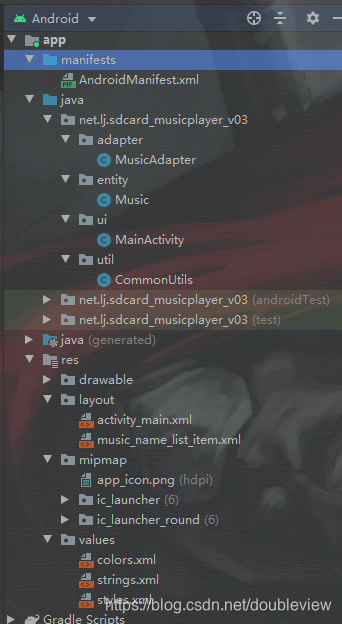
项目结构
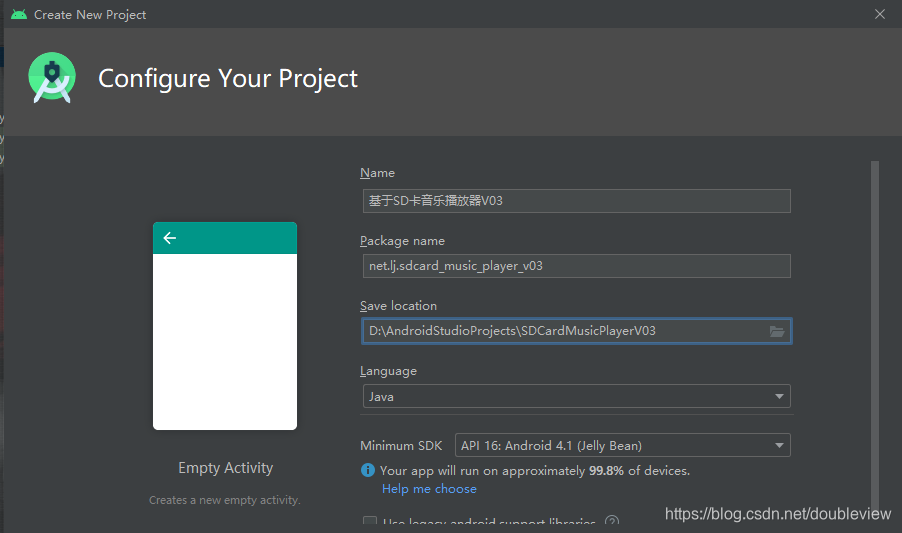
准备工作
创建安卓应用
拷贝图片到drawable和mipmap

向DDMS里添加音乐
SDK—》tools—》monitor.bat

创建按钮背景图片选择器

播放按钮

暂停按钮

上一首按钮

下一首按钮

activity_main.xml
<?xml version="1.0" encoding="utf-8"?>
<LinearLayout xmlns:android="http://schemas.android.com/apk/res/android"
    xmlns:tools="http://schemas.android.com/tools"
    android:layout_width="match_parent"
    android:layout_height="match_parent"
    android:background="@drawable/background"
    android:orientation="vertical"
    android:padding="20dp"
    tools:context=".ui.MainActivity">

    <ListView
        android:id="@+id/lvMusicName"
        android:layout_width="match_parent"
        android:layout_height="0dp"
        android:layout_weight="8"
        android:layout_marginBottom="16dp"/>

    <TextView
        android:id="@+id/tvMusicName"
        android:layout_width="wrap_content"
        android:layout_height="wrap_content"
        android:textColor="#0000ff"
        android:layout_weight="0.5"
        android:textSize="20sp" />

    <LinearLayout
        android:layout_width="match_parent"
        android:layout_height="wrap_content"
        android:layout_marginTop="10dp"
        android:layout_marginBottom="10dp"
        android:gravity="center"
        android:layout_weight="0.5"
        android:orientation="horizontal">

        <TextView
            android:id="@+id/tvCurrentPosition"
            android:layout_width="0dp"
            android:layout_height="wrap_content"
            android:layout_weight="1"
            android:textColor="#ff0000" />

        <ProgressBar
            android:id="@+id/pbMusicProgress"
            style="?android:attr/progressBarStyleHorizontal"
            android:layout_width="0dp"
            android:layout_height="wrap_content"
            android:layout_weight="6" />

        <TextView
            android:id="@+id/tvDuration"
            android:layout_width="0dp"
            android:layout_height="wrap_content"
            android:layout_weight="1"
            android:textColor="#ff00ff" />
    </LinearLayout>

    <LinearLayout
        android:layout_width="match_parent"
        android:layout_height="wrap_content"
        android:gravity="center"
        android:layout_weight="0.5"
        android:orientation="horizontal">

        <Button
            android:id="@+id/btnPrevious"
            android:layout_width="60dp"
            android:layout_height="50dp"
            android:background="@drawable/previous_button_selector"
            android:onClick="doPrevious"/>
        <Button
            android:id="@+id/btnPlayOrPause"
            android:layout_width="60dp"
            android:layout_height="50dp"
 最低0.47元/天 解锁文章






 扫一扫
扫一扫


 2万+
2万+


 到【灌水乐园】发言



