


 本文解决在MAC环境下编译ANDROIDP源码遇到的内部错误问题,通过添加10.14到darwinSupportedSdkVersions列表,解决了因SDK版本不支持导致的编译失败。
MAC 下编译 ANDROID P 源码出现下面的问题:
ninja: no work to do.
[21/21] out/soong/.bootstrap/bin/soong_build out/soong/build.ninja
FAILED: out/soong/build.ninja
out/soong/.bootstrap/bin/soong_build -t -l out/.module_paths/Android.bp.list -b out/soong -n out -d out/soong/build.ninja.d -o out/soong/build.ninja Android.bp
internal error: Could not find a supported mac sdk: ["10.10" "10.11" "10.12" "10.13"]
ninja: build stopped: subcommand failed.
15:14:37 soong bootstrap failed with: exit status 1

#### failed to build some targets (13 seconds) ####
解决方案:
cd /Applications/Xcode.app/Contents/Developer/Platforms/MacOSX.platform/Developer/SDKs/
ls

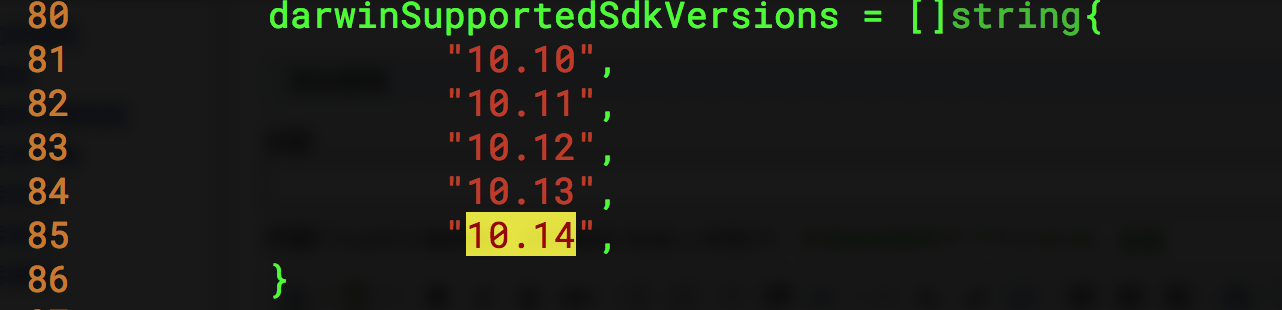
发现 SDK 为10.14,在 源码跟目录下查看 darwinSupportedSdkVersions 的定义,发现没有10.14,添加10.14即可
vim build/soong/cc/config/x86_darwin_host.go
 80         darwinSupportedSdkVersions = []string{
 81                 "10.10",
 82                 "10.11",
 83                 "10.12",
 84                 "10.13",
 85                 "10.14",
 86         }
然后再编译就好。
如果在/Applications/Xcode.app/Contents/Developer/Platforms/MacOSX.platform/Developer/SDKs/中没有SDK,可以在 https://github.com/phracker/MacOSX-SDKs/releases 下载
解压后copy 到 /Applications/Xcode.app/Contents/Developer/Platforms/MacOSX.platform/Developer/SDKs/





 扫一扫
扫一扫


 4329
4329

 被折叠的 条评论
为什么被折叠?
被折叠的 条评论
为什么被折叠?
 到【灌水乐园】发言





