


Jenkins自动化部署
部署
安装需要的工具
192.168.31.139 含jenkins的上安装
[root@host ~]# yum -y install git
[root@host ~]# yum -y install maven
192。168.31.140 只含有tomcat的主机
[root@host2 ~]# yum -y install git
做免密登录
[root@host ~]# ssh root@192.168.149.137
登录过去后,退出
[root@host ~]# ssh-keygen
生成公钥和密码
[root@host ~]# ssh-copy-id 192.168.149.137
将公钥传输过去,免密完成
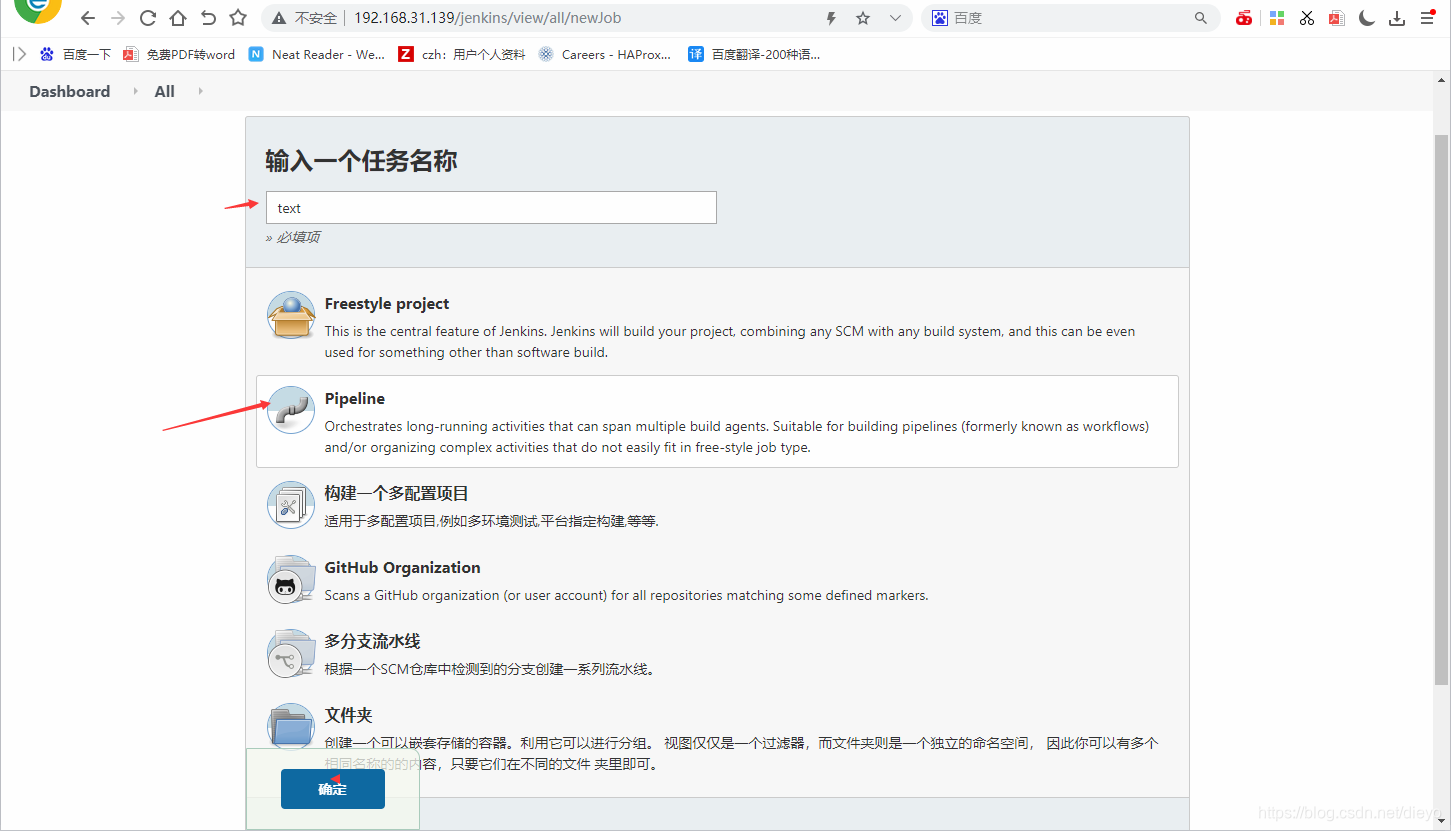
创建一个任务
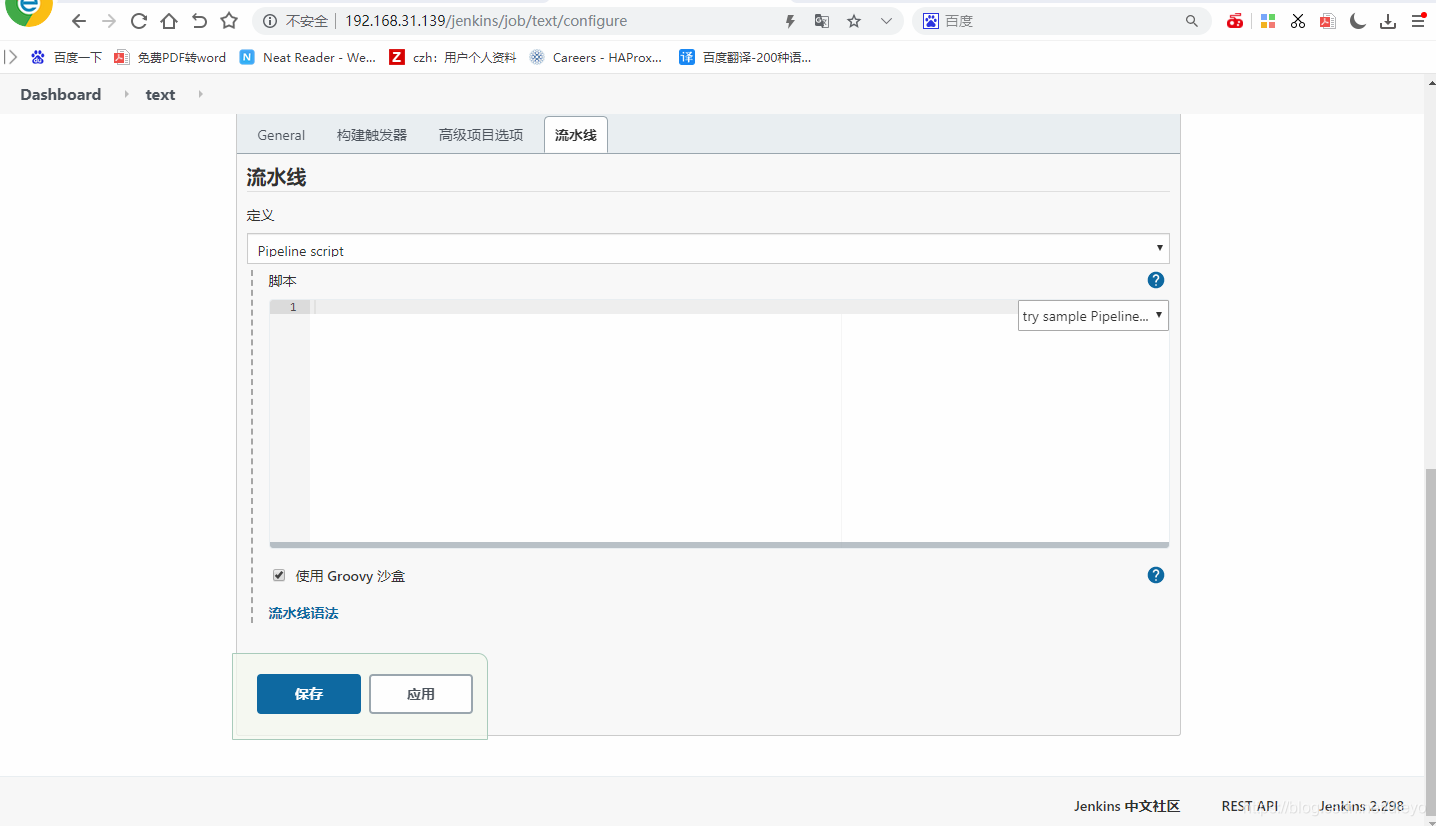
 点击流水线语法
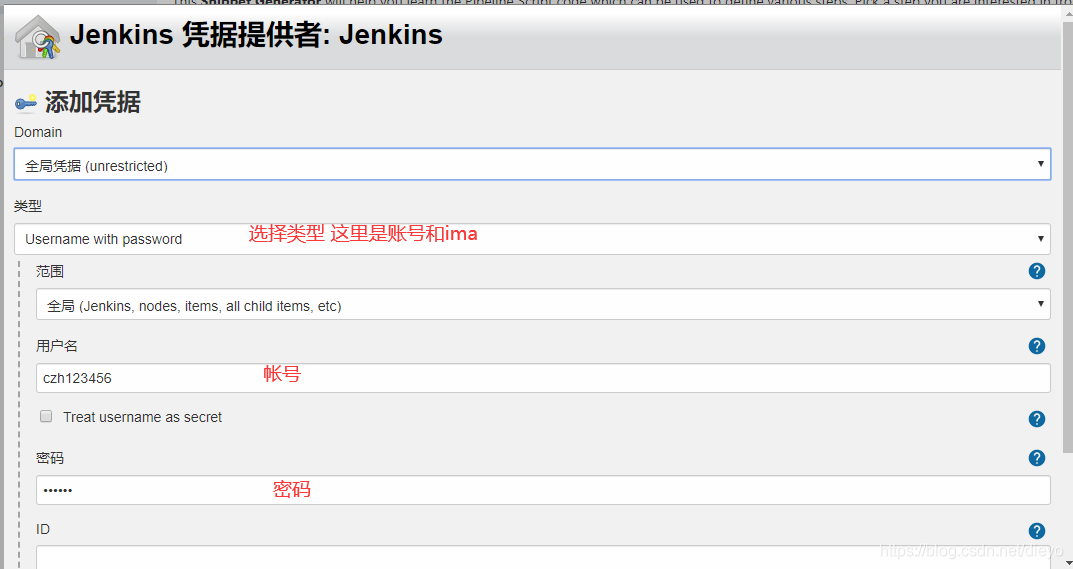
 添加凭据
添加凭据
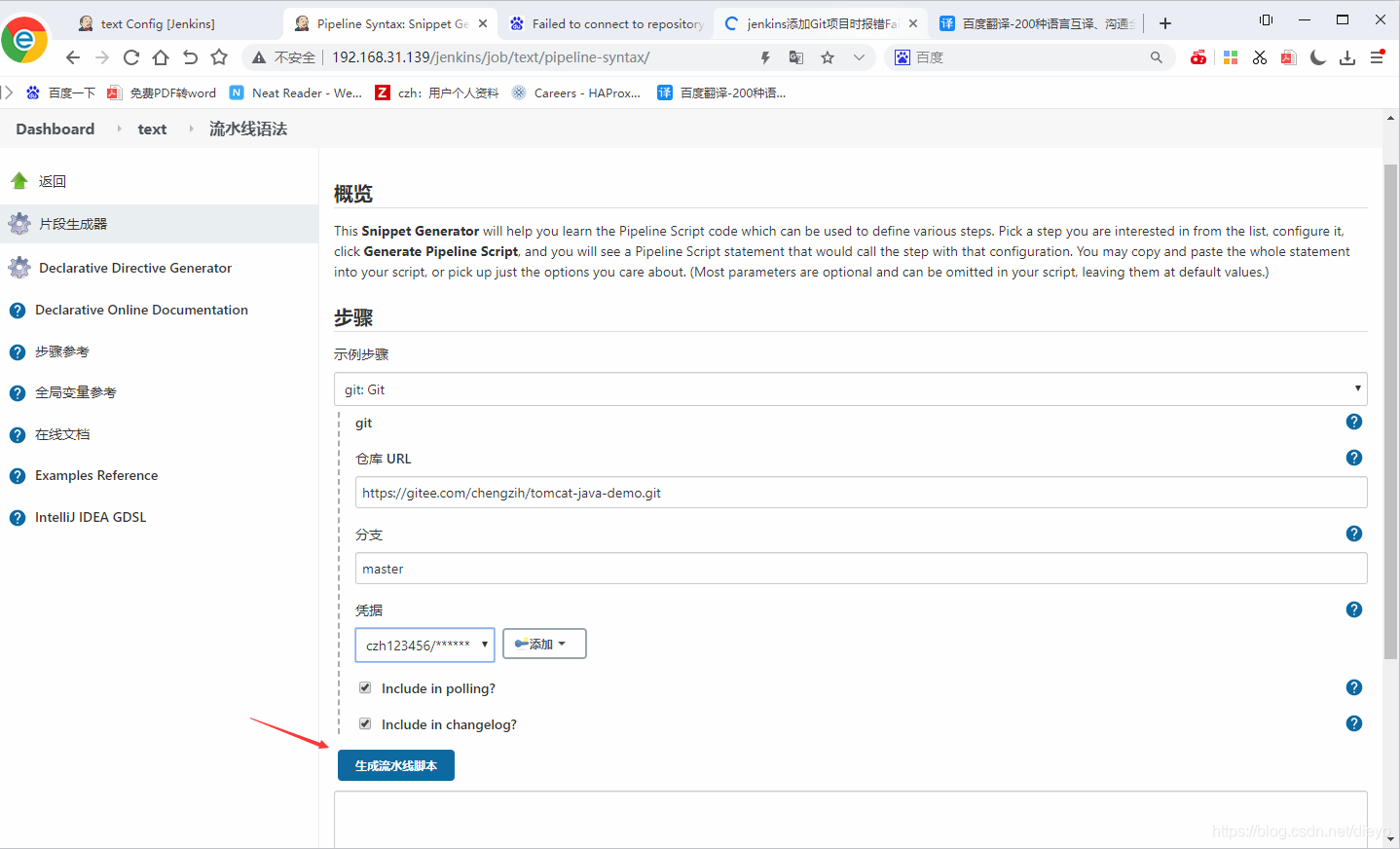
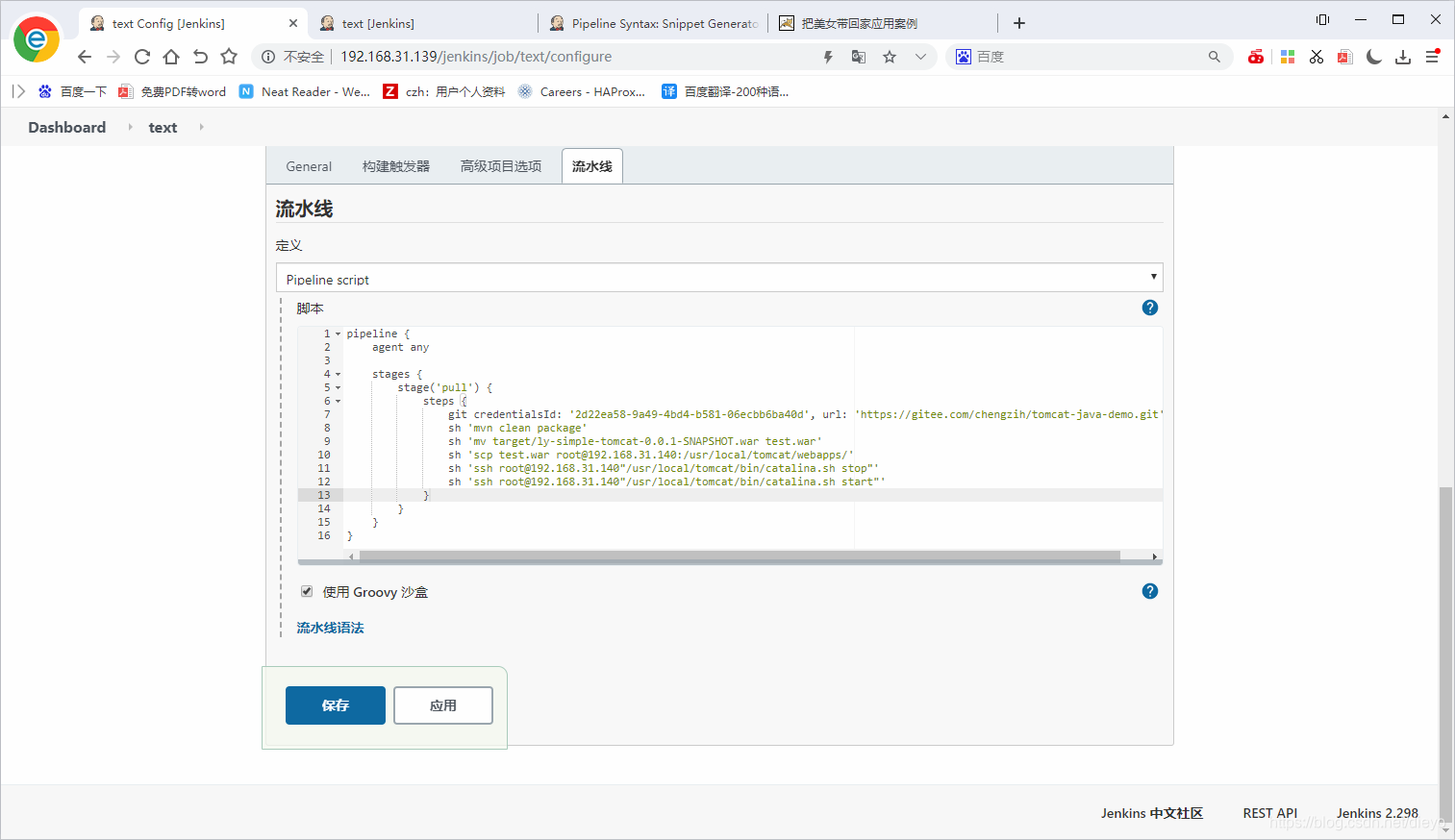
 生成好流水线的脚本
 脚本配置
脚本配置
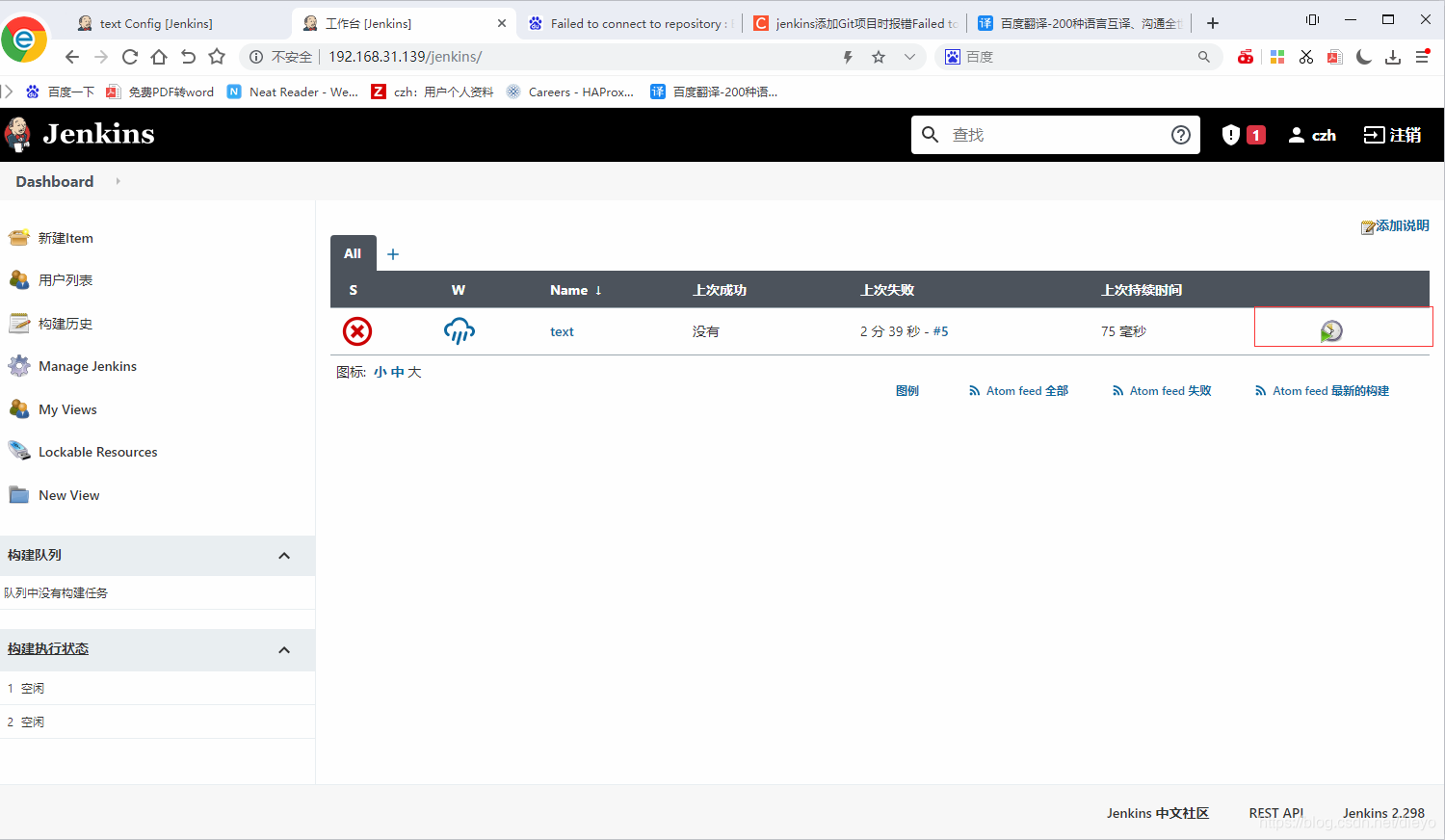
 点击开始构建
 可以查看
可以查看
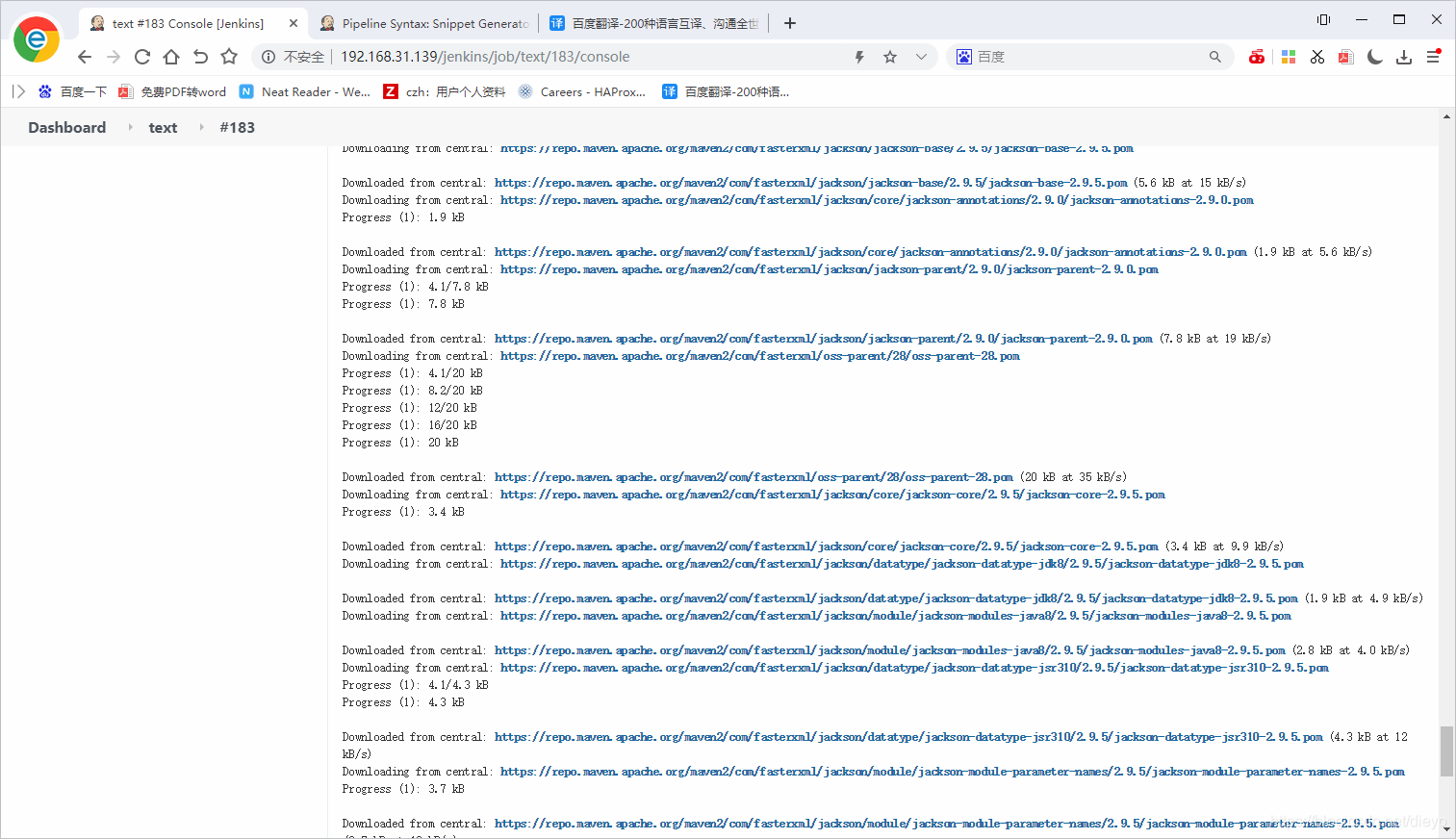 发现没有问题
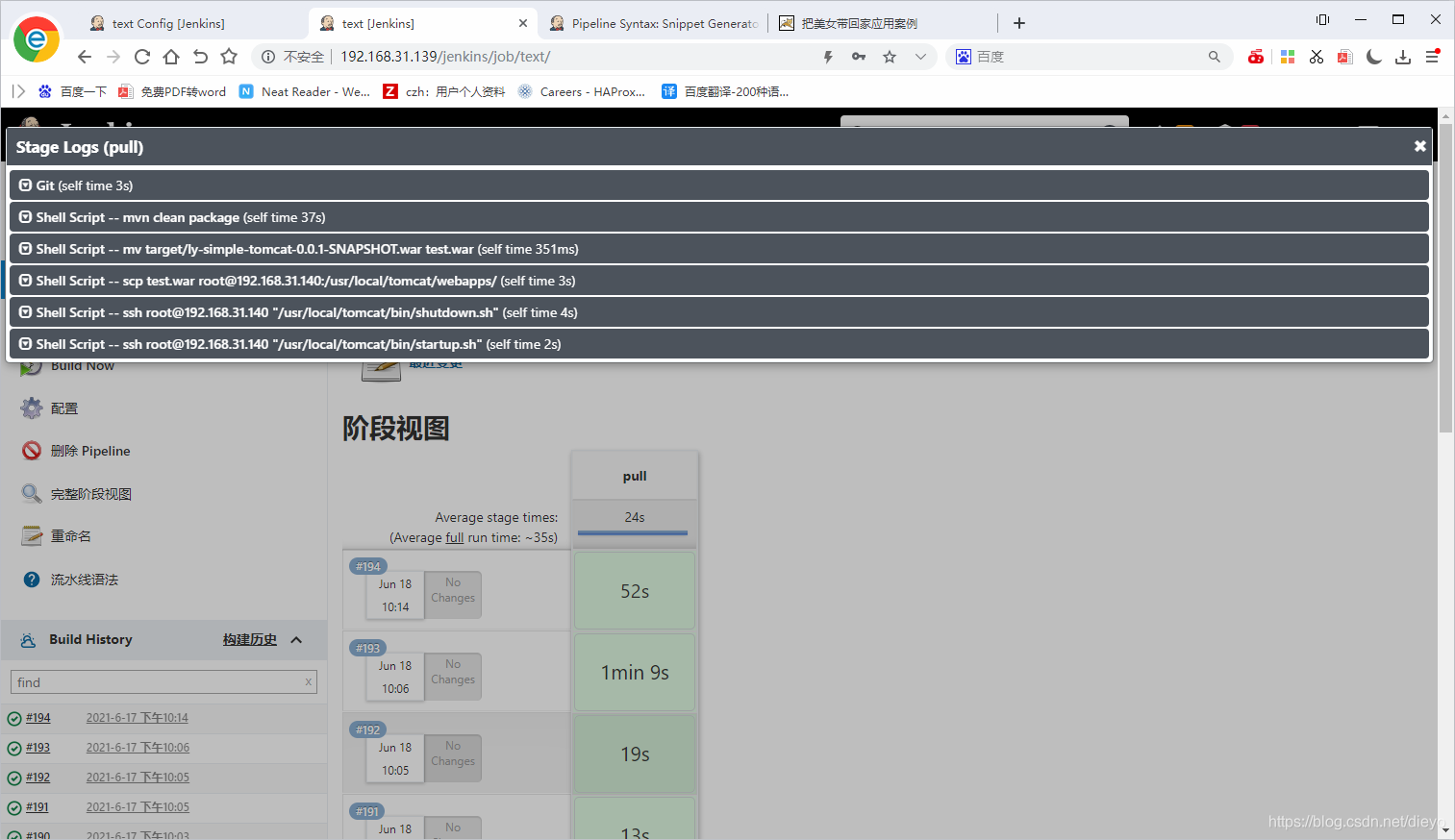 用.140可以看到

[root@czh webapps]# ls
docs  examples  host-manager  jenkins  jenkins.war  manager  ROOT  test  test.war
[root@czh webapps]# ss -antl
State   Recv-Q   Send-Q          Local Address:Port     Peer Address:Port  Process
LISTEN  0        128                   0.0.0.0:22            0.0.0.0:*
LISTEN  0        100                         *:8080                *:*
LISTEN  0        128                      [::]:22               [::]:*
LISTEN  0        1          [::ffff:127.0.0.1]:8005                *:*





 扫一扫
扫一扫


 1734
1734

 被折叠的 条评论
为什么被折叠?
被折叠的 条评论
为什么被折叠?
 到【灌水乐园】发言





