



 本文介绍了当尝试访问Tomcat后台管理系统http://localhost:8080/manager/html时遇到需要密码的问题。通过编辑tomcat-users.xml文件,添加相应的角色和用户,然后重启Tomcat服务,可以成功解决登录问题并避免403错误。
tomcat 后台管理需要登陆密码
登录tomcat后台管理系统 http://localhost:8080/manager/html 发现需要密码,于是搜寻总结。
tomcat:9.0.17 OS:windows
打开 D:/tomcat/conf/ 目录下的 tomcat-users.xml
<!--
将以下代码
  <role rolename="tomcat"/>
  <role rolename="role1"/>
  <user username="tomcat" password="tomcatT" roles="tomcat"/>
  <user username="both" password="tomcatT" roles="tomcat,role1"/>
  <user username="role1" password="tomcatT" roles="role1"/>
 -->
 取消掉注释<!--     -->,变为
   <role rolename="tomcat"/>
  <role rolename="role1"/>
  <user username="tomcat" password="tomcatT" roles="tomcat"/>
  <user username="both" password="tomcatT" roles="tomcat,role1"/>
  <user username="role1" password="tomcatT" roles="role1"/>
再加上
<role rolename="manager-gui"/>
<user username="tomcat" password="s3cret" roles="manager-gui"/>
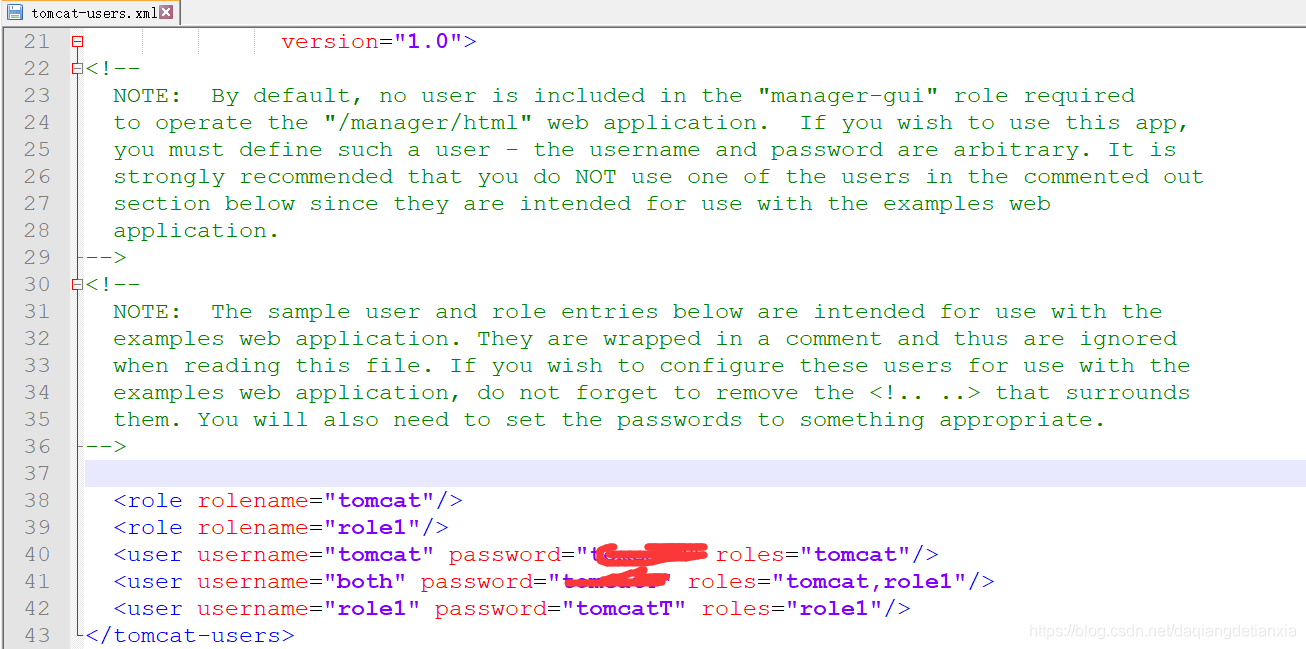
若不加
<role rolename="manager-gui"/>
<user username="tomcat" password="s3cret" roles="manager-gui"/>
重启,发现问题

加上
<role rolename="manager-gui"/>
<user username="tomcat" password="s3cret" roles="manager-gui"/>
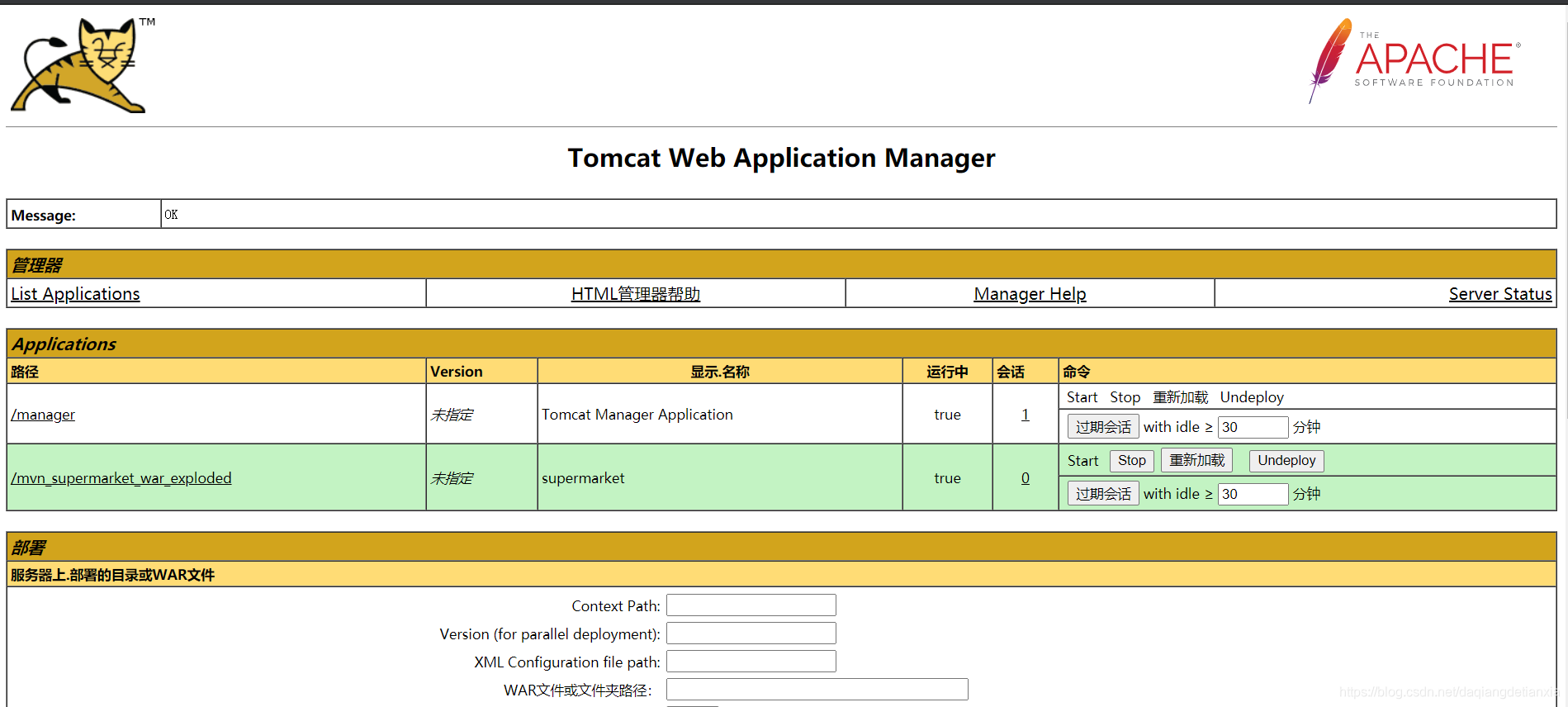
好了。可以打开页面了





 扫一扫
扫一扫


 3979
3979

 被折叠的 条评论
为什么被折叠?
被折叠的 条评论
为什么被折叠?
 到【灌水乐园】发言





