


目录
Minio 简介
MinIO是一个对象存储解决方案,它提供了与Amazon Web Services S3兼容的API,并支持所有核心S3功能。
MinIO在双重许可证下发布,一个是 AGPL v3.0 和 MinIO商业许可证.
Minio访问
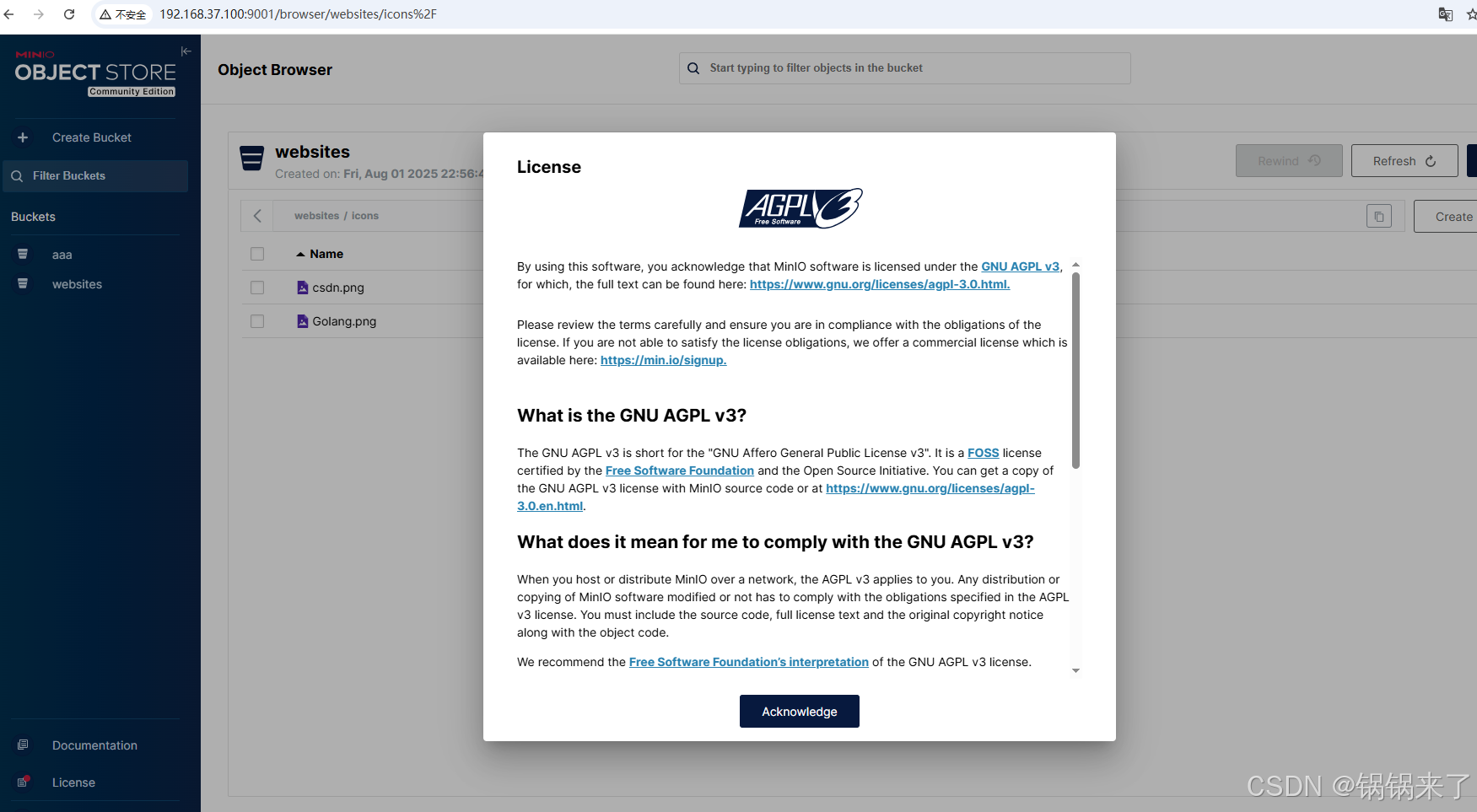
AGPL v3.0协议
MinIO在2022年2月将开源协议从Apache 2.0改为AGPL v3.0。
AGPL v3.0(Apache-2.0 with GNU General Public License v3.0)是MinIO在2022年进行的重要版权调整,这一变更引发了社区和商业用户的广泛讨论。由于AGPL协议要求使用其开源代码的商业产品必须开源自身代码库,导致部分企业因代码合并风险而限制使用。
Minio 部署(单节点单硬盘)
参考链接:安装和部署MinIO
下载Minio服务器文件
wget https://dl.minio.org.cn/server/minio/release/linux-amd64/minio
chmod +x minio
sudo mv minio /usr/local/bin/
创建环境变量文件
vim /etc/default/minio
# MINIO_ROOT_USER and MINIO_ROOT_PASSWORD sets the root account for the MinIO server.
# This user has unrestricted permissions to perform S3 and administrative API operations on any resource in the deployment.
# Omit to use the default values 'minioadmin:minioadmin'.
# MinIO recommends setting non-default values as a best practice, regardless of environment

MINIO_ROOT_USER=myminioadmin
MINIO_ROOT_PASSWORD=minio-secret-key-change-me

# MINIO_VOLUMES sets the storage volume or path to use for the MinIO server.

MINIO_VOLUMES="/data/middleware/minio/data"

# MINIO_OPTS sets any additional commandline options to pass to the MinIO server.
# For example, `--console-address :9001` sets the MinIO Console listen port
MINIO_OPTS="--console-address :9001"
创建了用户和组
groupadd -r minio-user
useradd -M -r -g minio-user minio-user
chown -R minio-user:minio-user /data/middleware/minio/data
创建Service文件
[Unit]
Description=MinIO
Documentation=https://min.io/docs/minio/linux/index.html
Wants=network-online.target
After=network-online.target
AssertFileIsExecutable=/usr/local/bin/minio

[Service]
WorkingDirectory=/usr/local

User=minio-user
Group=minio-user
ProtectProc=invisible

EnvironmentFile=-/etc/default/minio
ExecStartPre=/bin/bash -c "if [ -z \"${MINIO_VOLUMES}\" ]; then echo \"Variable MINIO_VOLUMES not set in /etc/default/minio\"; exit 1; fi"
ExecStart=/usr/local/bin/minio server $MINIO_OPTS $MINIO_VOLUMES

# MinIO RELEASE.2023-05-04T21-44-30Z adds support for Type=notify (https://www.freedesktop.org/software/systemd/man/systemd.service.html#Type=)
# This may improve systemctl setups where other services use `After=minio.server`
# Uncomment the line to enable the functionality
# Type=notify

# Let systemd restart this service always
Restart=always

# Specifies the maximum file descriptor number that can be opened by this process
LimitNOFILE=65536

# Specifies the maximum number of threads this process can create
TasksMax=infinity

# Disable timeout logic and wait until process is stopped
TimeoutStopSec=infinity
SendSIGKILL=no

[Install]
WantedBy=multi-user.target

# Built for ${project.name}-${project.version} (${project.name})
启动Minio服务
sudo systemctl start minio.service
sudo systemctl enable minio.service
Web访问控制台
您可以通过在首选的浏览器中输入MinIO服务器 Console控制台 中的任何主机名或IP地址来访问MinIO控制台,例如http://localhost:9001。
登录MinIO的用户名和密码配置参数为 MINIO_ROOT_USER 和 MINIO_ROOT_PASSWORD 这些配置可以在在容器指定的环境文件中进行修改。
创建Bucket
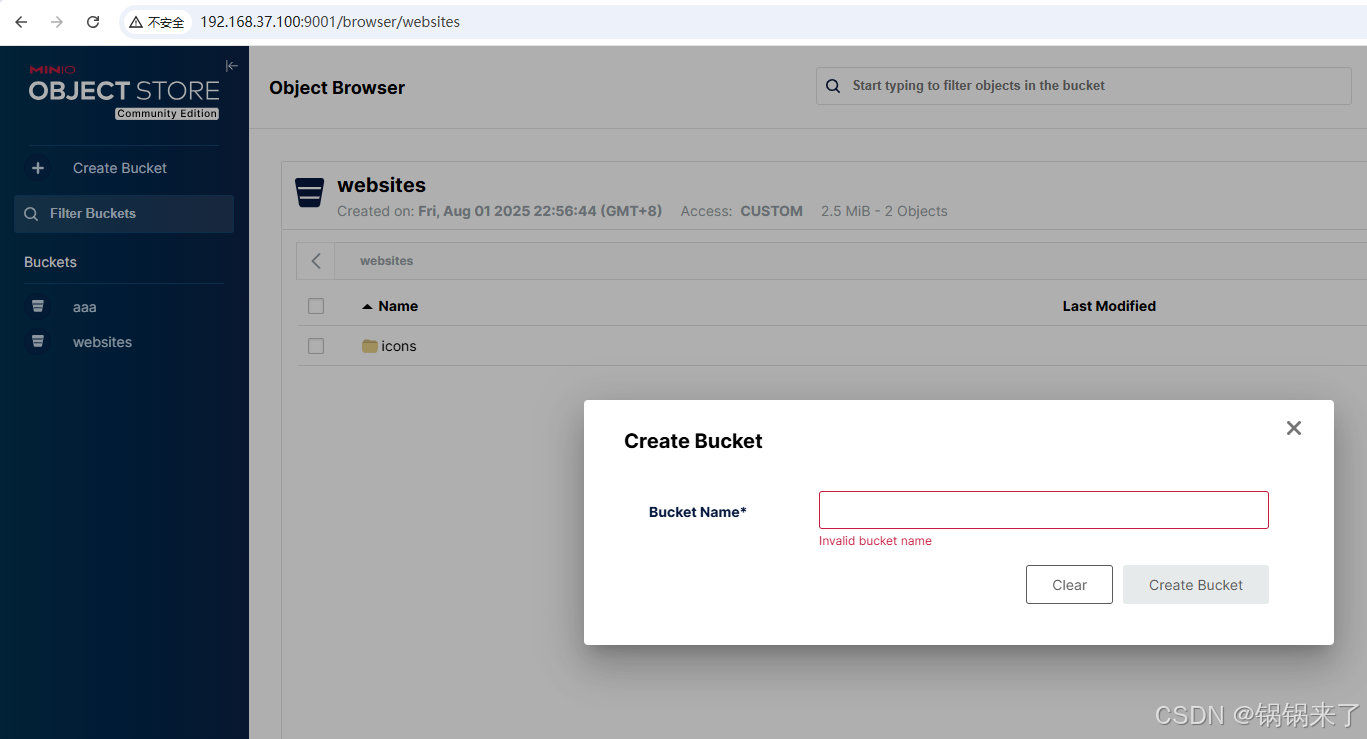
新版本的开源版本,Minio,Web管理控制台功能很多就去除了。基本不具备运维管理能力。只有通过mc命令进行管理了。
Minio客户端 mc
mc alias
mc alias 命令为管理 mc 可以连接并对其运行操作的 S3 兼容主机列表提供了方便的界面。
设置
mc alias set myminio http://192.168.37.100:9000 myminioadmin minio-secret-key-change-me
查看
mc alias list
mc anonymous
mc anonymous 命令支持为桶及其内容设置或移除匿名 policies。 具有匿名策略的桶允许公共访问,客户端可以无需 authentication 执行策略授予的任何操作。
设置匿名下载。
mc anonymous set download myminio/websites






 扫一扫
扫一扫


 7955
7955

 被折叠的 条评论
为什么被折叠?
被折叠的 条评论
为什么被折叠?
 到【灌水乐园】发言





