


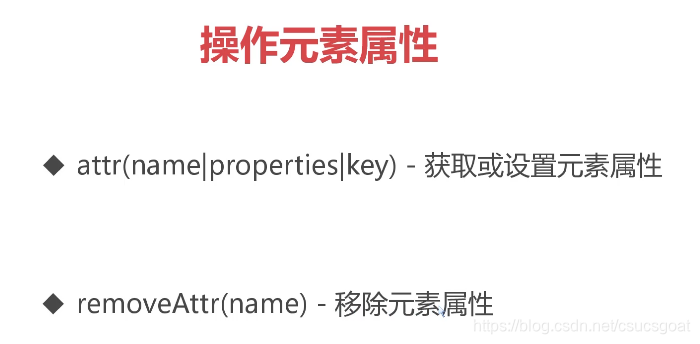
attr()方法是用于设置标签的属性,比如src,href,title;(这些更多的是元素的基本属性,HTML的属性);
目录
(3)attr()方法:选中的是多个元素,获取时只会获取第一个:
(4)attr()方法:选中的是多个元素,设置时会设置所有选中的元素:
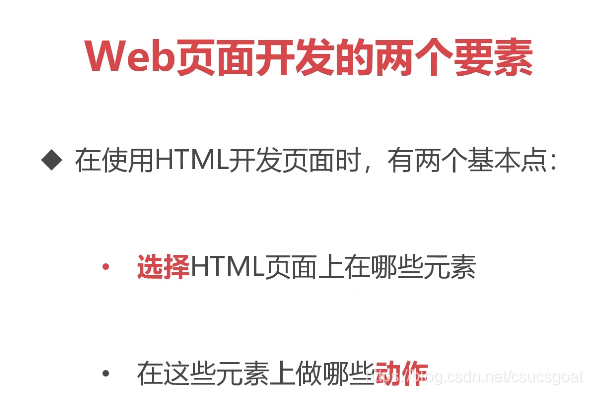
选择了一些元素后,如何对选中的元素进行操作嘞?本篇博客主要内容是,对属性的设置,包括获取属性,设置属性,移除属性
一:操作元素属性
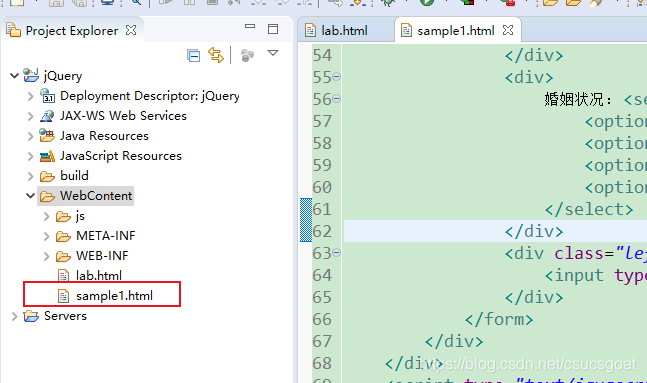
基础代码:sample1.html
<!DOCTYPE html >
<html>
<head>
<meta charset="UTF-8">
<meta http-equiv="Content-Type" content="text/html; charset=utf-8" />
<title>操作元素属性</title>
<style>
.myclass {
font-style: italic;
color: darkblue;
}
/* 高亮css类 */
.highlight {
color: red;
font-size: 30px;
background: lightblue;
}
</style>
</head>
<body>
<div class="section">
<h2>jQuery选择器实验室</h2>
<input style="height: 24px" id="txtSelector" />
<button id="btnSelect" style="height: 30px">选择</button>
<hr />
<div>
<p id="welcome">欢迎来到选择器实验室</p>
<ul>
<li>搜索引擎:<a href="http://www.baidu.com">百度</a> <span> <a
style="color: darkgreen" href="http://www.so.com">360</a>
</span>
</li>
<li>电子邮箱:<a href="http://mail.163.com">网易邮箱</a> <span> <a
style="color: darkgreen" href="http://mail.qq.com">QQ邮箱</a>
</span>
</li>
<li>中国名校:<a href="http://www.tsinghua.edu.cn">清华大学</a 最低0.47元/天 解锁文章






 扫一扫
扫一扫


 1870
1870

 被折叠的 条评论
为什么被折叠?
被折叠的 条评论
为什么被折叠?
 到【灌水乐园】发言





