



 simple-cache是一个基于Redis的缓存框架,通过@RedisCache注解实现缓存功能,适用于SpringAOP。该框架简化了配置,只需添加依赖并配置Redis,即可在方法级别进行缓存控制。提供了get请求的支持,并根据参数生成唯一请求key。示例展示了如何在SpringBoot项目中集成和使用。
🐶背景:
- 我们在写web项目的时候,
- 当大量的请求进来会导致我们数据库压力过大,
- 所以我们需要加入缓存来减轻数据库的压力,但是现在市面上的很多缓存框架配置太复杂,
- 所以该框架只需要一个
@RedisCache注解就可以实现redis的缓存功能

所以该框架就叫simple-cache :简单的缓存
🐭介绍:
simple-cache 1.x 是使用redis作为数据库缓存系统,使用自定义注解配合Spring的Aop功能实现方法的缓存,使用restful风格支持get请求,根据请求的参数和key来分类唯一的请求key
🐹代码托管
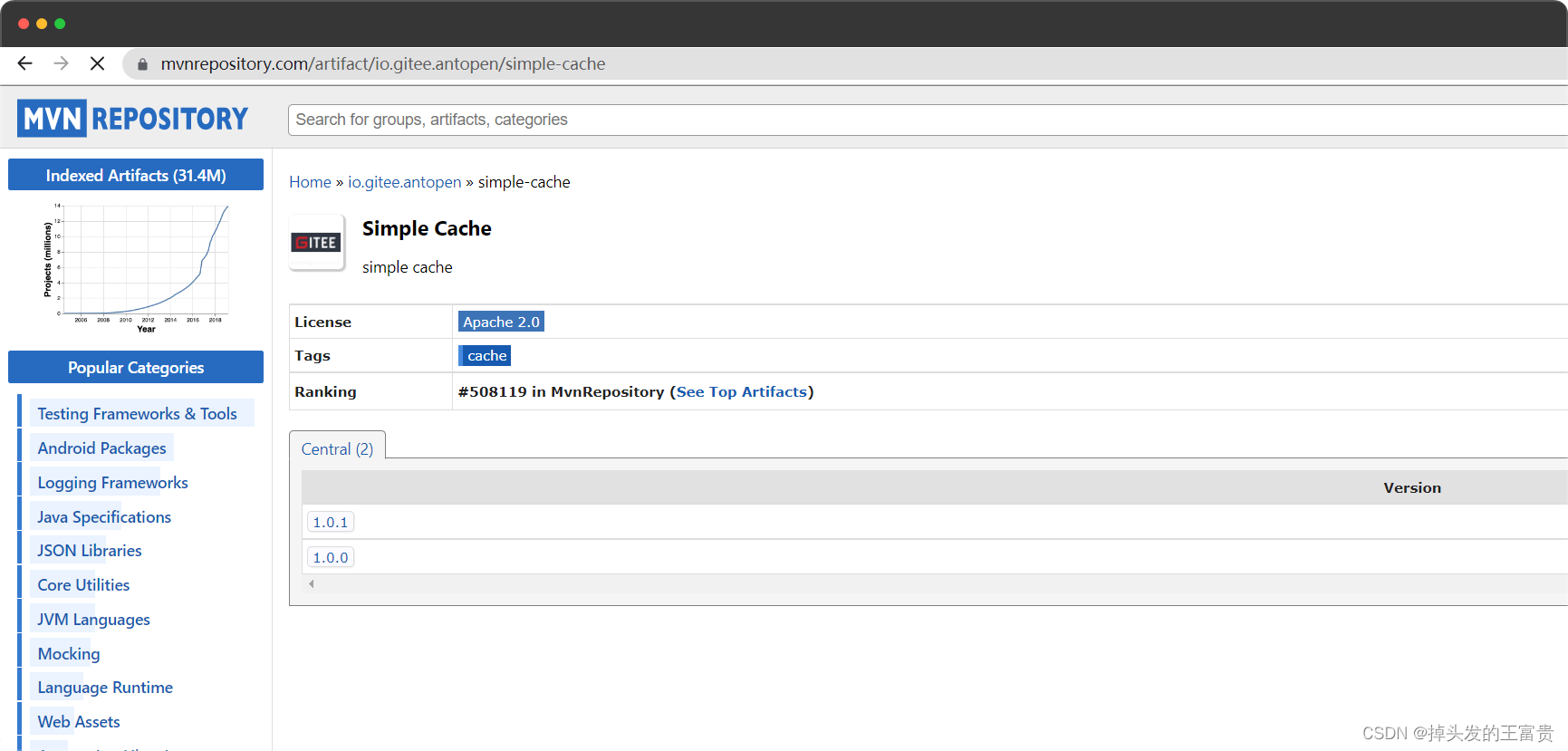
🐰安装
simple-cache 1.x 版本基于 JDK11,所以安装集成 simple-cache 1.x 要求如下:
- JDK 11+
- Maven or Gradle
Maven:
<dependency>
            <groupId>io.gitee.antopen</groupId>
            <artifactId>simple-cache</artifactId>
            <version>最新版本</version>
</dependency>
Gradle:
implementation group: 'io.gitee.antopen', name: 'simple-cache', version: '最新版本'
🐺快速开始
初始化工程
创建一个空的 Spring Boot 工程
 	<parent>
        <groupId>org.springframework.boot</groupId>
        <artifactId>spring-boot-starter-parent</artifactId>
        <version>2.7.6</version>
        <relativePath/>
    </parent>
添加依赖
引入 spring-boot-starter、spring-boot-starter-test、simple-cache、spring-boot-starter-web 依赖:
 	<dependencies>
        <dependency>
            <groupId>org.springframework.boot</groupId>
            <artifactId>spring-boot-starter</artifactId>
        </dependency>

        <dependency>
            <groupId>org.springframework.boot</groupId>
            <artifactId>spring-boot-starter-test</artifactId>
            <scope>test</scope>
        </dependency>
        <dependency>
            <groupId>org.springframework.boot</groupId>
            <artifactId>spring-boot-starter-web</artifactId>
        </dependency>
        <dependency>
            <groupId>io.gitee.antopen</groupId>
            <artifactId>simple-cache</artifactId>
            <version>1.0.1</version>
        </dependency>

    </dependencies>
🐸配置
在 application.properties 配置文件中添加 redis 的相关配置:
server.port=8773

spring.redis.host=127.0.0.1
spring.redis.database=0
spring.redis.port=6379
在 Spring Boot 启动类中添加 @ComponentScan注解,扫描 com.masiyi和本项目(例如:com.example)文件夹:
package com.example.springbootdemo;

import org.springframework.boot.SpringApplication;
import org.springframework.boot.autoconfigure.SpringBootApplication;
import org.springframework.context.annotation.ComponentScan;

@SpringBootApplication
@ComponentScan({"com.masiyi","com.example"})
public class SpringbootdemoApplication {

    public static void main(String[] args) {
        SpringApplication.run(SpringbootdemoApplication.class, args);
    }

}
🐯编码
编写controller类 Test.java
package com.example.springbootdemo.controller;

import com.example.springbootdemo.service.TestService;
import org.springframework.beans.factory.annotation.Autowired;
import org.springframework.web.bind.annotation.GetMapping;
import org.springframework.web.bind.annotation.RequestParam;
import org.springframework.web.bind.annotation.RestController;

/**
 * @Description TODO
 * @Author masiyi
 * @Date 2022/12/21
 **/
@RestController
public class Test {

    @Autowired
    private TestService testService;

    /**
     * 不走缓存
     * @return string
     */
    @GetMapping("/testnocache")
    public String testnocache() {
        return testService.testnocache();
    }

    @GetMapping("/test")
    /**
     * 走缓存
     * @return string
     */
    public String test() {
        return testService.test();
    }

    /**
     * 缓存带参数方法
     * @return string
     */
    @GetMapping("/testParams")
    public Object testParams(@RequestParam String name,@RequestParam String sex) {
        return testService.testParams(name,sex);
    }


}
一共有三个方法,不走缓存方法,走缓存方法,缓存带参数方法
创建对应的service类
package com.example.springbootdemo.service;

import com.alibaba.fastjson.JSONObject;
import com.masiyi.simplecache.annotation.RedisCache;
import com.masiyi.simplecache.util.RedisUtils;
import org.springframework.beans.factory.annotation.Autowired;
import org.springframework.stereotype.Service;

import java.util.Random;
import java.util.UUID;

/**
 * @Description TODO
 * @Author masiyi
 * @Date 2022/12/21
 **/
@Service
public class TestService {

    @Autowired
    RedisUtils redisUtils;

    @RedisCache(key = "test")
    public String test() {
        return UUID.randomUUID().toString();
    }

    public String testnocache() {
     	return UUID.randomUUID().toString();
    }

    @RedisCache(key = "testParams",expire = 100)
    public Object testParams(String name, String sex) {
        JSONObject jsonObject = new JSONObject();
        jsonObject.put(name, UUID.randomUUID());
        jsonObject.put(sex, new Random().nextInt(2));
        return jsonObject;
    }

}
启动项目访问三个接口
http://localhost:8773/test
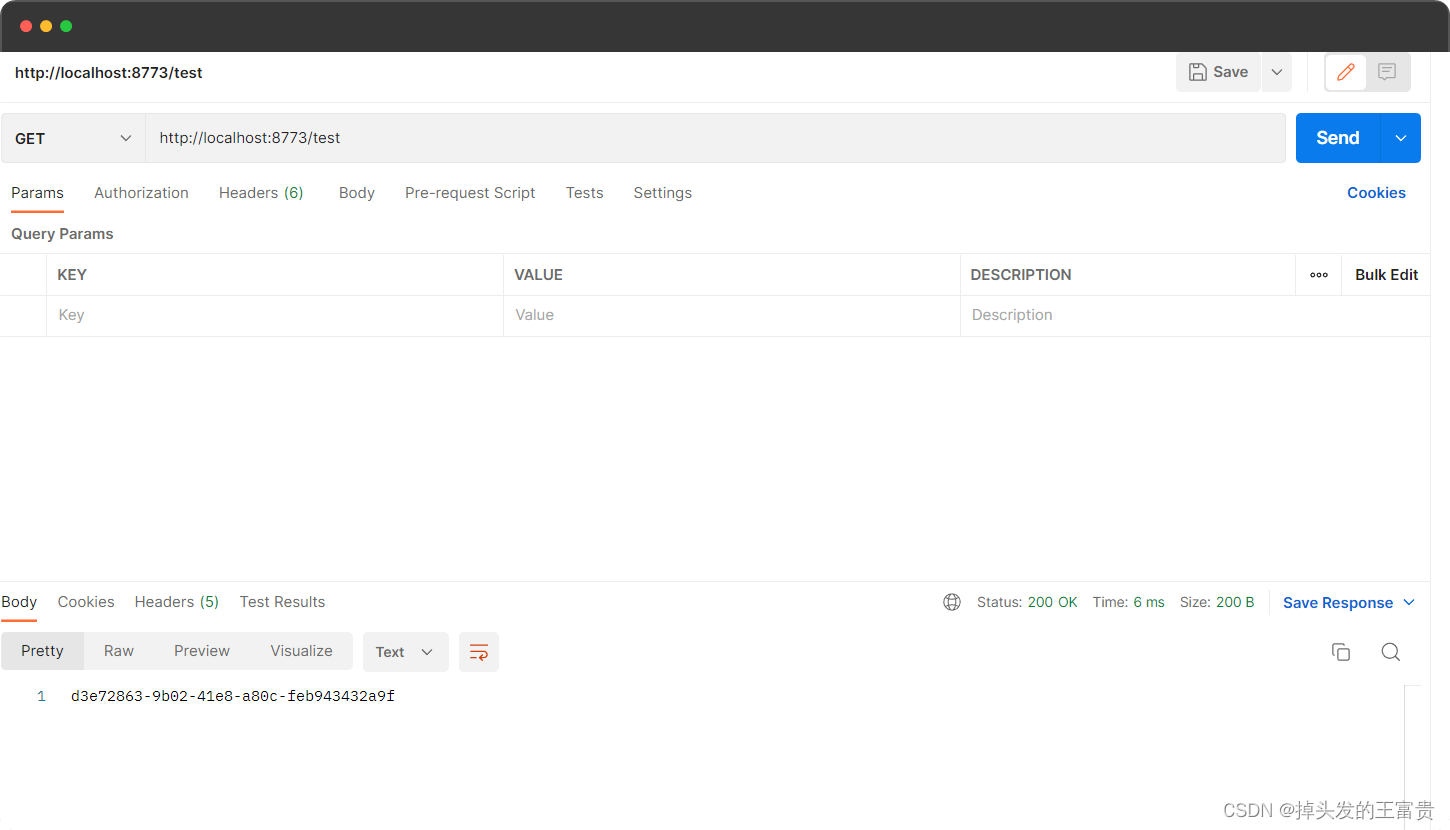
访问两次返回结果都是一样的
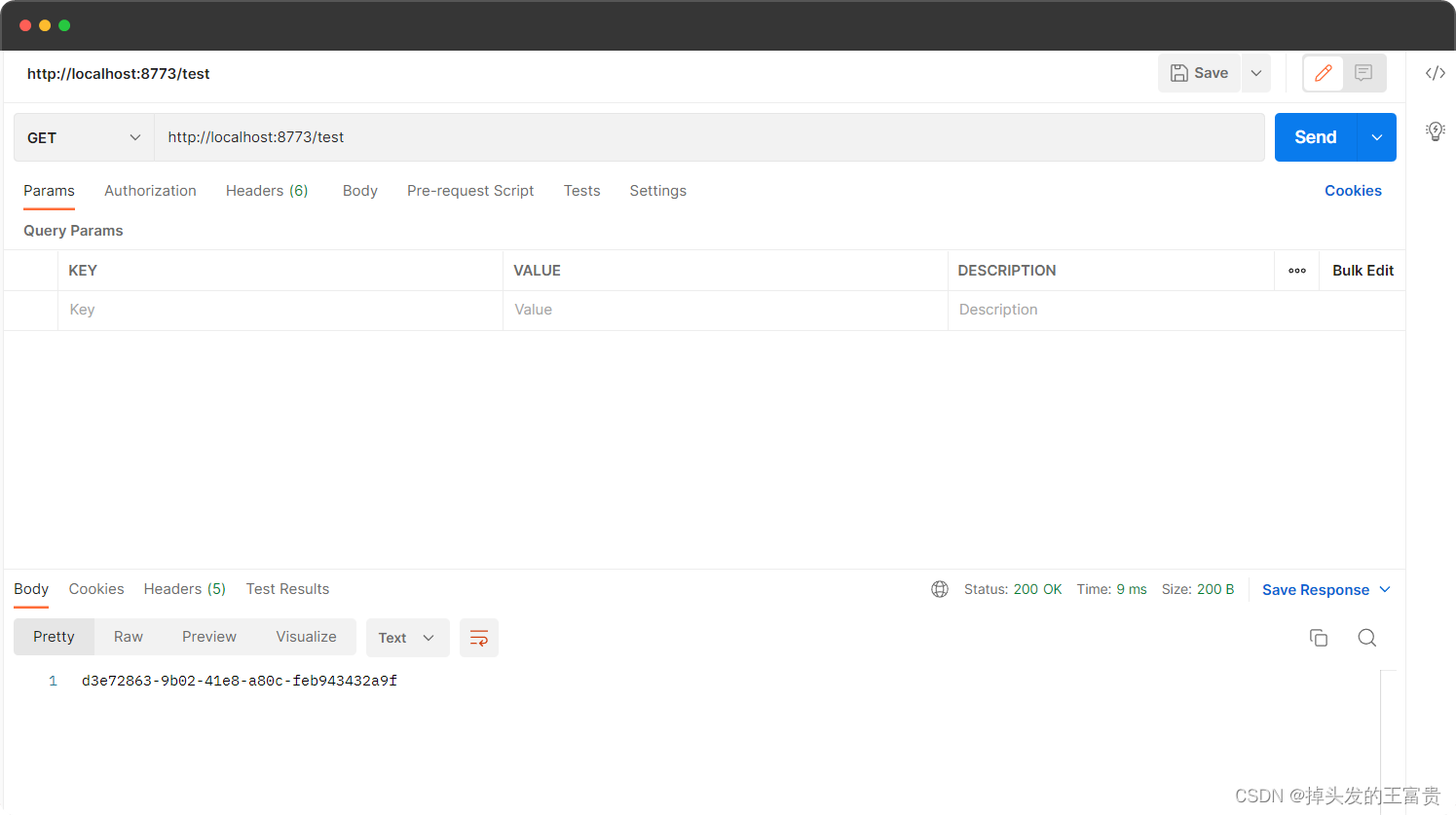
因为走了缓存
http://localhost:8773/testnocache
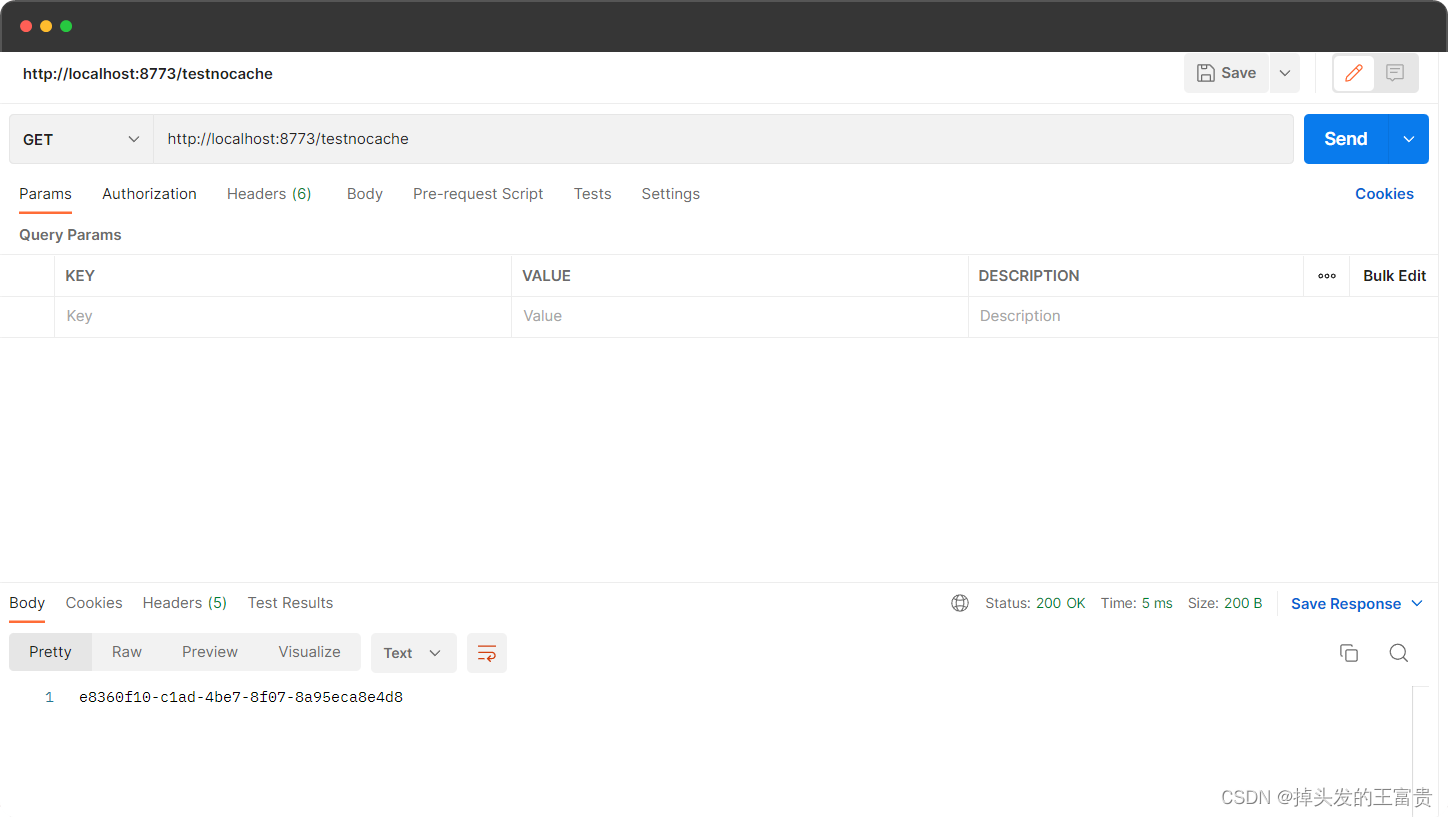
两次结果不一样
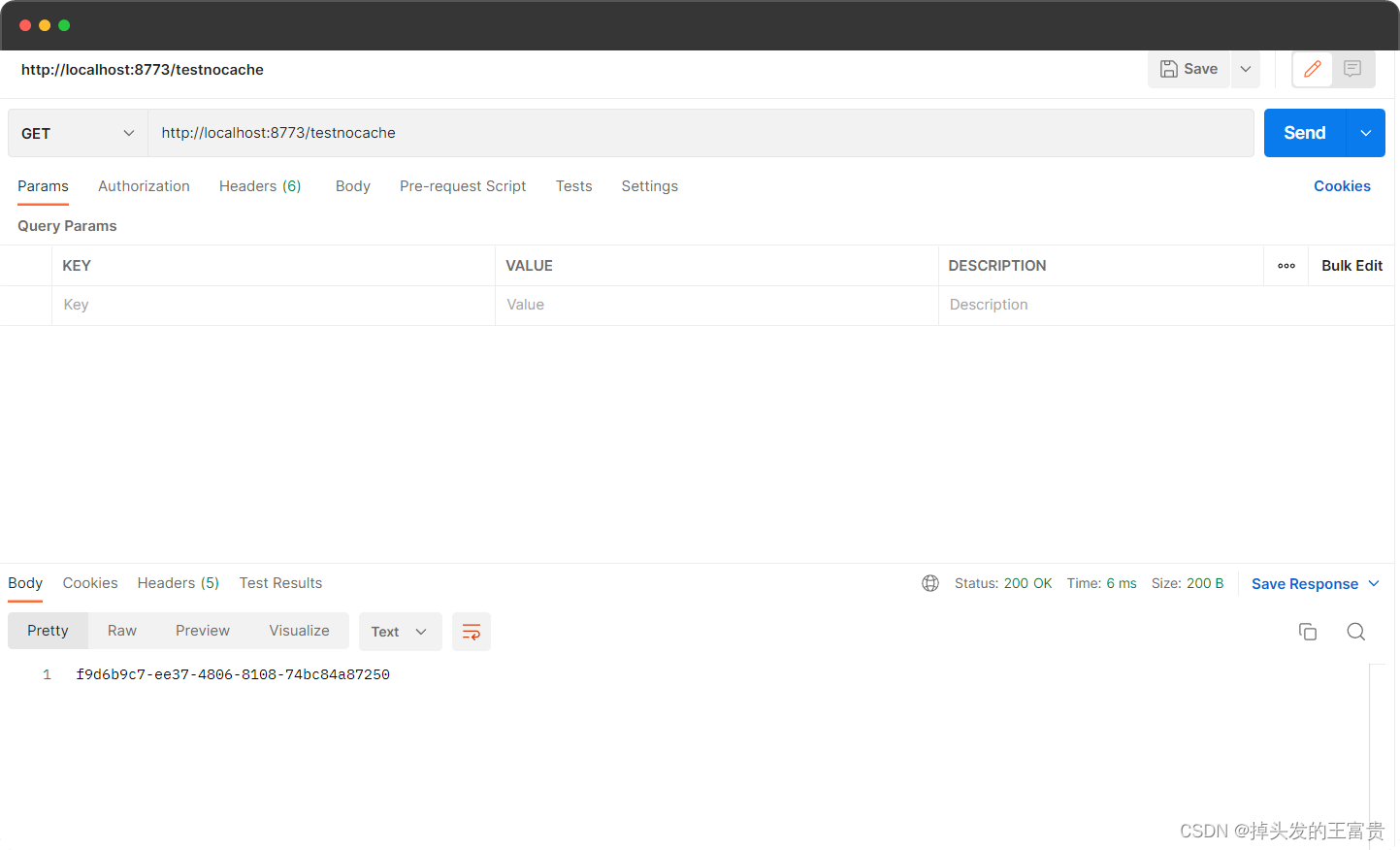
因为没有走缓存
http://localhost:8773/testParams?name=王富贵&sex=男
带参数访问
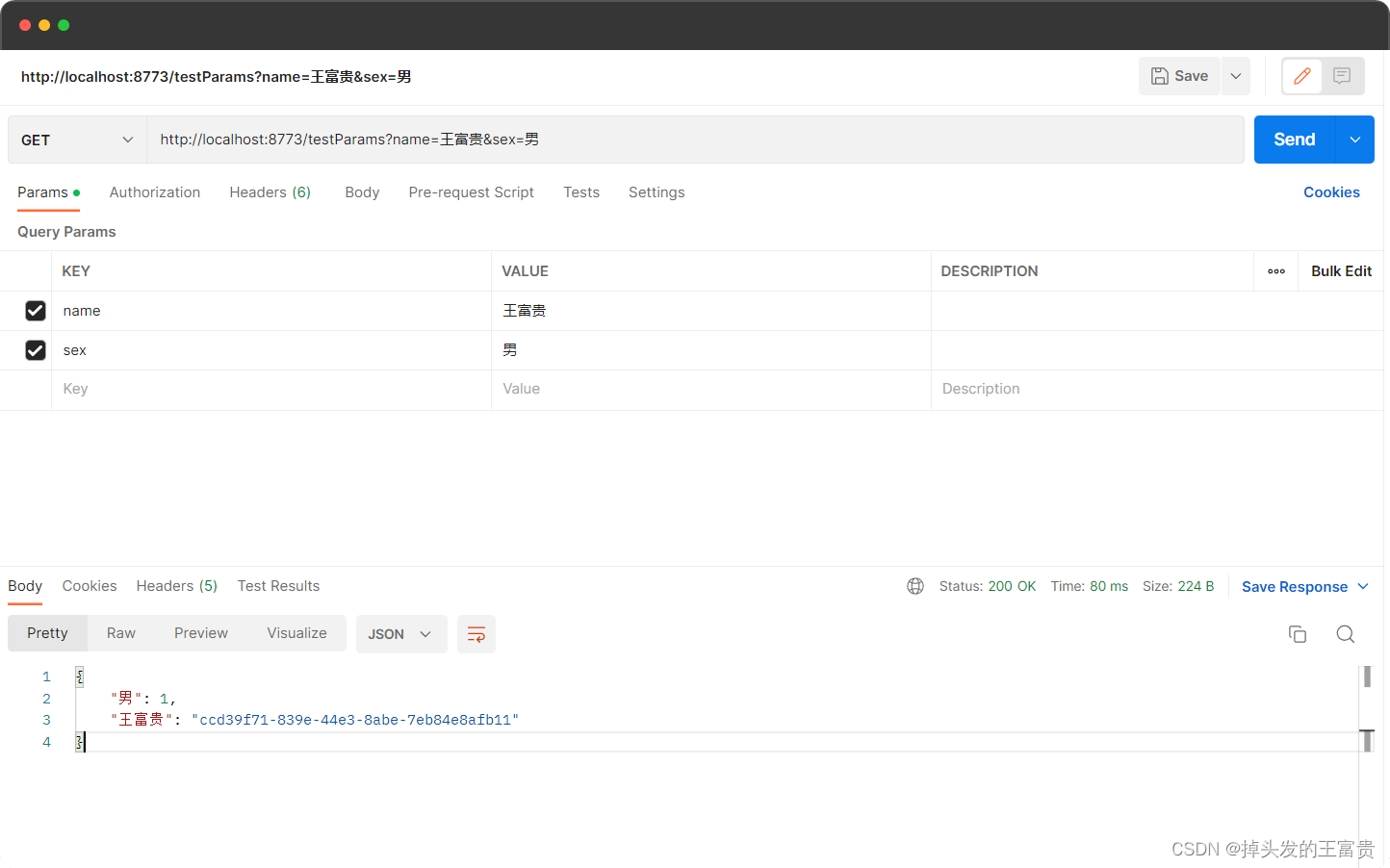
如果参数不相同,返回结果不相同,因为缓存的key不同
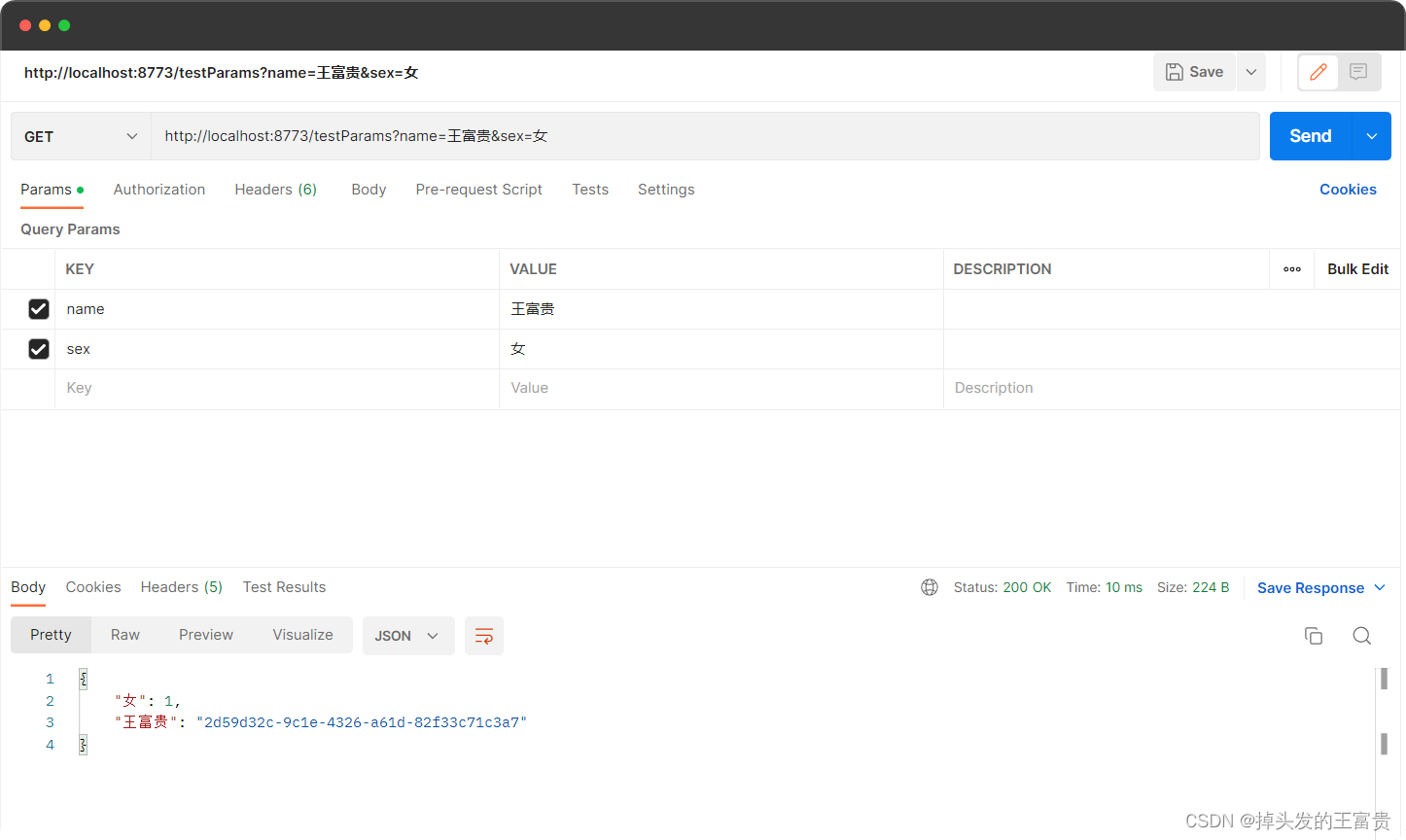
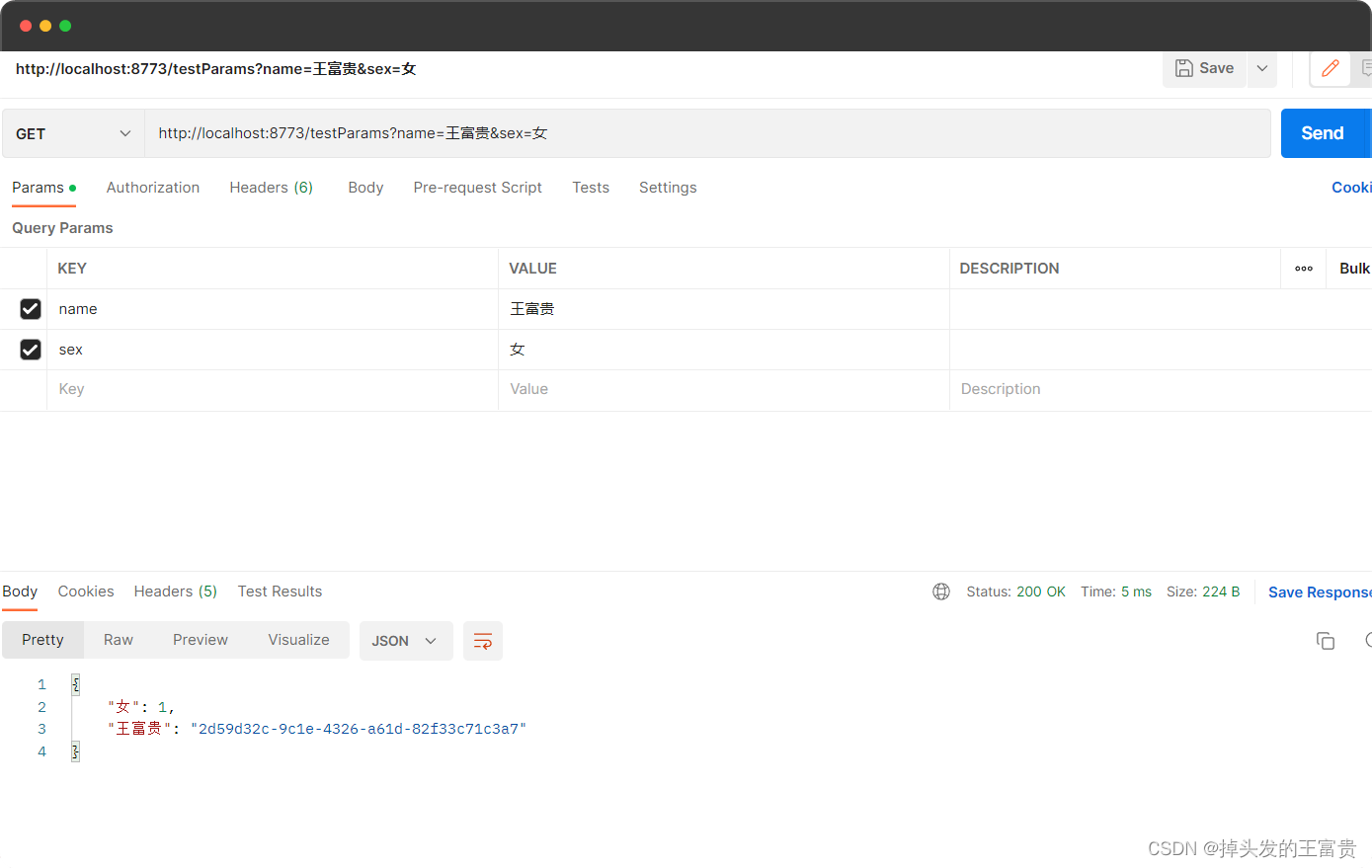
如果参数相同,返回结果则相同,因为缓存的key相同
🐨注解
本文将介绍 simple-cache 注解包相关类详解(更多详细描述可点击查看源码注释)
注解类包源码:👉
simple-cache-annotation
| 属性 | 类型 | 必须指定 | 默认值 | 描述 |
|---|---|---|---|---|
| key | string | 是 | “” | 缓存的key,可以自定义 |
| expire | long | 否 | 86400秒(一天) | 缓存的时间,可以自定义 |
注意,此版本目前只适用redis单机版本,且未上过生产,请谨慎使用





 扫一扫
扫一扫


 2万+
2万+


 到【灌水乐园】发言



