



 在Ubuntu18.04上安装Meson并尝试升级Python到3.9后,遇到了GNOME无法启动的问题。通过禁用systemd-resolved服务,手动创建resolv.conf文件并设置DNS,解决了网络问题。接着调整VMware网络设置,使能无GUI登录,并修复了网络连接。最后重新安装gnome及相关组件,恢复了桌面环境,并安装了open-vm-tools以适应客户机。
- 【ubuntu18.04】meson 安装 及python升级python3.9
做的过程中,就感觉有问题 - 果然,重启就没gnome了
- 然后,开始自觉
我remove 了,然后发现很多依赖
- 所以我又重新安装了python3
然后再安装的python3.9
-
可惜,我自动auto remove了
-
当时,vscode 远程就不行了。
重启后不能登录gnome
- 但是幸运的是,可以login 到无GUI
ubuntu 18.04 remove python3.6 temporary failure in name resolution
- 看了一个记录,说是这样的
I've faced the exactly same problem but I've fixed it with another approache.

Using Ubuntu 18.04, first disable systemd-resolved service.

sudo systemctl disable systemd-resolved.service

Stop the service

sudo systemctl stop systemd-resolved.service

Then, remove the link to /run/systemd/resolve/stub-resolv.conf in /etc/resolv.conf

sudo rm /etc/resolv.conf

Add a manually created resolv.conf in /etc/

sudo vim /etc/resolv.conf

Add your prefered DNS server there

nameserver 208.67.222.222

I've tested this with success.
-
我的这个 /etc/resolv.conf本来就是有的。
-
vmawer nat 不行
-
vmware 桥接模式
-
重启,发现有ens33
-
修改 vim /etc/network/interfaces
-
修改为:
auto ens33
iface ens33inet static
address 192.168.50.175
netmask 255.255.255.0
gateway 192.168.50.1
dns-nameservers 8.8.8.8
- 重启:
- sudo /etc/init.d/networking start
原始gnome: sudo apt install gnome-session gdm3
- 有报错,可能是安装了?
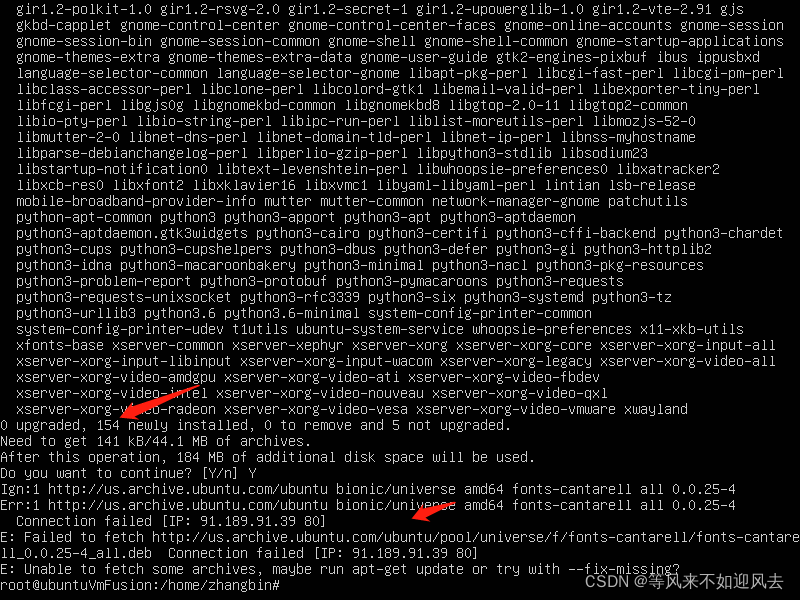
- 干脆装个完整的吧:
完整版gnome
sudo apt install tasksel
- sudo tasksel install ubuntu-desktop
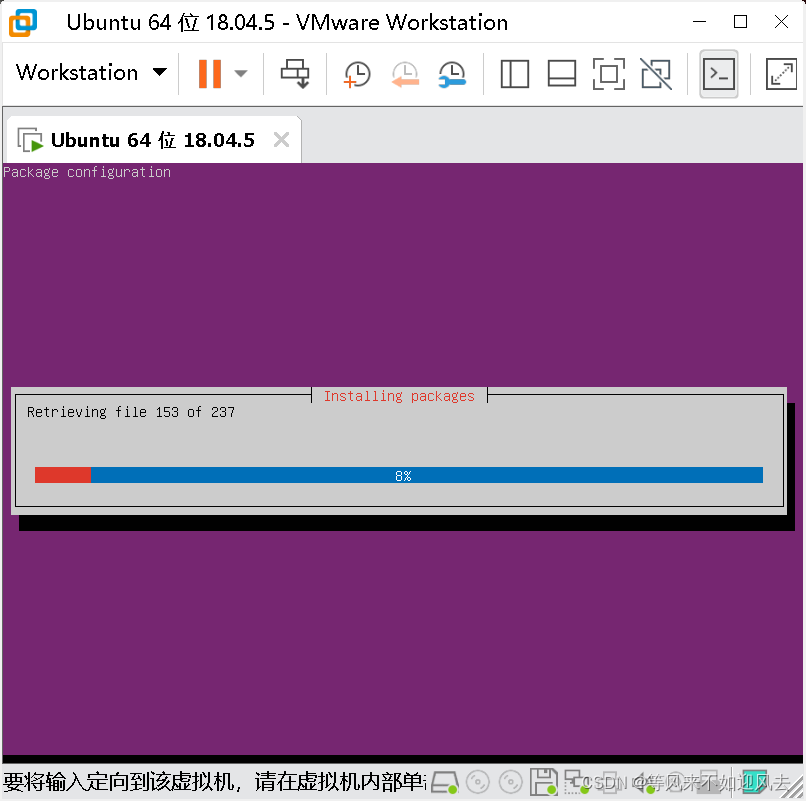
- 有了
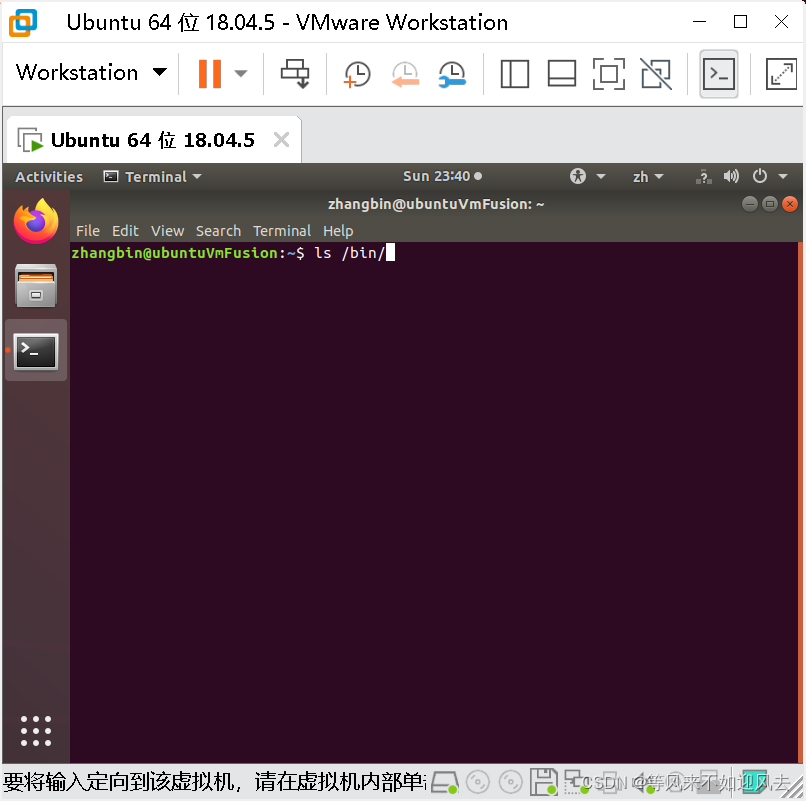
不能自送适应客户机了
- open-vm-tools-dkms 这个额没有找到,安装了下面的这个就立马好了:
sudo apt-get install open-vm-tools open-vm-tools-desktop
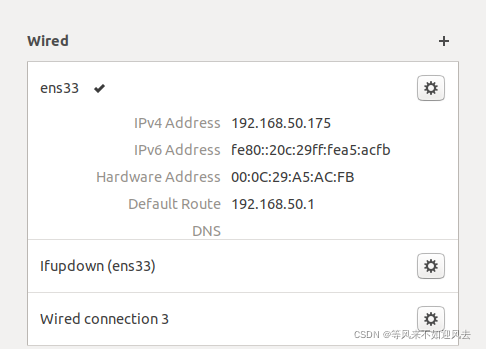
ubuntu gnome wired unmanaged
- 不显示有线连接
sudo vim /etc/NetworkManager/NetworkManager.conf
将managed=false
改成managed=true
然后重启network-manager
sudo service network-manager restart - 有了:






 扫一扫
扫一扫


 7590
7590


 被折叠的 条评论
为什么被折叠?
被折叠的 条评论
为什么被折叠?
 到【灌水乐园】发言




