


参考:https://doc.qt.io/qtcreator/creator-copilot.html
https://github.com/github/copilot.vim/blob/release/README.md
我用的Qt Creator版本13.0.2, 其他低版本未测试,更高版本应该都可以
安装nodejs
略
下载copilot.vim
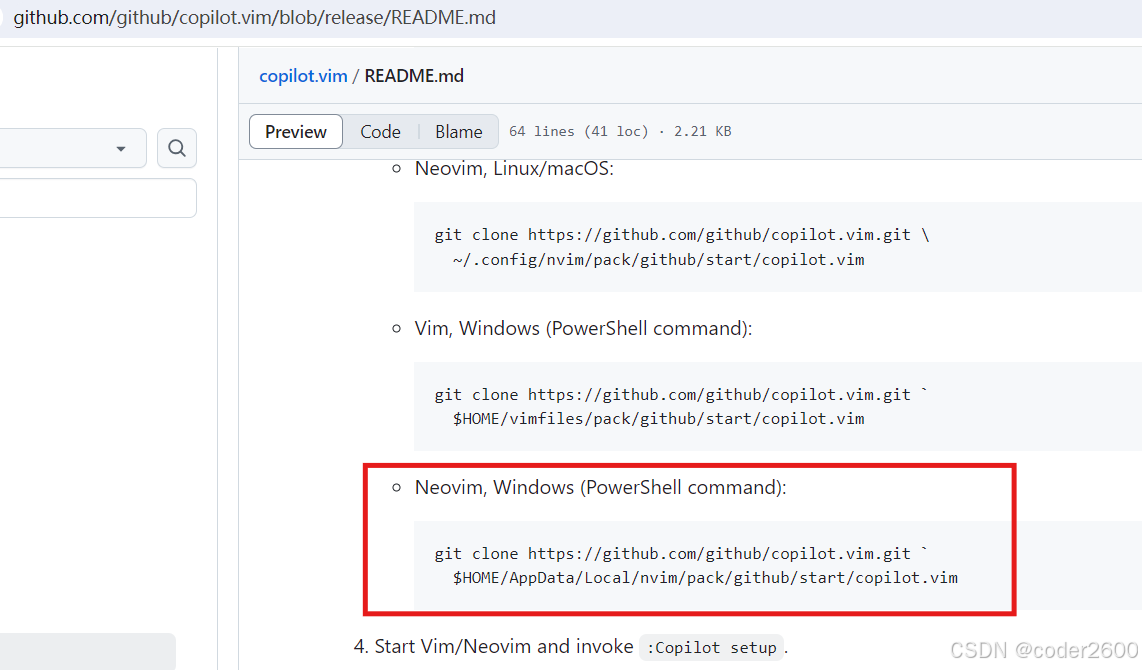 git clone https://github.com/github/copilot.vim.git $HOME/AppData/Local/nvim/pack/github/start/copilot.vim
配置Qt creator
开启copilot插件
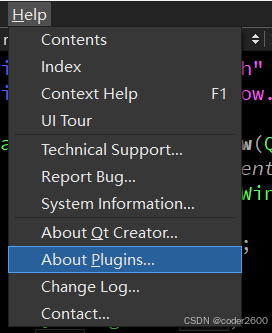
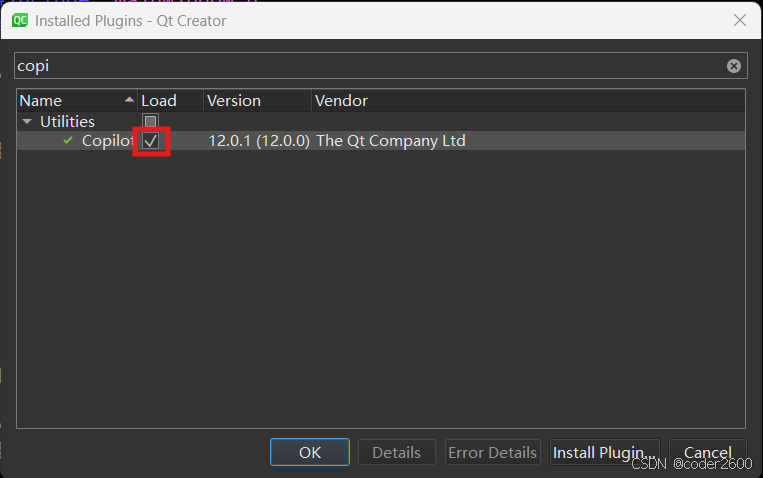
重启下Qt creator
配置copilot
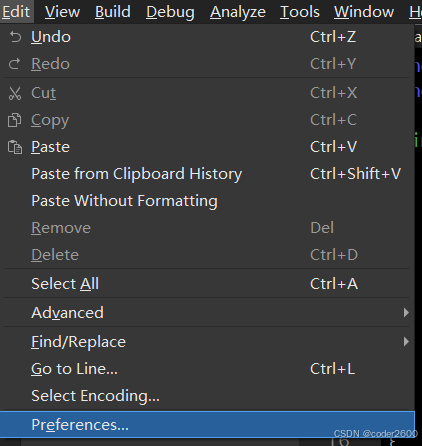
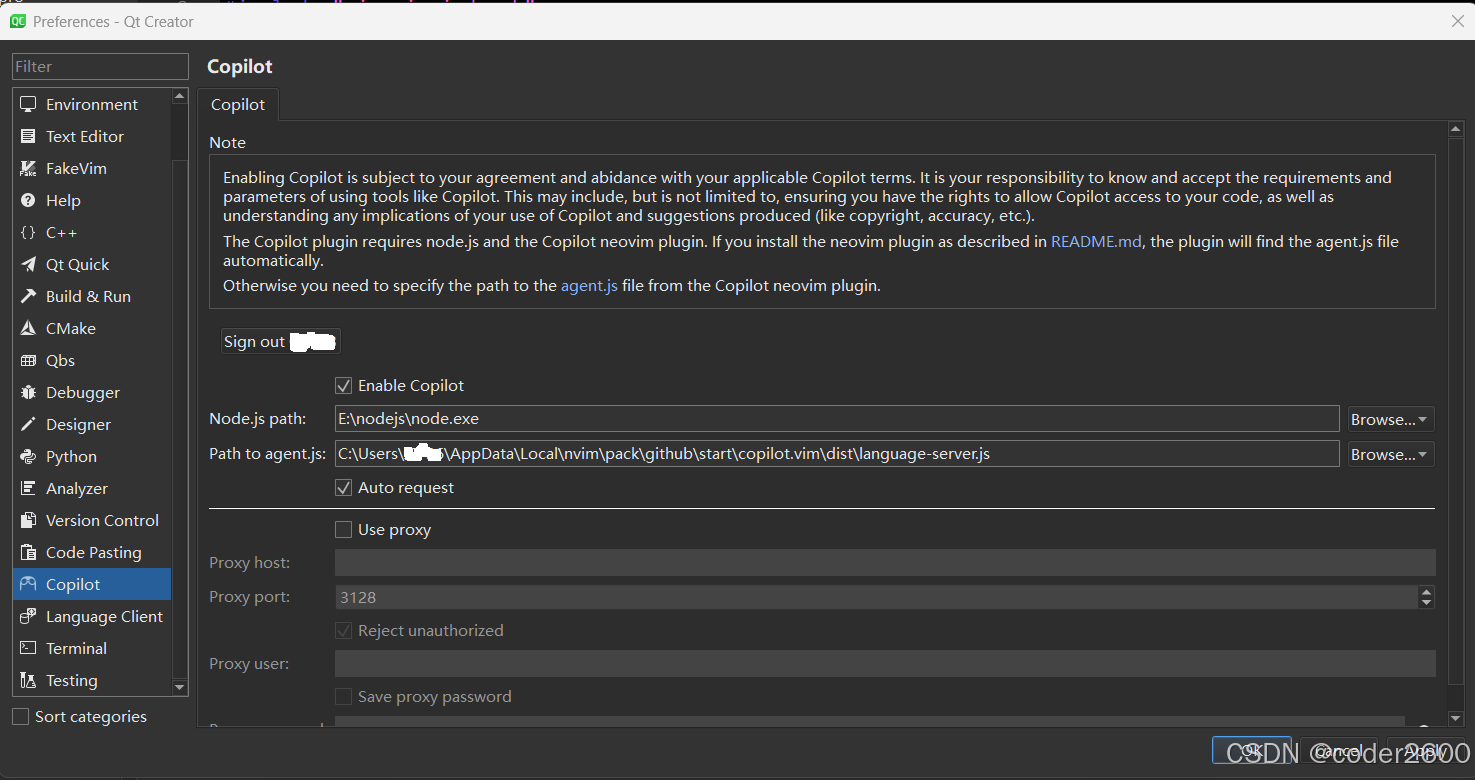
- Node.js path 和 Path to agent.js 如果没有自动检测到,就手动选择;
- Sign out xxx 之前的状态是 Sign in,点Sign in 会弹出浏览器页面到github授权,在Sign in下方会出现授权码,输入到浏览器中就OK了。





 扫一扫
扫一扫


 705
705

 被折叠的 条评论
为什么被折叠?
被折叠的 条评论
为什么被折叠?
 到【灌水乐园】发言





