


简介
什么是Redis的java客户端?
Redis Java 客户端是用于在 Java 应用程序中与 Redis 服务器进行通信的库/框架。它们封装了 Redis 协议,提供了面向对象的 API,让 Java 开发者能够更方便地操作 Redis
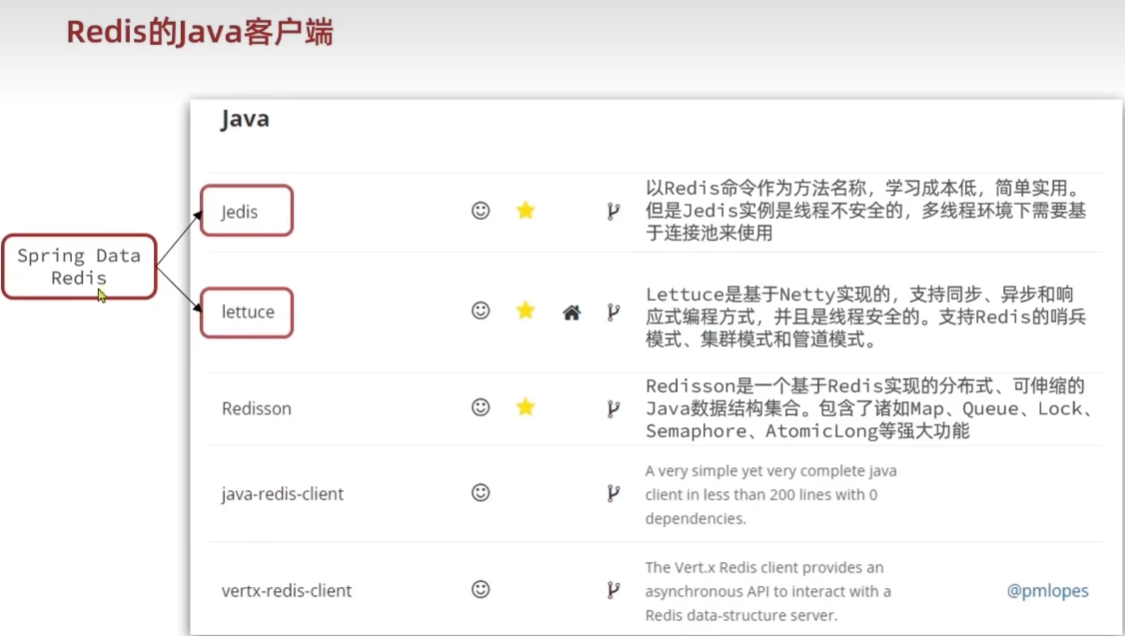
Jedis
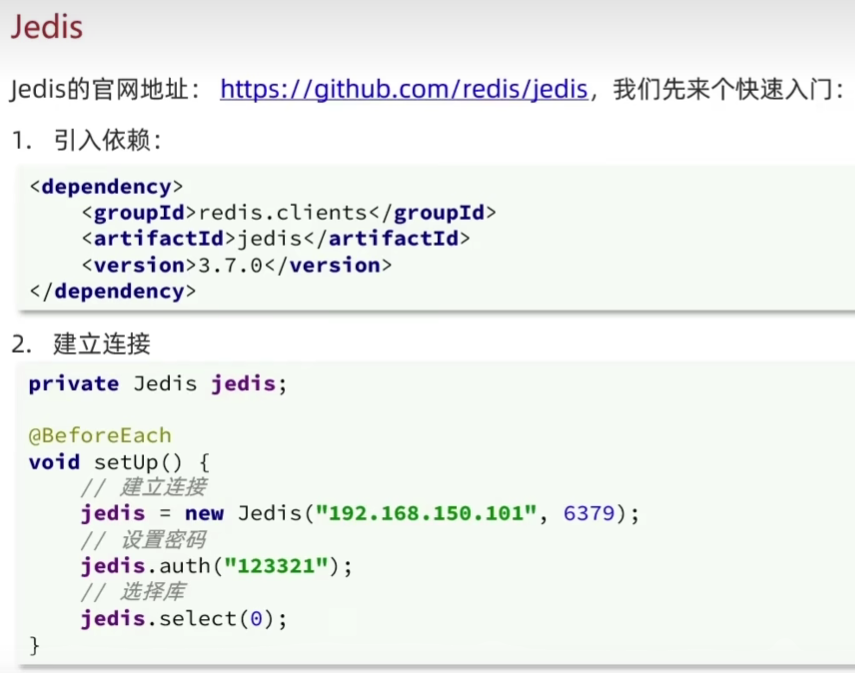
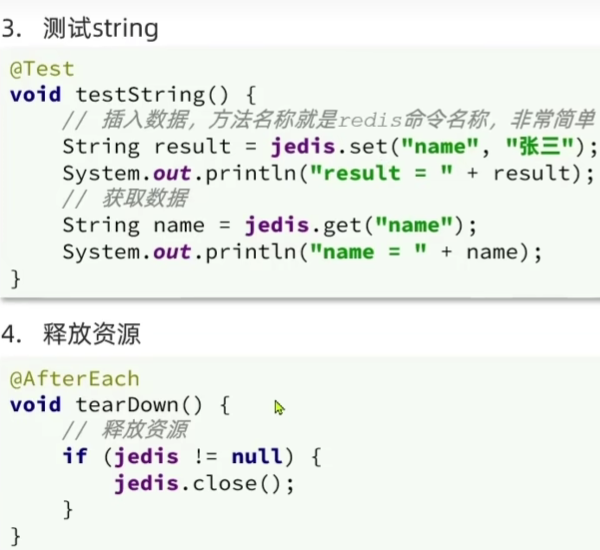
入门案例
public class JedisTest {
    private Jedis jedis;

    //    @BeforeEach由junit5提供,在每个@Test方法执行前,将该注解下的代码执行一遍
    @BeforeEach
    void setUp() {
        //1.建立连接
        jedis = new Jedis("127.0.0.1",6379);
        //2.设置密码 我的redis没有配置密码
//        jedis.auth("123456");
        //3.选择数据库
        jedis.select(1);
    }

    @Test
    void testString(){
        //存入数据
        String result = jedis.set("name","zhangsan三");
        System.out.println("result = "+result);
        //获取数据
        String name = jedis.get("name");
        System.out.println("name = "+name);
    }

    @Test
    void testHash() {
        jedis.hset("user1","name","lisi");
        jedis.hset("user1","age","18");
        String name = jedis.hget("user1","name");

        Map<String, String> map = jedis.hgetAll("user1");
        System.out.println(map);
    }

    @AfterEach
    void tearDown() {
        if (jedis != null){
            jedis.close();
        }
    }
}
jedis连接池
为什么jedis线程不安全:多个线程操作同一个连接(一个jedis对象)导致命令混乱
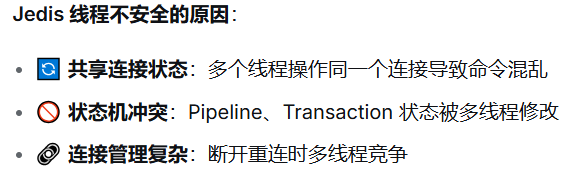
使用连接池:每个线程使用独立的 Jedis 实例
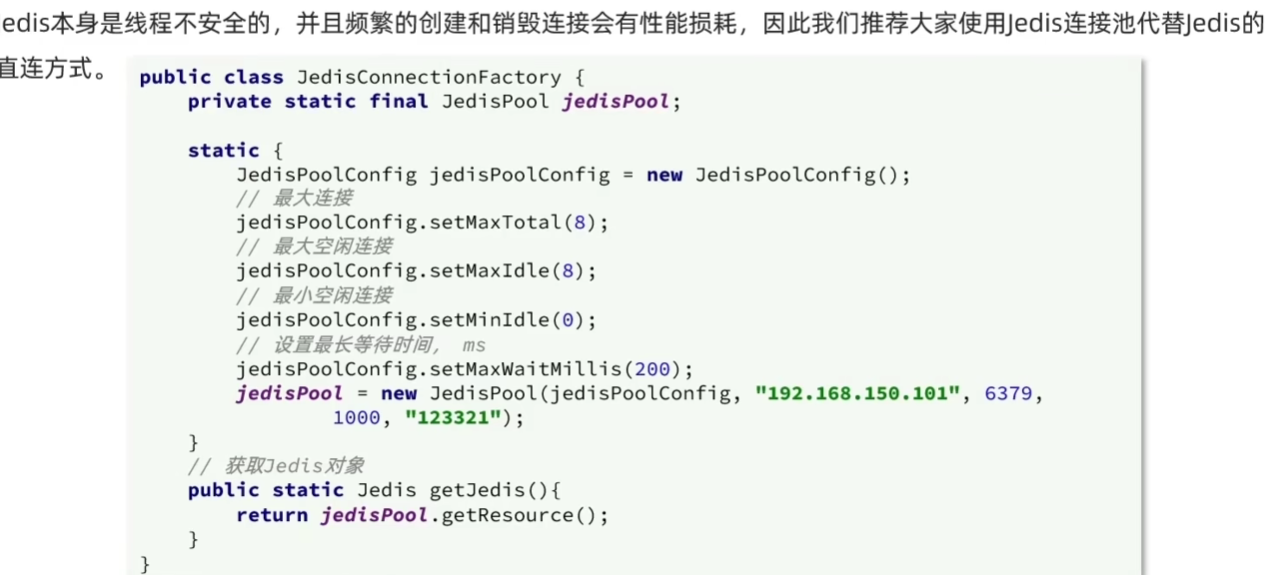
创建连接池工厂类,配置连接池,我的redis没有密码所以没有设置这个参数
public class JedisConnectionFactory {
    private  static  final JedisPool jedisPool;
    static {
        //配置连接池
        JedisPoolConfig poolConfig = new JedisPoolConfig();

        poolConfig.setMaxTotal(10);
        poolConfig.setMaxIdle(5);
        poolConfig.setMinIdle(1);
        poolConfig.setMaxWaitMillis(1000);

        //创建连接池对象
        jedisPool = new JedisPool(poolConfig,"localhost", 6379,1000);//我的redis没有密码所以没有设置这个参数
    }

    public static Jedis getJedisPool() {
        return jedisPool.getResource();
    }
}
在测试类中用连接池创建jedis实例
        //1.建立连接
//        jedis = new Jedis("127.0.0.1",6379);
        jedis = JedisConnectionFactory.getJedisPool();
SpringDataRedis
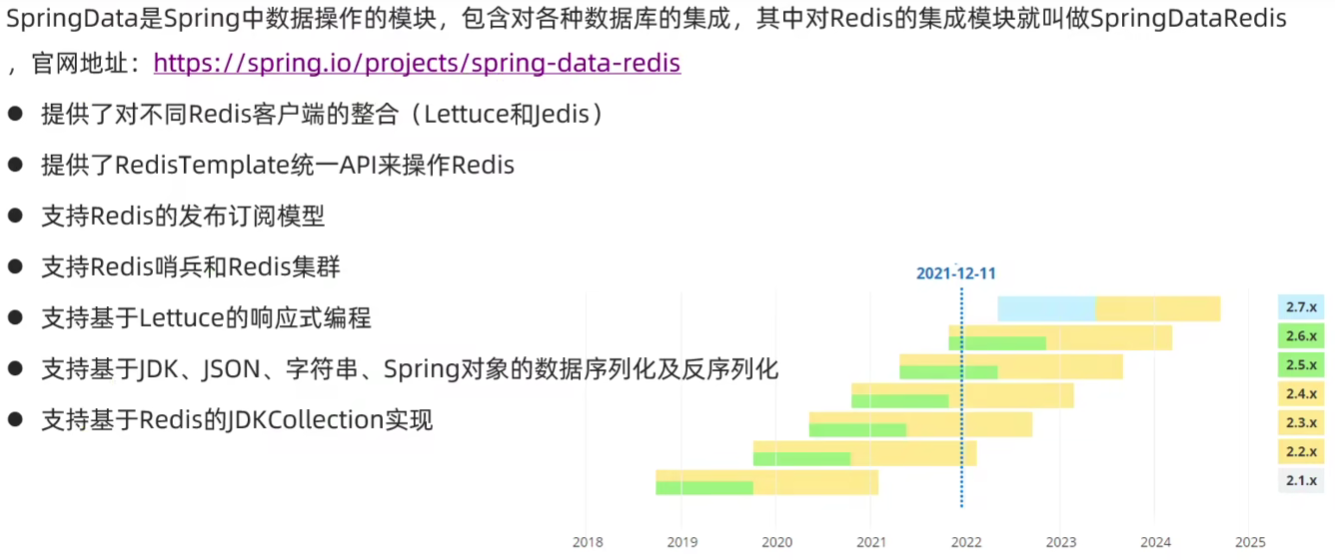
快速入门
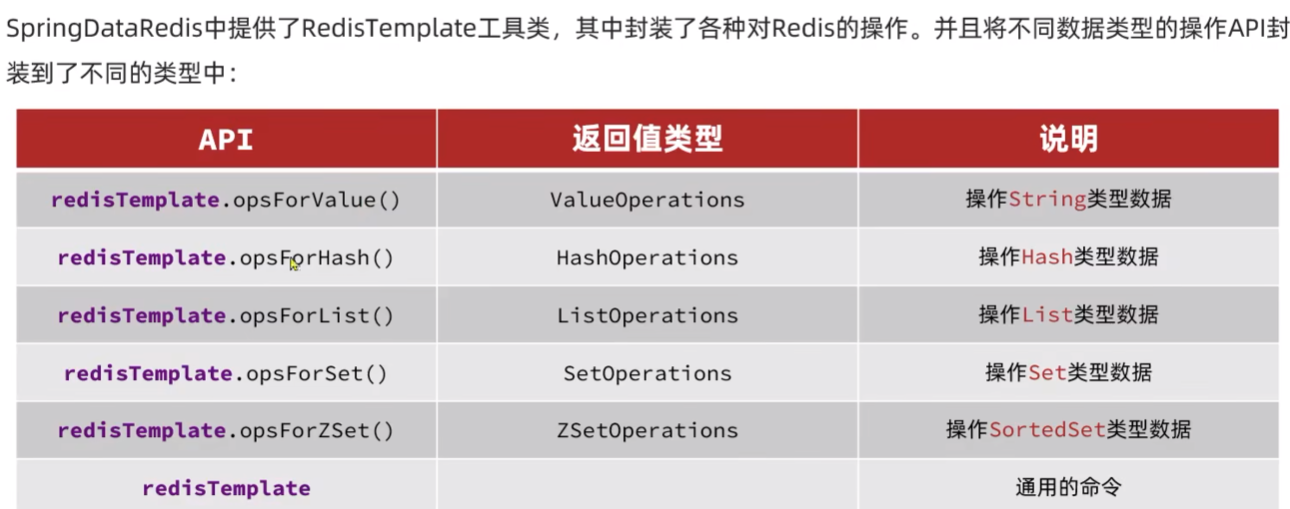
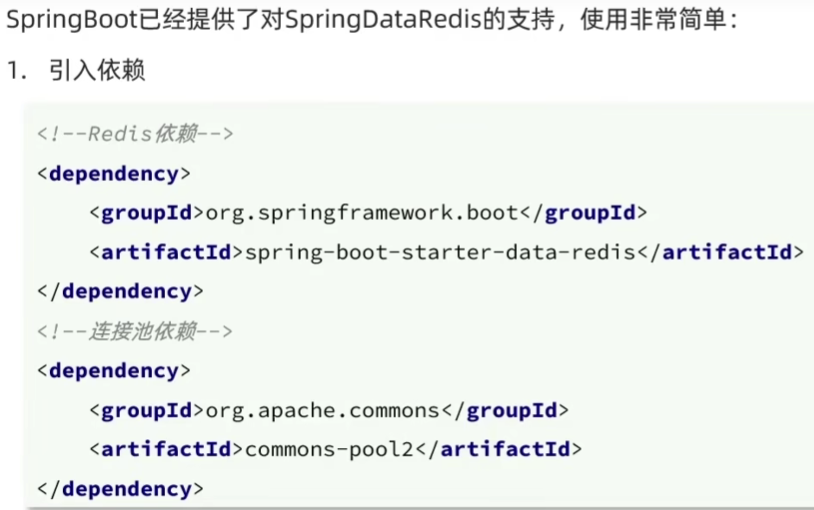
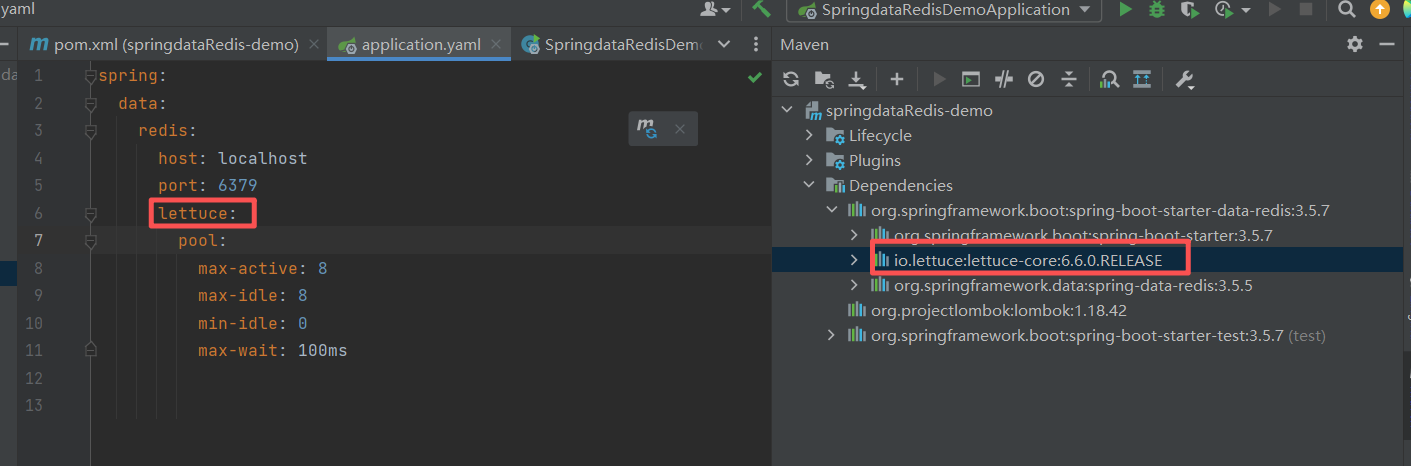
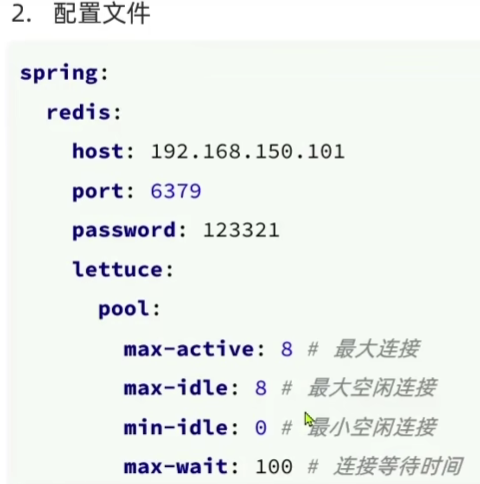
这里默认引入的是lettuce客户端
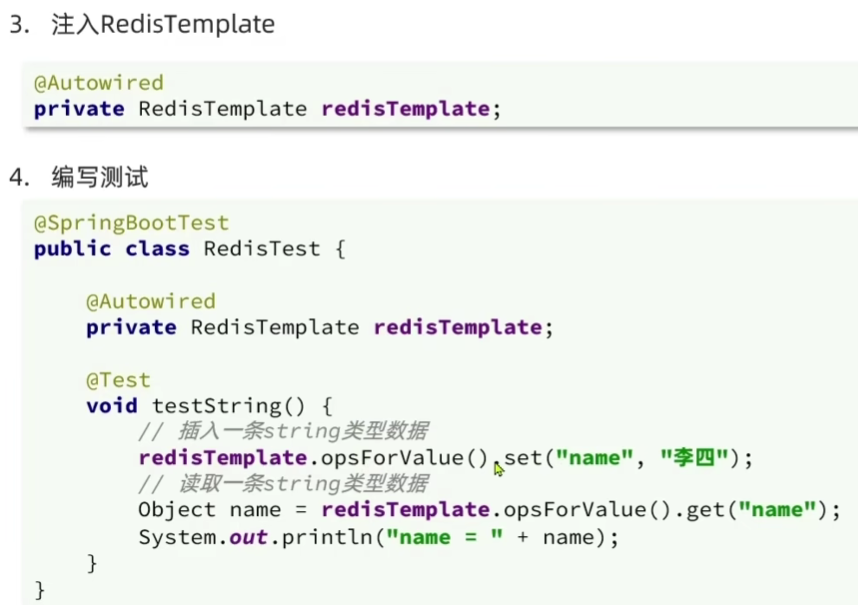
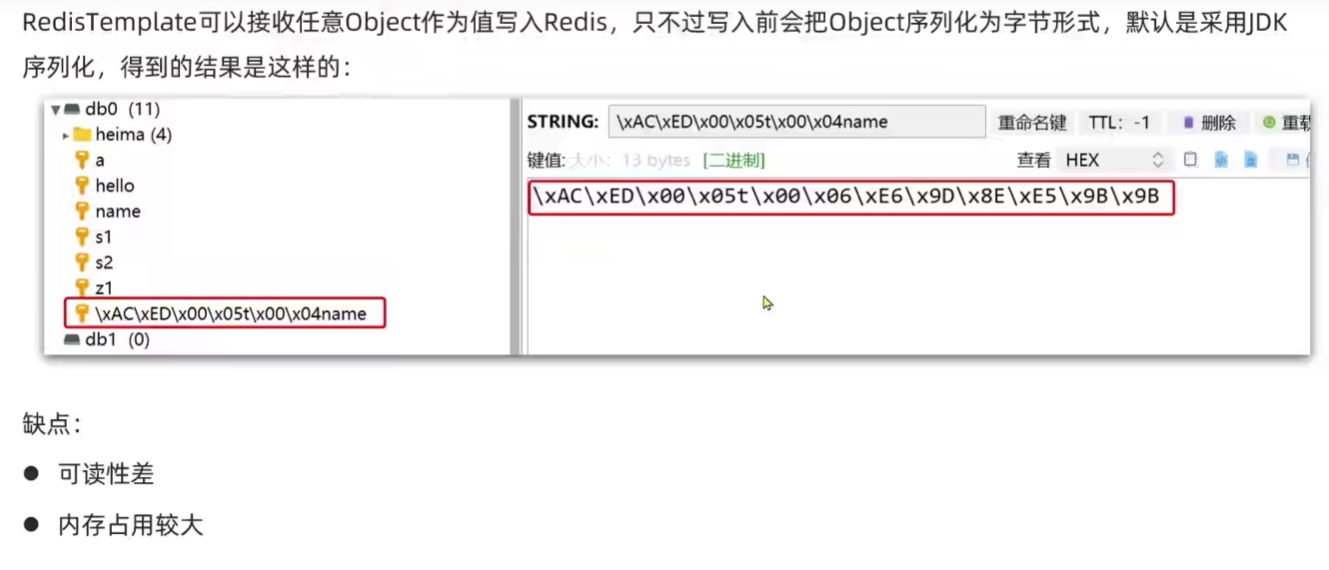
入门案例中遇到了序列化失败的情况
自定义RedisTemplate
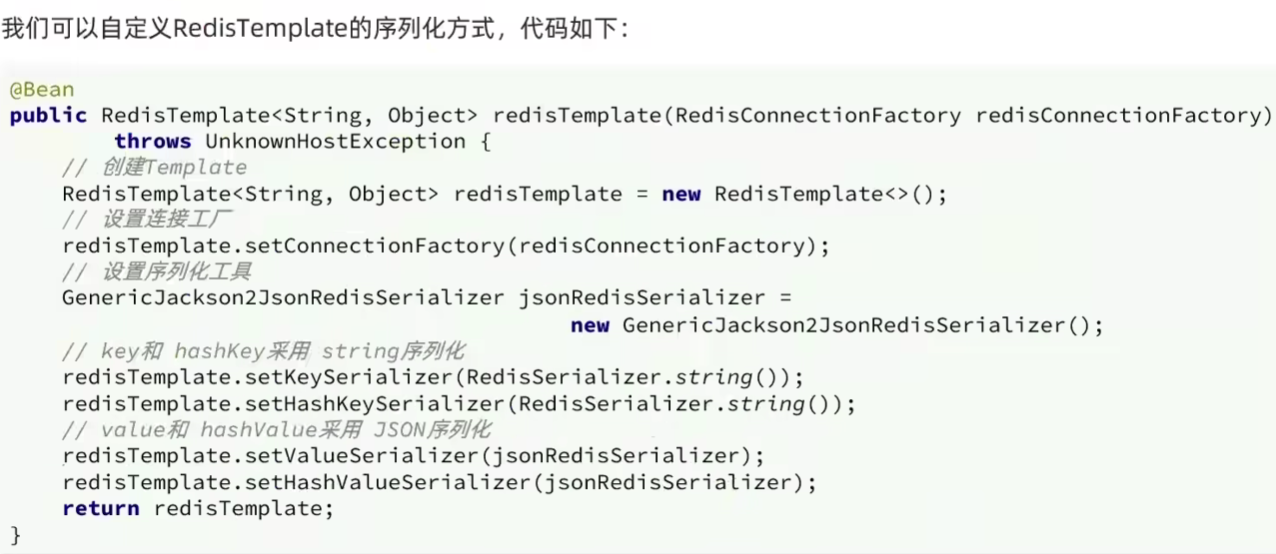
package com.example.springdataredisdemo.config;

import org.springframework.context.annotation.Bean;
import org.springframework.context.annotation.Configuration;
import org.springframework.data.redis.connection.RedisConnectionFactory;
import org.springframework.data.redis.core.RedisTemplate;
import org.springframework.data.redis.serializer.GenericJackson2JsonRedisSerializer;
import org.springframework.data.redis.serializer.RedisSerializer;

@Configuration
public class RedisConfig {
    @Bean
    public RedisTemplate<String, Object> redisTemplate(RedisConnectionFactory redisConnectionFactory) {
        RedisTemplate<String, Object> redisTemplate = new RedisTemplate<>();

        redisTemplate.setConnectionFactory(redisConnectionFactory);

        //创建JSON序列化工具
        GenericJackson2JsonRedisSerializer jsonRedisSerializer = new GenericJackson2JsonRedisSerializer();

        //设置key和value的序列化规则
        redisTemplate.setKeySerializer(RedisSerializer.string());
        redisTemplate.setHashKeySerializer(RedisSerializer.string());

        redisTemplate.setValueSerializer(jsonRedisSerializer);
        redisTemplate.setHashValueSerializer(jsonRedisSerializer);

        return redisTemplate;
    }

}
使用测试类测试
package com.example.springdataredisdemo;

import com.example.springdataredisdemo.pojo.User;
import org.junit.jupiter.api.Test;
import org.springframework.beans.factory.annotation.Autowired;
import org.springframework.boot.test.context.SpringBootTest;
import org.springframework.data.redis.core.RedisTemplate;
import org.springframework.data.redis.core.StringRedisTemplate;
import org.springframework.data.redis.serializer.StringRedisSerializer;

@SpringBootTest
class SpringdataRedisDemoApplicationTests {

    @Autowired
    private StringRedisTemplate stringredistemplate;
    @Autowired
    private RedisTemplate<String, Object> redisTemplate;


    @Test
    void testString(){
        // 设置序列化器
//        redisTemplate.setKeySerializer(new StringRedisSerializer());
//        redisTemplate.setValueSerializer(new StringRedisSerializer());


        redisTemplate.opsForValue().set("name","张三");
        //获取string数据
        Object name = redisTemplate.opsForValue().get("user:10");
        System.out.println(name);
    }

    @Test
    void testUser(){
        //写入
        redisTemplate.opsForValue().set("user:10",new User("张三",18));
        //读取
        User o = (User) redisTemplate.opsForValue().get("user:10");
        System.out.println(o);
    }
}
成功序列化
StringRedisTemplate-默认使用String方式处理
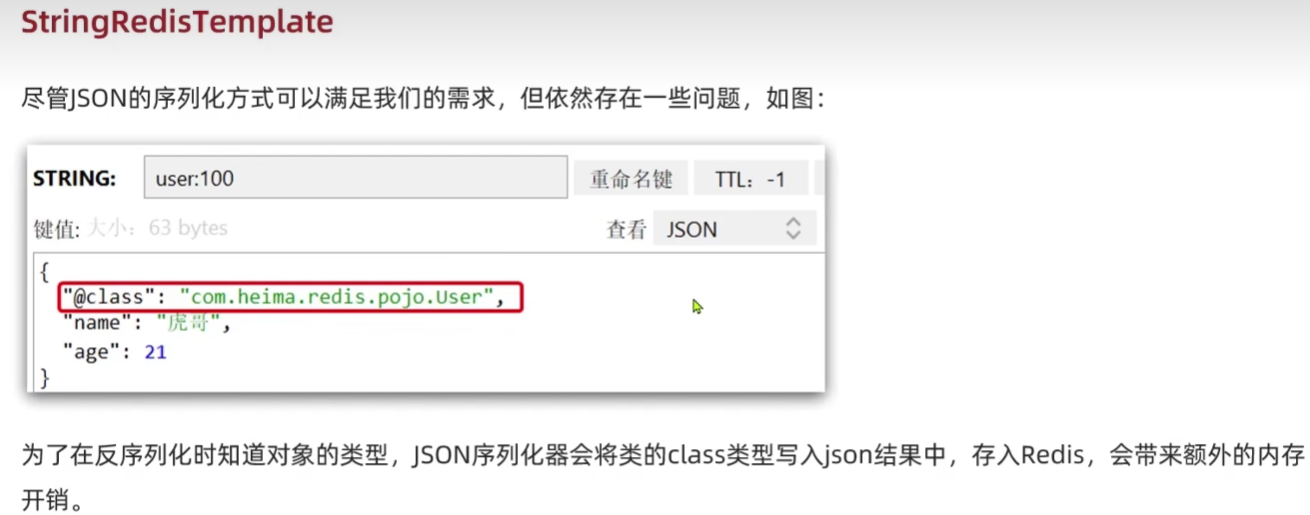
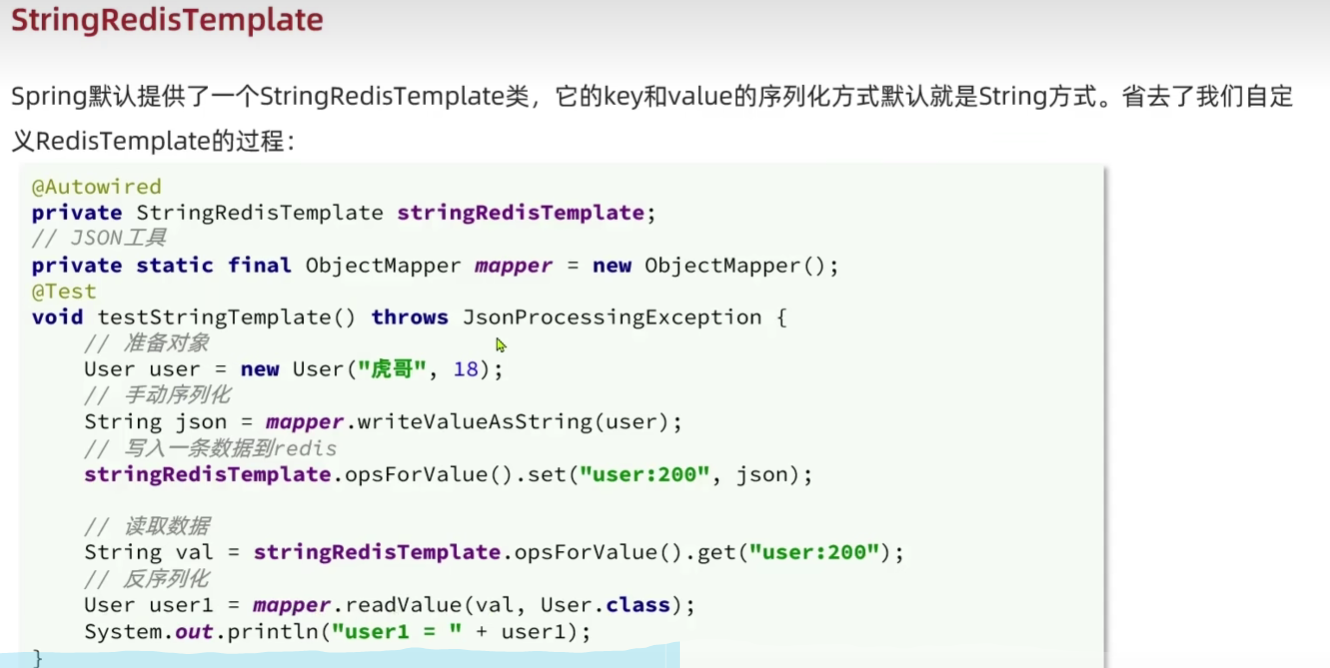
分别使用FastJson和Jackson序列化
    @Test
    void testUser(){
        User user = new User("张三", 18);
        //使用fastjson序列化
        String userjson = JSON.toJSONString(user);
        //写入
        stringredistemplate.opsForValue().set("user:10",userjson);
        //读取
        // 从Redis读取
        String storedUserJson = stringredistemplate.opsForValue().get("user:10");

        // 反序列化为User对象
        User o = JSON.parseObject(storedUserJson, User.class);
        System.out.println(o);
    }
    private static  final ObjectMapper mapper = new ObjectMapper();
    @Test
    void testUser2() throws JsonProcessingException {
        User user = new User("张三", 18);
        //使用Jackson 序列化
        String userjson = mapper.writeValueAsString(user);
        //写入
        stringredistemplate.opsForValue().set("user:100",userjson);
        //读取
        // 从Redis读取
        String UserJson = stringredistemplate.opsForValue().get("user:100");

        // 反序列化为User对象
        User o = mapper.readValue(UserJson, User.class);
        System.out.println(o);
    }
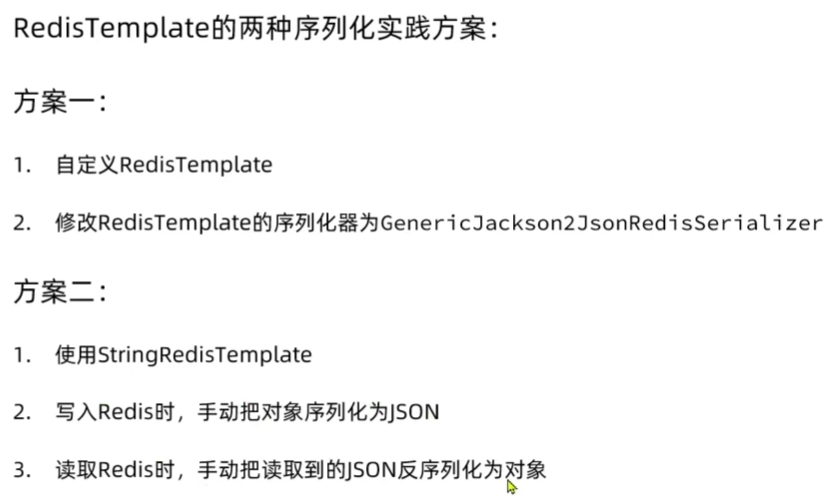
小结





 扫一扫
扫一扫


 1378
1378

 被折叠的 条评论
为什么被折叠?
被折叠的 条评论
为什么被折叠?
 到【灌水乐园】发言





