


宝塔 更新到最新 11.0.0 发现命令行 paramiko模块不存在且安装失败
提示:paramiko模块不存在且安装失败
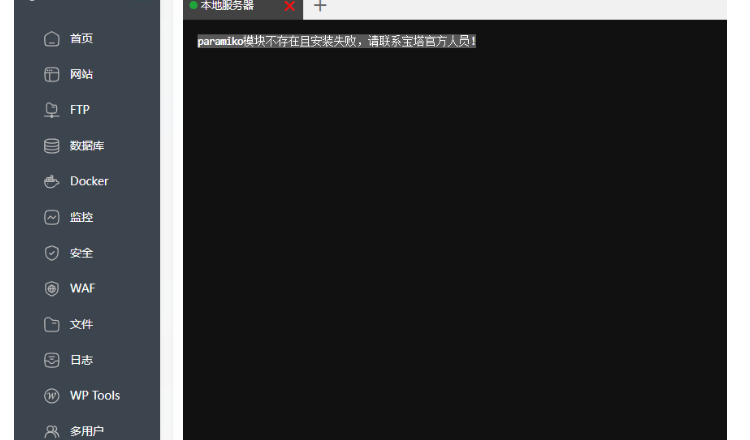
宝塔python 有一个专门的命令 btpip install pyOpenSSL
有的执行会报这个错误
[root@iZd1t3wexueebwZ ~]# btpip install pyOpenSSL
Looking in indexes: https://mirrors.aliyun.com/pypi/simple
Collecting pyOpenSSL
  Using cached https://mirrors.aliyun.com/pypi/packages/80/28/2659c02301b9500751f8d42f9a6632e1508aa5120de5e43042b8b30f8d5d/pyopenssl-25.1.0-py3-none-any.whl (56 kB)
Collecting cryptography<46,>=41.0.5
  Using cached https://mirrors.aliyun.com/pypi/packages/b9/cf/84210c447c06104e6be9122661159ad4ce7a8190011669afceeaea150524/cryptography-45.0.5-cp37-abi3-manylinux2014_x86_64.manylinux_2_17_x86_64.whl (4.4 MB)
Requirement already satisfied: cffi>=1.14 in /www/server/panel/pyenv/lib/python3.7/site-packages (from cryptography<46,>=41.0.5->pyOpenSSL) (1.15.1)
Requirement already satisfied: pycparser in /www/server/panel/pyenv/lib/python3.7/site-packages (from cffi>=1.14->cryptography<46,>=41.0.5->pyOpenSSL) (2.21)
Installing collected packages: cryptography, pyOpenSSL
  Attempting uninstall: cryptography
    Found existing installation: cryptography 3.2.1
ERROR: Could not install packages due to an EnvironmentError: [Errno 2] 没有那个文件或目录: '/www/server/panel/pyenv/lib/python3.7/site-packages/cryptography-3.2.1.dist-info/RECORD'

WARNING: You are using pip version 20.3.3; however, version 24.0 is available.
You should consider upgrading via the '/www/server/panel/pyenv/bin/python3.7 -m pip install --upgrade pip' command.
步骤 1:手动清理旧版本cryptography残留文件
由于自动卸载失败,需要手动删除旧版本的残留文件:
bash
删除旧版本cryptography的安装目录
rm -rf /www/server/panel/pyenv/lib/python3.7/site-packages/cryptography-3.2.1.dist-info/
rm -rf /www/server/panel/pyenv/lib/python3.7/site-packages/cryptography/
步骤 2:强制安装兼容版本的cryptography
pyOpenSSL需要cryptography<46,>=41.0.5,直接安装这个范围的版本:
bash
使用宝塔环境的pip手动指定安装cryptography
/www/server/panel/pyenv/bin/pip3.7 install "cryptography>=41.0.5,<46" -i https://mirrors.aliyun.com/pypi/simple --force-reinstall
–force-reinstall参数会强制重新安装,忽略之前的残留问题。
步骤 3:重新安装pyOpenSSL
完成cryptography安装后,再安装pyOpenSSL:
bash
btpip install pyOpenSSL -i https://mirrors.aliyun.com/pypi/simple
步骤 4:(可选)升级宝塔环境的 pip
如果后续仍有警告,可按提示升级当前环境的 pip:
bash
/www/server/panel/pyenv/bin/python3.7 -m pip install --upgrade pip -i https://mirrors.aliyun.com/pypi/simple
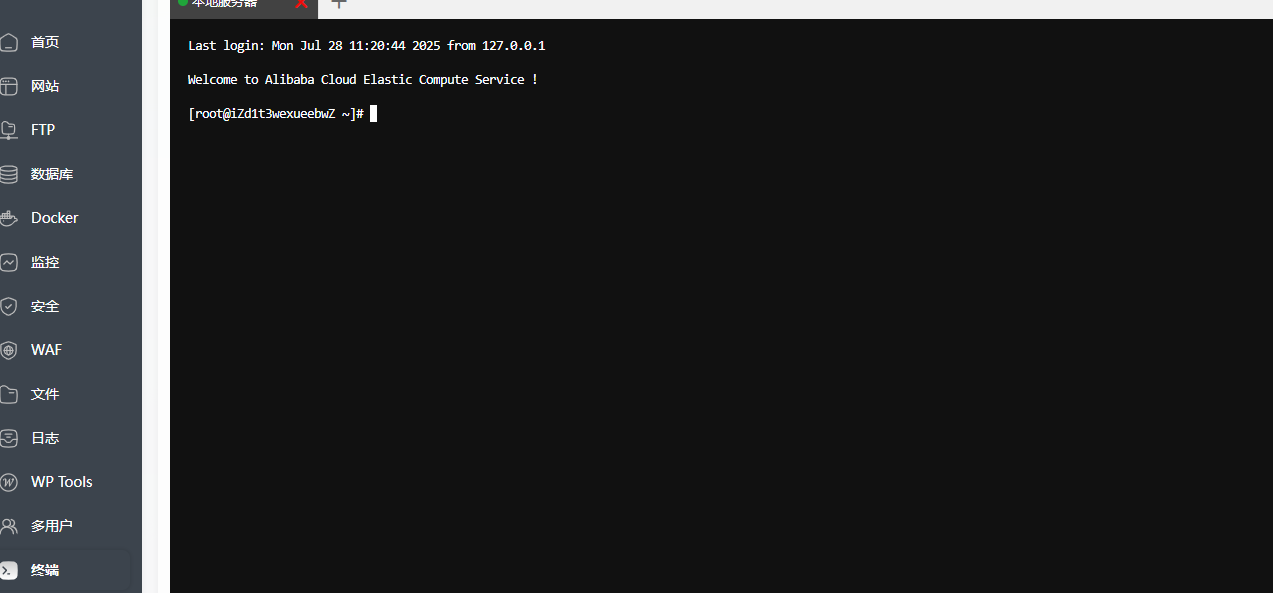
搞定





 扫一扫
扫一扫


 3952
3952

 被折叠的 条评论
为什么被折叠?
被折叠的 条评论
为什么被折叠?
 到【灌水乐园】发言





