



 这篇博客详细介绍了在Android环境中进行网络实验的过程,主要内容包括在Activity_main中实现网络请求,探索如何运用Android SDK进行网络操作,以及可能遇到的问题和解决方案。
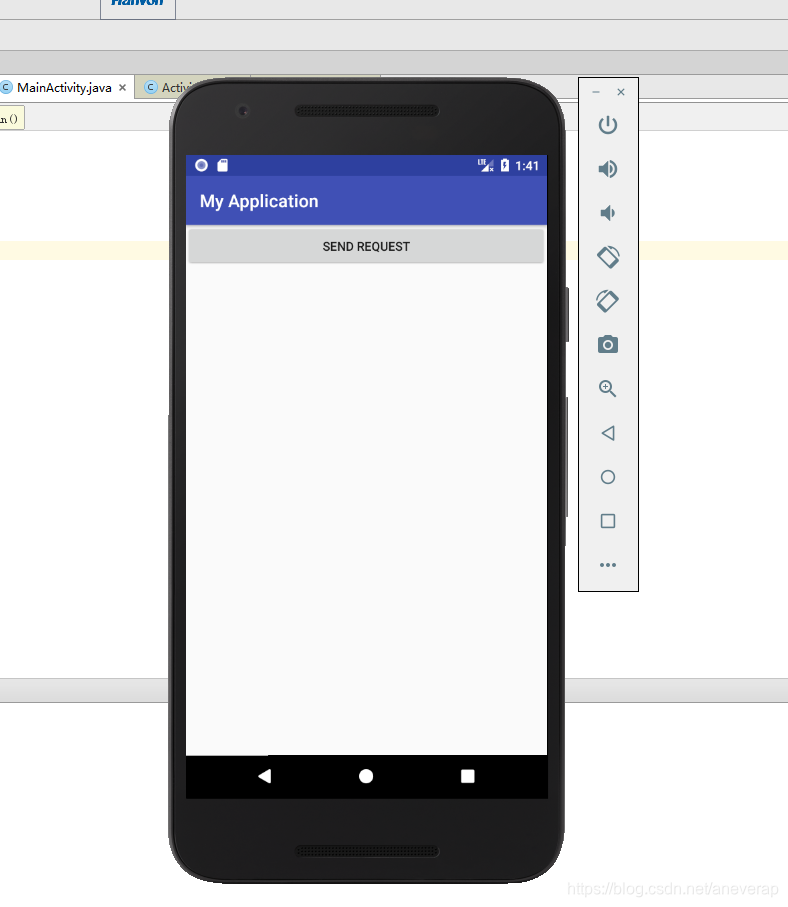
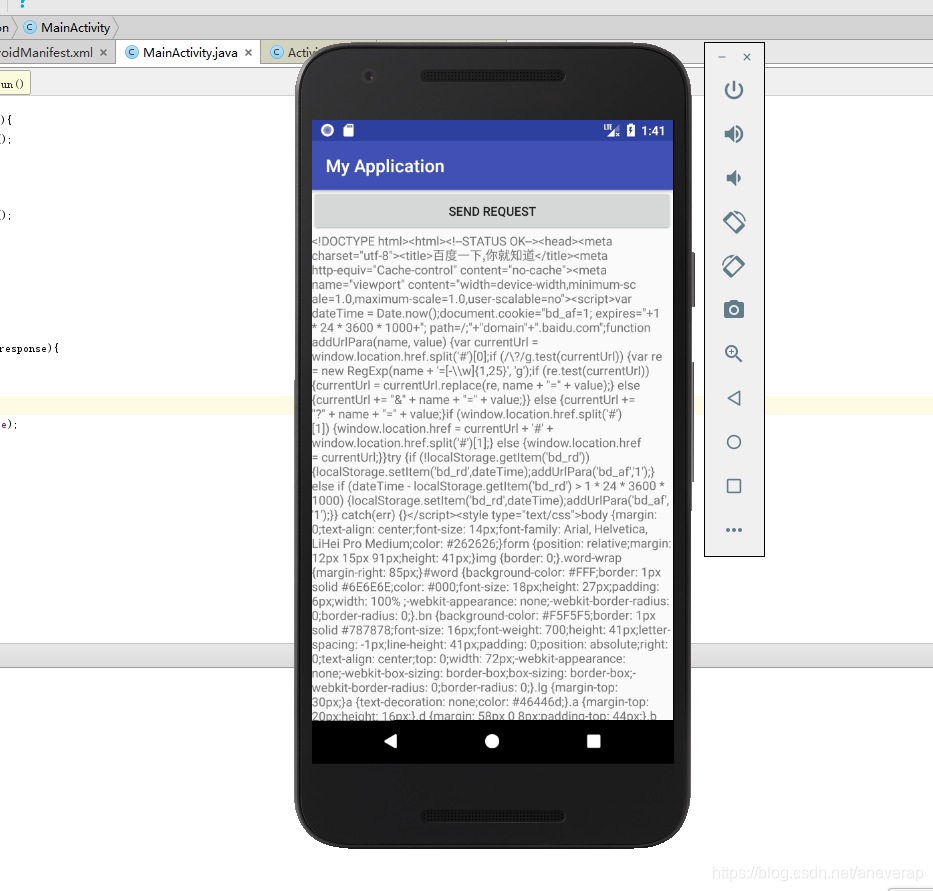
在MainActivity中
package com.example.administrator.myapplication;

import android.support.v7.app.AppCompatActivity;
import android.os.Bundle;
import android.view.View;
import android.webkit.WebView;
import android.webkit.WebViewClient;
import android.widget.Button;
import android.widget.TextView;

import java.io.BufferedReader;
import java.io.IOException;
import java.io.InputStream;
import java.io.InputStreamReader;
import java.net.HttpURLConnection;
import java.net.URL;

public class MainActivity extends AppCompatActivity implements View.OnClickListener {

    TextView responseText;

    @Override
    protected void onCreate(Bundle savedInstanceState) {
        super.onCreate(savedInstanceState);
        setContentView(R.layout.activity_main);


        Button sendRequest = (Button)findViewById(R.id.send_request);
        responseText = (TextView)findViewById(R.id.response_text);
        sendRequest.setOnClickListener(this);

    }

    public void onClick(View v){
        if(v.getId()  == R.id.send_request){
            sendRequestWithHttpURLConnection();
        }
    }

    private void sendRequestWithHttpURLConnection(){
        new Thread(new Runnable() {
            @Override
            public void run() {
                HttpURLConnection connection = null;
                BufferedReader reader = null;
                try{
                    URL url = new URL("https://www.baidu.com");
                    connection = (HttpURLConnection)url.openConnection();
                    connection.setRequestMethod("GET");
                    connection.setConnectTimeout(80000);
                    connection.setReadTimeout(80000);
                    InputStream in = connection.getInputStream();
                    reader = new BufferedReader(new InputStreamReader(in));
                    StringBuilder response = new StringBuilder();
                    String line;
                    while ((line = reader.readLine()) != null){
                        response.append(line);
                    }
                    showResponse(response.toString());
                }catch (Exception e){
                    e.printStackTrace();
                }finally {
                    if(reader != null){
                        try{
                            reader.close();
                        }catch (IOException e){
                            e.printStackTrace();
                        }
                    }
                    if(connection != null){
                        connection.disconnect();
                    }
                }
            }
        }).start();
    }

    private void showResponse(final String response){
        runOnUiThread(new Runnable() {
            @Override
            public void run() {
                responseText.setText(response);
            }
        });
    }

}
在activity_main中
<?xml version="1.0" encoding="utf-8"?>
<android.support.constraint.ConstraintLayout
    xmlns:android="http://schemas.android.com/apk/res/android"
    xmlns:tools="http://schemas.android.com/tools"
    xmlns:app="http://schemas.android.com/apk/res-auto"
    android:layout_width="match_parent"
    android:layout_height="match_parent"
    tools:context="com.example.administrator.myapplication.MainActivity">


    <LinearLayout
        android:layout_width="fill_parent"
        android:layout_height="fill_parent"
        android:orientation="vertical">

       <Button
           android:id="@+id/send_request"
           android:text="Send Request"
           android:layout_width="match_parent"
           android:layout_height="wrap_content" />

        <ScrollView
            android:layout_width="match_parent"
            android:layout_height="match_parent">
            <TextView
                android:id="@+id/response_text"
                android:layout_width="match_parent"
                android:layout_height="wrap_content" />
        </ScrollView>

    </LinearLayout>
</android.support.constraint.ConstraintLayout>





 扫一扫
扫一扫


 1980
1980

 被折叠的 条评论
为什么被折叠?
被折叠的 条评论
为什么被折叠?
 到【灌水乐园】发言





