


Introducing Execute Query
Execute Query is an operating system independent database utility written entirely in Java.
Using the flexibility provided by Java Database Connectivity (JDBC), Execute Query provides a simple way to interact with almost any database from simple queries to table creation and import/export of an entire schema's data. See Features for a list of some of the available tools.
If you find this software useful and would like to say thanks, donations are gratefully received.
This software was developed using IntelliJ IDEA who kindly provide Execute Query developers with free licenses, and Eclipse Java IDEs and jEdit on a Debian GNU/Linux system.
ej-technologies GmbH have also kindly provided licenses for JProfiler.
Execute Query has been tested under Windows, Linux, Solaris and Mac using Java Runtime Environment v1.7 - Java v1.7.0 (min) is recommended. If you do not have the required Java version please go to the Java website.
Execute Query is very much a work in progress and is continually being extended and refined with new features and tools. Interests of contribution are welcome.
Execute Query is available completely free of charge and will remain so under the GNU Public License.
Latest Version
Execute Query v4.4.3 Build 5629 (16 February 2021)
The latest version 4.4.3 has been posted up and is now ready for download.
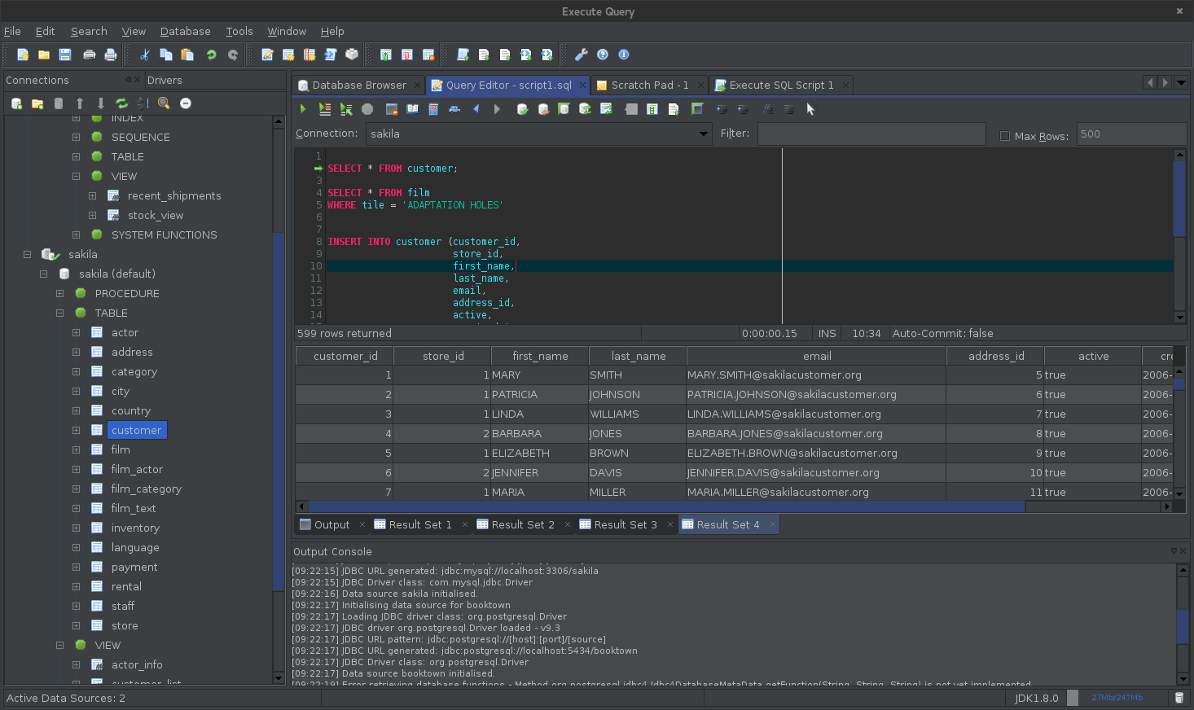
Version 4.4.3 continues the new dark theme as well as a number of new features including connections over SSH and editing data from the data browser tab as well as continuing to build on existing work such as SQL shortcuts feature for the Query Editor, result set exporter and SQL script executor, in addition to a number of bug fixes and tweaks.
Click here to view the release notes and summary of changes. Thanks to all who were so prompt in their feedback with bug reports and comments.
Reusable component libraries developed as a part of Execute Query as well as some other small utilities are now available for free download from underworldlabs.org.
Features
Some of the key features of Execute Query.
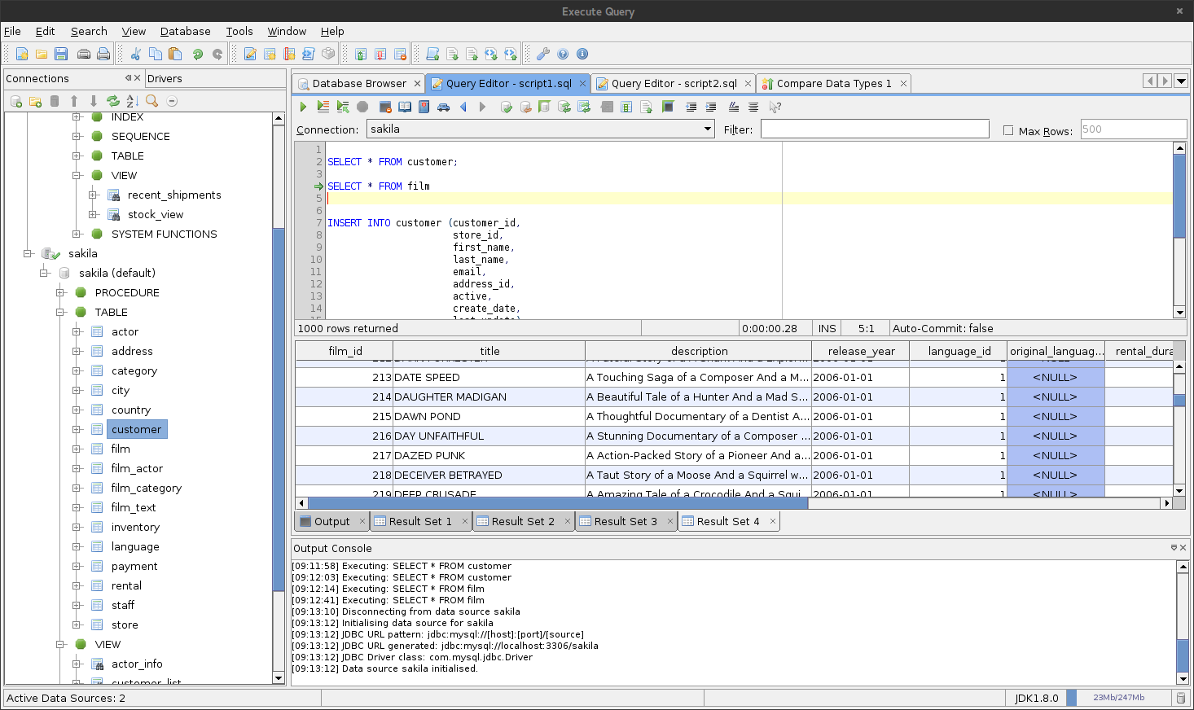
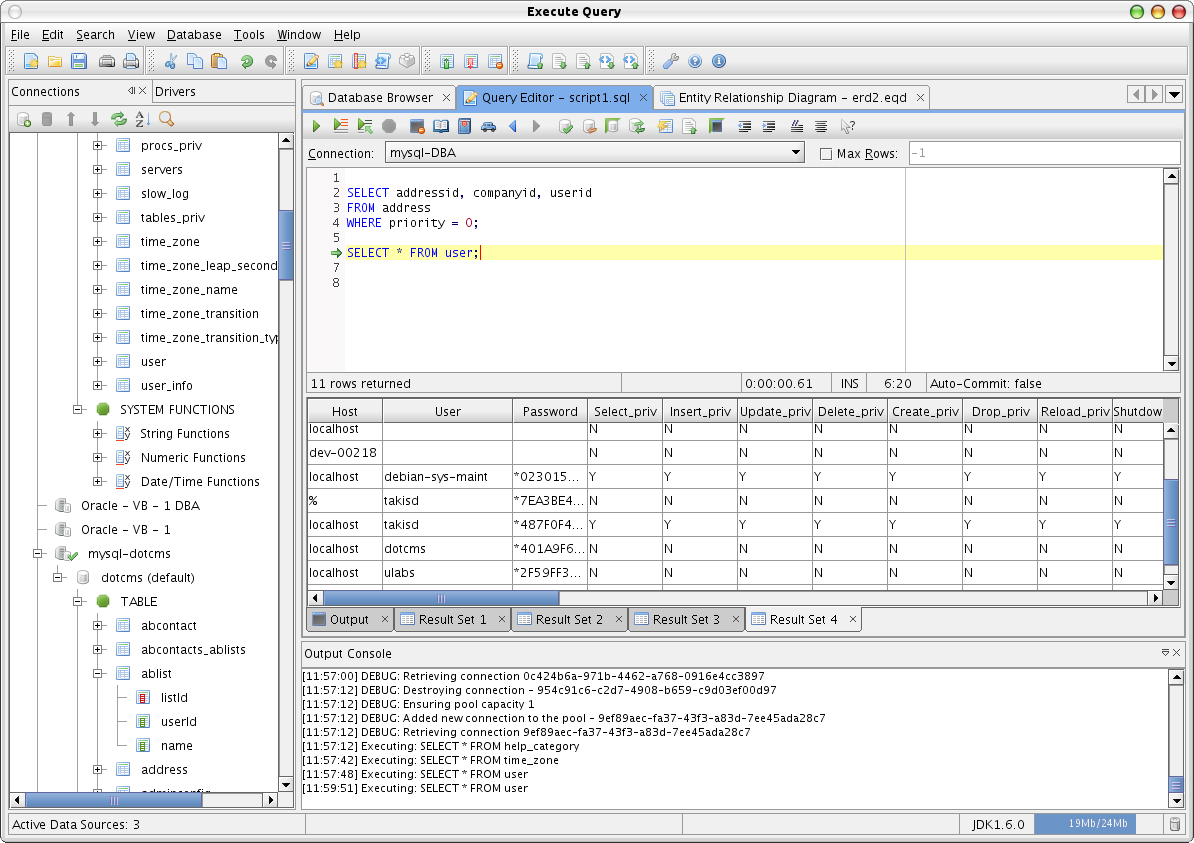
Query Editor: The Query Editor allows for the execution of any SQL statement(s) that the database and driver may accept from creating tables to basic SELECT statements and table updates. The results of any executed statement is displayed in the results pane including database specific messages and error codes. The editor now supports multiple statement execution including multiple result sets. Enhancements have been made to bring it in line with most common development editors of this type.
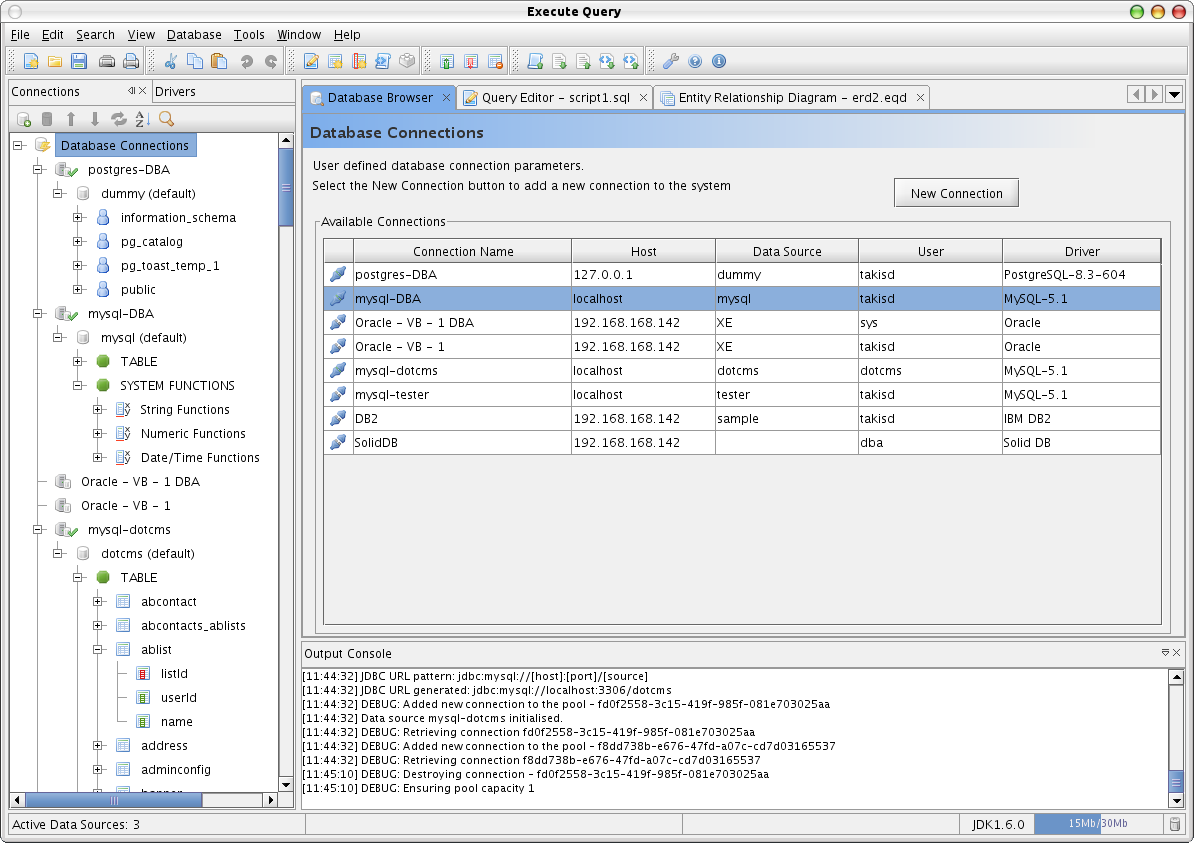
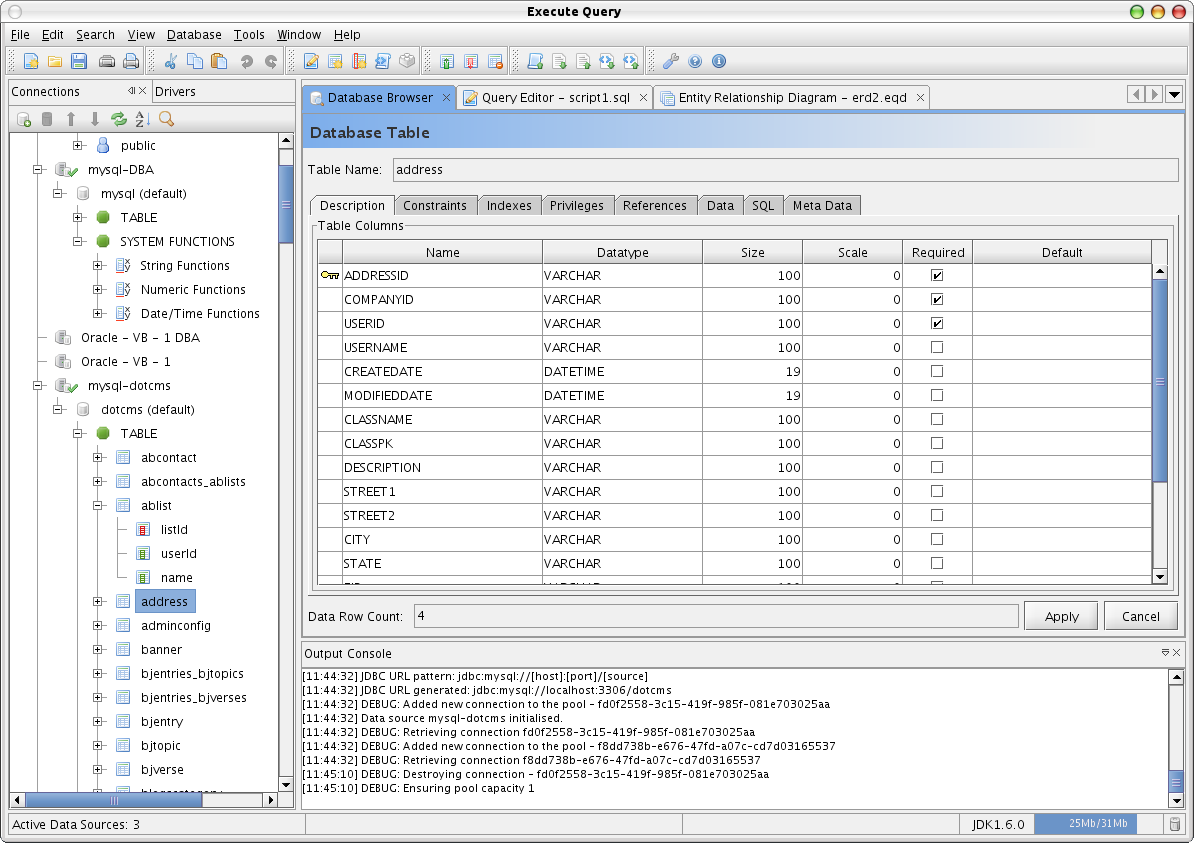
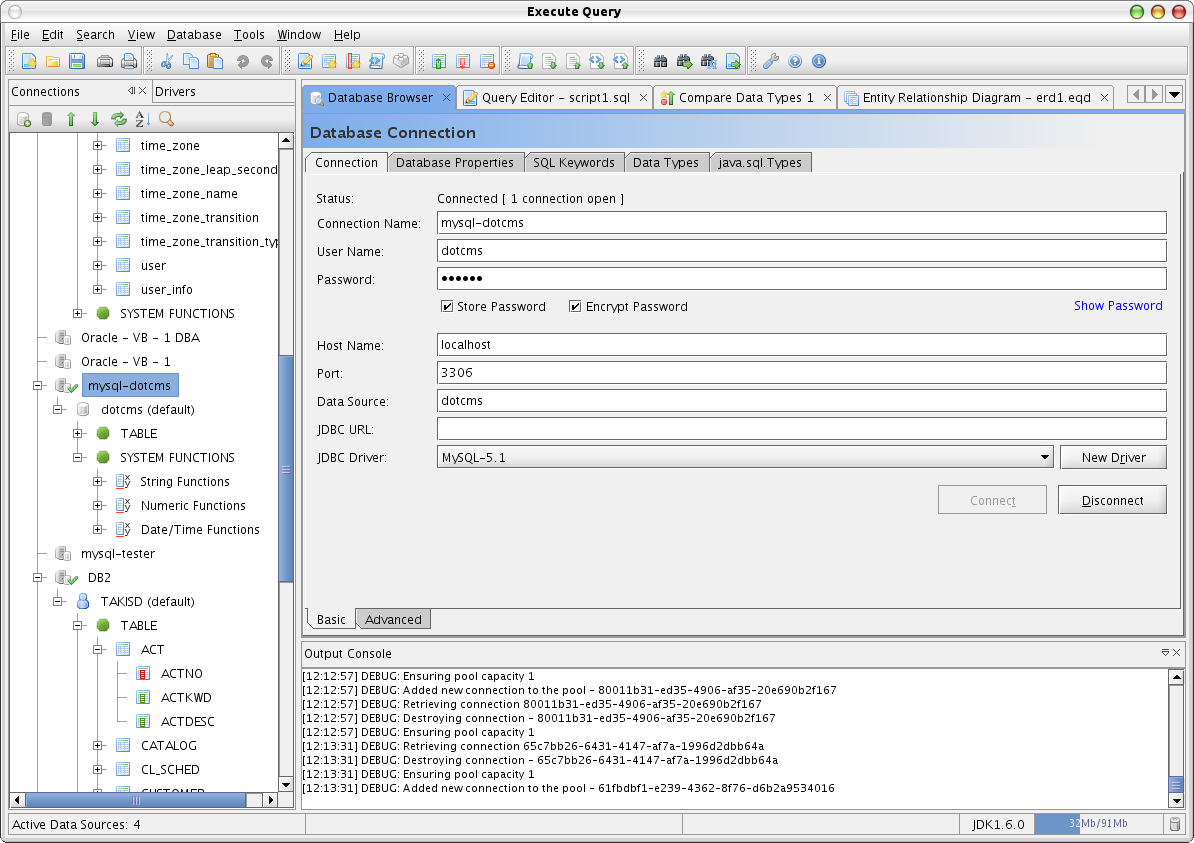
DatabaseBrowser: The Database Browser allows you to view a database's schema and tables. Modifications to table structures and constraints can be made as well as providing easy links to creating new tables or table indexes, generating SQL scripts from an existing schema and dropping existing tables.
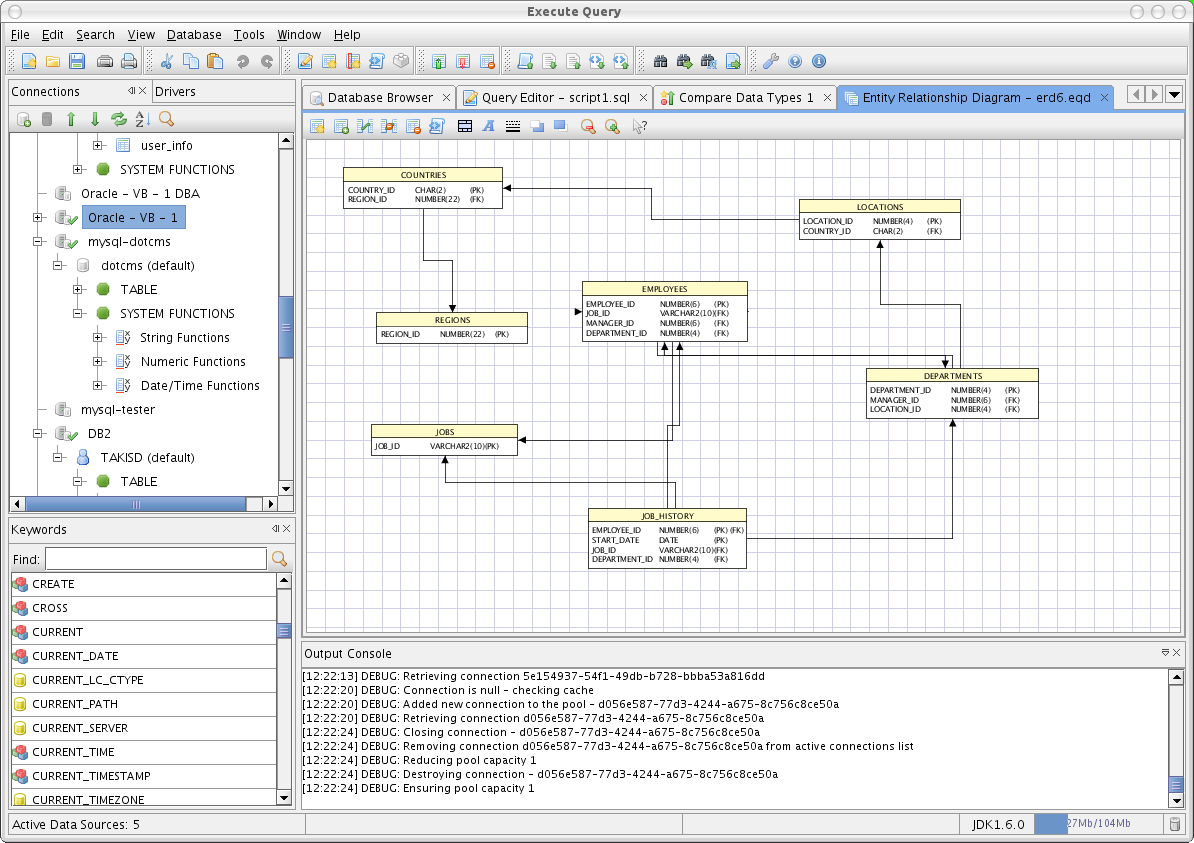
Generate ERD: Allows for the creation of a database ERD either from scratch or from an existing schema. The diagram may be manipulated and saved in multiple image formats.
Compare Data Types: Compares data types across different database connections providing useful mapping when porting a schema across different database types.
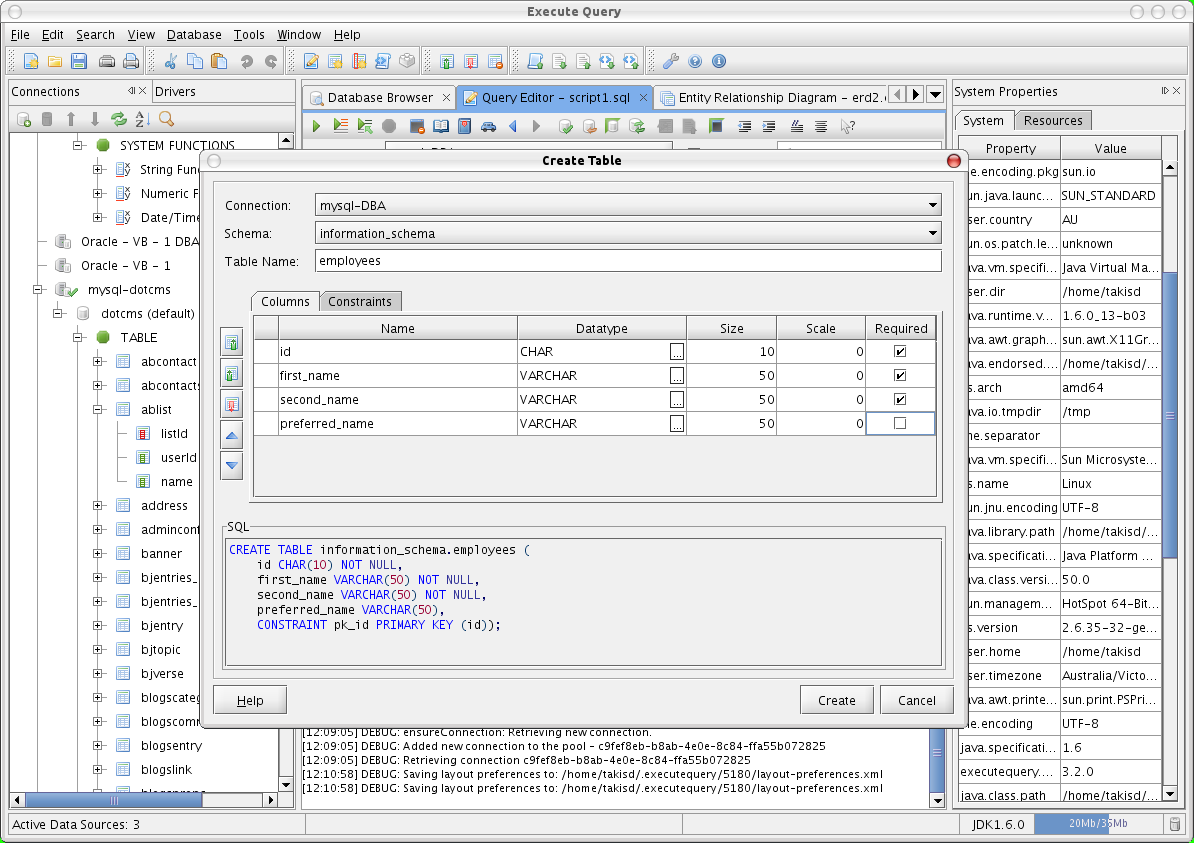
Create Table: Allows for the creation of database tables via a graphical interface.
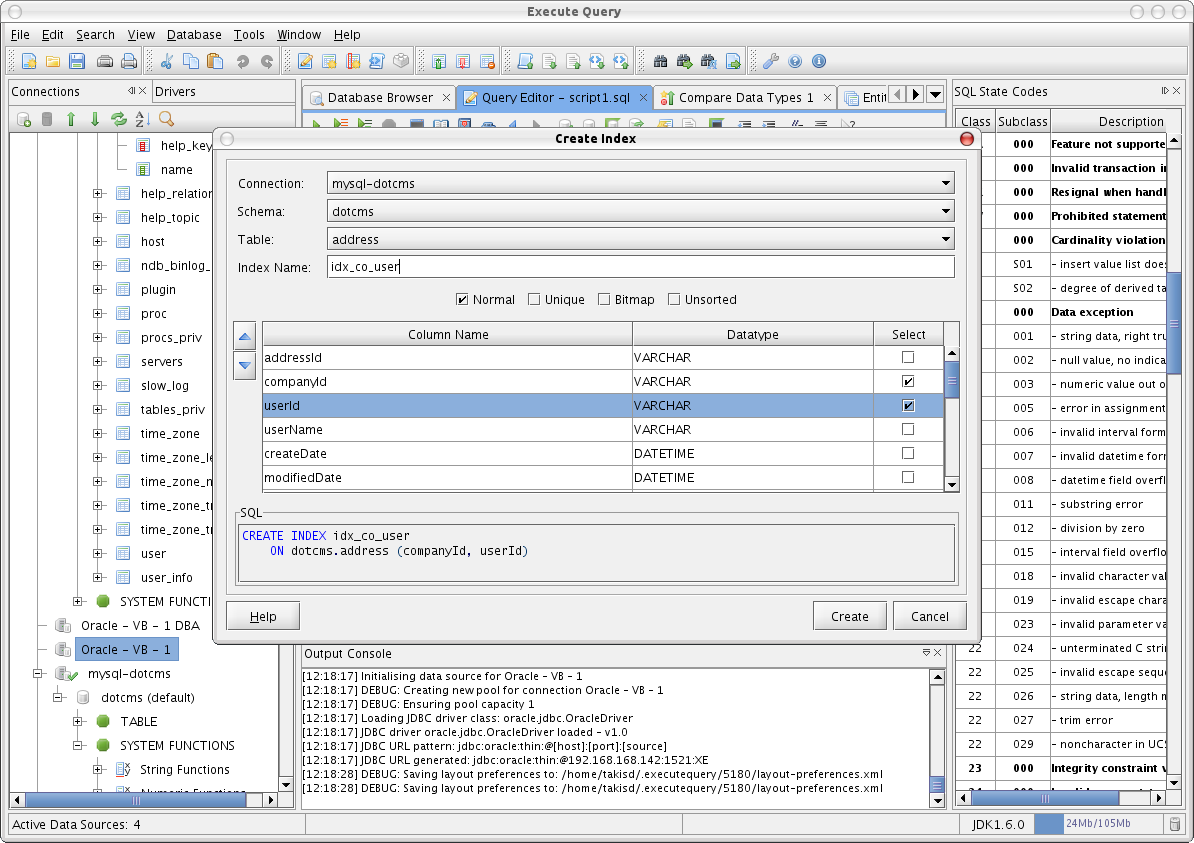
Create Index: Allows for the creation of an index on a table via a graphical interface.
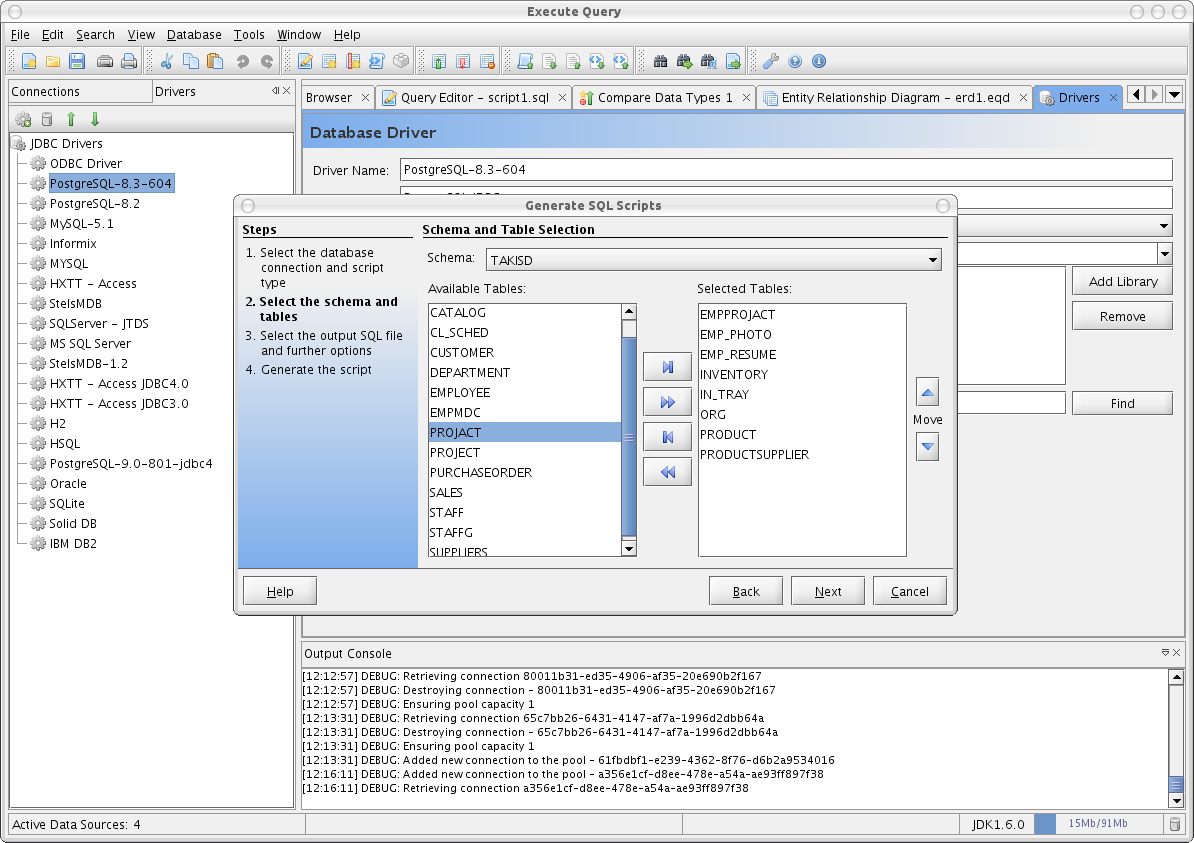
Generate Scripts: This feature allows you to generate complete CREATE TABLE scripts for the connected schema including all table constraints.
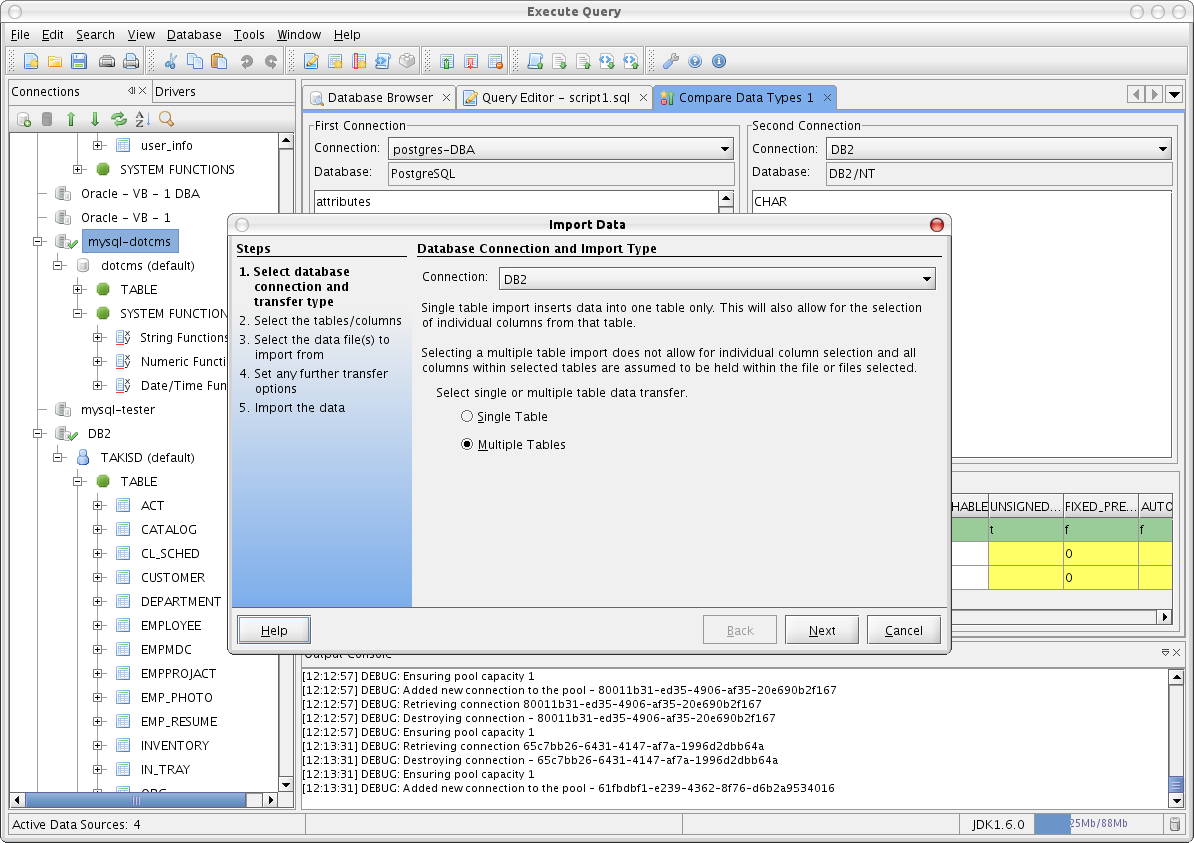
Import/Export Data: Allows for the import and export of data to and from delimited files.
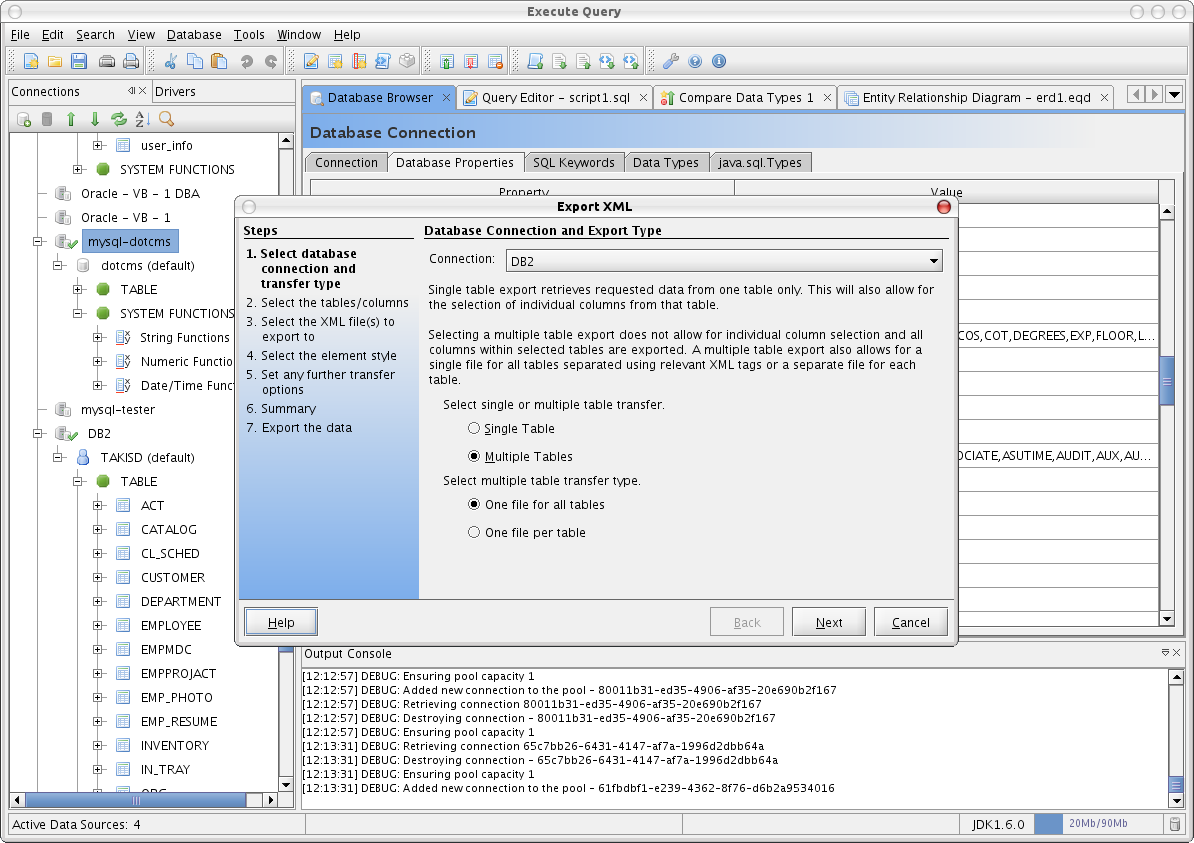
Import/Export XML Data: Allows for the import and export of data from one or multiple tables to and from XML files. The table and column names provide the XML tags.
Database Properties: Database properties queries the database connection for all available information including available data types and what the database can and can not accept.
SQL Keywords: This feature allows you to expand the included SQL92 keyword list and add your own keywords that may be specific to your database.
Connection Manager: The Connection Manager allows you to manage your saved connections and JDBC drivers.
Preferences: Fully customize Execute Query from fonts to background colours, syntax highlights, and connection behaviour.
In addition to the above, complete typical editor support is provided including basic features such as printing SQL queries or table results to the more basic find/replace feature.
Screenshots
| Connections:
| Query Editor:
| |
| Database Browser:
| Create Table:
| |
| Import Data:
| Export XML:
| |
| Connection Manager:
| ERD Generation:
| |
| Create Index:
| Generate SQL Scripts:
|





 扫一扫
扫一扫


 1万+
1万+

 被折叠的 条评论
为什么被折叠?
被折叠的 条评论
为什么被折叠?
 到【灌水乐园】发言





