 VuePress教程:构建个性化博客与自定义主题设置



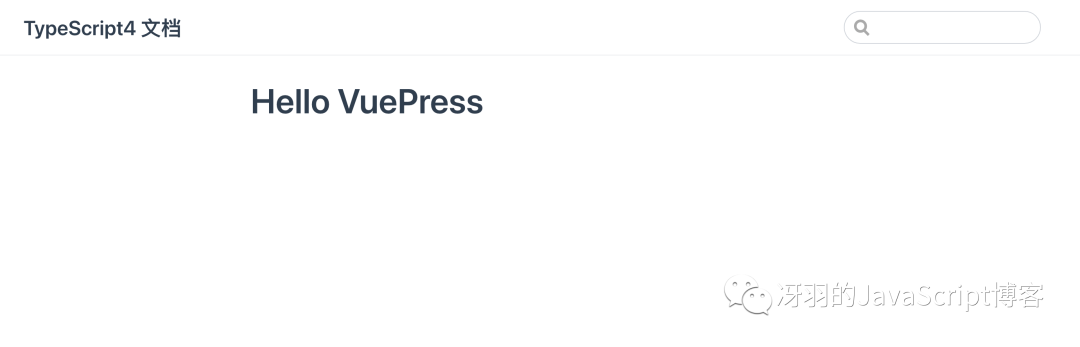
3. 添加导航栏
我们现在在页首的右上角添加导航栏,修改 config.js:
module.exports = {
title: ‘…’,
description: ‘…’,
themeConfig: {
nav: [
{ text: ‘首页’, link: ‘/’ },
{
text: ‘冴羽的 JavaScript 博客’,
items: [
{ text: ‘Github’, link: ‘https://github.com/mqyqingfeng’ },
{ text: ‘掘金’, link: ‘https://juejin.cn/user/712139234359182/posts’ }
]
}
]
}
}
效果如下:

更多的配置参考 VuePress 导航栏。
4. 添加侧边栏
现在我们添加一些 md 文档,目前文档的目录如下:
.
├─ docs
│ ├─ README.md
│ └─ .vuepress
│ └─ config.js
| └─ handbook
| └─ ConditionalTypes.md
| └─ Generics.md
└─ package.json
我们在 config.js 配置如下:
module.exports = {
themeConfig: {
nav: […],
sidebar: [
{
title: ‘欢迎学习’,
path: ‘/’,
collapsable: false, // 不折叠
children: [
{ title: “学前必读”, path: “/” }
]
},
{
title: “基础学习”,
path: ‘/handbook/ConditionalTypes’,
collapsable: false, // 不折叠
children: [
{ title: “条件类型”, path: “/handbook/ConditionalTypes” },
{ title: “泛型”, path: “/handbook/Generics” }
],
}
]<
 最低0.47元/天 解锁文章






 扫一扫
扫一扫


 1025
1025

 被折叠的 条评论
为什么被折叠?
被折叠的 条评论
为什么被折叠?
 到【灌水乐园】发言





