



Android O 适配
因Google官方的适配方案到Android P才推出,因此在Android O设备上,各家厂商有自己的实现方案。
我这里主要适配了华为、小米、oppo,这三家都给了完整的解决方案。至于vivo,vivo给了判断是否刘海屏的API,但是没用设置刘海区域显示到API,因此无需适配。
适配华为Android O设备
方案一:
- 具体方式如下所示:
- 对Application生效,意味着该应用的所有页面,系统都不会做竖屏场景的特殊下移或者是横屏场景的右移特殊处理:
- 对Activity生效,意味着可以针对单个页面进行刘海屏适配,设置了该属性的Activity系统将不会做特殊处理:
方案二
对Application生效,意味着该应用的所有页面,系统都不会做竖屏场景的特殊下移或者是横屏场景的右移特殊处理
我的NotchScreenTool中使用的就是方案二,如果需要针对Activity,建议自行修改。
- 设置应用窗口在华为刘海屏手机使用刘海区
/刘海屏全屏显示FLAG/
public static final int FLAG_NOTCH_SUPPORT=0x00010000;
/**
- 设置应用窗口在华为刘海屏手机使用刘海区
- @param window 应用页面window对象
*/
public static void setFullScreenWindowLayoutInDisplayCutout(Window window) {
if (window == null) {
return;
}
WindowManager.LayoutParams layoutParams = window.getAttributes();
try {
Class layoutParamsExCls = Class.forName(“com.huawei.android.view.LayoutParamsEx”);
Constructor con=layoutParamsExCls.getConstructor(LayoutParams.class);
Object layoutParamsExObj=con.newInstance(layoutParams);
Method method=layoutParamsExCls.getMethod(“addHwFlags”, int.class);
method.invoke(layoutParamsExObj, FLAG_NOTCH_SUPPORT);
} catch (ClassNotFoundException | NoSuchMethodException | IllegalAccessException |InstantiationException
| InvocationTargetException e) {
Log.e(“test”, “hw add notch screen flag api error”);
} catch (Exception e) {
Log.e(“test”, “other Exception”);
}
}
- 清除添加的华为刘海屏Flag,恢复应用不使用刘海区显示
/**
- 设置应用窗口在华为刘海屏手机使用刘海区
- @param window 应用页面window对象
*/
public static void setNotFullScreenWindowLayoutInDisplayCutout (Window window) {
if (window == null) {
return;
}
WindowManager.LayoutParams layoutParams = window.getAttributes();
try {
Class layoutParamsExCls = Class.forName(“com.huawei.android.view.LayoutParamsEx”);
Constructor con=layoutParamsExCls.getConstructor(LayoutParams.class);
Object layoutParamsExObj=con.newInstance(layoutParams);
Method method=layoutParamsExCls.getMethod(“clearHwFlags”, int.class);
method.invoke(layoutParamsExObj, FLAG_NOTCH_SUPPORT);
} catch (ClassNotFoundException | NoSuchMethodException | IllegalAccessException |InstantiationException
| InvocationTargetException e) {
Log.e(“test”, “hw clear notch screen flag api error”);
} catch (Exception e) {
Log.e(“test”, “other Exception”);
}
}
适配小米Android O设备
- 判断是否是刘海屏
private static boolean isNotch() {
try {
Method getInt = Class.forName(“android.os.SystemProperties”).getMethod(“getInt”, String.class, int.class);
int notch = (int) getInt.invoke(null, “ro.miui.notch”, 0);
return notch == 1;
} catch (Throwable ignore) {
}
return false;
}
- 设置显示到刘海区域
@Override
public void setDisplayInNotch(Activity activity) {
int flag = 0x00000100 | 0x00000200 | 0x00000400;
try {
Method method = Window.class.getMethod(“addExtraFlags”,
int.class);
method.invoke(activity.getWindow(), flag);
} catch (Exception ignore) {
}
}
- 获取刘海宽高
public static int getNotchHeight(Context context) {
int resourceId = context.getResources().getIdentifier(“notch_height”, “dimen”, “android”);
if (resourceId > 0) {
return context.getResources().getDimensionPixelSize(resourceId);
}
return 0;
}
public static int getNotchWidth(Context context) {
int resourceId = context.getResources().getIdentifier(“notch_width”, “dimen”, “android”);
if (resourceId > 0) {
return context.getResources().getDimensionPixelSize(resourceId);
}
return 0;
}
适配oppoAndroid O设备
- 判断是否是刘海屏
@Override
public boolean hasNotch(Activity activity) {
boolean ret = false;
try {
ret = activity.getPackageManager().hasSystemFeature(“com.oppo.feature.screen.heteromorphism”);
} catch (Throwable ignore) {
}
return ret;
}
- 获取刘海的左上角和右下角的坐标
/**
- 获取刘海的坐标
-
- 属性形如:[ro.oppo.screen.heteromorphism]: [378,0:702,80]
-
- 获取到的值为378,0:702,80
-
-
- (378,0)是刘海区域左上角的坐标
-
- (702,80)是刘海区域右下角的坐标
*/
private static String getScreenValue() {
String value = “”;
Class<?> cls;
try {
cls = Class.forName(“android.os.SystemProperties”);
Method get = cls.getMethod(“get”, String.class);
Object object = cls.newInstance();
value = (String) get.invoke(object, “ro.oppo.screen.heteromorphism”);
} catch (Throwable ignore) {
}
return value;
}
Oppo Android O机型不需要设置显示到刘海区域,只要设置了应用全屏就会默认显示。
因此Oppo机型必须适配。
适配总结
根据上述功能,我将其整理成了一个依赖库:NotchScreenTool
使用起来很简单:
// 支持显示到刘海区域
NotchScreenManager.getInstance().setDisplayInNotch(this);
// 获取刘海屏信息
NotchScreenManager.getInstance().getNotchInfo(this, new INotchScreen.NotchScreenCallback() {
@Override
public void onResult(INotchScreen.NotchScreenInfo notchScreenInfo) {
Log.i(TAG, "Is this screen notch? " + notchScreenInfo.hasNotch);
if (notchScreenInfo.hasNotch) {
for (Rect rect : notchScreenInfo.notchRects) {
Log.i(TAG, "notch screen Rect = " + rect.toShortString());
}
}
}
});
获取刘海区域信息后就可以根据自己应用的需要,来避开重要的控件。
详情可参考我项目中的代码。
我将适配方案整理后,封装成了一个库并上传至github,可参考使用
项目地址:https://github.com/smarxpan/NotchScreenTool
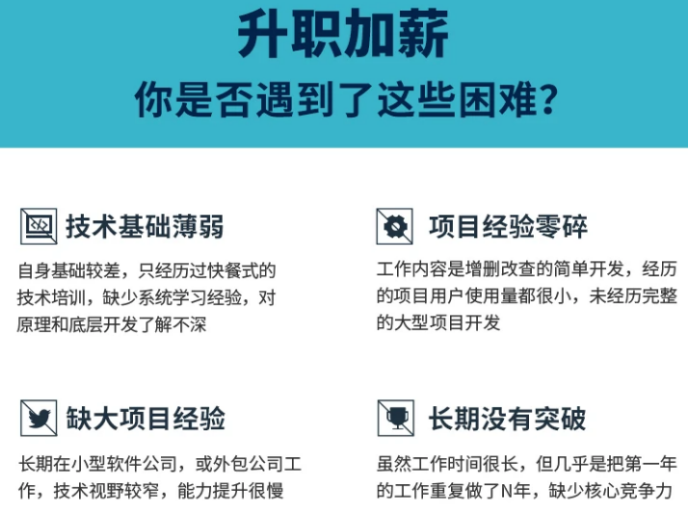
自我介绍一下,小编13年上海交大毕业,曾经在小公司待过,也去过华为、OPPO等大厂,18年进入阿里一直到现在。
深知大多数初中级Android工程师,想要提升技能,往往是自己摸索成长或者是报班学习,但对于培训机构动则近万的学费,着实压力不小。自己不成体系的自学效果低效又漫长,而且极易碰到天花板技术停滞不前!
因此收集整理了一份《2024年Android移动开发全套学习资料》,初衷也很简单,就是希望能够帮助到想自学提升又不知道该从何学起的朋友,同时减轻大家的负担。
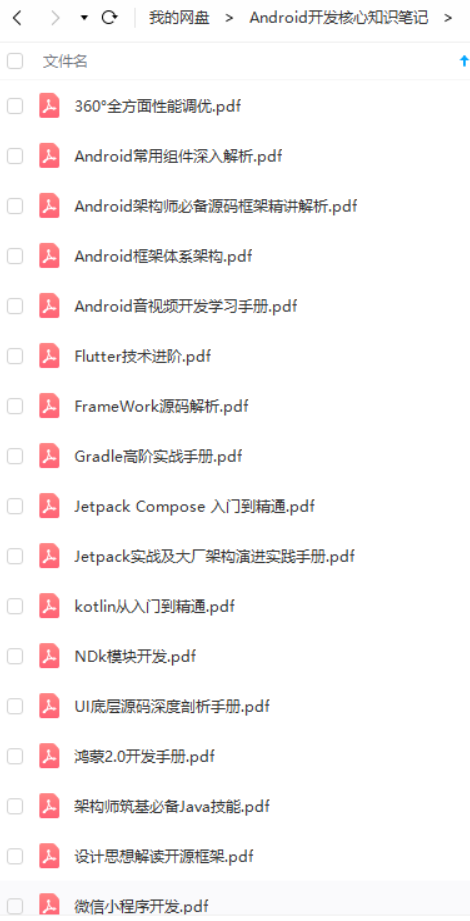
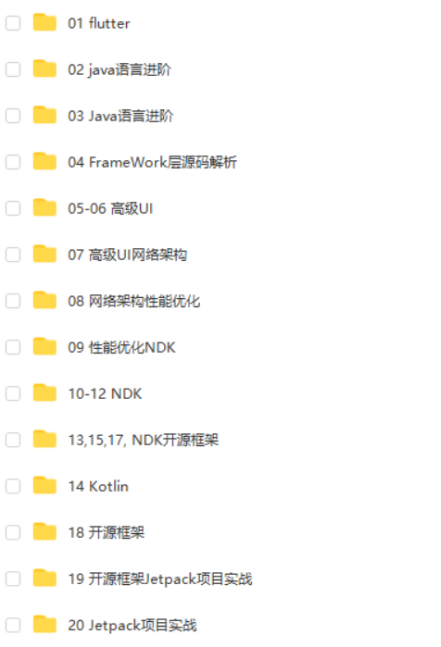
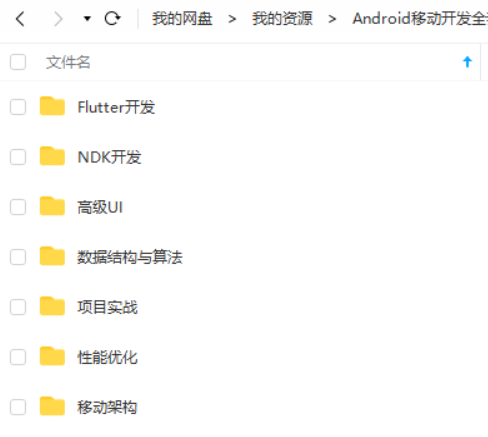
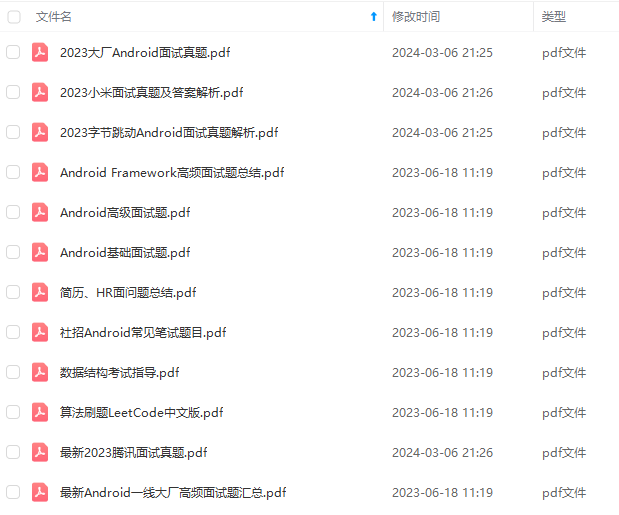
既有适合小白学习的零基础资料,也有适合3年以上经验的小伙伴深入学习提升的进阶课程,基本涵盖了95%以上Android开发知识点,真正体系化!
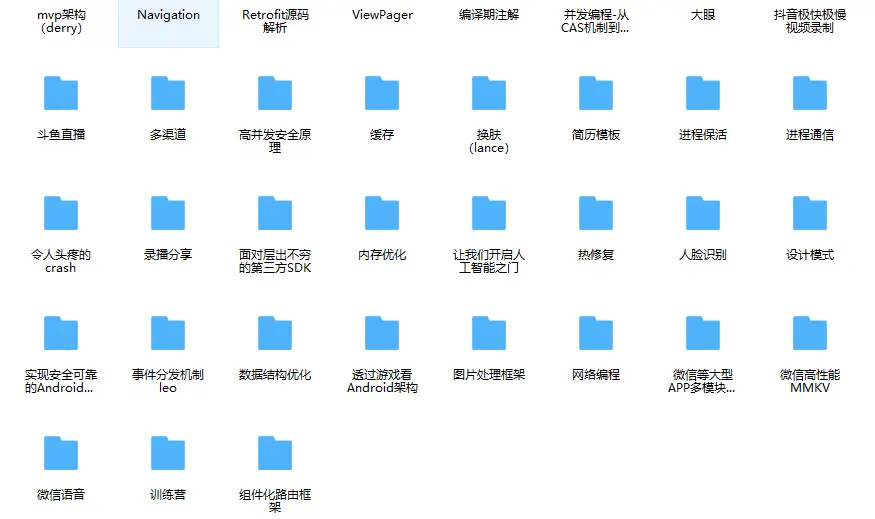
由于文件比较大,这里只是将部分目录截图出来,每个节点里面都包含大厂面经、学习笔记、源码讲义、实战项目、讲解视频,并且会持续更新!
如果你觉得这些内容对你有帮助,可以扫码获取!!(资料价值较高,非无偿)

尾声
对于很多初中级Android工程师而言,想要提升技能,往往是自己摸索成长,不成体系的学习效果低效漫长且无助。 整理的这些架构技术希望对Android开发的朋友们有所参考以及少走弯路,本文的重点是你有没有收获与成长,其余的都不重要,希望读者们能谨记这一点。
最后想要拿高薪实现技术提升薪水得到质的飞跃。最快捷的方式,就是有人可以带着你一起分析,这样学习起来最为高效,所以为了大家能够顺利进阶中高级、架构师,我特地为大家准备了一套高手学习的源码和框架视频等精品Android架构师教程,保证你学了以后保证薪资上升一个台阶。
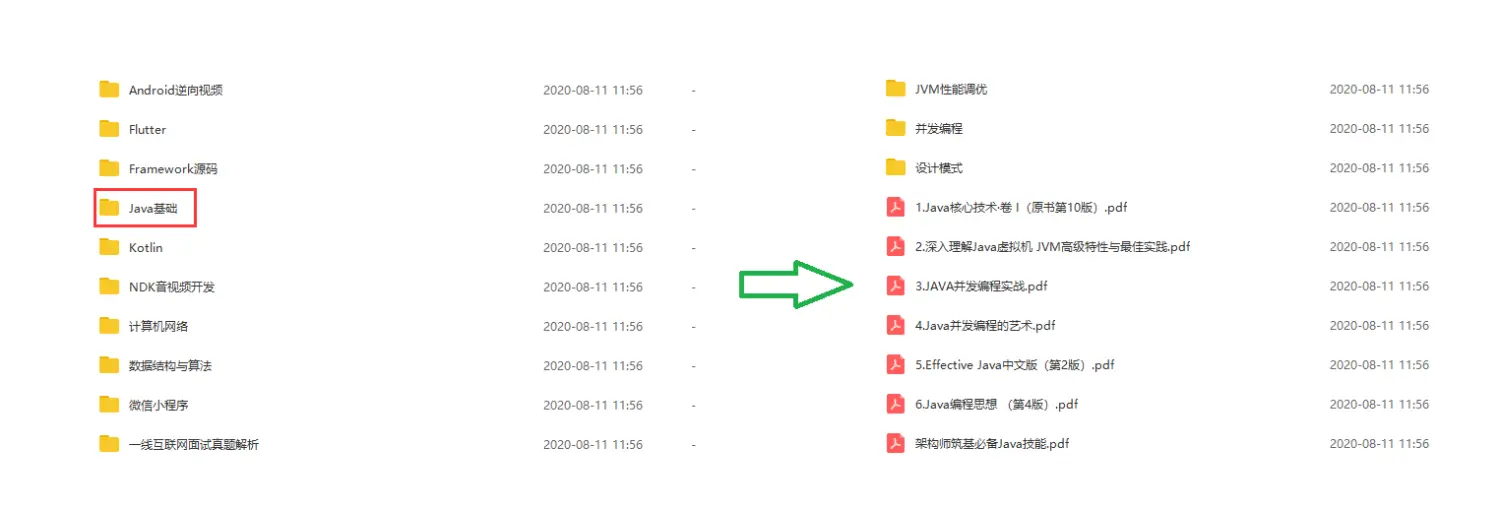
当你有了学习线路,学习哪些内容,也知道以后的路怎么走了,理论看多了总要实践的。
进阶学习视频
附上:我们之前因为秋招收集的二十套一二线互联网公司Android面试真题 (含BAT、小米、华为、美团、滴滴)和我自己整理Android复习笔记(包含Android基础知识点、Android扩展知识点、Android源码解析、设计模式汇总、Gradle知识点、常见算法题汇总。)
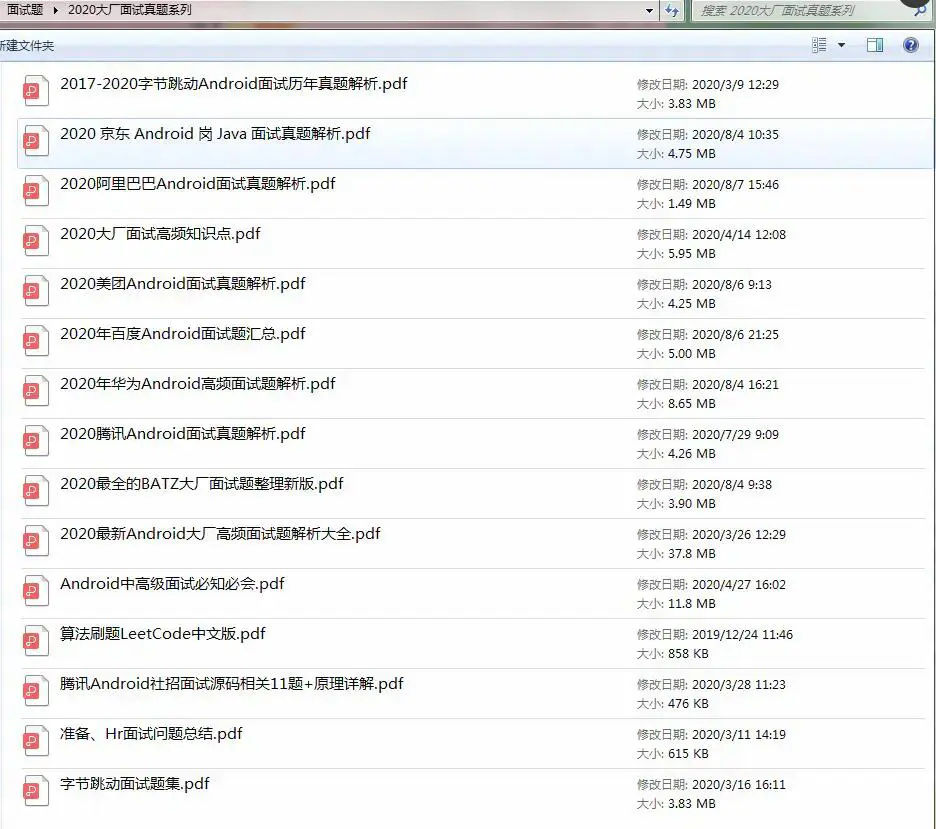
《Android学习笔记总结+移动架构视频+大厂面试真题+项目实战源码》,点击传送门即可获取!
EUYNsNI-1711594133844)]
附上:我们之前因为秋招收集的二十套一二线互联网公司Android面试真题 (含BAT、小米、华为、美团、滴滴)和我自己整理Android复习笔记(包含Android基础知识点、Android扩展知识点、Android源码解析、设计模式汇总、Gradle知识点、常见算法题汇总。)
[外链图片转存中…(img-LJ637Z7M-1711594133844)]





 扫一扫
扫一扫


 657
657

 被折叠的 条评论
为什么被折叠?
被折叠的 条评论
为什么被折叠?
 到【灌水乐园】发言





