


 随着移动设备普及,鼠标事件无法满足触摸屏需求,触摸事件愈发重要。本文介绍了touchstart、touchmove、touchend等触摸事件类型,还探讨了同一对象同时绑定touch和click事件时,触摸并移动、触摸不移动的情况,以及touch模拟点击事件的效果。
前言
随着智能手机和平板电脑的普及, 越来越多的人用移动设备浏览网页,我们平时在pc浏览器上用的鼠标事件,比如:click, mouseover等等, 已经无法满足移动设备触摸屏的特点,触摸时代的到来,离不开那些触摸事件。
一、事件类型
- touchstart : 触摸开始(手指放在触摸屏上)
<div class="father">
        <div class="son"></div>
</div>
<script>
	  var son = document.getElementsByClassName("son")[0];
       son.addEventListener("touchstart", function() {
            console.log("触摸开始");

        });
</script>
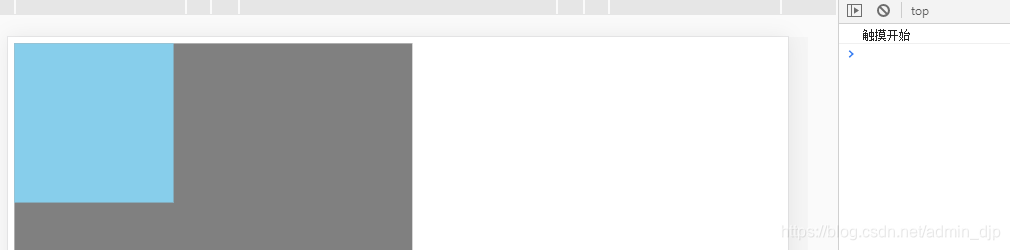
- touchmove : 拖动(手指在触摸屏上移动)
son.addEventListener("touchmove", function() {
            console.log("触摸中...");
        });

- touchend : 触摸结束(手指从触摸屏上移开)
son.addEventListener("touchend", function() {
            console.log("触摸结束");
        });
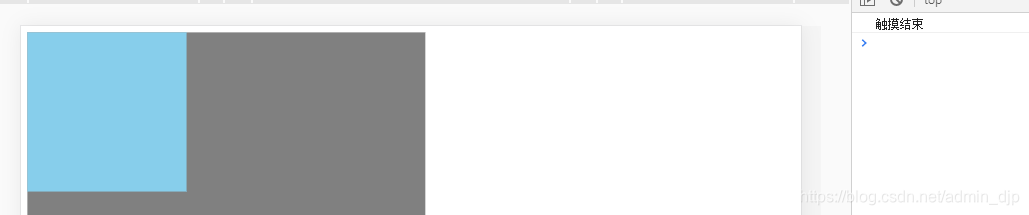
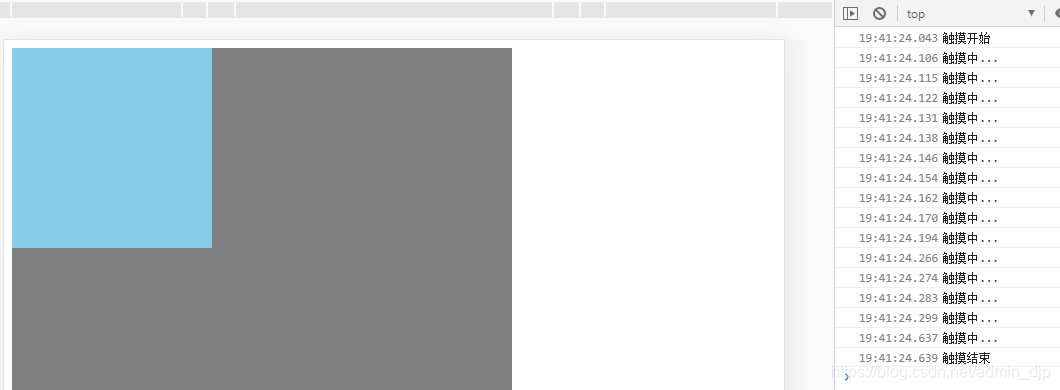
执行顺序可看下图:
二、touch和click
当同一个对象同时绑定touch事件和点击事件:
 son.addEventListener("touchstart", function() {
            console.log("触摸开始");

        });
        son.addEventListener("touchmove", function() {
            console.log("触摸中...");
        });
        son.addEventListener("touchend", function() {
            console.log("触摸结束");
        });
        son.addEventListener("click", function() {
                console.log("点击");

            })
1.触摸并移动
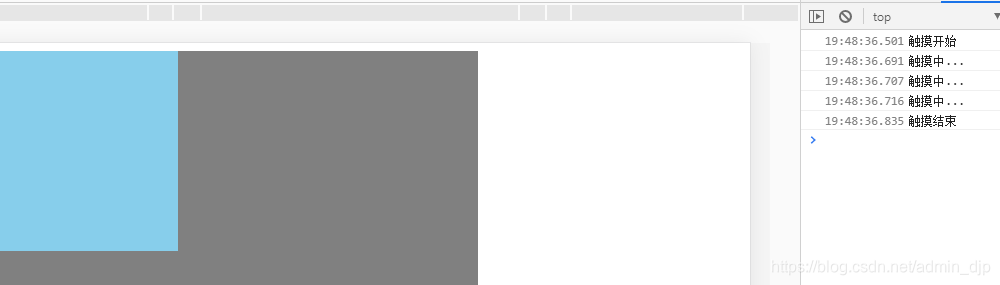
可以发现,并没有触发点击事件
2.触摸不移动
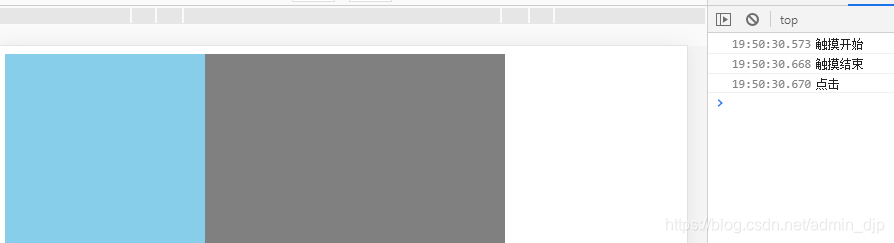
我们发现如果触摸不移动就会触发点击事件,但是貌似点击事件比其他事件都要晚执行。我们是否能通过toch来模拟点击呢?
3.touch模拟点击
 // 定义一个变量, 给定一个假设值(开关思想)
        var isMove = false;
        son.addEventListener("touchmove", function() {
            isMove = true;
        });
        son.addEventListener("touchend", function() {
            if (!isMove) {
                console.log("这是触摸事件模拟的点击事件");

            }
            isMove = false;

        });
		//普通点击事件
        son.addEventListener("click", function() {
            console.log("点击事件");

        })

通过上图可发现通过touch模拟的点击事件,和普通点击事件触发时间近乎一致。





 扫一扫
扫一扫


 402
402

 被折叠的 条评论
为什么被折叠?
被折叠的 条评论
为什么被折叠?
 到【灌水乐园】发言





