





 本文详细阐述了在GitHub不再支持密码提交后,遇到的'Can't connect to any repository'错误,并介绍了如何通过修改`.git/config`文件,移除无效配置并设置正确的SSH token,最终实现Eclipse中成功提交代码的方法。
github要token提交代码后(原来是密码提交), 老是提交报错:
Can't connect to any repository: https://github.com/automvc/helloxxx.git
(https://github.com/automvc/helloxxx.git: cannot open git-receive-pack)
或者:
Can't connect to any repository: https://github.com/automvc/helloxxx.git
(https://github.com/automvc/helloxxx.git: authentication not supported)
2021年8月13日, github不再支持用密码提交代码, 要使用token.
网上找了好多资料都没有解决.
后来通过以下方式解决了.
旧的配置信息,多了:
symlinks = false
ignorecase = true
[http]
sslVerify = false
这个 sslVerify 配置也不能有.
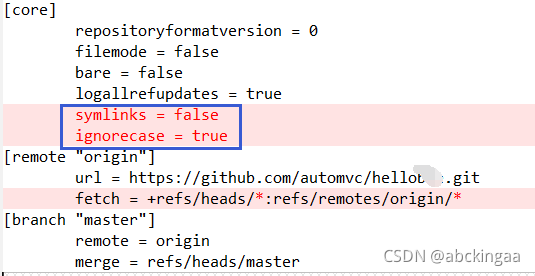
配置文件在 工程目录下\.git\config文件:
[core]
repositoryformatversion = 0
filemode = false
bare = false
logallrefupdates = true
[remote "origin"]
url = https://github.com/automvc/helloxxx.git
fetch = +refs/heads/master:refs/remotes/origin/master
[branch "master"]
remote = origin
merge = refs/heads/master
github要token提交代码后, 在Eclipse提交不了的解决方法
修改后,可在eclipse直接提交代码.
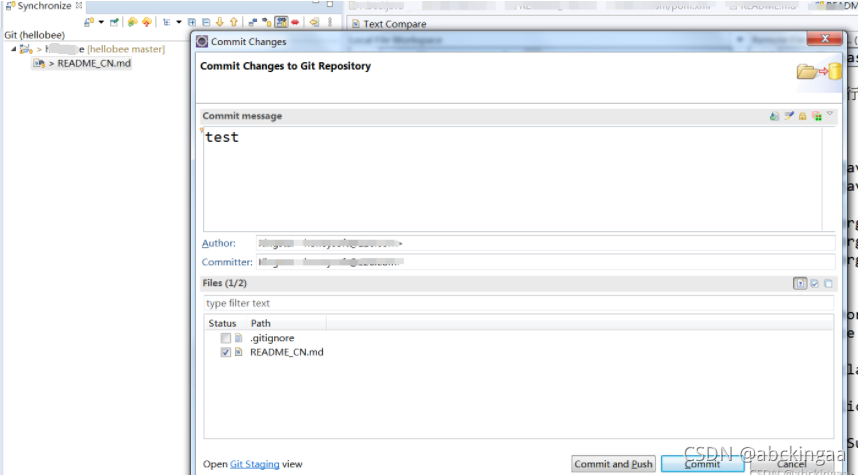
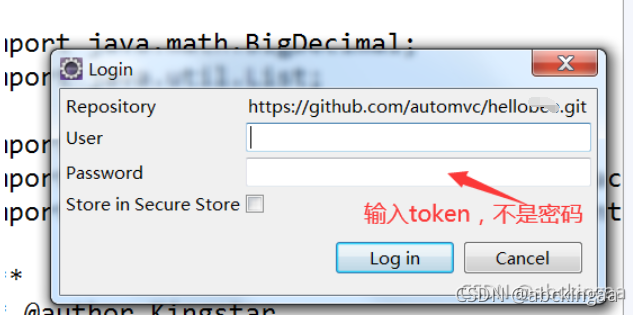
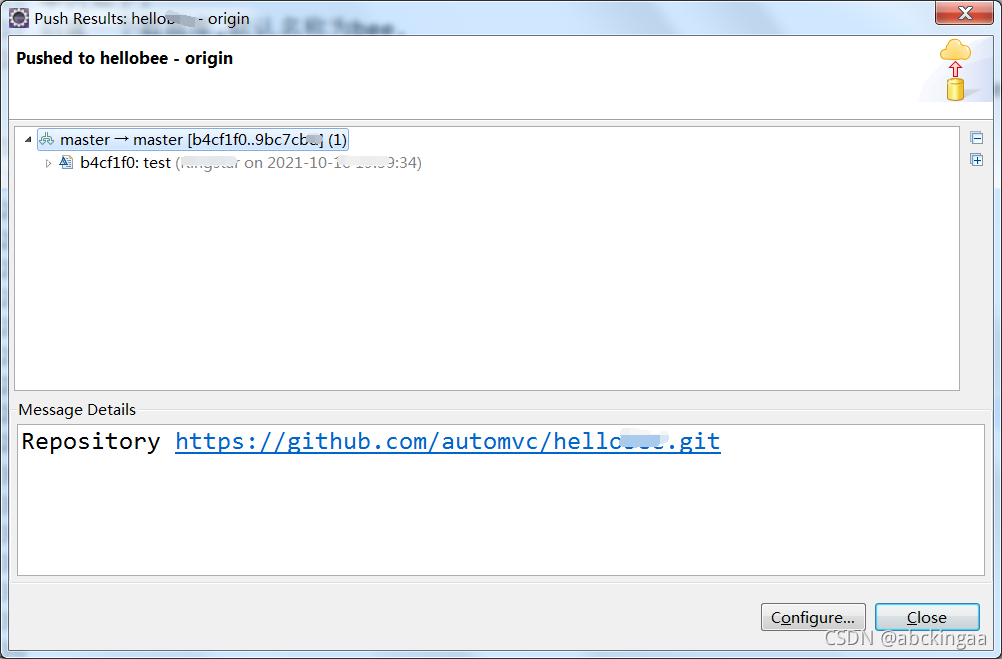





 扫一扫
扫一扫


 4205
4205


 被折叠的 条评论
为什么被折叠?
被折叠的 条评论
为什么被折叠?
 到【灌水乐园】发言




