



 本文介绍了如何在SpringBoot中配置和使用SpringSecurity进行环境搭建,包括导包、修改配置、导入静态资源和编写Controller。接着详细阐述了用户认证和授权过程,如重写认证方法,以及解决首页显示所有用户功能的问题。通过整合Thymeleaf与Spring Security实现了权限控制。最后,讨论了开启“记住我”功能以及定制首页的两种方式,并提出了表单提交后自动跳转到index页面的疑问。
环境搭建
1.导包
        <dependency>
            <groupId>org.thymeleaf</groupId>
            <artifactId>thymeleaf-spring5</artifactId>
        </dependency>
        <dependency>
            <groupId>org.thymeleaf.extras</groupId>
            <artifactId>thymeleaf-extras-java8time</artifactId>
        </dependency>
2.修改配置文件
#关闭模板引擎缓存
spring.thymeleaf.cache=false
3.导入静态资源
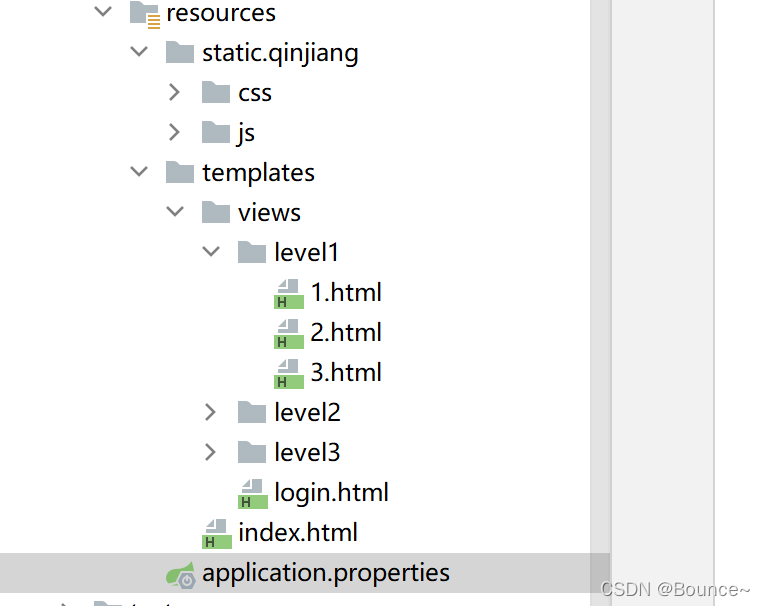
4.编写controller
@Controller//这里不能写@Responsebody  否则返回的就是字符串
public class RouterController {
    @RequestMapping({"/", "/index"})
    public String index(){
        return "index";
    }
    @RequestMapping("/toLogin")
    public String toLogin(){
        return "views/login";
    }
    @RequestMapping("/level1/{id}")
    public String level1(@PathVariable("id")int id){
        return "views/level1/"+id;
    }

    @RequestMapping("/level2/{id}")
    public String level2(@PathVariable("id")int id){
        return "views/level2/"+id;
    }
    @RequestMapping("/level3/{id}")
    public String level3(@PathVariable("id")int id){
        return "views/level3/"+id;
    }
}
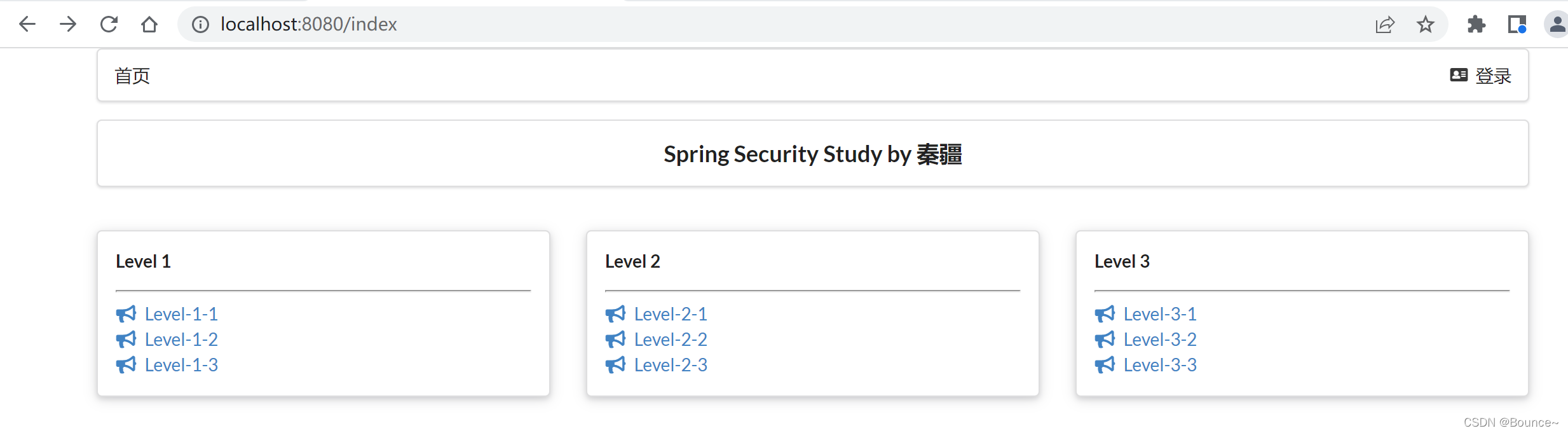
用户认证和授权
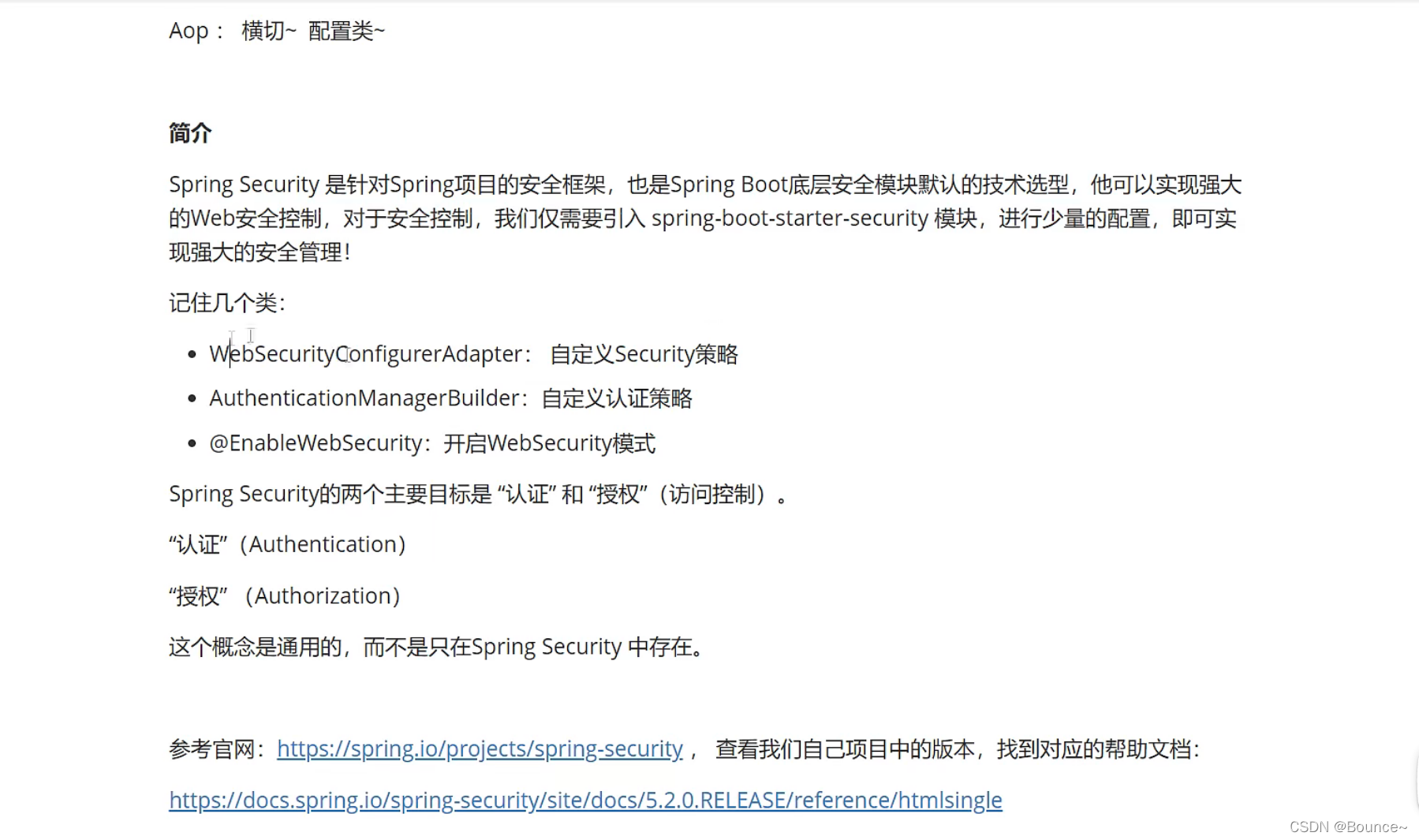
1.导包
        <dependency>
            <groupId>org.springframework.boot</groupId>
            <artifactId>spring-boot-starter-security</artifactId>
        </dependency>
编写config
package com.kuang.config;
import org.springframework.security.config.annotation.web.builders.HttpSecurity;
import org.springframework.security.config.annotation.web.configuration.EnableWebSecurity;
import org.springframework.security.config.annotation.web.configuration.WebSecurityConfigurerAdapter;
//AOP:拦截器
@EnableWebSecurity
public class securityConfig extends WebSecurityConfigurerAdapter {

	//授权
    @Override
    protected void configure(HttpSecurity http) throws Exception {
        //链式编程
        //首页所有人都可以访问,功能页只有对应有权限的人才能访问
        //请求授权的规则
        http.authorizeRequests()
                .antMatchers("/").permitAll()
                .antMatchers("/level1/**").hasRole("vip1")
                .antMatchers("/level2/**").hasRole("vip2")
                .antMatchers("/level3/**").hasRole("vip3");
        //如果没有权限默认会到登录页面,需要开启登录的页面
        http.formLogin();
        //开启注销功能
        http.logout();
//                     .logoutSuccessUrl(“/index”)指定注销成功跳转到哪个页面
    }
}
添加注销
<!--如果未登录 :要有登录按钮-->
                <a class="item" th:href="@{/toLogin}">
                    <i class="address card icon"></i> 登录
                </a>
<!--                如果已登录:登录名,注销-->
                <a class="item" th:href="@{/logout}">
                    <i class="sign-out icon"></i> 注销
                </a>
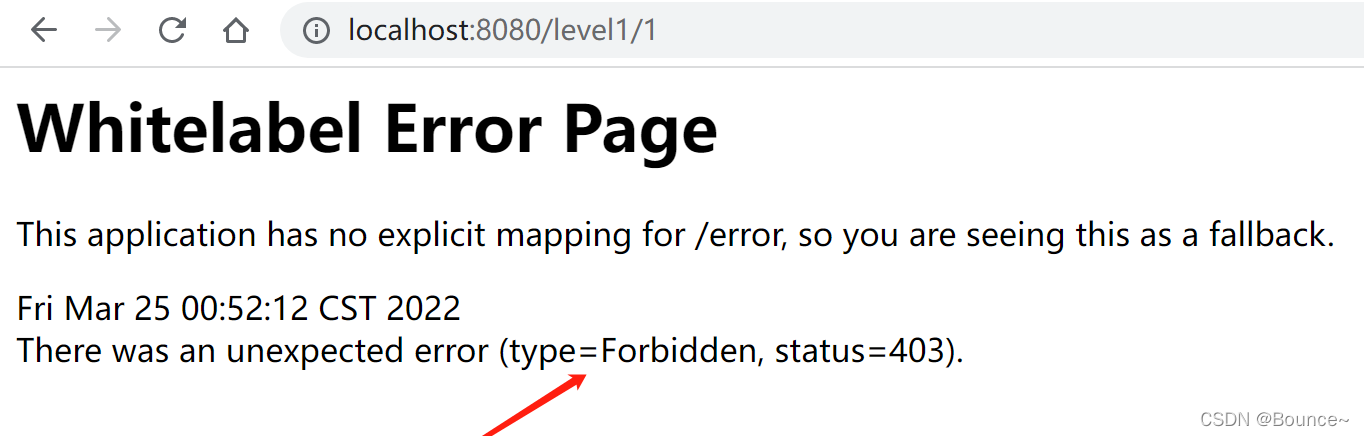
开启登录页面后,没有权限自动跳转到登录页面(此页面不是我们的)
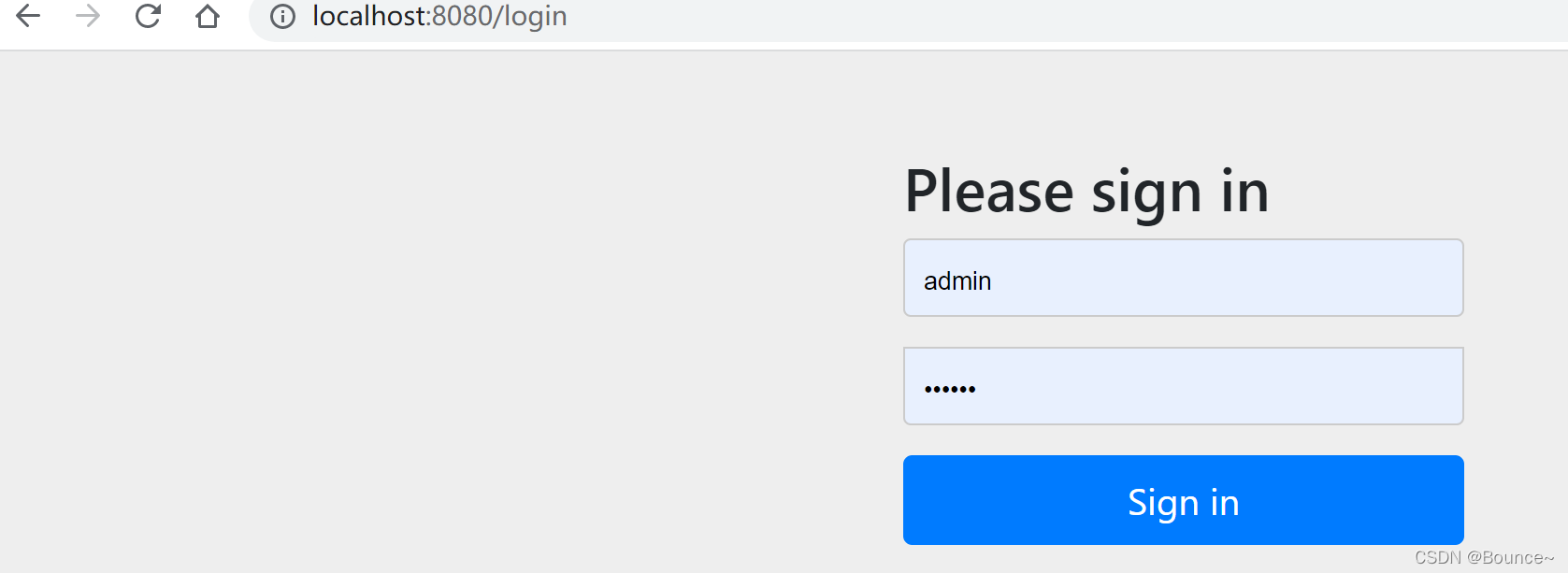
现在写重写认证方法
    //认证 在springboot 2.1.x中可以直接使用 新版需要将密码加密才能使用
    //密码编码:passwordEncoding
    //spring security 5.+ 新增了很多加密方法
    @Override
    protected void configure(AuthenticationManagerBuilder auth) throws Exception {
        //inMemoryAuthentication()从内存中拿,jdbcAuthentication()从数据库拿
        //可以拼接多个用户,用and()连接
        auth.inMemoryAuthentication().passwordEncoder(new BCryptPasswordEncoder())
                .withUser("kuangshen").password(new BCryptPasswordEncoder().encode("123456")).roles("vip3","vip2")
                .and()
                .withUser("root").password(new BCryptPasswordEncoder().encode("123456")).roles("vip3","vip2","vip1");
    }
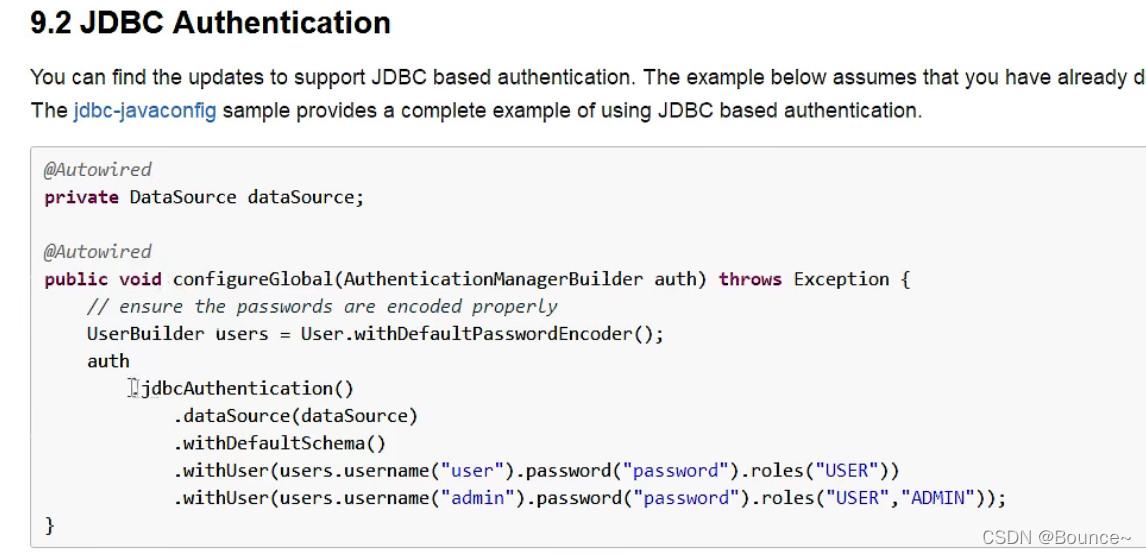
倘若从数据库拿取用户名和密码
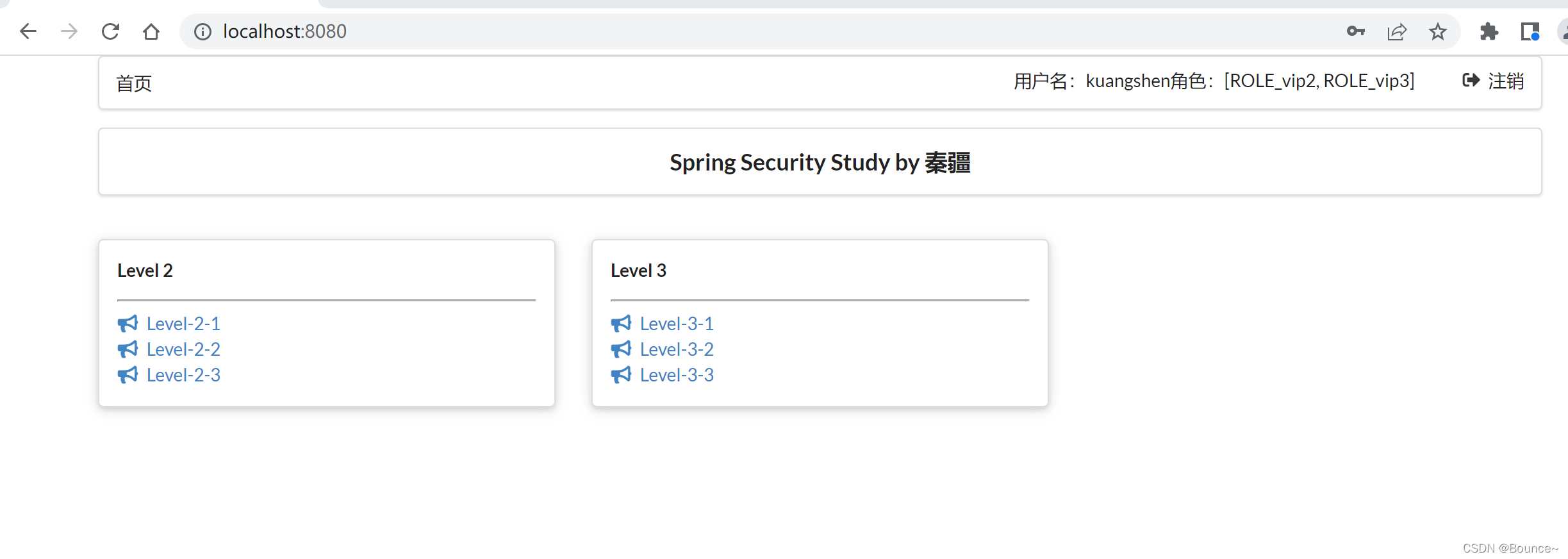
现在有一个问题,首页显示了所有用户的功能,包含登录用户没有权限的功能,这显然是不合理的,怎么解决呢?将Thymeleaf与spring security整合。
整合Thymeleaf与spring security(权限控制)
1.导包
<dependency>
    <groupId>org.thymeleaf.extras</groupId>
    <artifactId>thymeleaf-extras-springsecurity5</artifactId>
    <version>3.0.4.RELEASE</version>
</dependency>
添加命名空间
<html lang="en" xmlns:th="http://www.thymeleaf.org" xmlns:sec="http://www.thymeleaf.org/extras/spring-security">
            <!--登录注销-->
            <div class="right menu">
                <!--如果未登录 :要有登录按钮-->
                <div sec:authorize="!isAuthenticated()">
                    <a class="item" th:href="@{/toLogin}">
                        <i class="address card icon"></i> 登录
                    </a>
                </div>

<!--                如果已登录:登录名,注销-->
                <div sec:authorize="isAuthenticated()">
                    <a class="item" >
                        用户名:<span sec:authentication="name"></span>
                        角色:<span sec:authentication="authorities"></span>
                    </a>
                </div>
                <div sec:authorize="isAuthenticated()">
                    <a class="item" th:href="@{/logout}">
                         <i class="sign-out icon"></i> 注销
                    </a>
                </div>

            </div>
成功
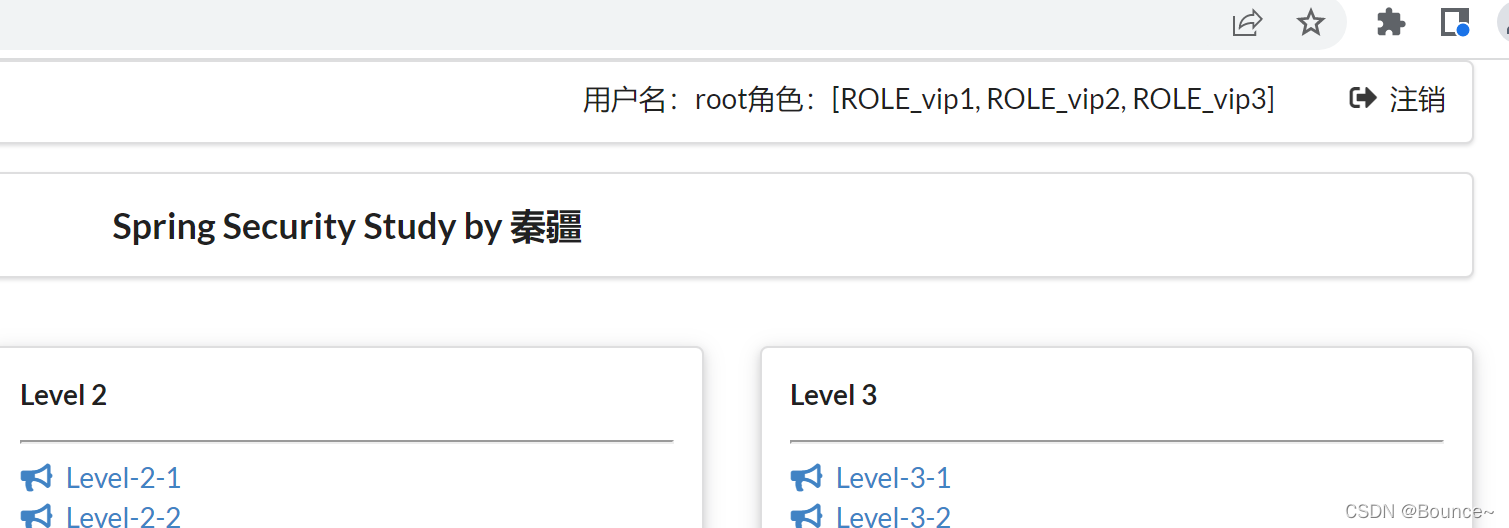
添加权限控制
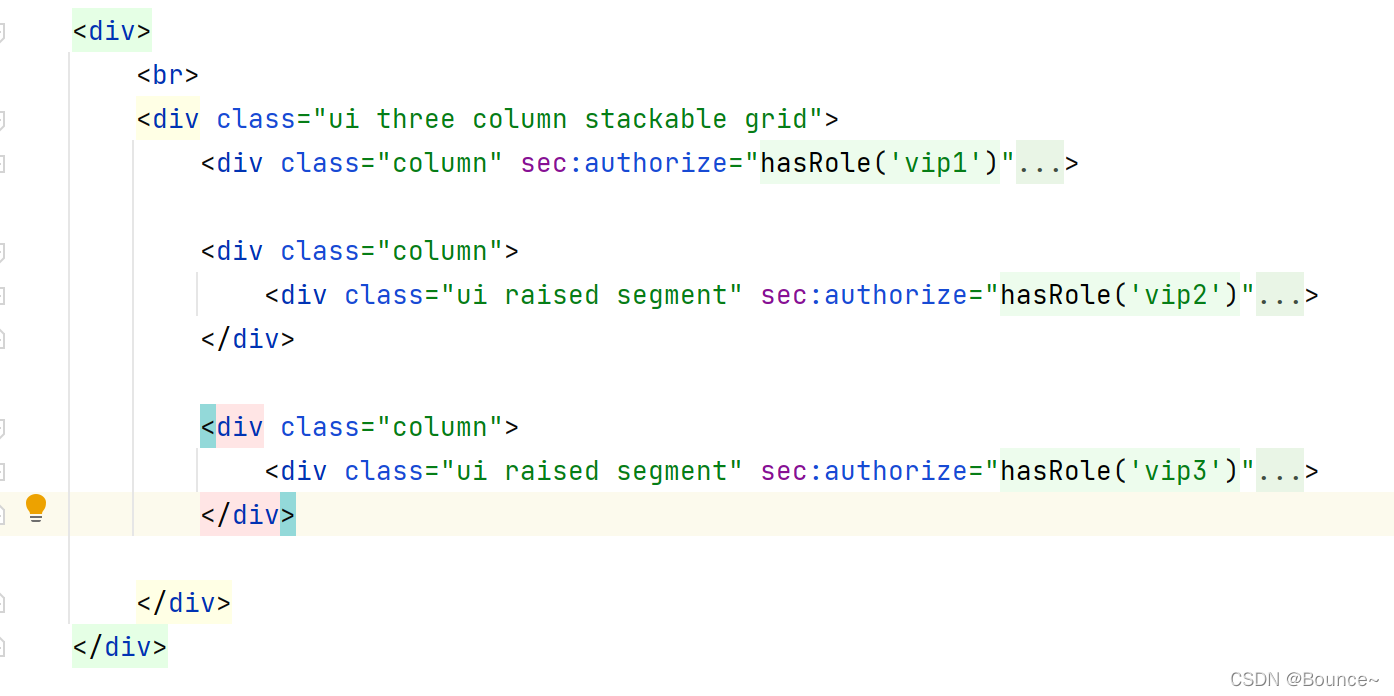
成功
记住我及首页定制
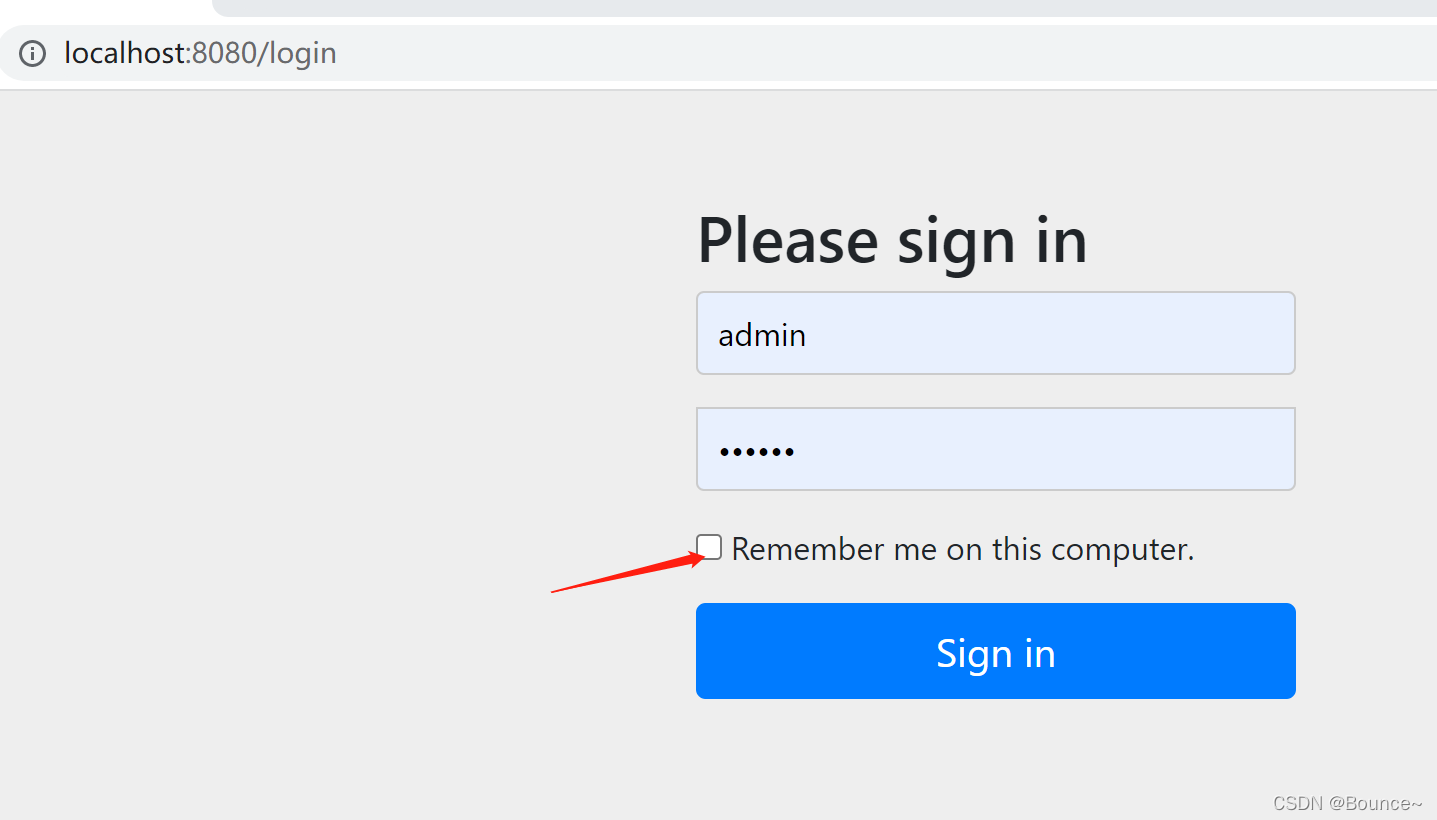
1.开启记住我功能
        //开启记住我功能 cookie 默认保存两周
        http.rememberMe();
2.定制首页
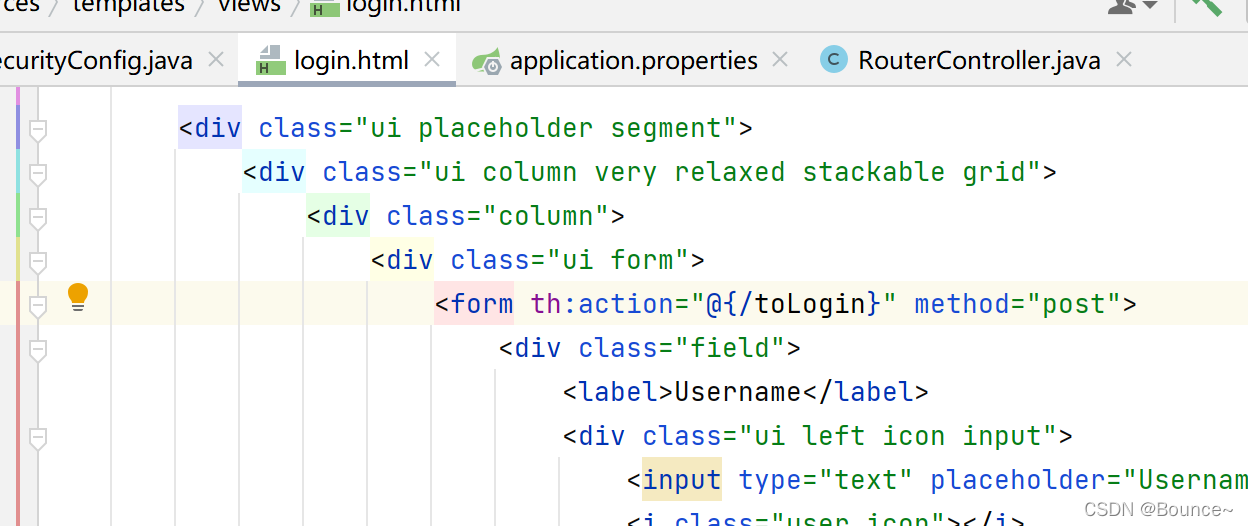
方式一
        //如果没有权限默认会到登录页面,需要开启登录的页面
        http.formLogin().loginPage("/toLogin");
方式二
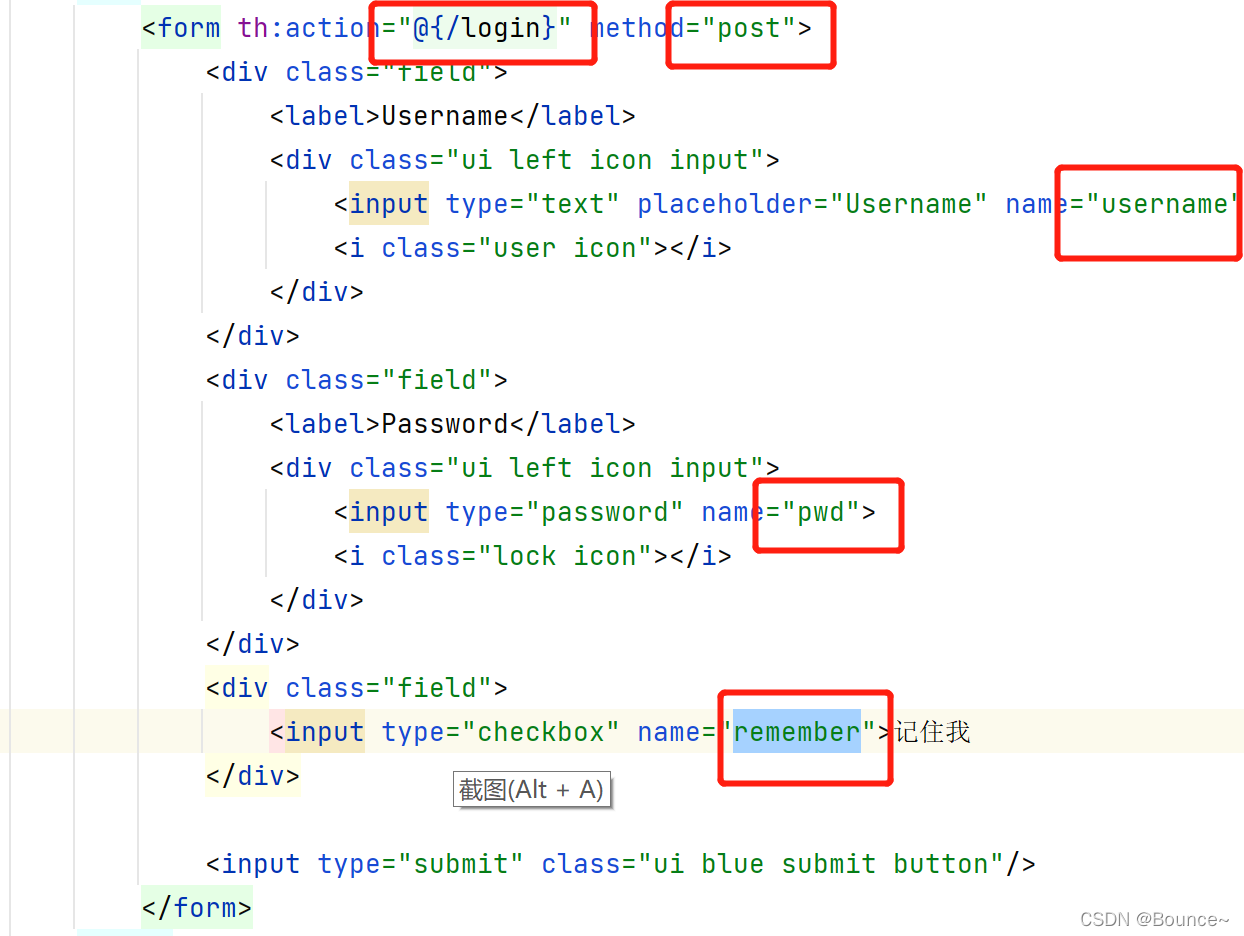
        //如果没有权限默认会到登录页面,需要开启登录的页面
        http.formLogin().loginPage("/toLogin")//获取数据的页面
                .usernameParameter("username").passwordParameter("pwd")
                .loginProcessingUrl("/login");//实际请求的页面


        //开启记住我功能 cookie 默认保存两周
        http.rememberMe().rememberMeParameter("remember");
        //开启注销功能
        http.logout().logoutSuccessUrl("/index");
//                     .logoutSuccessUrl(“/index”)指定注销成功跳转到哪个页面
        //防止网站攻击,get,post,默认开启 我们现在关闭csrf功能
//        http.csrf().disable();
有一个疑问,为什么表单提交后,认证成功后它就到了index页面?我们并没有配置 是自动到”/“下吗





 扫一扫
扫一扫


 591
591

 被折叠的 条评论
为什么被折叠?
被折叠的 条评论
为什么被折叠?
 到【灌水乐园】发言





