


 这篇博客详细介绍了如何在RedHat/CentOS Linux系统中下载并安装PostgreSQL 12,包括禁用内置模块、初始化数据库、设置自动启动,以及开启远程访问。此外,还涉及到修改postgresql.conf和pg_hba.conf文件来允许外网访问,并通过防火墙开启5432端口,确保Navicat等工具能够成功连接。
官网教程
-
选择
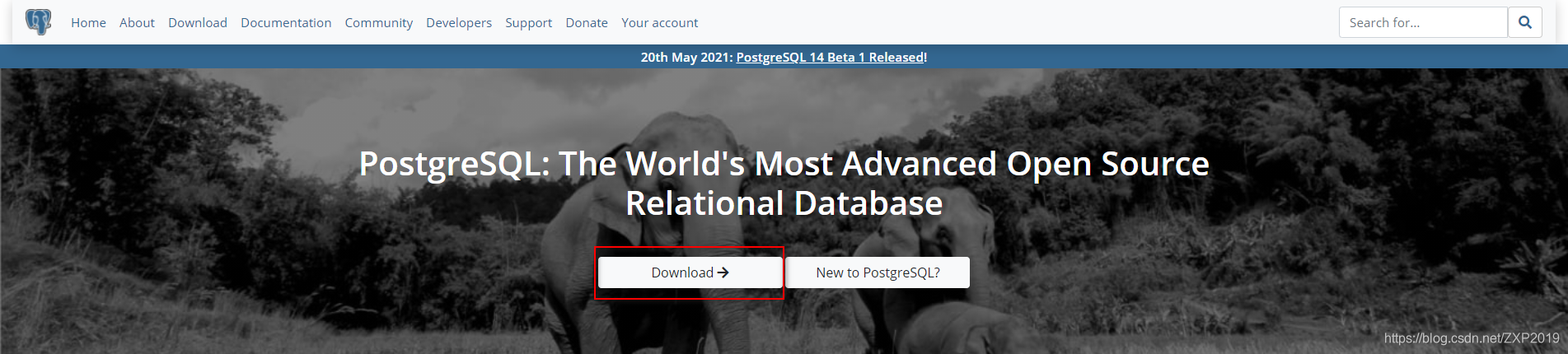
Download -
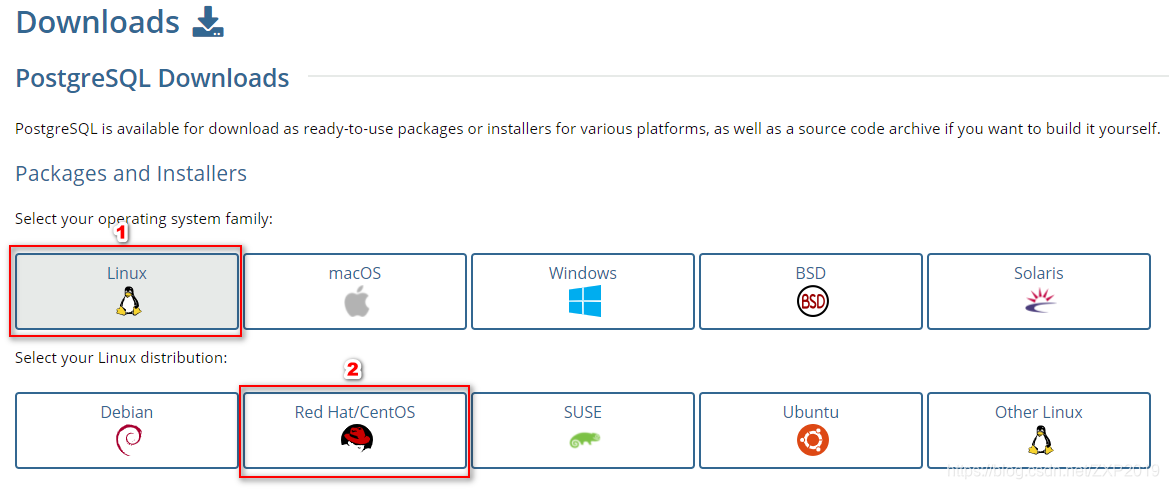
Linux->Red Hat/CentOS -
安装步骤
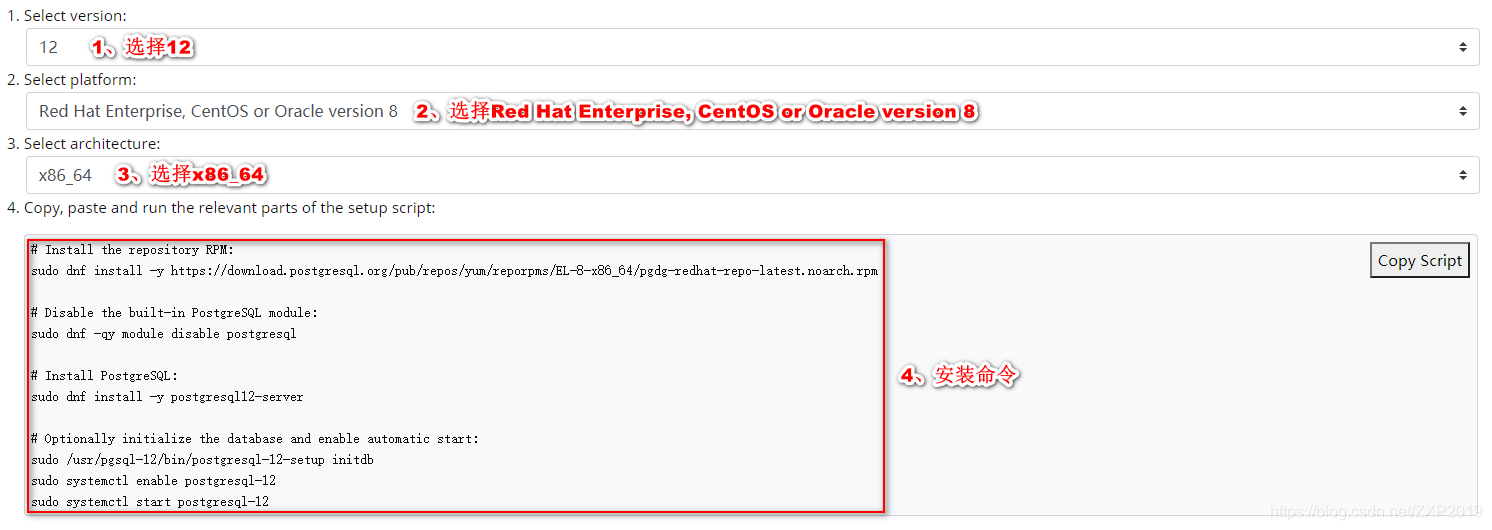
# Install the repository RPM:
sudo dnf install -y https://download.postgresql.org/pub/repos/yum/reporpms/EL-8-x86_64/pgdg-redhat-repo-latest.noarch.rpm
# Disable the built-in PostgreSQL module:
sudo dnf -qy module disable postgresql
# Install PostgreSQL:
sudo dnf install -y postgresql12-serv 最低0.47元/天 解锁文章






 扫一扫
扫一扫


 1272
1272

 被折叠的 条评论
为什么被折叠?
被折叠的 条评论
为什么被折叠?
 到【灌水乐园】发言





