


httpd
文章目录
1.httpd简介
httpd是Apache超文本传输协议(HTTP)服务器的主程序。被设计为一个独立运行的后台进程,它会建立一个处理请求的子进程或线程的池。
通常,httpd不应该被直接调用,而应该在类Unix系统中由apachectl调用,在Windows中作为服务运行。
2. httpd版本
本文主要介绍httpd的两大版本,httpd-2.2和httpd-2.4。
- CentOS6系列的版本默认提供的是httpd-2.2版本的rpm包
- CentOS7系列的版本默认提供的是httpd-2.4版本的rpm包
2.1 httpd的特性
httpd有很多特性,下面就分别来说说httpd-2.2版本和httpd-2.4版本各自的特性。
| 版本 | 特性 |
|---|---|
| 2.2 | 事先创建进程 按需维持适当的进程 模块化设计,核心比较小,各种功能通过模块添加(包括PHP),支持运行时配置,支持单独编译模块 支持多种方式的虚拟主机配置,如基于ip的虚拟主机,基于端口的虚拟主机,基于域名的虚拟主机等 支持https协议(通过mod_ssl模块实现) 支持用户认证 支持基于IP或域名的ACL访问控制机制 支持每目录的访问控制(用户访问默认主页时不需要提供用户名和密码,但是用户访问某特定目录时需要提供用户名和密码) 支持URL重写 支持MPM(Multi Path Modules,多处理模块)。用于定义httpd的工作模型(单进程、单进程多线程、多进程、多进程单线程、多进程多线程) |
| 2.4 | httpd-2.4的新特性: MPM支持运行DSO机制(Dynamic Share Object,模块的动态装/卸载机制),以模块形式按需加载 支持event MPM,eventMPM模块生产环境可用 支持异步读写 支持每个模块及每个目录分别使用各自的日志级别 每个请求相关的专业配置,使用来配置 增强版的表达式分析器 支持毫秒级的keepalive timeout 基于FQDN的虚拟主机不再需要NameVirtualHost指令 支持用户自定义变量 支持新的指令(AllowOverrideList) 降低对内存的消耗 |
| 工作模型 | 工作方式 |
|---|---|
| prefork | 多进程模型,预先生成进程,一个请求用一个进程响应 一个主进程负责生成n个子进程,子进程也称为工作进程 每个子进程处理一个用户请求,即使没有用户请求,也会预先生成多个空闲进程,随时等待请求到达,最大不会超过1024个 |
| worker | 基于线程工作,一个请求用一个线程响应(启动多个进程,每个进程生成多个线程) |
| event | 基于事件的驱动,一个进程处理多个请求 |
2.2 httpd-2.4新增的模块
httpd-2.4在之前的版本基础上新增了几大模块,下面就几个常用的来介绍一下。
| 模块 | 功能 |
|---|---|
| mod_proxy_fcgi | 反向代理时支持apache服务器后端协议的模块 |
| mod_ratelimit | 提供速率限制功能的模块 |
| mod_remoteip | 基于ip的访问控制机制被改变,不再支持使用Order,Deny,Allow来做基于IP的访问控制 |
3. httpd基础
3.1 httpd自带的工具程序
| 工具 | 功能 |
|---|---|
| htpasswd | basic认证基于文件实现时,用到的帐号密码生成工具 |
| apachectl | httpd自带的服务控制脚本,支持start,stop,restart |
| apxs | 由httpd-devel包提供的,扩展httpd使用第三方模块的工具 |
| rotatelogs | 日志滚动工具 |
| suexec | 访问某些有特殊权限配置的资源时,临时切换至指定用户运行的工具 |
| ab | apache benchmark,httpd的压力测试工具 |
3.2 rpm包安装的httpd程序环境
| 文件/目录 | 对应的功能 |
|---|---|
| /var/log/httpd/access.log | 访问日志 |
| /var/log/httpd/error_log | 错误日志 |
| /var/www/html/ | 站点文档目录 |
| /usr/lib64/httpd/modules/ | 模块文件路径 |
| /etc/httpd/conf/httpd.conf | 主配置文件 |
| /etc/httpd/conf.modules.d/*.conf | 模块配置文件 |
| /etc/httpd/conf.d/*.conf | 辅助配置文件 |
mpm:以DSO机制提供,配置文件为/etc/httpd/conf.modules.d/00-mpm.conf
4.编译安装httpd
4.1复制链接,下载Apache源码包
https://mirrors.aliyun.com/apache/?spm=a2c6h.13651104.0.0.1a8789db0EflHE
[root@192 src]# wget https://downloads.apache.org/apr/apr-1.7.0.tar.gz
--2022-07-21 14:44:58--  https://downloads.apache.org/apr/apr-1.7.0.tar.gz
Resolving downloads.apache.org (downloads.apache.org)... 135.181.214.104, 88.99.95.219, 2a01:4f9:3a:2c57::2, ...
Connecting to downloads.apache.org (downloads.apache.org)|135.181.214.104|:443... connected.
HTTP request sent, awaiting response... 200 OK
Length: 1093896 (1.0M) [application/x-gzip]
Saving to: ‘apr-1.7.0.tar.gz’

apr-1.7.0.tar.gz                                            97%[====================================================================================================================================>    ]   1.02M  4.02KB/s    in 2m 57s

2022-07-21 14:48:29 (5.87 KB/s) - Read error at byte 1064960/1093896 (Error in the pull function.). Retrying.

--2022-07-21 14:48:30--  (try: 2)  https://downloads.apache.org/apr/apr-1.7.0.tar.gz
Connecting to downloads.apache.org (downloads.apache.org)|135.181.214.104|:443... connected.
HTTP request sent, awaiting response... 206 Partial Content
Length: 1093896 (1.0M), 28936 (28K) remaining [application/x-gzip]
Saving to: ‘apr-1.7.0.tar.gz’

apr-1.7.0.tar.gz                                           100%[+++++++++++++++++++++++++++++++++++++++++++++++++++++++++++++++++++++++++++++++++++++++++++++++++++++++++++++++++++++++++++++++++++++===>]   1.04M  45.8KB/s    in 0.6s

2022-07-21 14:48:32 (45.8 KB/s) - ‘apr-1.7.0.tar.gz’ saved [1093896/1093896]


[root@192 src]# wget https://mirrors.aliyun.com/apache/apr/apr-util-1.6.1.tar.gz
--2022-07-21 14:52:01--  https://mirrors.aliyun.com/apache/apr/apr-util-1.6.1.tar.gz
Resolving mirrors.aliyun.com (mirrors.aliyun.com)... 111.48.184.230, 223.76.171.227, 223.76.171.228, ...
Connecting to mirrors.aliyun.com (mirrors.aliyun.com)|111.48.184.230|:443... connected.
HTTP request sent, awaiting response... 200 OK
Length: 554301 (541K) [application/octet-stream]
Saving to: ‘apr-util-1.6.1.tar.gz’

apr-util-1.6.1.tar.gz                                      100%[========================================================================================================================================>] 541.31K   351KB/s    in 1.5s

2022-07-21 14:52:03 (351 KB/s) - ‘apr-util-1.6.1.tar.gz’ saved [554301/554301]

[root@192 src]# wget https://mirrors.aliyun.com/apache/httpd/httpd-2.4.54.tar.gz
--2022-07-21 14:52:34--  https://mirrors.aliyun.com/apache/httpd/httpd-2.4.54.tar.gz
Resolving mirrors.aliyun.com (mirrors.aliyun.com)... 223.76.170.210, 111.48.184.231, 223.76.171.227, ...
Connecting to mirrors.aliyun.com (mirrors.aliyun.com)|223.76.170.210|:443... connected.
HTTP request sent, awaiting response... 200 OK
Length: 9743277 (9.3M) [application/octet-stream]
Saving to: ‘httpd-2.4.54.tar.gz’

httpd-2.4.54.tar.gz                                        100%[========================================================================================================================================>]   9.29M   365KB/s    in 27s

2022-07-21 14:53:01 (353 KB/s) - ‘httpd-2.4.54.tar.gz’ saved [9743277/9743277]

[root@192 src]# ls
apr-1.7.0.tar.gz  apr-util-1.6.1.tar.gz  debug  httpd-2.4.54.tar.gz  kernels
4.2 创建apache账号 安装开发工具“Development Tools”
[root@192 ~]# yum groups mark install "Development Tools"
[root@192 ~]# yum -y install gcc gcc-c++ make wget
[root@192 ~]# yum -y install openssl-devel pcre-devel expat-devel libtool //安装依赖包
[root@192 ~]# useradd -r -M -s /sbin/nologin apache
useradd: user 'apache' already exists
[root@192 ~]# id apache
uid=995(apache) gid=992(apache) groups=992(apache)
4.3编译安装apache
[root@192 ]#  tar xf apr-1.7.0.tar.gz
[root@192 ]#  tar xf apr-util-1.6.1.tar.gz
[root@192 ]#  tar xf httpd-2.4.54.tar.gz
[root@192 ]# ls
apr-1.7.0  apr-1.7.0.tar.gz  apr-util-1.6.1  apr-util-1.6.1.tar.gz  debug  httpd-2.4.54  httpd-2.4.54.tar.gz  kernels
[root@192 ~]# cd apr-1.7.0   //zpr配置文件更改 编译
[root@192 apr-1.7.0]# vi configure   //通过/cfg查找
 cfgfile=${ofile}T
    trap "$RM \"$cfgfile\"; exit 1" 1 2 15
    #$RM "$cfgfile"     //删除这一行或者添加注释
[root@192 apr-1.7.0]#./configure --prefix=/usr/local/apr
[root@192 apr-1.7.0]#make && make install

[root@192 apr-1.7.0]# cd
[root@192 ~]# cd apr-util-1.6.1/    //编译安装apr-util
[root@192 apr-util-1.6.1]# ./configure --prefix=/usr/local/apr-util --with-apr=/usr/local/apr/
[root@192 apr-util-1.6.1]#make && make install

[root@192 apr-util-1.6.1]# cd
[root@192 ~]# cd httpd-2.4.54/
[root@192 httpd-2.4.54]#  ./configure --prefix=/usr/local/apache  --enable-so --enable-ssl --enable-cgi --enable-rewrite --with-zlib --with-pcre --with-apr=/usr/local/apr --with-apr-util=/usr/local/apr-util/ --enable-modules=most --enable-mpms-shared=all --with-mpm=prefork
[root@192 httpd-2.4.54]# make && make install
4.4设置环境变量 做映射关系 头文件 man文件
[root@192 ~]#  echo 'export PATH=/usr/local/apache/bin:$PATH' > /etc/profile.d/apache.sh
[root@192 ~]#
[root@192 ~]# which httpd
/usr/local/apache/bin/httpd
[root@192 ~]# ln -s /usr/local/apache/include/ /usr/include/apache
[root@192 ~]# ll /usr/include/|grep apache
lrwxrwxrwx.  1 root root     26 Jul 12 21:48 apache -> /usr/local/apache/include/
[root@192 ~]# vi /etc/man_db.conf
#MANDATORY_MANPATH                      /usr/src/pvm3/man
#
MANDATORY_MANPATH                       /usr/local/apache/man
MANDATORY_MANPATH                       /usr/man
MANDATORY_MANPATH                       /usr/share/man
MANDATORY_MANPATH                       /usr/local/share/man
4.5 服务启动 开机自启
[root@192 ~]# systemctl stop firewalld.service
[root@192 ~]# systemctl disable --now firewalld.service
Removed /etc/systemd/system/multi-user.target.wants/firewalld.service.
Removed /etc/systemd/system/dbus-org.fedoraproject.FirewallD1.service.
[root@192 ~]# vi /etc/selinux/config
# This file controls the state of SELinux on the system.
# SELINUX= can take one of these three values:
#     enforcing - SELinux security policy is enforced.
#     permissive - SELinux prints warnings instead of enforcing.
#     disabled - No SELinux policy is loaded.
SELINUX=disabled
# SELINUXTYPE= can take one of these three values:
#     targeted - Targeted processes are protected,
#     minimum - Modification of targeted policy. Only selected processes are protected.
#     mls - Multi Level Security protection.
SELINUXTYPE=targeted
[root@192 ~]# ss -antl
State     Recv-Q    Send-Q       Local Address:Port       Peer Address:Port   Process
LISTEN    0         128                0.0.0.0:22              0.0.0.0:*
LISTEN    0         128                   [::]:22                 [::]:*
[root@192 ~]# apachectl start
[root@192 ~]# ss -antl
State     Recv-Q    Send-Q       Local Address:Port       Peer Address:Port   Process
LISTEN    0         128                0.0.0.0:22              0.0.0.0:*
LISTEN    0         128                   [::]:22                 [::]:*
LISTEN    0         128                      *:80                    *:*
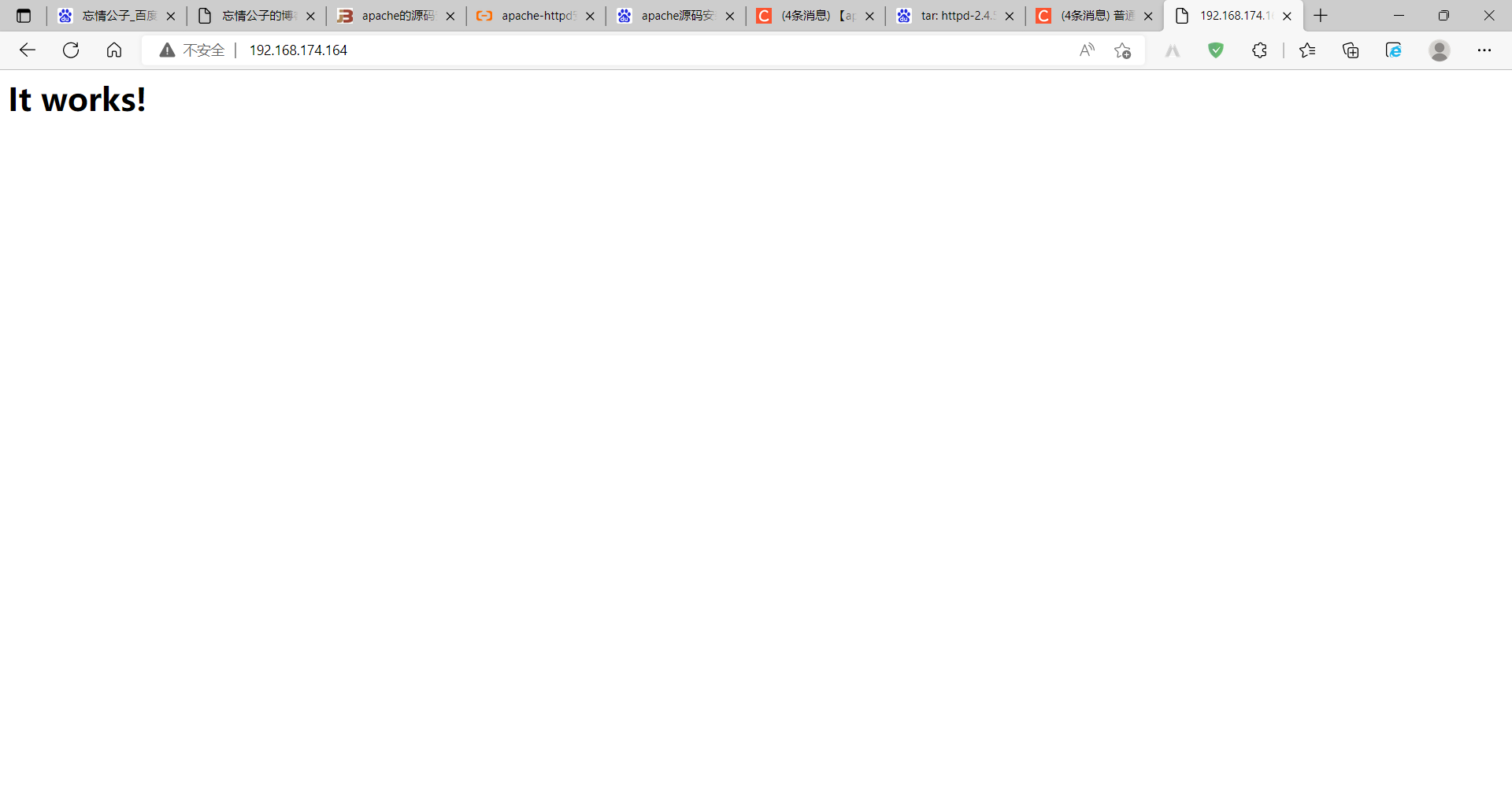
4.6 用浏览器进行访问测试
5.httpd常用配置
//设置主机访问权限,虚拟机不能访问
[root@192 ~]# vi /usr/local/apache/conf/httpd.conf
<Directory /usr/local/apache/htdocs>
    <RequireAll>
             Require not ip 192.168.174.167
             Require all granted
    </RequireAll>
</Directory>
[root@192 ~]# apachectl -t
Syntax OK
[root@192 ~]# apachectl restart
[root@192 ~]# curl http://192.168.174.164
<!DOCTYPE HTML PUBLIC "-//IETF//DTD HTML 2.0//EN">
<html><head>
<title>403 Forbidden</title>
</head><body>
<h1>Forbidden</h1>
<p>You don't have permission to access this resource.</p>
</body></html>
68.174.164
<!DOCTYPE HTML PUBLIC "-//IETF//DTD HTML 2.0//EN">
<html><head>
<title>403 Forbidden</title>
</head><body>
<h1>Forbidden</h1>
<p>You don't have permission to access this resource.</p>
</body></html>





 扫一扫
扫一扫


 1773
1773

 被折叠的 条评论
为什么被折叠?
被折叠的 条评论
为什么被折叠?
 到【灌水乐园】发言





