



 本文详细介绍SpringBoot作为JAVAEE的全面解决方案,从快速构建应用到分布式处理,再到流式计算与批处理的全过程。通过具体步骤演示如何使用SpringBoot、SpringCloud及SpringCloudDataFlow等工具,实现从maven配置到IDEA中项目搭建,直至应用的部署与运行。不仅覆盖了SpringBoot的基础知识,还深入探讨了其在大型应用中的实践。
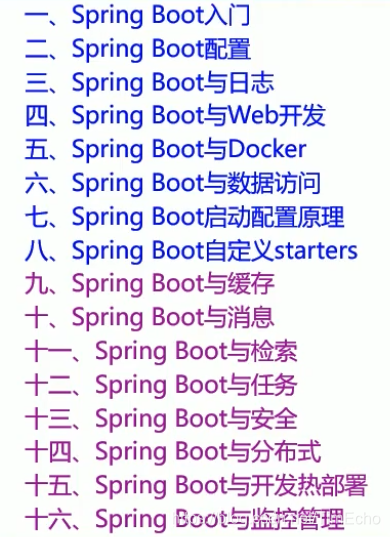
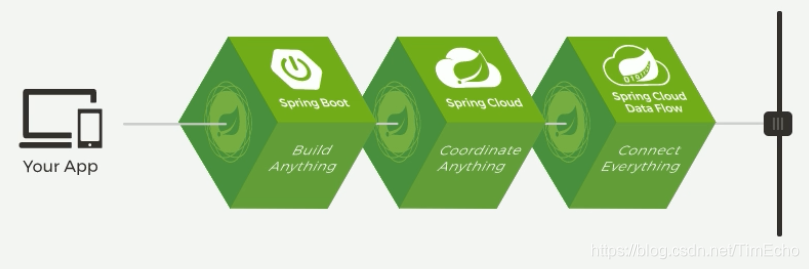
springBoot是JAVAEE整个的解决方案,一站式解决
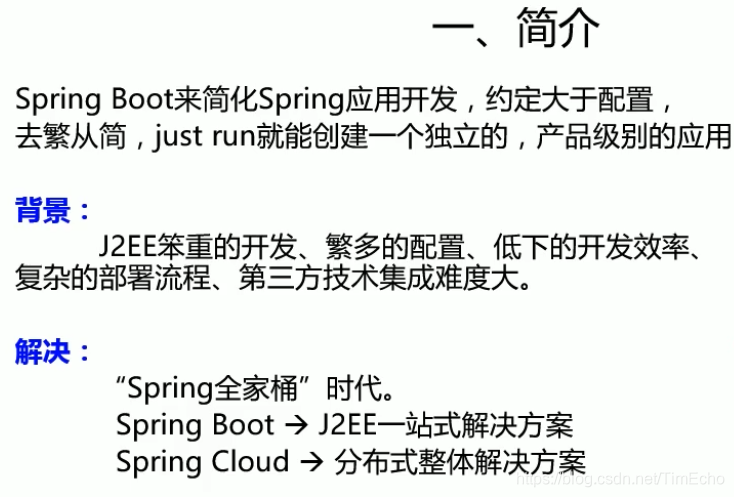
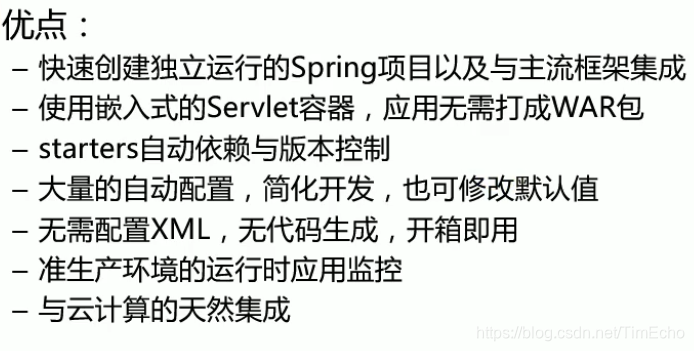
入门容易,精通难
需要了解spring核心框架
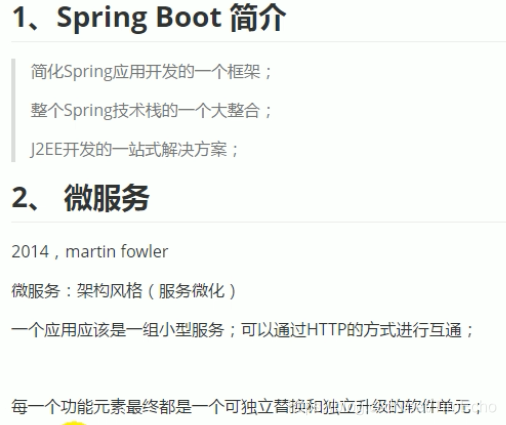
如何构建大型应用?
使用springBoot快速构建
如何在大型的应用网之间互调呢?
使用SpringCloud分布式
如何做流式计算、批处理
使用SpringCloud Data Flow
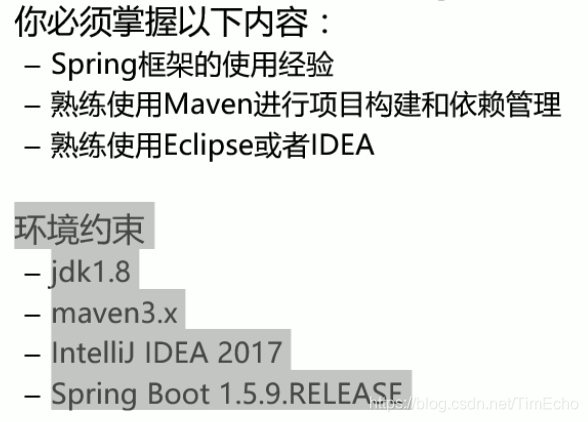
前置内容
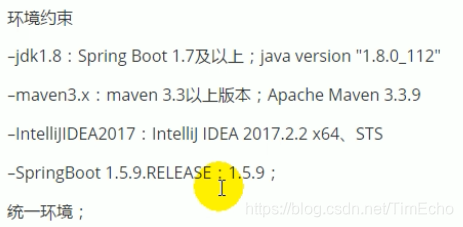
maven配置
给maven 的settings.xml配置文件的profiles标签添加
<profile>
	  <id>jdk-1.8</id>
	  <activation>
		<activeByDefault>true</activeByDefault>
		<jdk>1.8</jdk>
	  </activation>
	  <properties>
		<maven.compiler.source>1.8</maven.compiler.source>
		<maven.compiler.target>1.8</maven.compiler.target>
		<maven.compiler.compilerVersion>1.8</maven.compiler.compilerVersion>
	  </properties>
	</profile>
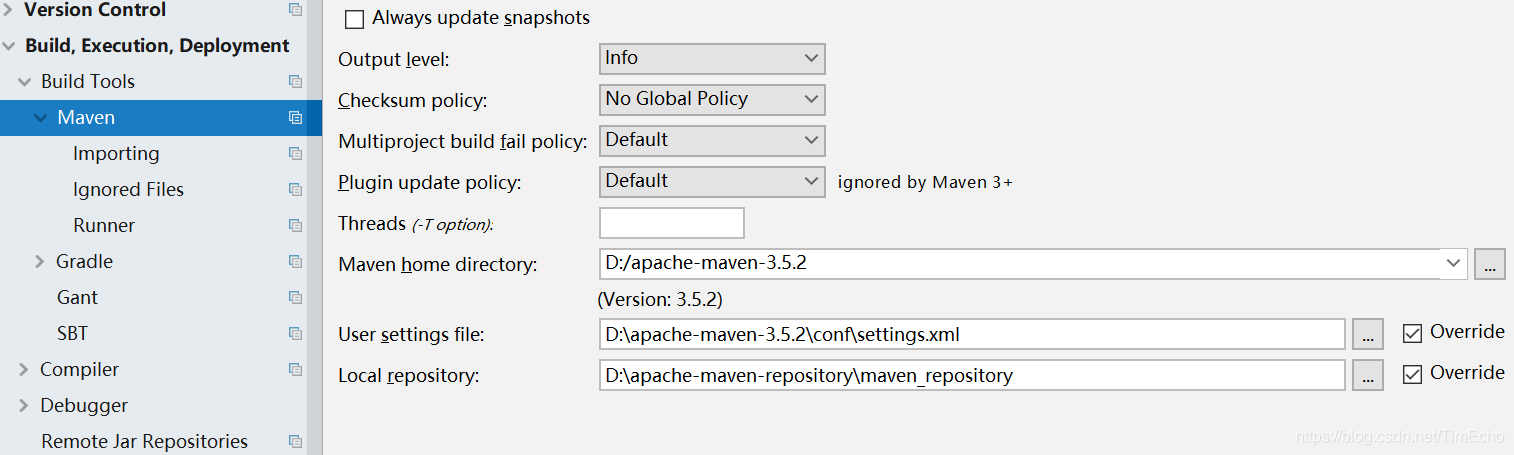
IDEA中maven设置成本地的
springboot helloworld
1、新建maven工程
2、导入springBoot依赖
可以从官网生成一个springboot项目
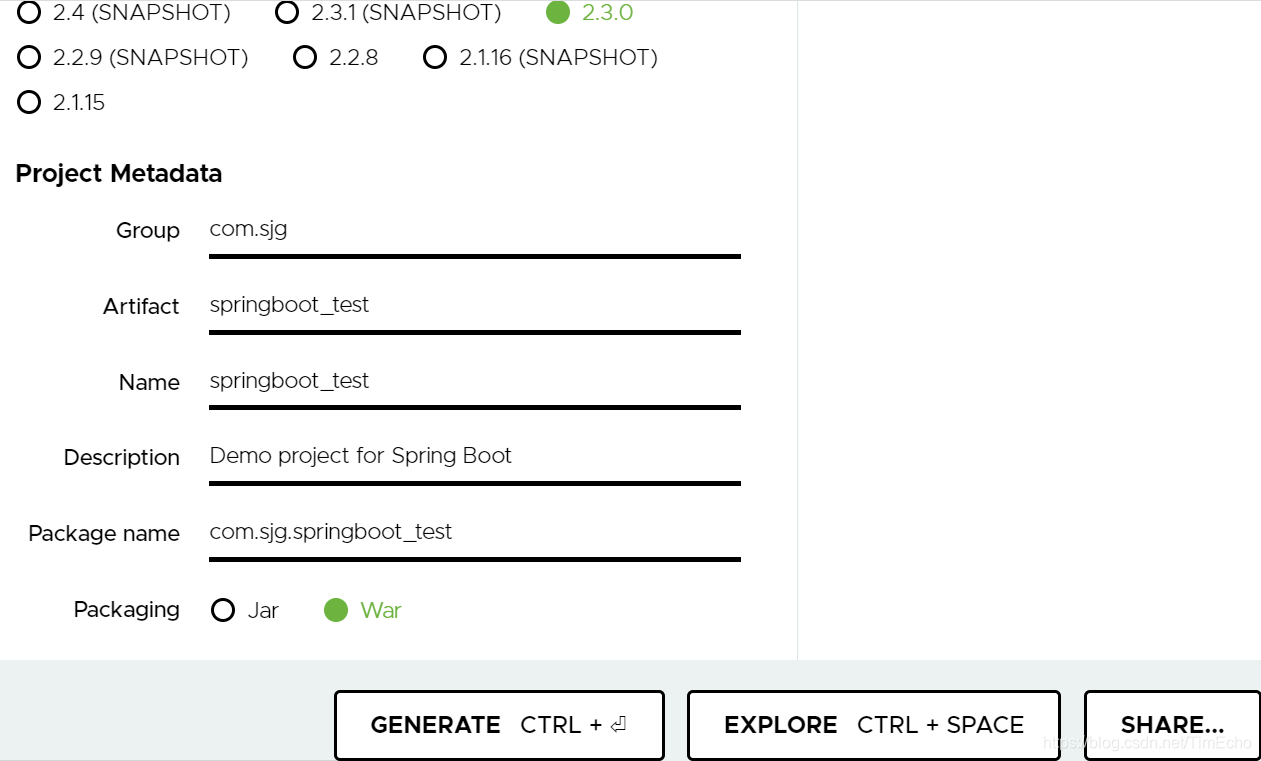
copy依赖到pom.xml
<parent>
        <groupId>org.springframework.boot</groupId>
        <artifactId>spring-boot-starter-parent</artifactId>
        <version>2.3.0.RELEASE</version>
    </parent>

    <dependencies>
        <dependency>
            <groupId>org.springframework.boot</groupId>
            <artifactId>spring-boot-starter-web</artifactId>
        </dependency>
    </dependencies>
3、编写主程序,启动springBoot应用
/**
        * 标注是主程序类,说明是springBoot应用
        */
@SpringBootApplication
public class HelloWorldMainApplication {

    public static void main(String[] args) {
        //Spring应用启动起来
        SpringApplication.run(HelloWorldMainApplication.class, args);
    }
}
4、编写Controller、service
@Controller
public class HelloController {

    @ResponseBody
    @RequestMapping("/hello")
    public String hello(){
        return "Hello World";
    }
}
5、main方法启动

浏览器输入http://localhost:8080/
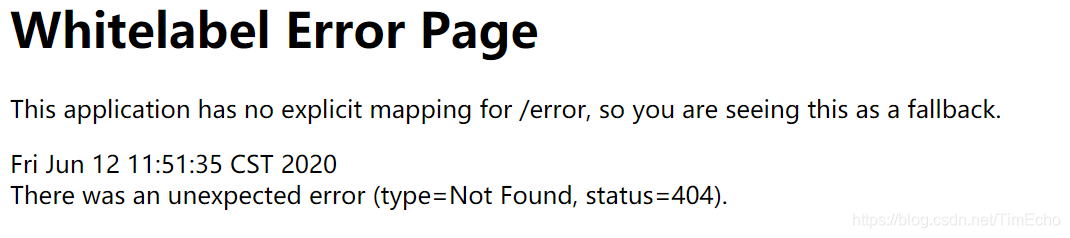
响应hello请求
http://localhost:8080/hello
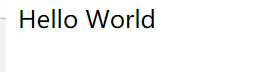
不需要那些配置就启动了项目,说明它内置了tomcat
简化部署
首先导入maven插件,可以将应用打包成一个可执行jar包
<build>
        <plugins>
            <plugin>
                <groupId>org.springframework.boot</groupId>
                <artifactId>spring-boot-maven-plugin</artifactId>
            </plugin>
        </plugins>
    </build>
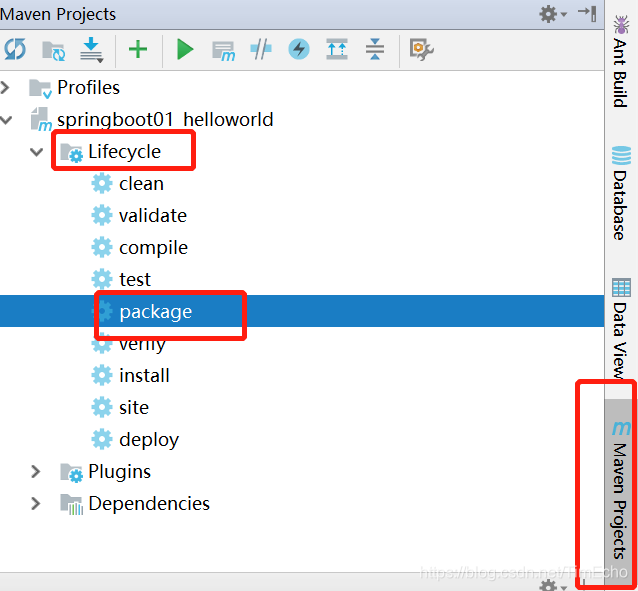
打包后得到jar包
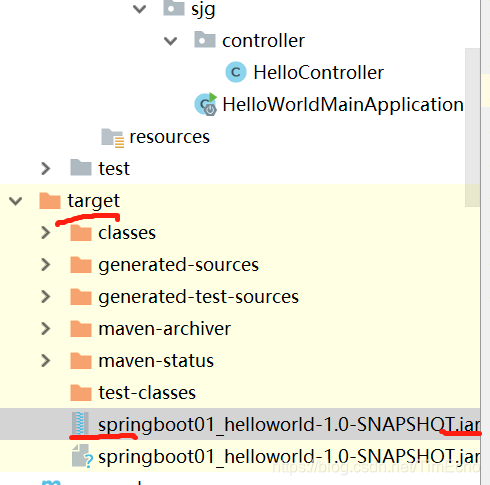
把它拷贝出来测试一下,比如放到桌面
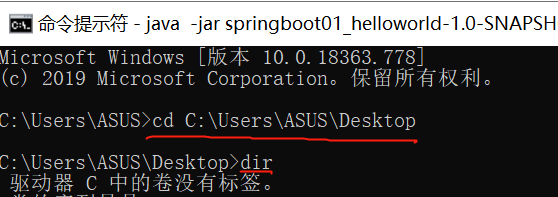
使用java -jar命令来启动项目
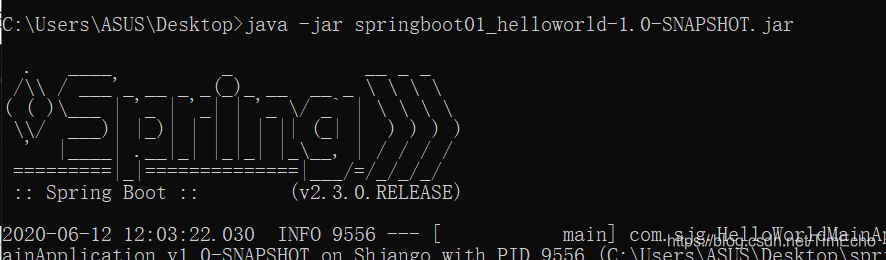
一样可以访问
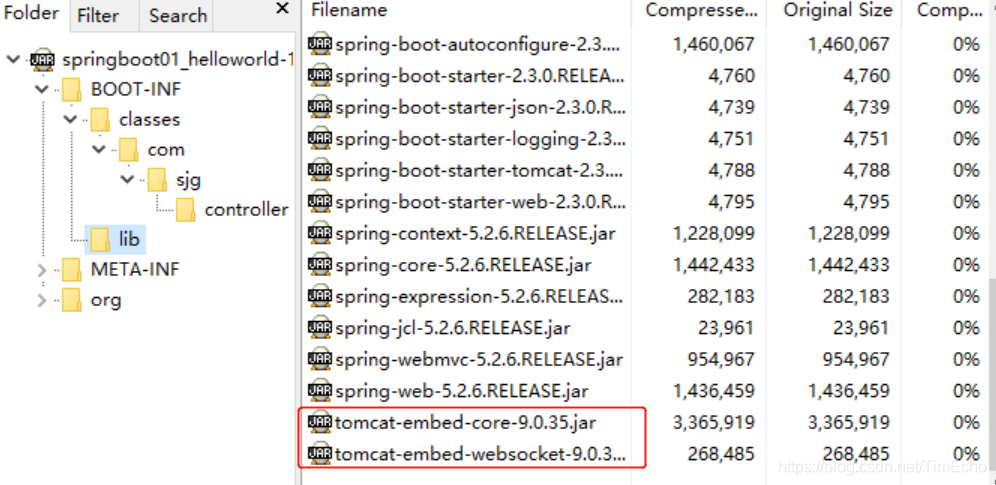
我们可以打开jar包看看内部
有自己写的类编译后的class文件
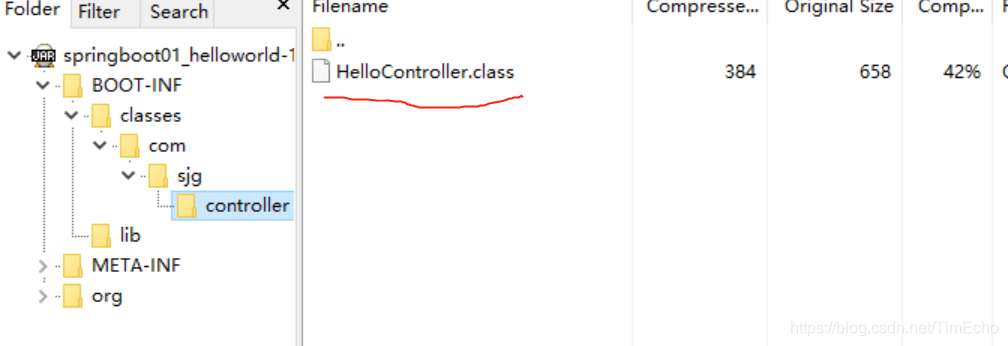
lib下就是项目以来的所有jar包,都包含了
其中有一个内置的tomcat也导入了,所以项目运行不再需要外部配置tomcat,非常方便





 扫一扫
扫一扫


 1651
1651

 被折叠的 条评论
为什么被折叠?
被折叠的 条评论
为什么被折叠?
 到【灌水乐园】发言





