



 当uni-app的内置API不能满足需求时,可以自定义TabBar。步骤包括:创建components文件夹并封装组件,删除pages.js中的默认TabBar,使用uni.hideTabBar隐藏官方样式,然后在自定义组件中编写代码实现页面跳转逻辑,并在所需页面引入自定义TabBar。
不知道大家在开发中有没有遇到过官方给的api满足不了我们的需求,那我们怎么办呢,自己封装一个tabbar,那么怎么封装呢,下面就是我用到的方法
1、在项目的根目录下创建components文件夹,然后在里面自定义一个文件,并在这个文件夹下面进行封装
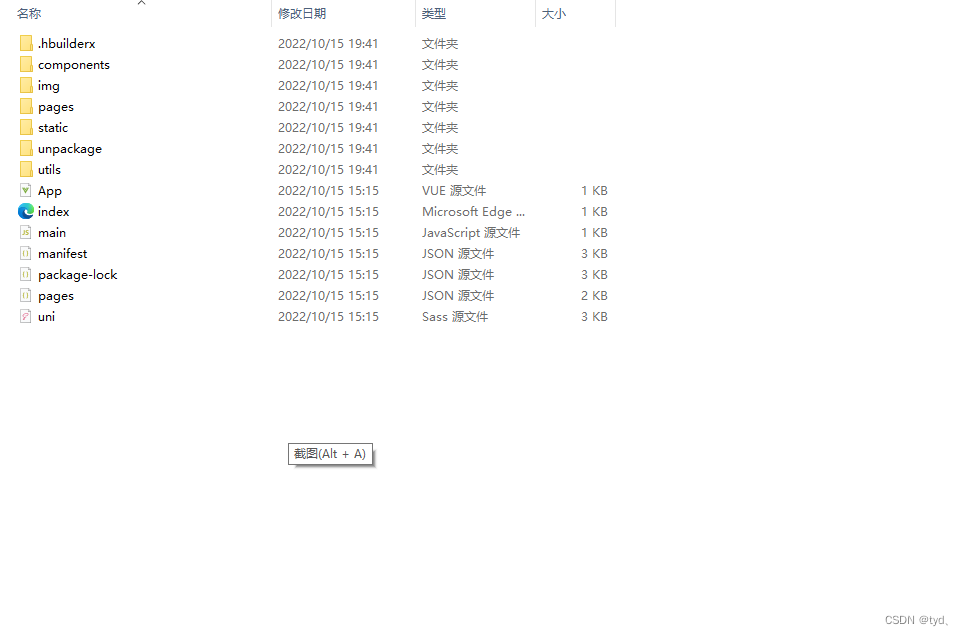
2、把pages.js里面把原有的tabbar删除干净,因为我们自己封装,所以用不到官方提供的
3、在App.vue下面使用uni.hideTabBar把官方提示的样式给去除掉
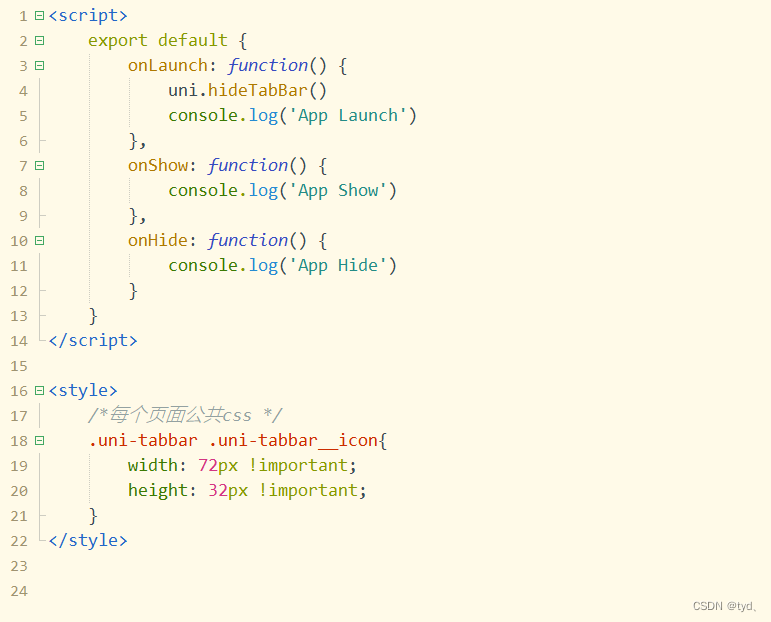
4、然后我们进入自定义的文件夹下进行封装,代码如下
<template>
	<view>
		<view style="height: 100rpx;"></view>
		<view style="position: fixed;bottom: 0rpx;left: 0rpx;right: 0rpx;width: 750rpx;height: 100rpx;background-color: #ffffff;display: flex;">
			<view @click="asdsa('/pages/index/index')"  style="width: 187.5rpx;height: 100rpx;display: flex;justify-content: center;align-items: center;">
				<image :src="current==1?'/static/tabbar/homeYes.png':'/static/tabbar/homeNone.png'" :class="[current==1?'tabbarYes':'tabbarNone']"></image>
			</view>
			<view @click="asdsa('/pages/welfare/welfare')"  style="width: 187.5rpx;height: 100rpx;display: flex;justify-content: center;align-items: center;">
				<image :src="current==2?'/static/tabbar/welfareYes.png':'/static/tabbar/welfareNone.png'" :class="[current==2?'tabbarYes':'tabbarNone']"></image>
			</view>
			<view @click="asdsa('/pages/news/news')"  style="width: 187.5rpx;height: 100rpx;display: flex;justify-content: center;align-items: center;">
				<image :src="current==3?'/static/tabbar/newsYes.png':'/static/tabbar/newsNone.png'" :class="[current==3?'tabbarYes':'tabbarNone']"></image>
			</view>
			<view @click="asdsa('/pages/mine/mine')"  style="width: 187.5rpx;height: 100rpx;display: flex;justify-content: center;align-items: center;">
				<image :src="current==4?'/static/tabbar/mineYes.png':'/static/tabbar/mineNone.png'" :class="[current==4?'tabbarYes':'tabbarNone']"></image>
			</view>
		</view>
	</view>
</template>
<script>
	export default {
		props:{
			current:{
				type: [String, Number],
				default: 1
			}
		},
		data() {
			return {
			}
		},
		onLoad() {
		},
		methods: {
			asdsa(event) {
				uni.reLaunch({
					url:event
				})
			}
		}
	}
</script>
<style>
	.tabbarYes{
		width: 144rpx;height: 64rpx;
	}
	.tabbarNone{
		width: 48rpx;height: 48rpx;
	}
</style>
通过自定义方法出入要跳转页面的路径,已经三元表达式进行判断
4、封装好了,我们在页面里引用

<tabbarLevel current="1"></tabbarLevel>
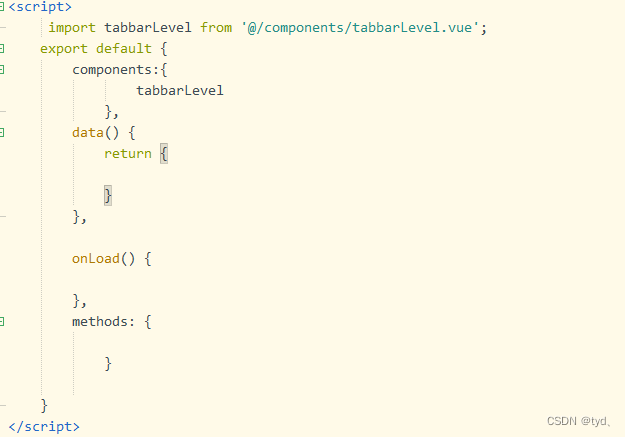
代码如下:
<script>
	 import tabbarLevel from '@/components/tabbarLevel.vue';
	export default {
		components:{
				tabbarLevel
			},
		data() {
			return {

			}
		},

		onLoad() {

		},
		methods: {

			}

	}
</script>





 扫一扫
扫一扫


 1733
1733

 被折叠的 条评论
为什么被折叠?
被折叠的 条评论
为什么被折叠?
 到【灌水乐园】发言





