 解决npm打包运行openssl错误





造成这样的问题其实nodejs版本的问题
具体的错误如下图:
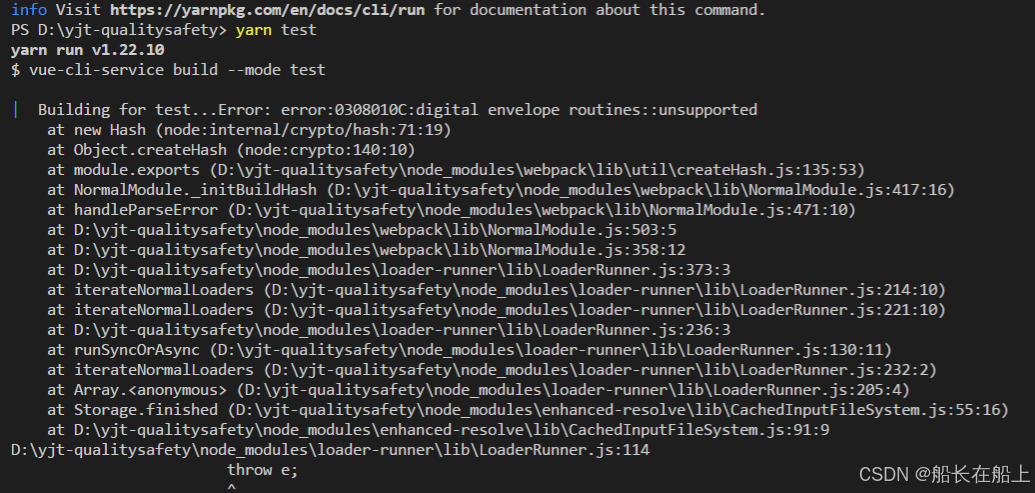
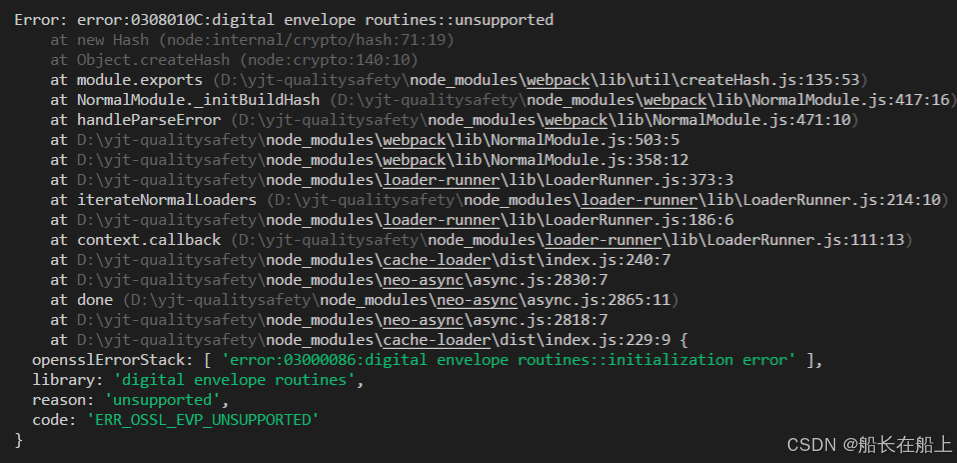
解决办法也很简单,教你一招绝对搞定!就是在package.json文件添加几行代码
"scripts": {
    "serve": "set NODE_OPTIONS=--openssl-legacy-provider  && vue-cli-service serve",
    "build": "set NODE_OPTIONS=--openssl-legacy-provider  && vue-cli-service build",
    "lint": "vue-cli-service lint",
    "test": "set NODE_OPTIONS=--openssl-legacy-provider  && vue-cli-service build --mode test"
  },
不管是运行项目,还是打包都好了





 扫一扫
扫一扫


 2228
2228


 到【灌水乐园】发言



