



 本文详细介绍如何在Windows环境下安装并配置Json-Server,包括Node.js环境的搭建、json-server命令的全局安装、db.json文件的创建及内容配置,最后通过访问本地服务器验证配置是否成功。
Windows下搭建 Json-Server
json-server 的 github 地址
github地址:https://github.com/typicode/json-server
搭建
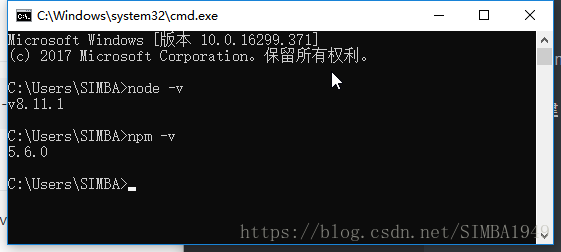
首先本机搭建 node 环境
验证:
其次,在终端运行 install 命令
npm install -g json-server
创建 db.json 文件,文件内容如下
{
  "posts": [
    { "id": 1, "title": "json-server", "author": "typicode" }
  ],
  "comments": [
    { "id": 1, "body": "some comment", "postId": 1 }
  ],
  "profile": { "name": "typicode" }
}
在 db.json 同级目录下运行下面命令
json-server --watch db.json
测试
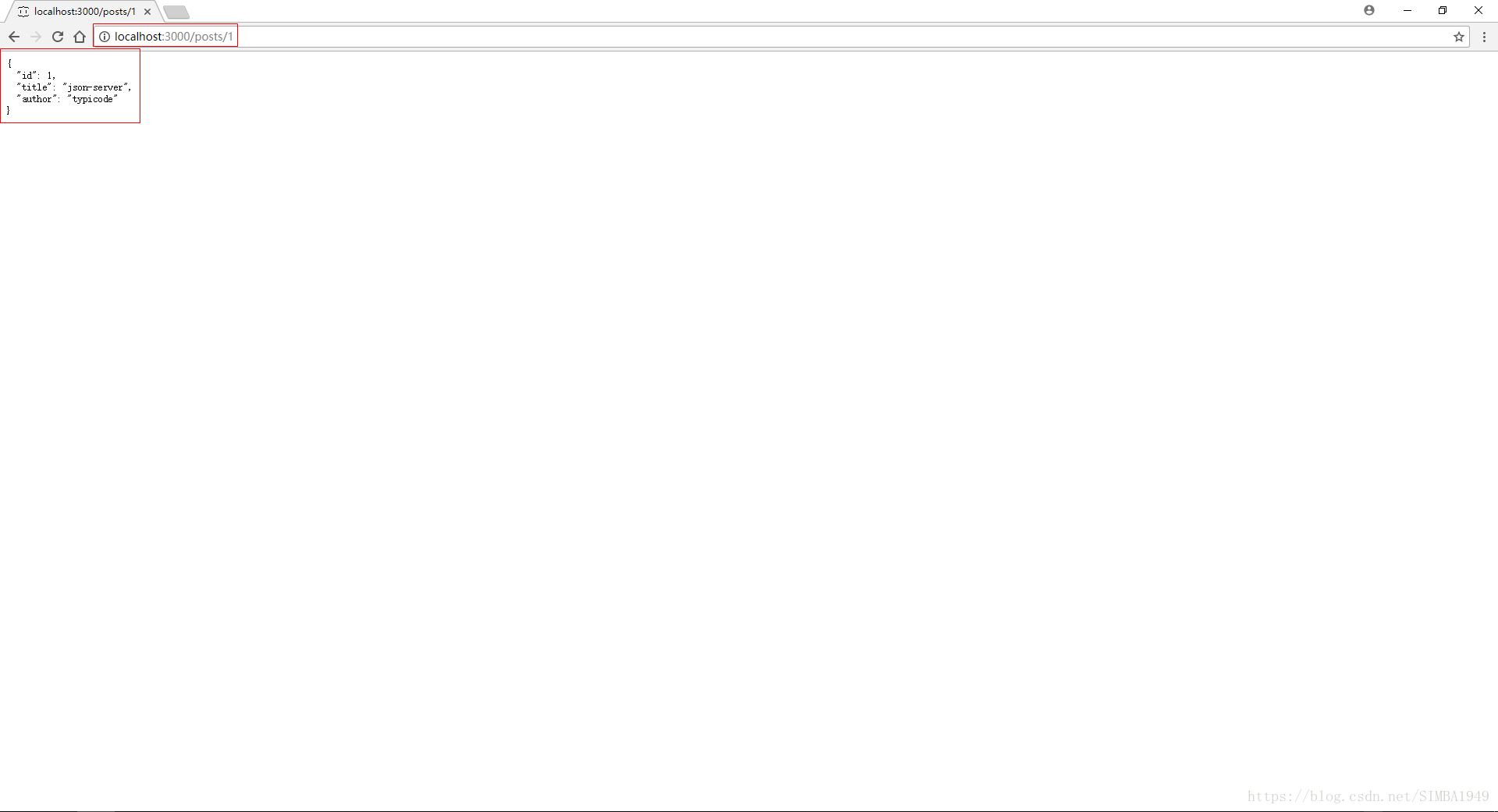
可以访问 http://localhost:3000/posts/1 ,如下图
更多测试,访问 https://github.com/typicode/json-server 地址,有更详细说明





 扫一扫
扫一扫


 5018
5018

 被折叠的 条评论
为什么被折叠?
被折叠的 条评论
为什么被折叠?
 到【灌水乐园】发言





