


 本文介绍了解决Python程序中出现中文字符导致的语法错误的方法。通过在文件头部指定正确的字符集,如# -*- coding: UTF-8 -*-,可以避免因中文字符引起的运行时错误。对于Python 3.x版本,默认字符集已设置为utf-8,通常不需要额外指定。
如果Python程序中有中文字符,运行会报错:
print "你好,世界!";

SyntaxError: Non-ASCII character '\xe4' in file D:/tools/pycharm/untitled/hello.py on line 1, but no encoding declared; see http://www.python.org/peps/pep-0263.html for details

Process finished with exit code 1
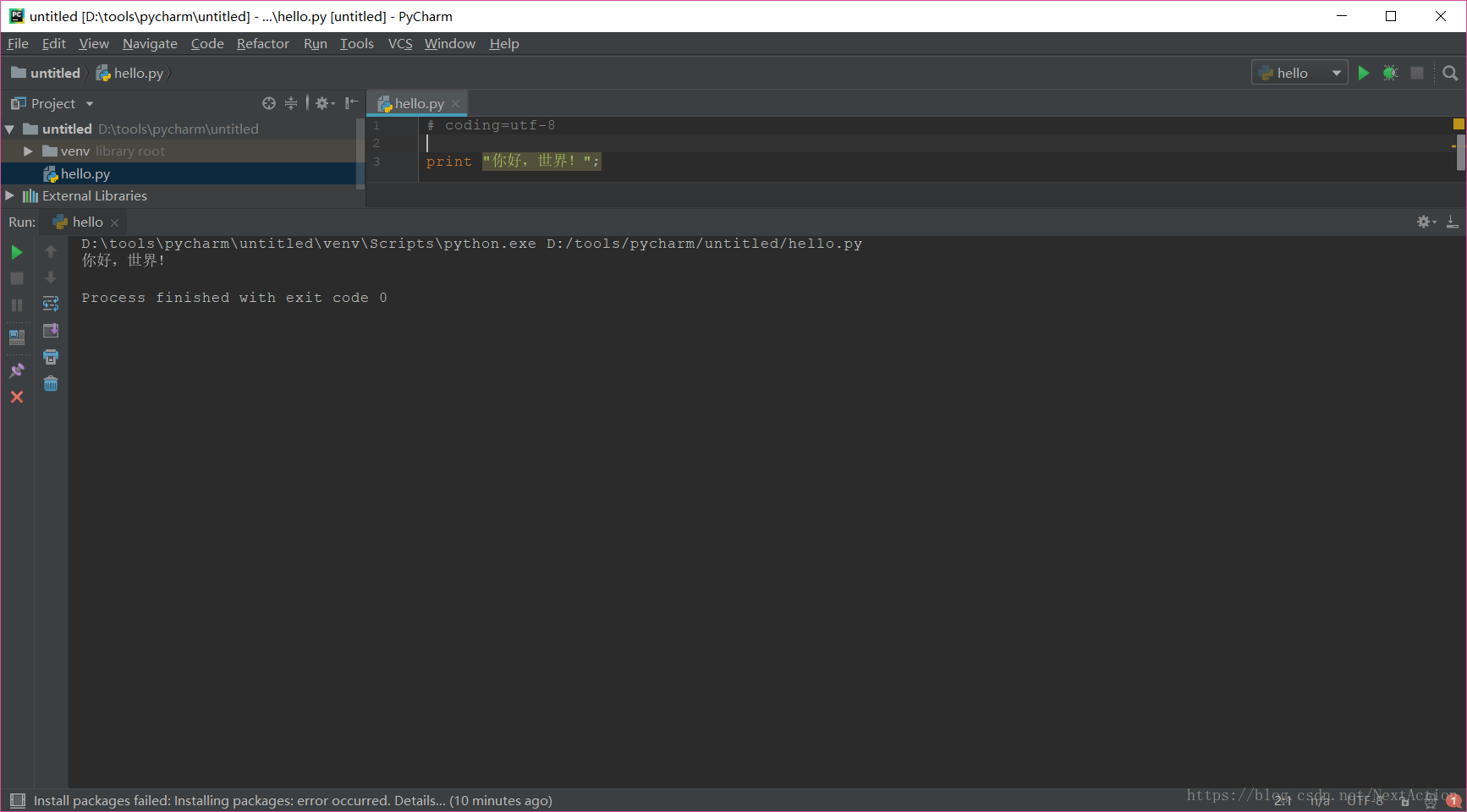
需要指定utf-8字符集,在文件开头指定:
# -*- coding: UTF-8 -*-或
# coding=utf-8注意:# coding=utf-8 等号两边不能有空格。python3.x默认字符集为utf-8,无需指定。
添加字符集后程序正常执行:





 扫一扫
扫一扫


 516
516

 被折叠的 条评论
为什么被折叠?
被折叠的 条评论
为什么被折叠?
 到【灌水乐园】发言





