



 本文详细介绍了如何在SpringBoot项目中配置Prometheus监控,并通过Grafana展示指标。涉及pom.xml依赖、YAML配置、启动文件定制及prometheus.yml设置,适合深入理解微服务监控实践。
springboot
项目需要配置项目 1.pom依赖包 2.yml或者properties文件中配置 3.启动文件中加入检查
1.pom依赖包
         <dependency>
            <groupId>org.springframework.boot</groupId>
            <artifactId>spring-boot-starter-actuator</artifactId>
        </dependency>
        <dependency>
            <groupId>io.micrometer</groupId>
            <artifactId>micrometer-registry-prometheus</artifactId>
        </dependency>
2.yml或者properties文件中配置
management:
  endpoints:
    jmx:
      exposure:
        include: "*"
    web:
      exposure:
        include: "*"
  metrics:
    export:
      datadog:
        application-key: ${spring.application.name}
3.启动文件中加入检查
import io.micrometer.core.instrument.MeterRegistry;
import org.springframework.beans.factory.annotation.Value;
import org.springframework.boot.SpringApplication;
import org.springframework.boot.actuate.autoconfigure.metrics.MeterRegistryCustomizer;
import org.springframework.boot.autoconfigure.SpringBootApplication;
import org.springframework.context.annotation.Bean;

@SpringBootApplication
public class ProductserviceApplication {

    public static void main(String[] args) {
        SpringApplication.run(ProductserviceApplication.class, args);
    }
    @Bean
    MeterRegistryCustomizer<MeterRegistry> configurer(
            @Value("${spring.application.name}") String applicationName) {
        return (registry) -> registry.config().commonTags("application", applicationName);
    }

}
prometheus
1.配置prometheus.yml 文件
# my global config
global:
  scrape_interval: 15s # Set the scrape interval to every 15 seconds. Default is every 1 minute.
  evaluation_interval: 15s # Evaluate rules every 15 seconds. The default is every 1 minute.
  # scrape_timeout is set to the global default (10s).

# Alertmanager configuration
alerting:
  alertmanagers:
    - static_configs:
        - targets:
          # - alertmanager:9093

# Load rules once and periodically evaluate them according to the global 'evaluation_interval'.
rule_files:
  # - "first_rules.yml"
  # - "second_rules.yml"

# A scrape configuration containing exactly one endpoint to scrape:
# Here it's Prometheus itself.
scrape_configs:
  # The job name is added as a label `job=<job_name>` to any timeseries scraped from this config.
  - job_name: "prometheus"

    # metrics_path defaults to '/metrics'
    # scheme defaults to 'http'.

    static_configs:
      - targets: ["localhost:9090"]
###以下内容为SpringBoot应用配置
  - job_name: 'productservice' #服务名字
    scrape_interval: 5s
    metrics_path: '/actuator/prometheus'
    static_configs:
      - targets: ['127.0.0.1:2200'] #服务ip地址 端口号
2.切换至bin目录下输入命令
./prometheus --config.file=prometheus.yml
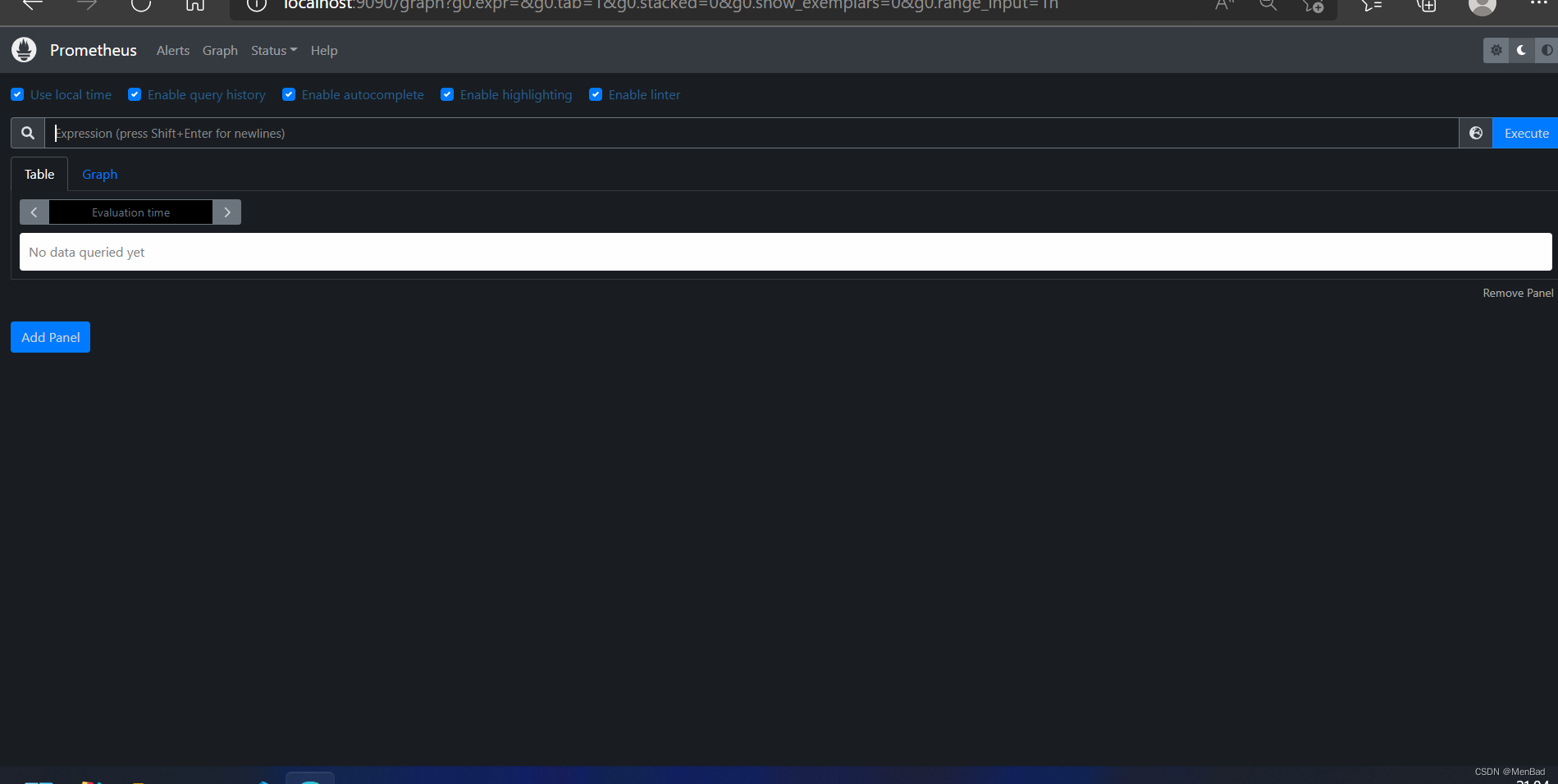
访问
grafana
1.启动grafana 切换值bin目录下 双击 grafana-server.exe
2.配置 prometheus 默认账号密码都是 admin
在登陆首页,点击"Configuration-Data Sources"按钮,跳转到添加数据源页面,配置如下:
Name: prometheus
Type: prometheus
URL: http://127.0.0.1:9090/
Access: Server
取消Default的勾选,其余默认,点击"Add",如下:






 扫一扫
扫一扫


 628
628

 被折叠的 条评论
为什么被折叠?
被折叠的 条评论
为什么被折叠?
 到【灌水乐园】发言





