


visit
https://developer.apple.com/download/more/
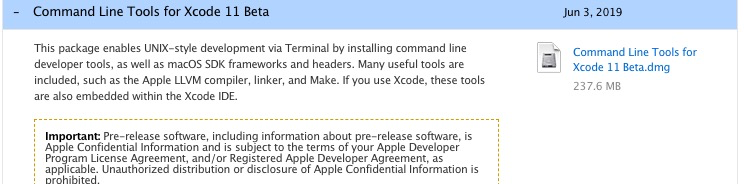
downlaod the command line tool for xcode then install
execute (https://brew.sh/)
/usr/bin/ruby -e "$(curl -fsSL https://raw.githubusercontent.com/Homebrew/install/master/install)"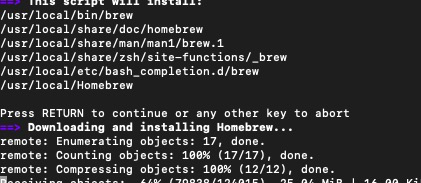
 本文介绍如何从Apple开发者网站下载Xcode命令行工具并进行安装,随后通过执行特定链接来安装Homebrew,这是一个流行的包管理器,适用于Mac OS X系统。
visit
https://developer.apple.com/download/more/
downlaod the command line tool for xcode then install
execute (https://brew.sh/)
/usr/bin/ruby -e "$(curl -fsSL https://raw.githubusercontent.com/Homebrew/install/master/install)"
 1047
1万+
1100
3930
1047
1万+
1100
3930

 被折叠的 条评论
为什么被折叠?
被折叠的 条评论
为什么被折叠?
 到【灌水乐园】发言








 扫一扫
扫一扫


